






Still downloading templates?
There’s an easier way. Try a free AI Agent in ClickUp that actually does the work for you—set up in minutes, save hours every week.
Sorry, there were no results found for “”
Sorry, there were no results found for “”
Sorry, there were no results found for “”
If weather is a wildcard in your team operations, then you already know the cost of not staying ahead of it. A storm can delay shipments, halt construction, or derail carefully planned schedules overnight.
Now, AI is changing that. In fact, research on GraphCast shows that AI models can generate 10-day forecasts in under a minute, while outperforming leading systems like ECMWF’s on most key metrics.
The real advantage, however, is not just better predictions; it’s what your teams can do with them.
In this article, we’ll explore how AI weather forecasting works, why it’s becoming essential for operational teams, and how tools like ClickUp help turn weather insights into real-time action. 🌦️
AI for weather prediction is simply the use of machine learning to analyze historical atmospheric data to forecast future conditions.
It’s a significant shift from traditional numerical weather prediction (NWP), which relies heavily on solving complex physics equations on massive supercomputers. Instead of modeling physics from scratch, AI learns statistical patterns from decades of real-world weather data, like the comprehensive ERA5 dataset.
This new approach matters because it’s incredibly fast. Traditional NWP models can take hours to run, while AI models can generate a forecast in minutes on standard cloud hardware.
For any team whose timeline depends heavily on the weather, like construction crews scheduling concrete pours or agricultural planners timing harvests, this speed directly translates into better decision-making.
| Approach | How It Works | Speed | Best For |
| Traditional NWP | Solves atmospheric physics equations | Hours | Long-range, global forecasts |
| AI Weather Models | Learns patterns from historical data | Minutes | Medium-range, extreme events |
📚 Also Read: The Ultimate AI Glossary
Understanding how AI weather models work helps you trust their output for important decisions. Here’s how the process works:
🎥 How many AI tools is one tool too many? If you’re struggling with AI sprawl, this video is for you!
Because AI models learn from decades of historical data, they have been exposed to a wide range of extreme events. This training helps them excel at predicting the ‘edge cases’ where physics-based models can struggle, like the rapid intensification of hurricanes or sudden, localized temperature swings.
The operational benefits are clearly significant:
Ultimately, better forecasting shifts your team from a reactive to a proactive stance. You can’t stop the weather, but with more reliable and faster information, you can manage the risk it poses to your operations.
📚 Also Read: How to Optimize Operational Efficiency
📮 ClickUp Insight: Context-switching is silently eating away at your team’s productivity. Our research shows that 42% of disruptions at work come from juggling platforms, managing emails, and jumping between meetings. What if you could eliminate these costly interruptions?
ClickUp unites your workflows (and chat) under a single, streamlined platform. Launch and manage your tasks from across chat, docs, whiteboards, and more—while AI-powered features keep the context connected, searchable, and manageable!
Teams across various sectors are already using AI-powered forecasts to get ahead of the weather. A few of them worth mentioning are:
Specialized agri-weather AI models are providing hyperlocal forecasts that tell farmers the optimal window for planting, irrigating, and harvesting. This helps them optimize water use and protect crops from unexpected frost or heat stress.
For example, an AI model developed with researchers at UC Berkeley predicted a delayed monsoon in India and delivered the forecast to 38 million farmers via mobile phones, helping them adjust planting schedules weeks in advance.
In renewable energy, machine learning models are now used to forecast wind speeds and turbine output hours or days in advance, helping grid operators balance electricity supply and demand more accurately.
Google, for example, uses AI from Google DeepMind to forecast wind power production across its wind farms. By combining weather forecasts with historical turbine data, the system predicts energy output up to 36 hours ahead. This allows operators to schedule electricity deliveries to the grid more reliably.
AI models are helping logistics businesses anticipate storm disruptions at sea and reroute vessels or adjust inventory levels at distribution centers before the storm hits.
DHL is one such business. They use an AI-powered platform called Resilience360 that scans millions of data points daily, including weather reports and news feeds, to detect potential supply-chain disruptions. It alerts logistics planners about risks like severe storms or port closures so they can act in time.
AI forecasting is helping construction managers reduce costly delays for weather-sensitive tasks like pouring concrete, painting, or roofing.
A recent example is Japanese construction firm KAJIMA, which partnered with Archetype AI to analyze historical weather data and real-time site footage on a large canal-widening project. The AI system helped project managers anticipate weather-related delays and adjust schedules early, preventing costly disruptions.
Google Research has developed an AI-driven flood prediction system to mitigate flooding risk in vulnerable areas.
The system analyzes rainfall, river levels, and terrain data to predict flooding days in advance. The forecasts are shared through Google’s Flood Hub platform and are used by governments and emergency responders in countries like India and Bangladesh to issue early warnings and prepare communities before floods occur.
🎥 This video explores various AI use cases across different industries and demonstrates the transformative potential of AI technology in solving real-world problems✨.
For most businesses, the goal isn’t to run these complex models themselves, but to use the data and insights they generate. The table below lists the key players in the AI weather forecasting space.
| Model | Developer | Key Strength | Access |
| WeatherNext 2 | Google DeepMind | Ensemble forecasts, extreme events | Weather Lab (experimental) |
| GraphCast | Google DeepMind | Medium-range accuracy | Research/API |
| Pangu-Weather | Huawei | Fast inference times | Research |
| FourCastNet | NVIDIA | GPU-optimized performance | Research |
| MetNet-3 | Short-range precipitation | Research | |
| NOAA AI Models | National Oceanic and Atmospheric Administration (NOAA) | Operational deployment | Public forecasts |
While some of these models are only available for research, others provide access through APIs, allowing you to pull their forecast data into your own tools and workflows.
💡 Pro Tip: If you’re not using AI weather models to drive business workflows, and you’re focused purely on forecasting, you still need a structured way to communicate what you’re seeing, whether you’re a meteorologist or weather analyst.
ClickUp’s Weather Forecasting Project Status Report Template gives you that structure.
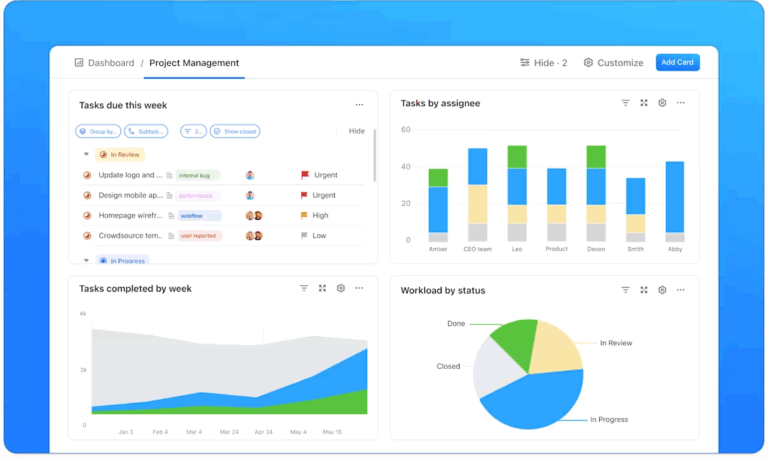
It helps you document your data and analysis, track forecasting models over time, monitor risks, and share clear updates with stakeholders—all in one place. You can also visualize timelines with Gantt charts, manage tasks tied to forecasting workflows, and collaborate with your team in real time.
📮ClickUp Insight: 92% of knowledge workers risk losing important decisions scattered across chat, email, and spreadsheets. Without a unified system for capturing and tracking decisions, critical business insights get lost in the digital noise.
With ClickUp’s Task Management capabilities, you never have to worry about this. Create tasks from chat, task comments, docs, and emails with a single click!
Pulling weather predictions through APIs into your systems is only the first step.
A weather forecast doesn’t automatically reschedule a concrete pour, reroute a shipment, or even move a field crew to a safer window. Someone still has to take that insight and translate it into action.
And that’s where many teams run into a problem.
Weather insights often live in one tool. Project plans live in another. Communication happens somewhere else. Before long, your teams are jumping between dashboards, spreadsheets, chat threads, and planning tools just to coordinate a response to a single forecast update— a classic example of tool sprawl.
And when weather conditions change quickly, that fragmentation slows everything down.
What you really need is a converged workspace with contextual AI as the intelligence layer, where those insights can immediately turn into action.

With ClickUp, weather data pulled from forecasting APIs can be connected directly to your project workflows. Instead of copying insights between tools, you can trigger tasks, adjust schedules, notify stakeholders, and coordinate responses from one workspace.
The result is simple: when the forecast changes, your plan changes with it—without the scramble.
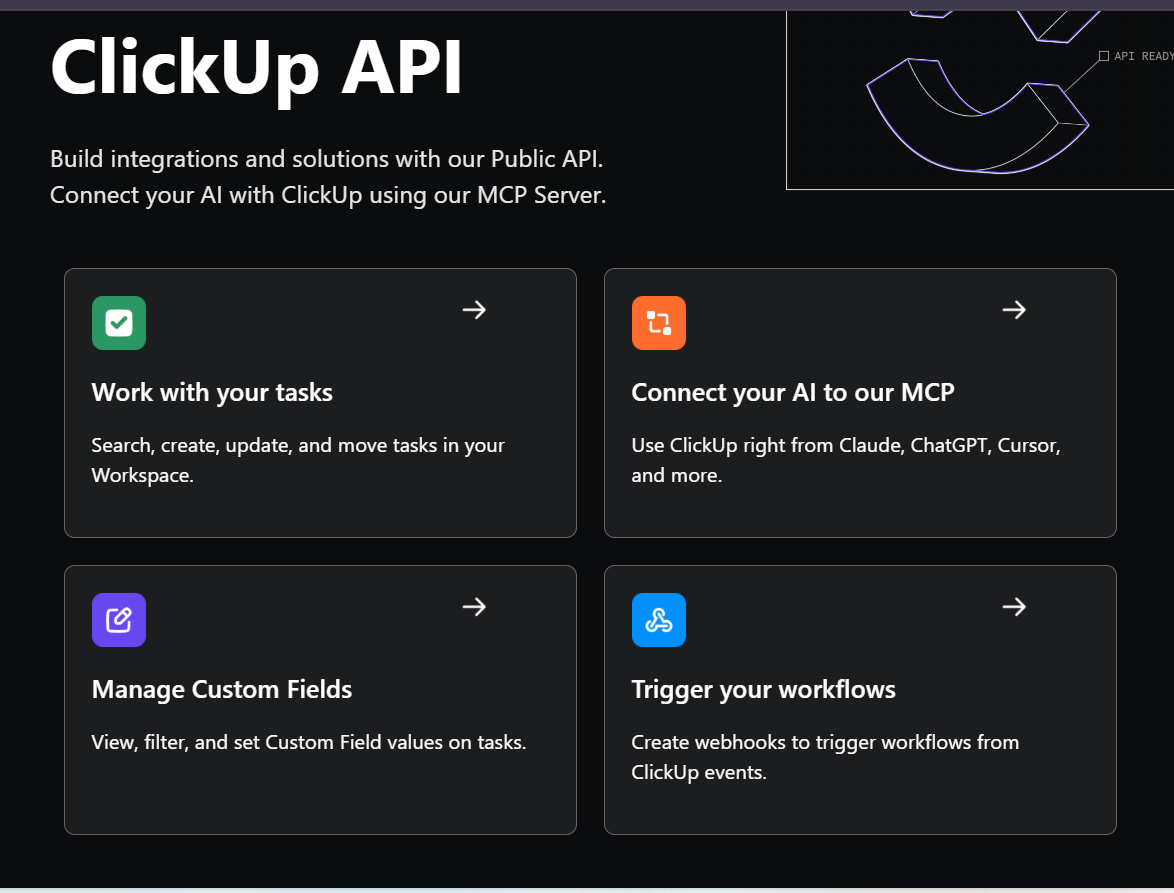
First, stop manually checking forecasts. With ClickUp’s API integrations and webhooks, you can connect external weather services directly to your workspace in ClickUp. When a forecast changes or a weather alert is issued, that information can flow automatically into your projects.
If you work in logistics, your team could connect a weather API to monitor storm activity along shipping routes. If the API detects a severe weather alert in a region where cargo is scheduled to move, it can automatically trigger a notification or create a task in ClickUp for the operations team to review routing options.
Instead of someone constantly checking forecasts, the system pushes updates to your team the moment they matter.
💡 Pro Tip: Build a Weather Monitoring Super Agent in ClickUp to:
To see how you can use ClickUp Super Agents to automate your repetitive but essential tasks, watch this video!
Next, bring everything into one view. Rather than switching between your project management tool and a weather app, you can build a weather-aware control center using ClickUp Dashboards. These dashboards give you a high-level view of your projects while also displaying the environmental conditions that might affect them.
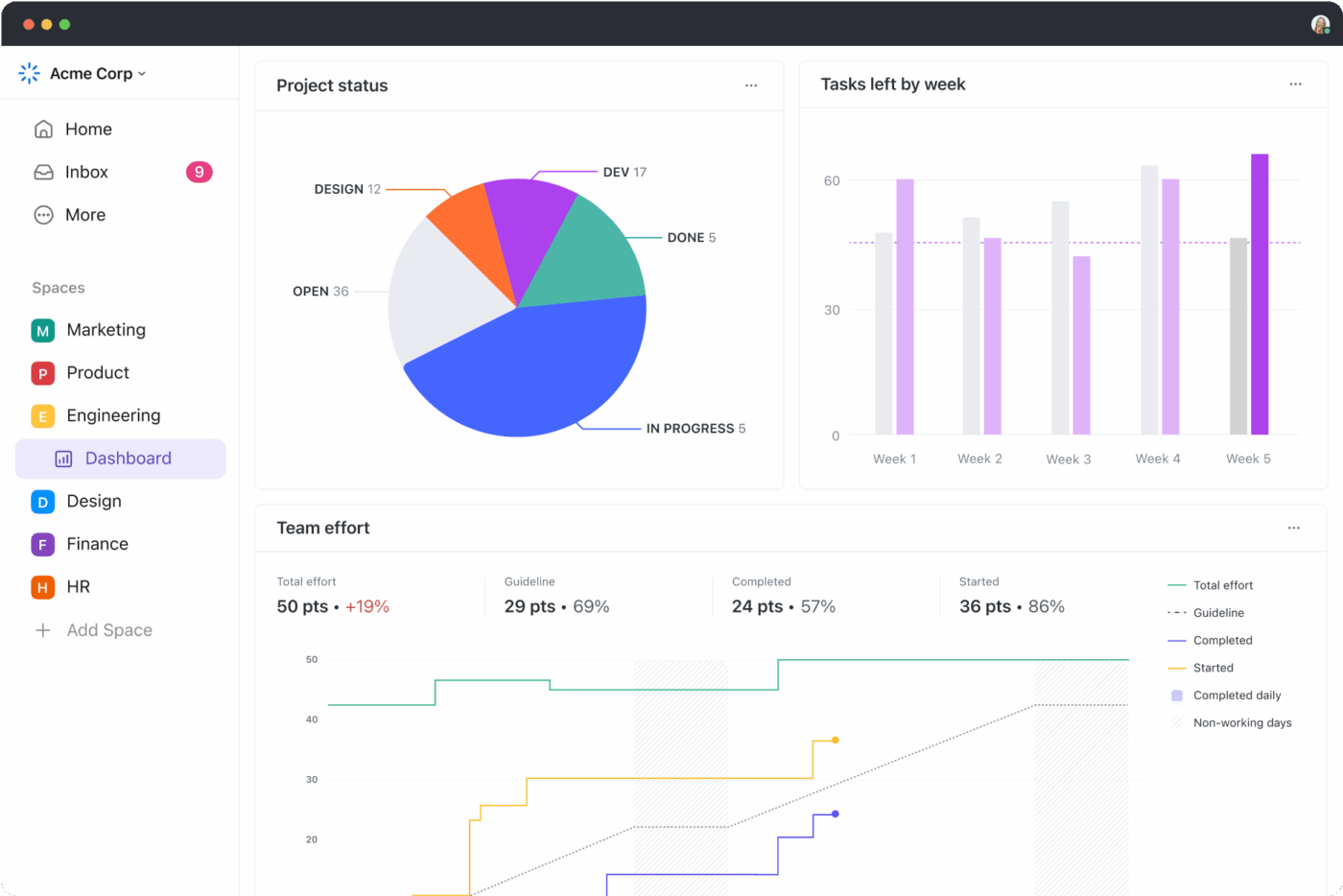
A construction manager, for instance, could embed a live weather radar or forecast widget alongside cards showing active job sites, crew availability, and upcoming milestones. If heavy rain is approaching later in the week, they can immediately see which scheduled tasks might be affected and adjust plans early.
The result is a single mission-control screen where project timelines and real-world conditions coexist.
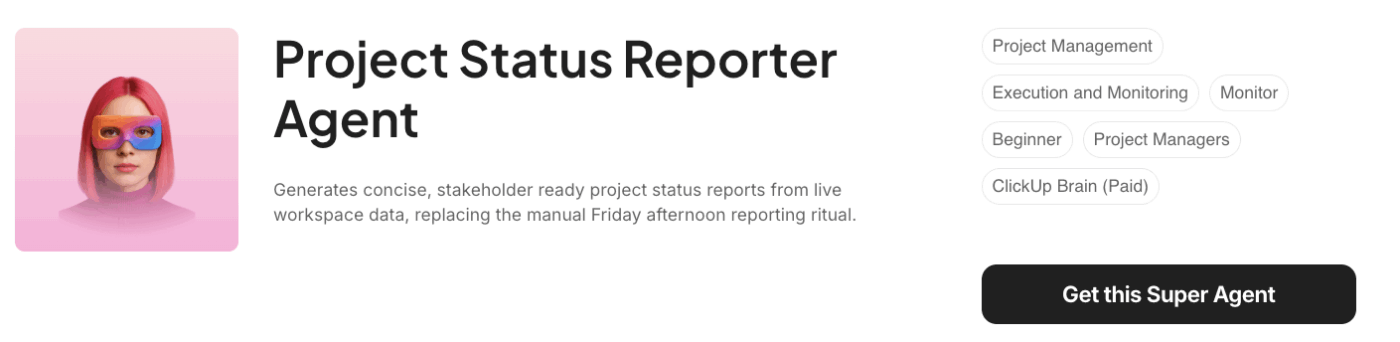
🦸🏻♀️ The Project Status Report Agent in ClickUp can track timelines and weather updates in real time, and ensure you and your team stay updated about any impact on the project status.
Weather rarely affects just one task. A delay in one activity often triggers a chain reaction across the entire schedule.
With ClickUp Automations and Task Dependencies working together, you can link weather-sensitive tasks, so your schedule automatically adapts when conditions change.
Imagine a construction timeline where site excavation depends on favorable weather conditions. If a severe thunderstorm alert blocks that work window, an automation can instantly update the dependent tasks, like foundation pouring or equipment delivery, shifting it to reflect the new timeline.
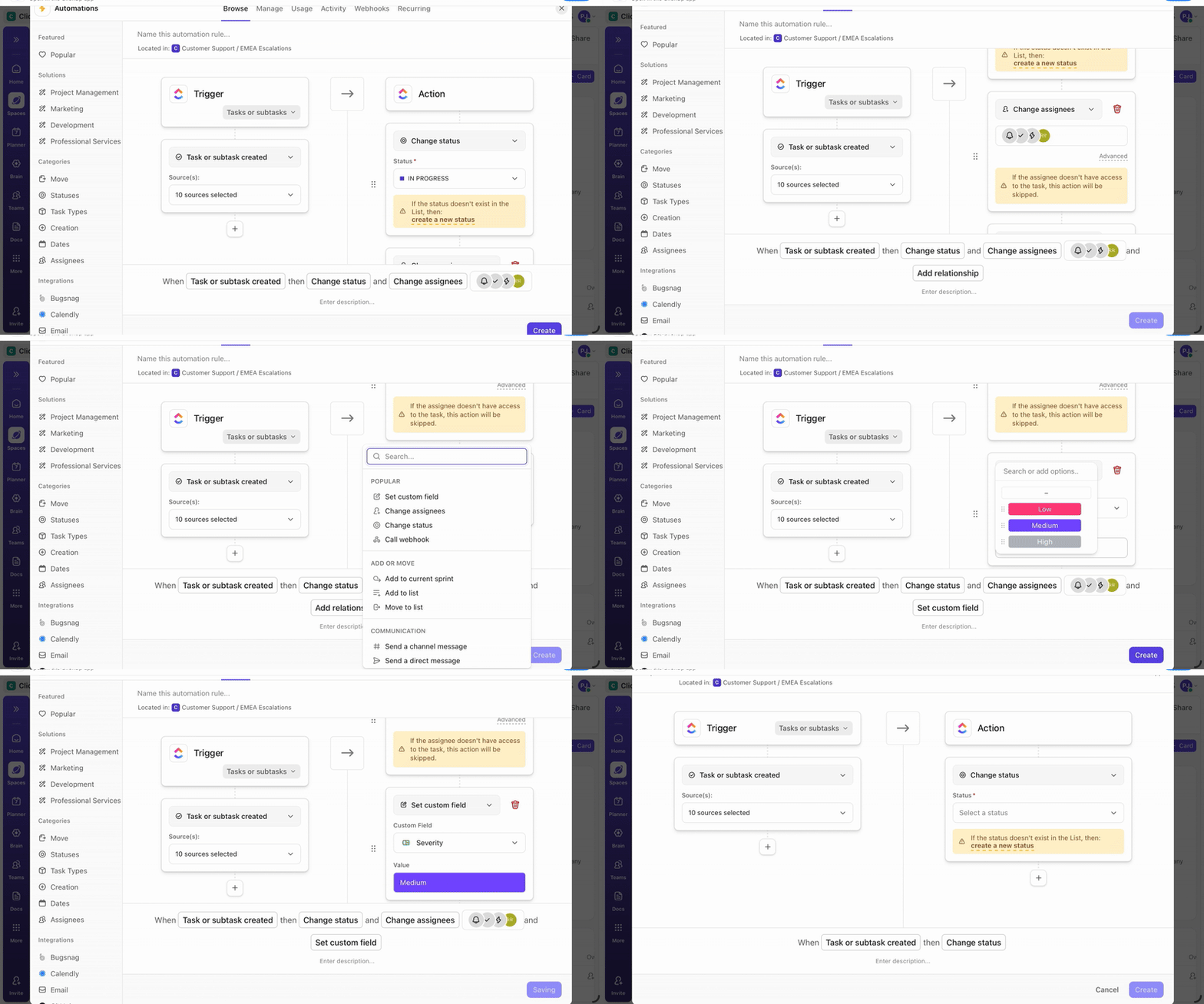
Instead of manually updating half a dozen tasks, the system recalculates the schedule for you.
🦸🏻♀️ When you need a clear view of what could derail delivery and what is being done about it, bring the Risk Mitigation Summarizer Agent into play.

When weather disruptions happen, having the right procedures or emergency plans directly available in your workspace prevents a scramble.
ClickUp Docs makes it easy to store and organize weather response protocols right alongside your tasks. For instance, as a utilities company, you could create documents outlining procedures for extreme heat, high winds, or lightning events. These docs can then be linked directly to operational tasks.
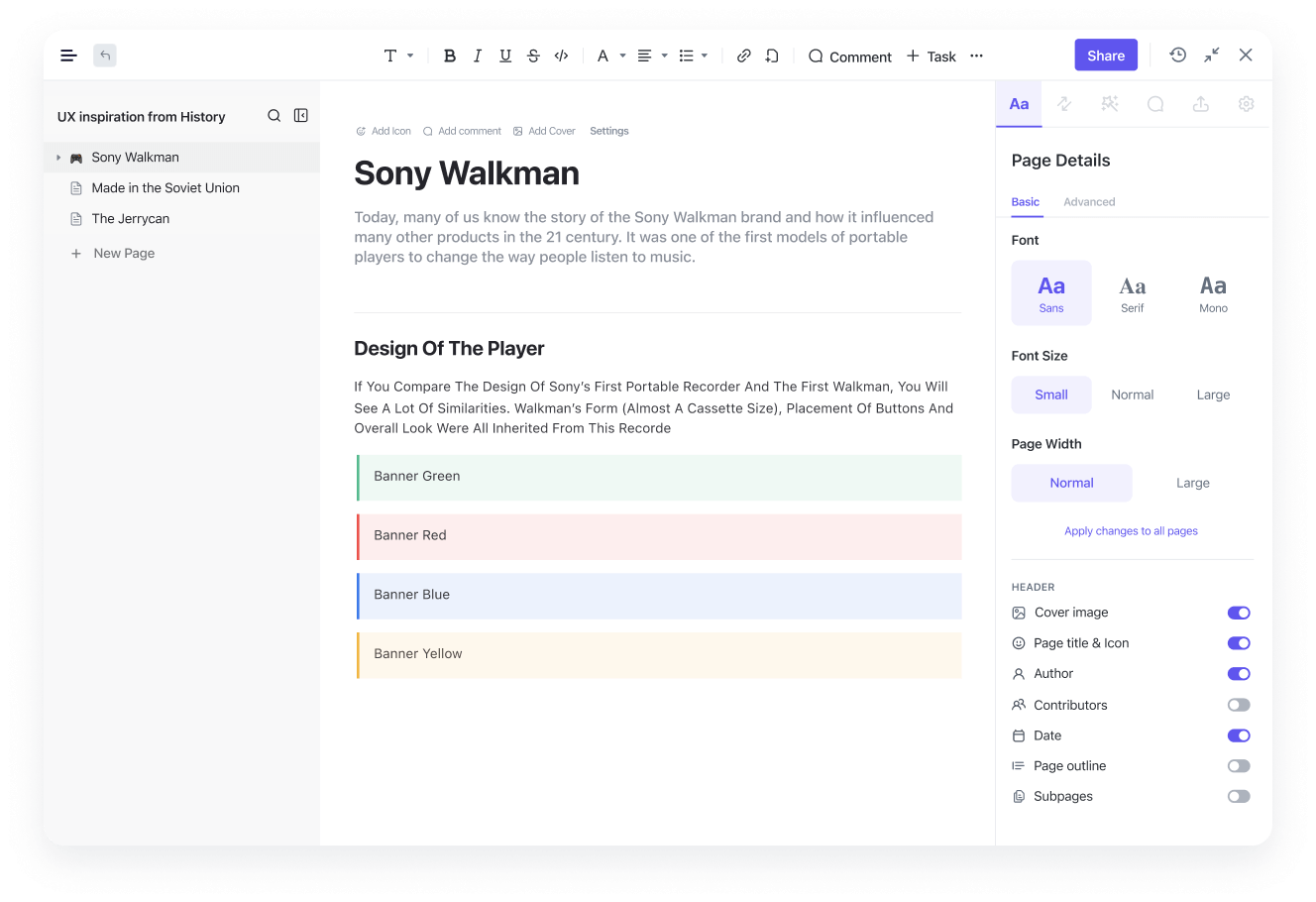
So when a ‘High Wind Warning’ appears in your project workflow, the associated Crane Operations Safety Protocol is already attached and ready to follow—no digging through shared drives required.
Forecasts change quickly, and sometimes that means rewriting your plan on the fly.
ClickUp Brain, the intelligence layer built into your workspace with full context on your work data, can generate updated communication and planning drafts in seconds.
If an updated forecast pushes a key project milestone back by a day, you might leave a comment on the affected task and ask:
‘@Brain, based on the updated forecast, draft a client email explaining the potential one-day delay and outlining our revised work plan.’
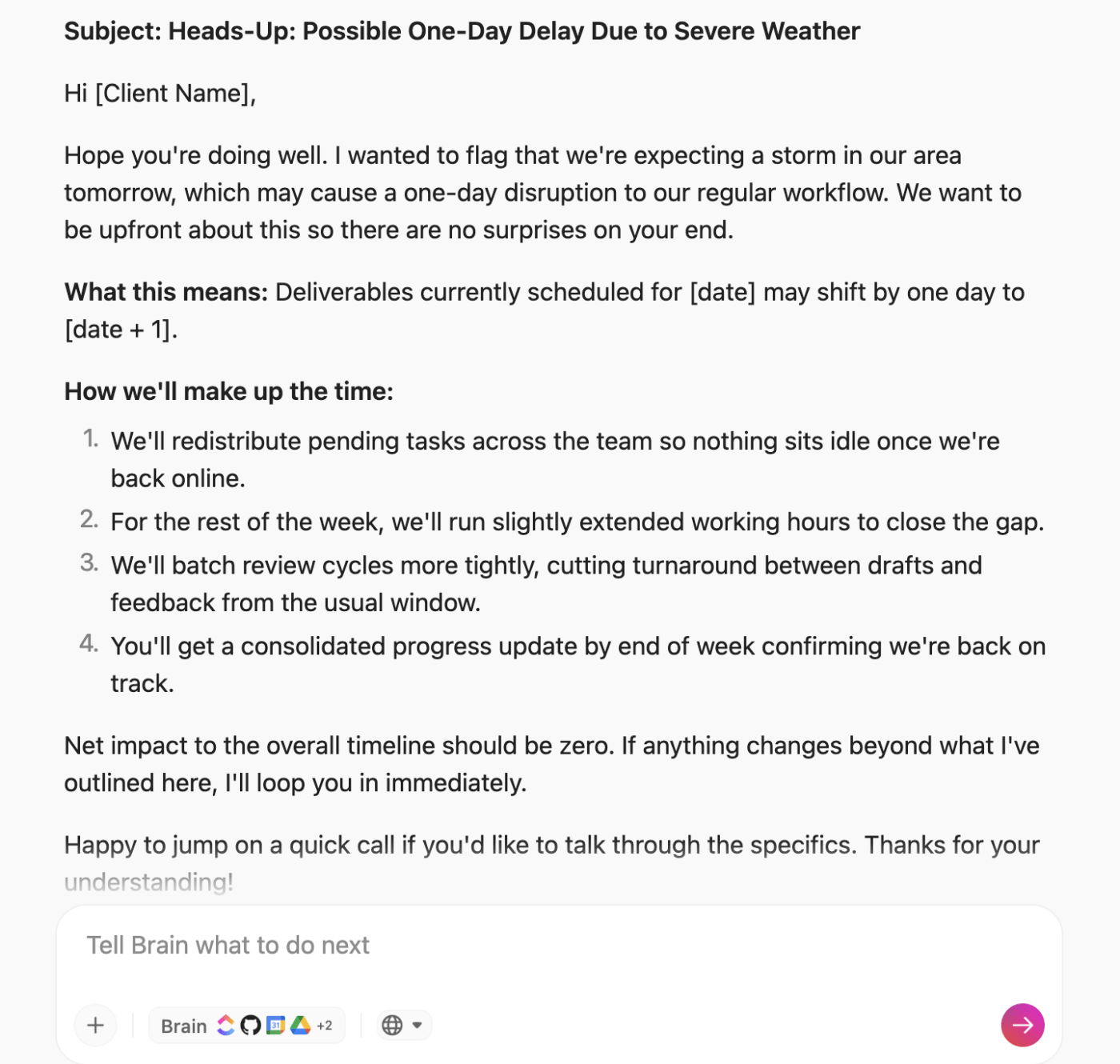
Within seconds, you’ll have a clear message ready to review and send. The same approach can help generate internal updates, contingency plans, or revised task checklists when conditions shift unexpectedly.
With this integrated approach, your team is no longer surprised by the weather. You’ve moved from chaotic reaction to orchestrated response .✨
📚 Also Read: Top AI Prompts for Scenario Planning
AI for weather prediction has moved from a research concept to an operational reality. For any team whose work is exposed to the elements, it offers more lead time, better risk management, and fewer costly surprises.
The revolution, however, isn’t just in having a better forecast; it’s in the ability to act on that forecast faster and more effectively.
By bridging the gap between weather intelligence and operational execution, you can break down the silos between your forecast data, your project plans, and your team communication.
Ready to build a workflow that doesn’t just track the weather, but responds to it? Get started for free with ClickUp ✨and turn forecasts into action.
Most standard weather apps provide a single, deterministic forecast, while many AI models generate probabilistic or ensemble forecasts. This gives you a range of possible outcomes and their likelihood, which is more useful for risk assessment.
No, for most business applications, you’ll interact with AI weather models through an API provided by a weather service. This allows you to integrate their forecast data into your existig tools without needing to run the models yourself.
AI weather models are designed for short- to medium-range forecasting (hours to weeks), not long-term climate modeling (decades to centuries). While related, weather prediction and climate projection are distinct scientific disciplines that use different types of models.

© 2026 ClickUp

There’s an easier way. Try a free AI Agent in ClickUp that actually does the work for you—set up in minutes, save hours every week.