Top 10 Clinical Communication Platforms in 2025

Sorry, there were no results found for “”
Too many hospitals still rely on patchy group texts, outdated pagers, and inboxes overflowing with FYIs. It slows everyone down: nurses chasing approvals, doctors missing updates, and admins stuck playing middleman.
Medical teams need a single place to communicate, track, and act without the confusion of crossed wires. A clinical communication platform keeps updates clear, fast, and right where they should be.
Here are 10 clinical communication software tools built to handle the pace, pressure, and realities of clinical work and improve patient outcomes. 🩺
These are the best clinic management software solutions to help you deliver enhanced patient care. 📄
| Tool | Best for | Best features | Pricing* |
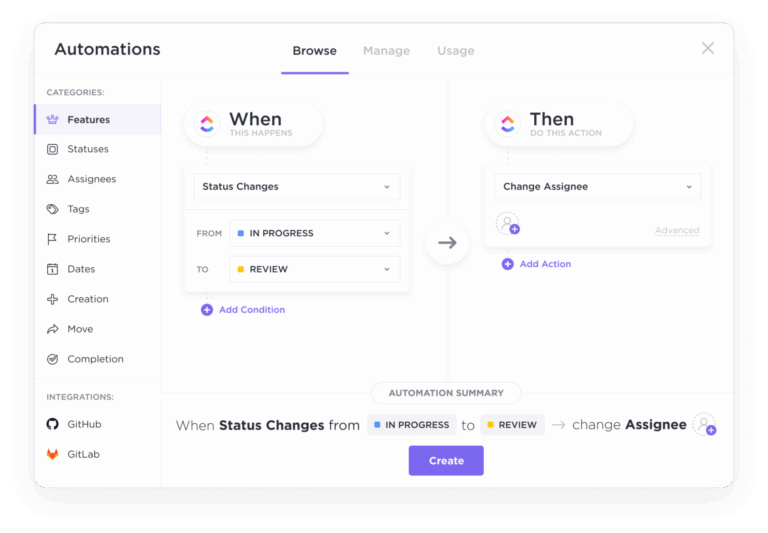
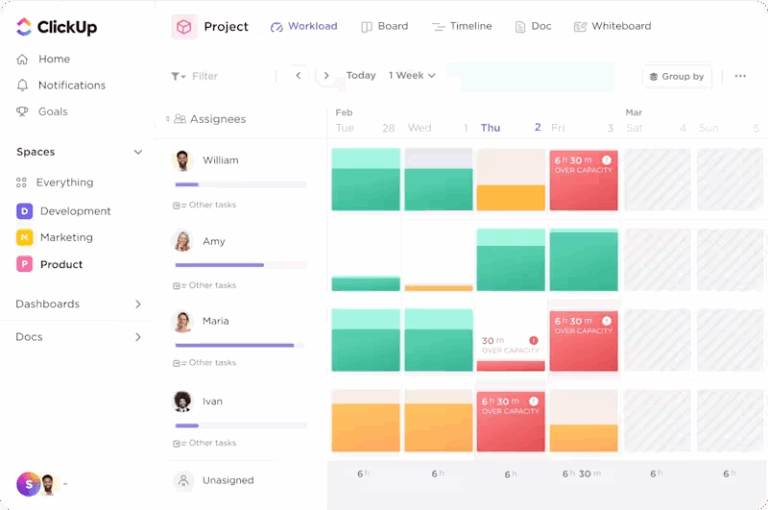
| ClickUp | Managing care tasks, messages, and protocols in one HIPAA-compliant workspace Team size: Ideal for cross-functional clinical teams and hospital systems | AI-powered Chat and Brain MAX, task-linked conversations, real-time updates, voice-activated search, protocol version control, reminders, custom views, shift-ready workflow automation | Free forever; Customizations available for enterprises |
| TigerConnect | Keeping clinical messages secure and trackable with real-time alerts Team size: Ideal for hospitals, physician networks, and acute care centers | Auto-escalation workflows, message self-destruct timers, common integrations with EHRs, pre-set message templates, priority alert routing | Custom pricing |
| PerfectServe | Automating on-call schedules and physician routing during emergencies Team size: Ideal for hospitals and multispecialty medical groups | Automated call trees, physician directories, response analytics, and holiday scheduling | Custom pricing |
| Emitrr | Running automated campaigns to remind, inform, and follow up with patients Team size: Ideal for small clinics and outpatient practices | SMS/email/voice campaigns, patient preference handling, engagement dashboards, and HIPAA-compliant surveys | Custom pricing |
| Symplr | Embedding compliance and audit tracking into daily communication Team size: Ideal for enterprise healthcare and compliance-heavy orgs | Built-in policy flagging, audit logs, regulatory templates, and risk alerts | Custom pricing |
| OnPage | Delivering persistent alerts for emergencies and time-sensitive updates Team size: Ideal for emergency teams and hospitals needing critical alert routing | Escalation chains, loud/override alerts, and device monitoring integration | Starts at $13.99/month per user (billed annually) |
| Rocket.Chat | Customizing secure messaging for healthcare teams with full open-source control Team size: Ideal for hospital IT teams and large networks with internal dev support | Self-hosting, unlimited channels, full-code access, secure messaging | Free; Pro starts at $4/month per user |
| Klara | Allowing patients to text care teams directly with zero onboarding friction Team size: Ideal for practices prioritizing quick, compliant patient communication | Patient text routing, EHR-connected chat logs, conversation history | Custom pricing |
| Spok | Bridging legacy pagers and modern secure messaging systems Team size: Ideal for hospitals modernizing old systems without starting over | Channel-based routing, nurse call integrations, response analytics, and pager-compatible messaging | Custom pricing |
| Vocera (Stryker) | Enabling hands-free, voice-first communication in clinical environments Team size: Ideal for surgical teams and high-mobility care units | Wearable voice badges, voice-activated commands, and integration with nurse call systems | Custom pricing |
A clinical communication platform is a secure collaboration tool that helps healthcare professionals manage messaging, alerts, tasks, patient files, and updates in one place.
It replaces scattered channels, such as pagers, emails, and personal texts, with a system built for fast and clear communication across shifts and departments.
The best clinical communication platform is built around how your team works. Here’s what to look for:
🔍 Did You Know? The Health Insurance Portability and Accountability Act (HIPAA) was passed on August 21, 1996. It was designed to improve healthcare efficiency and insurance coverage. However, its famous Privacy Rule was added after a push in the 1990s to standardize how electronic health information was transmitted to protect patient information.
Let’s go through our picks for the best clinical communication software for healthcare project management. 👇
Our editorial team follows a transparent, research-backed, and vendor-neutral process, so you can trust that our recommendations are based on real product value.
Here’s a detailed rundown of how we review software at ClickUp.
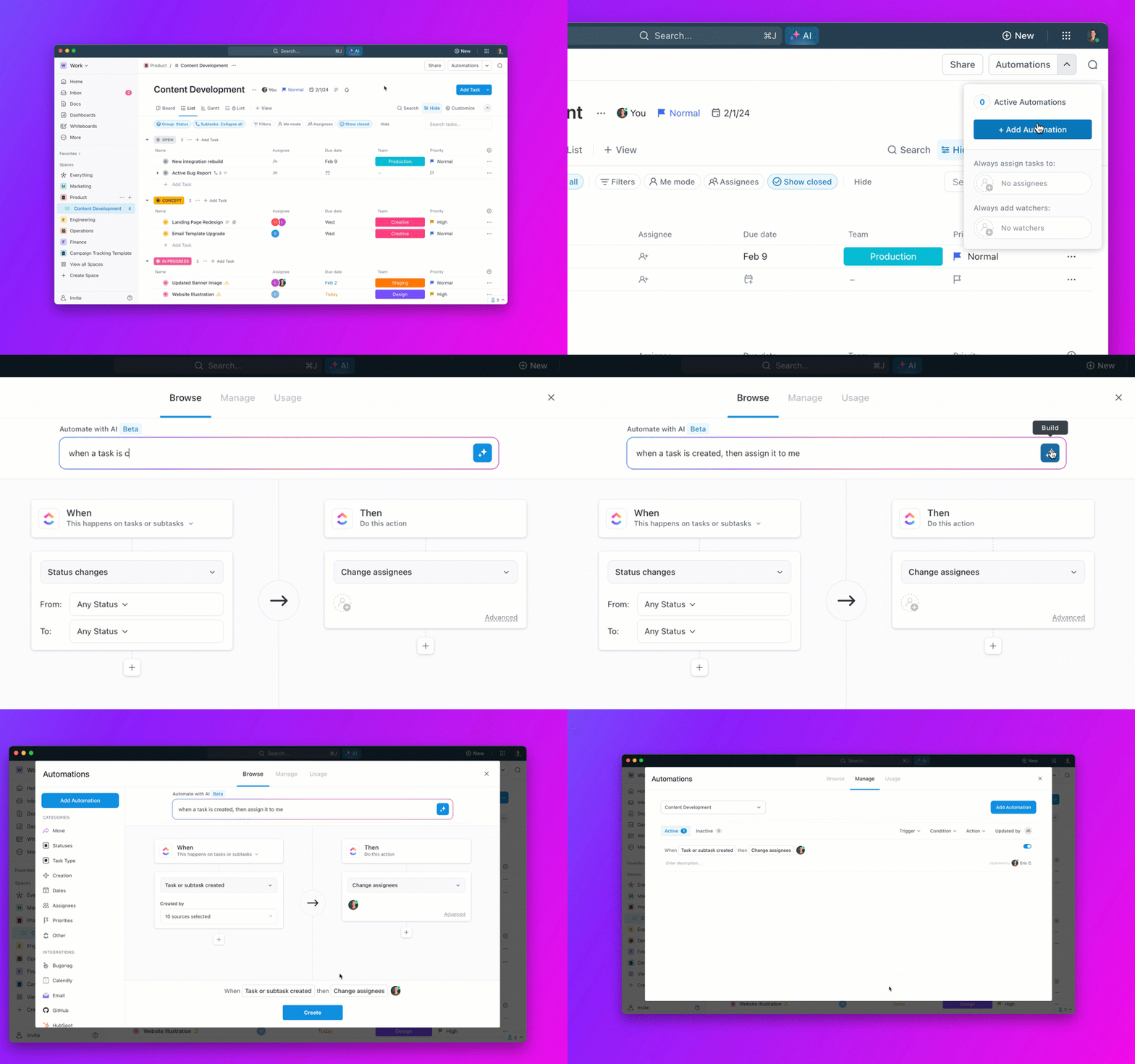
ClickUp’s Healthcare Project Management Software is an all-in-one clinical communication platform that brings task tracking, team messaging, documentation, and AI support into a single HIPAA-compliant hub.
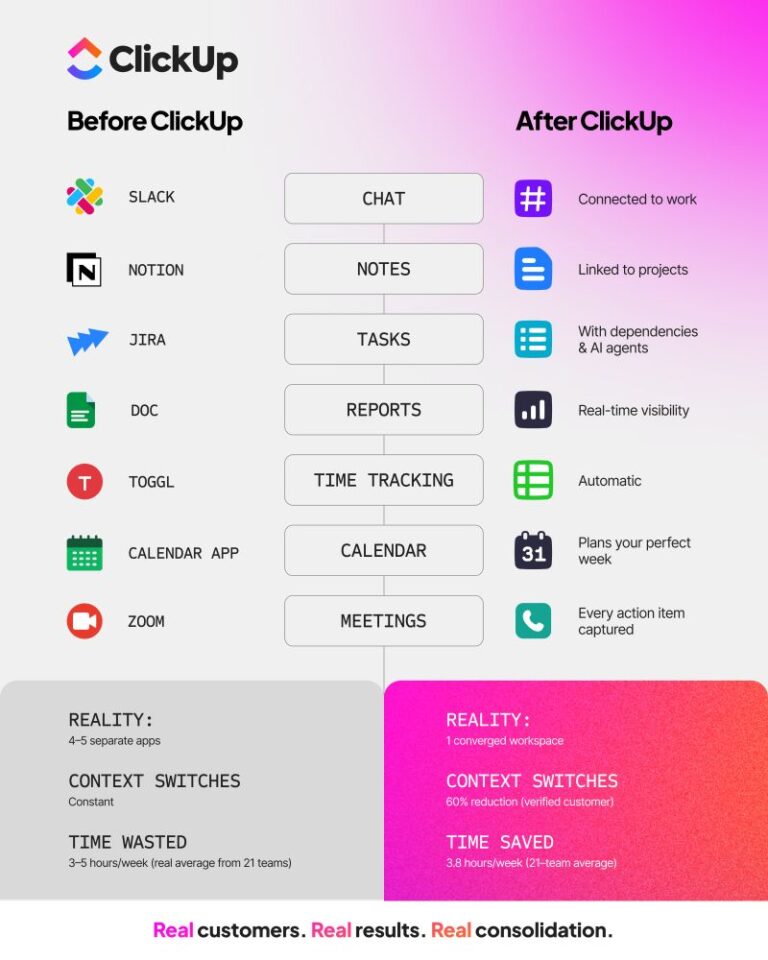
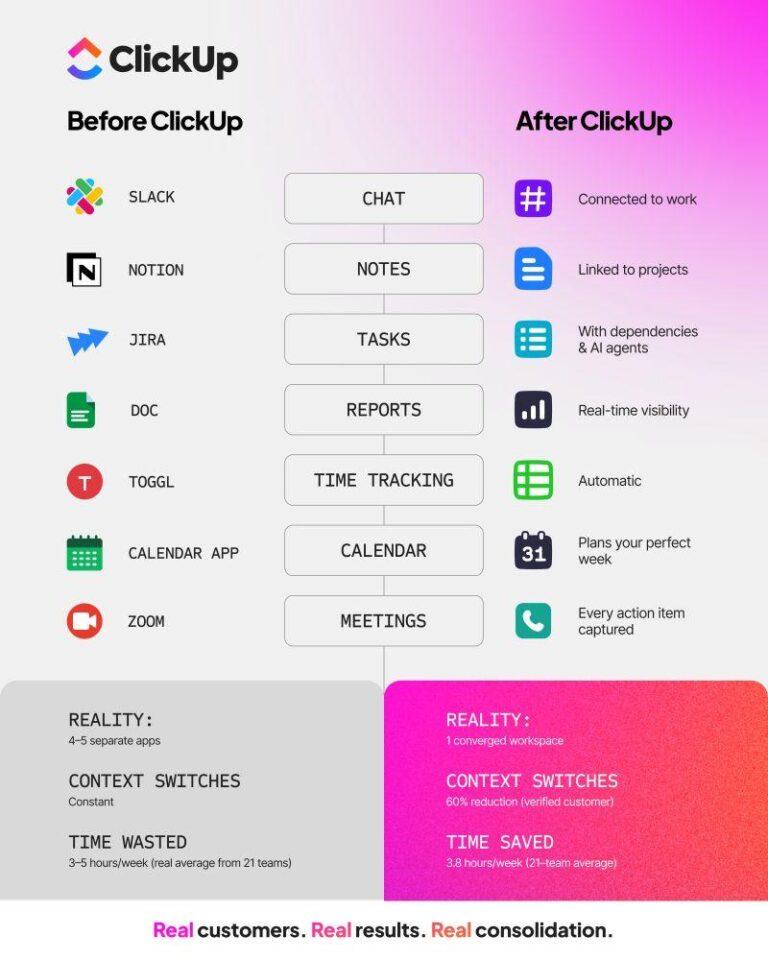
When staff communication happens across multiple apps and hallway conversations, no one has the full picture, and everyone’s jumping between tools and threads to get context and arrive at a source of truth. That’s work sprawl in action and it’s a productivity and potential sink.
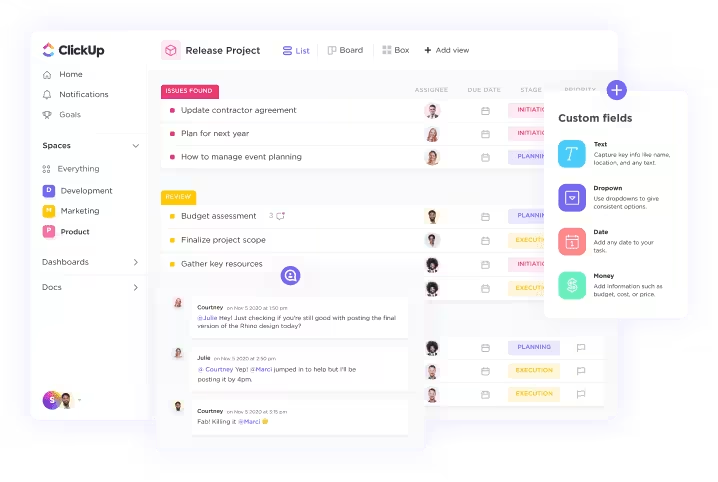
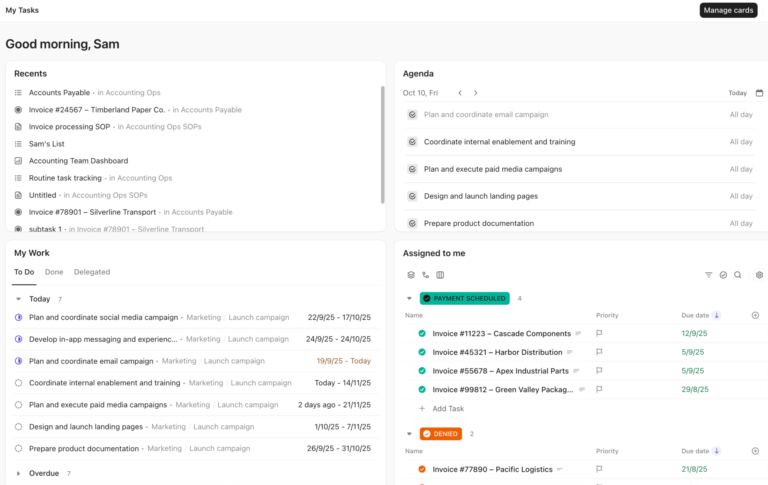
ClickUp Chat brings all that into one place, directly inside your workspaces, projects, and even individual ClickUp Tasks.
Let’s say a shift lead reports a missing equipment handoff during a post-op transfer. Instead of messaging on the side or adding another email thread, they can tag the inventory manager directly in the task’s chat. The message stays tied to the exact task where the issue occurred, so no one’s left guessing later.
You can turn any message into a task manually or use AI to generate the task name, description, and links. For example, if a coordinator mentions updating the discharge protocol, AI can create a pre-filled task and link it to the original thread in seconds.
ClickUp SyncUps allow medical staff to run quick, structured stand-up meetings or daily huddles, ensuring everyone is aligned on patient care, shift changes, and urgent updates.

With automated summaries and action items, nothing gets missed, and teams can stay focused on what matters most.
If you want to share things async, instead of lengthy emails or written notes, you can record a quick video clip to clarify instructions and answer urgent queries. This is where ClickUp Clips helps. It enables doctors, nurses, and administrators to record and share video walkthroughs, explain complex cases, or demonstrate procedures visually.
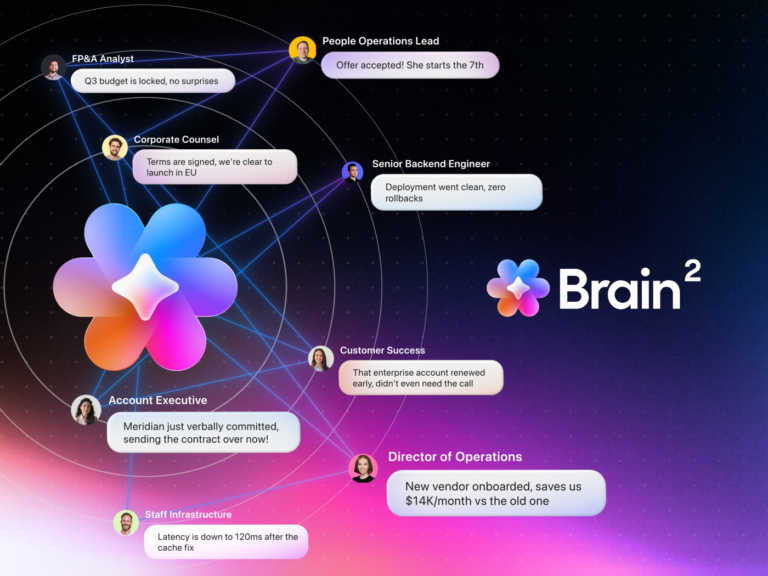
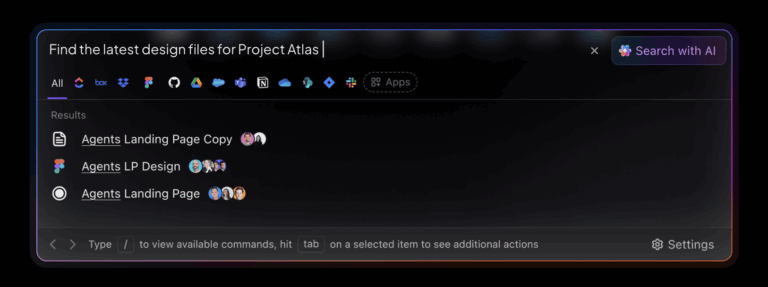
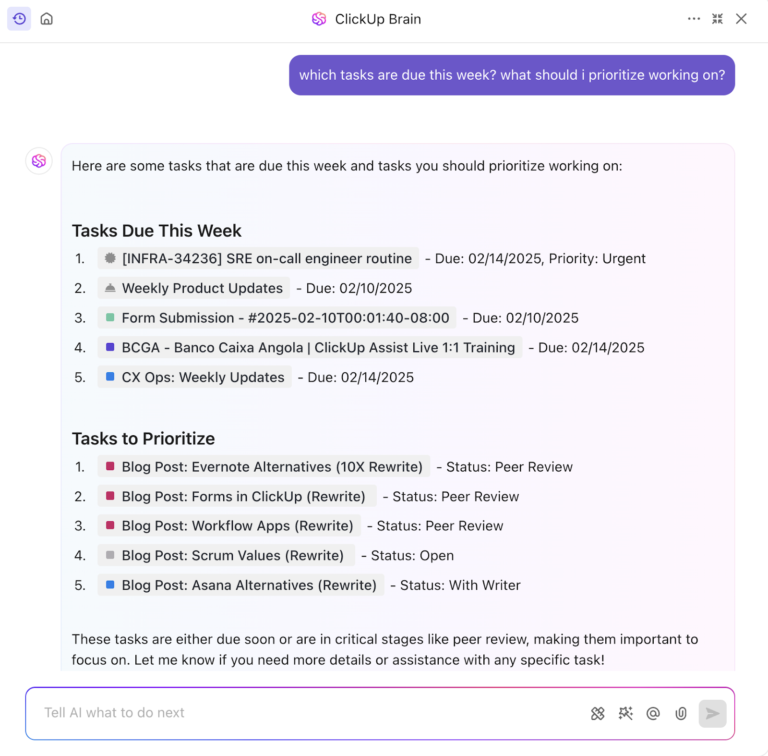
Hospital operations move fast with ClickUp Brain. Brain functions as an on-demand AI assistant that understands your workspace and provides answers in context.

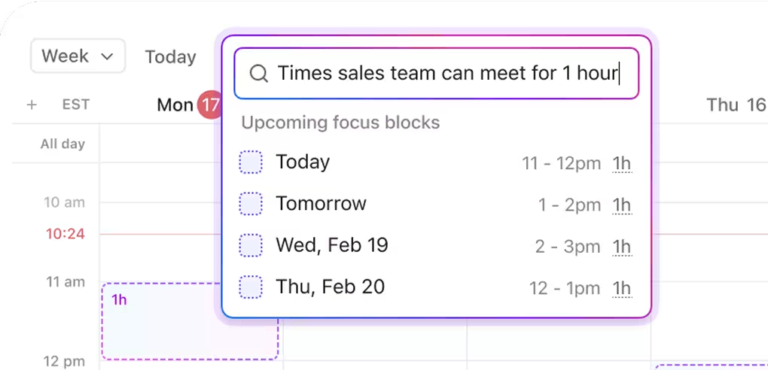
For instance, a clinical operations lead can type: ‘What’s the latest infection control protocol in the NICU project?’ ClickUp Brain pulls the most updated Doc, flags any pending tasks linked to it, and shows who last modified it in seconds.
Friendly Tip: If you need to send appointment reminders for multiple departments at the same time, a scheduling coordinator can ask Brain MAX to generate separate drafts for radiology, cardiology, and general consults.
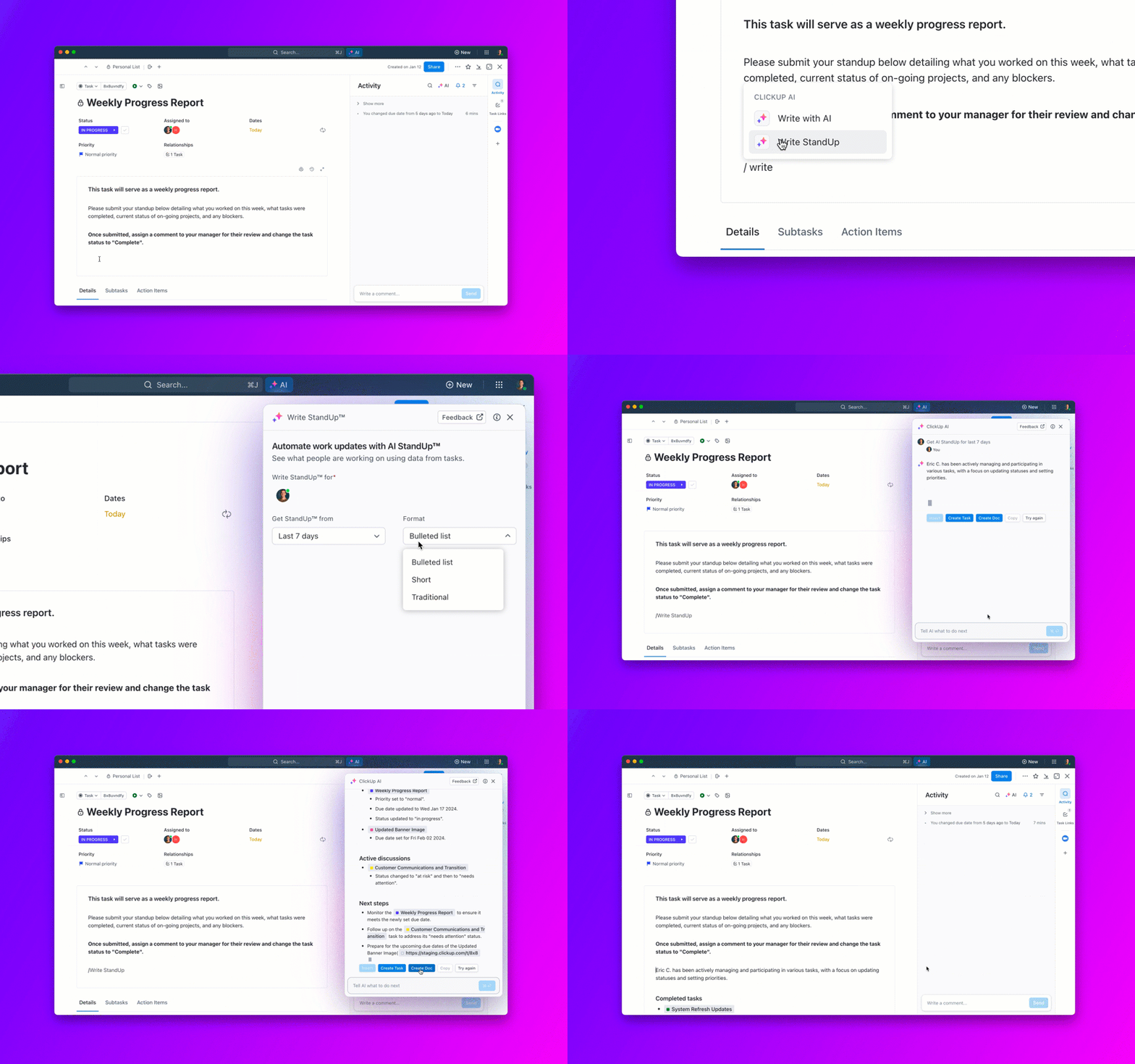
It uses your workspace data and tone preferences to create polished, department-specific messages that are ready to send. The best part is you can use its Talk to Text feature, and give instructions or take notes on the go.
Watch this video to know more:

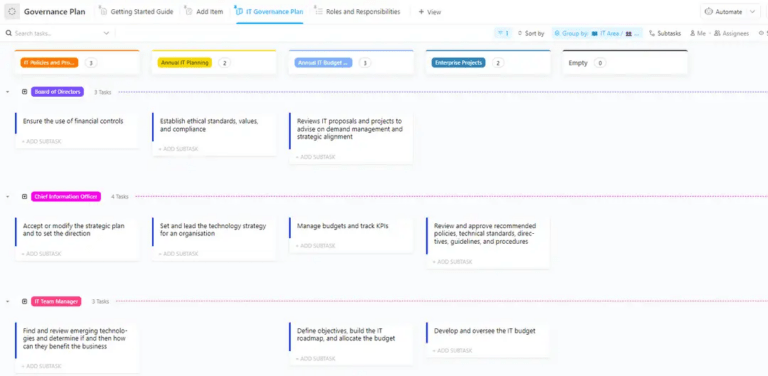
Outdated protocols, scattered PDFs, and poorly versioned Word docs waste valuable time. ClickUp Docs helps your team create and update live documentation that links directly to tasks and team members.
For example, if your compliance officer updates the blood transfusion policy, they can make edits in a shared Doc, tag the chief of medicine and hematology coordinator for review, and link it to your quality audit checklist all inside the platform.
This Reddit review says it all:
ClickUp is definitely worth it! I mean, beyond it being a PM tool, it has so many uses. My absolute favourite is Calendar View though. Nothing beats being able to see all my work and commitments in one place. So my work assignments? Check. That coffee date? Check. Mom’s birthday? Also check! There’s one thing that does beat that though. ClickUp Brain. Guys, I can just ask it when I’m free to schedule a meeting or if my team members can take up more work and it’s all right there! Mind? Blown.
🎥 Watch: Worried about missing a key detail in your daily clinical report? Whach how to use ClickUp Reminders?

via TigerConnect
TigerConnect bridges the gaps in clinical collaboration with encrypted messaging that seamlessly integrates with your existing workflows. Healthcare staff can share patient photos, lab results, and care updates without worrying about compliance violations or security breaches.
The platform automatically tracks message delivery and read receipts. So, when you send that urgent alert about a patient’s dropping blood pressure, you know precisely when the attending physician sees it.
Custom message templates streamline routine communications, while automated escalation rules ensure critical information doesn’t get missed.
Someone on G2 shares:
The TigerConnect platform has proven to be a reliable resource that allows two way communication with individuals and groups…The only downside that I can think of is the fact that so many of our processes (including the various call teams within the hospital) have moved to this platform that if it goes offline for some reason, we would be severly handicapped, as there isn’t an easy way to set up a back up
📮 ClickUp Insight: 30% of workers believe automation could save them 1–2 hours per week, while 19% estimate it could unlock 3–5 hours for deep, focused work.
Even those small time savings add up: just two hours reclaimed weekly equals over 100 hours annually—time that could be dedicated to creativity, strategic thinking, or personal growth. 💯
With ClickUp’s AI Agents and ClickUp Brain, you can automate workflows, generate project updates, and transform your meeting notes into actionable next steps—all within the same platform. No need for extra tools or integrations—ClickUp brings everything you need to automate and optimize your workday in one place.
💫 Real Results: RevPartners slashed 50% of their SaaS costs by consolidating three tools into ClickUp—getting a unified platform with more features, tighter collaboration, and a single source of truth that’s easier to manage and scale.
📖 Also Read: Free Project Communication Plan Templates

via PerfectServe
Ever tried reaching an on-call cardiologist at 2 a.m.? Yes, it’s frustrating. PerfectServe makes your life easier, tracking every physician’s schedule, specialty, and preferred contact method in a centralized system.
When emergencies occur, the clinical communication platform automatically follows the call tree you’ve set up. It even learns from response patterns. So, if the on-call oncologist doesn’t answer his pager, but responds to texts, it adapts accordingly.
🧠 Fun Fact: The word hospital comes from the Latin hospes, meaning both ‘guest’ and ‘host.’ Originally, hospitals were places of hospitality, offering shelter and care to travelers, not just the sick.

Patients forget appointments, ignore discharge instructions, and don’t take their medications as prescribed. Emitrr addresses these universal healthcare challenges through structured communication campaigns that deliver tangible, critical results.
Think of it as email marketing, but for patient care. Based on triggers, you can set up automated sequences for appointment reminders, post-visit surveys, and medication adherence check-ins.
The HIPAA-compliant software tracks which messages patients open and respond to, giving you insight into who might need extra attention. Additionally, it manages various communication preferences, including texts and calls.
A review on Capterra reads:
I shopped for months for a communication system for bulk messaging & email that was HIPAA compliant that I can use for patients, clients, friends, acquaintances, etc. Emitrr was the first sytem that I found that was “reasonably priced” for both a small psychotherapy practice and personal use combined…I am hoping they develop some video training on how to use the system more intricately that I can work into my practice and marketing plans.

via Symplr
Symplr embeds compliance monitoring directly into your communication workflows, ensuring that every message, alert, and conversation is tracked. It automatically flags potential policy violations and creates audit trails, allowing risk management teams to identify problems before they escalate.
This compliance management software is particularly valuable for organizations that struggle with documentation requirements. It captures communication data that might otherwise slip through during busy shifts.
Based on a Capterra review:
The product is easy to use one you get it. The integration process took one month since their was a lot of intense training to be provided about the system. Hard at first, easy when you understand it.
🔍 Did You Know? America’s first hospital, Pennsylvania Hospital, was founded in 1751 by Benjamin Franklin and Dr. Thomas Bond to treat the poor for free. It also led early efforts in mental health care and later became part of the University of Pennsylvania Health System.

via OnPage
When someone’s having a heart attack, you need alerts that grab attention. OnPage specializes in persistent notifications that continue to buzz until someone acknowledges them.
However, don’t worry; the clinical communication software distinguishes between routine messages and true emergencies by using different alert tones and escalation patterns.
If the primary oncologist doesn’t respond to a critical lab result within ten minutes, the system automatically notifies the backup physician. It also integrates with patient monitoring equipment, triggering immediate alerts to the appropriate care team when abnormal vitals are detected.
Per a G2 review:
I am a Nurse Practitioner and Medical Director for a medical aesthetics clinic and I need to be reached 24/7 for emergencies. I love that I can give my clients and staff a separate contact number and not my personal phone number. I also love that the app breaks through my DND, so as long as my phone is on, I can be reached!…I wish I could change the alerting ring tone for when I get a page – maybe there is a way, but I have not figured it out yet.
📖 Also Read: Best Document Collaboration Software for Teams

via Rocket.Chat
With Rocket.Chat, you can customize your platform to align with your organization’s operations. Since it’s open-source, your IT team has access to the complete codebase for customization and security audits.
This flexibility comes in handy when you need to integrate with proprietary hospital systems or create workflows that commercial platforms don’t support.
You can host everything on your own servers, which gives you complete control over sensitive patient data. The clinical communication software scales from small clinics to massive hospital networks without per-user licensing fees eating into your budget.
A G2 review notes:
The use of threads for communication and the ability to create discussions so that people interested in the subject can participate quickly and easily is a great facilitator to help in communication. […] From time to time, the service does not forward notifications, it is also common to be offline sometimes and this ends up hindering in some cases, I believe that the global search part, although interesting, could also be improved, so that it can fit phrases and display conversations in full.
🧠 Fun Fact: In the 1300s, the Alexian Brothers in Germany cared for victims of the Black Plague. They are considered some of the earliest frontline responders in history.

via Klara
Patients want to text their doctors the same way they text everyone else, using regular phone numbers and messaging apps. Klara makes this happen while keeping everything HIPAA-compliant.
Patients can just text your practice’s number, and their messages automatically route to the appropriate care team member. The platform recognizes message types and can distinguish between appointment requests and urgent medical concerns.
All conversations are automatically documented in your EHR, eliminating the need for you to paste critical patient and provider communications into medical records manually.
Feedback on G2 reads:
Klara has really improved our capacity on communicating with our patients. It has significalty reduced our outgoing calls. We utilize it for self scheduling, as well, for routine eye exams with our Optometrists…Klara needs to be whitelisted with Mod Med. Also when a patient cancels or requests to reschedule, it takes the patient off the schedule – which is great. But if the patien then turns around before the appointment and changes it to Confirm, it puts them back in that slot. At times this creates double booking because that slot could have already been filled.

via Spok
Most healthcare facilities continue to use paging systems that have been running reliably for years. Rather than viewing this as a problem to solve, Spok treats it as an asset to build upon.
The platform essentially acts as a translator between existing pager networks and modern secure messaging capabilities. This means clinical staff can continue using the paging workflows they already know, but they now have valuable additions like message threading and delivery confirmations.
🔍 Did You Know? In 1992, Electronic Health Records (EHRs) were primarily confined to academic centers and hybrid systems. However, by 2015, they’d expanded to nursing homes, hospices, and even correctional facilities.

via Stryker
Scrubbed hands, sterile environments, and patient care activities don’t mix well with touchscreen devices. Vocera solves this problem through voice-activated communication, allowing clinical staff to communicate without touching anything.
Staff can make calls, send messages, and receive alerts using simple voice commands, such as ‘Call Dr. Martinez.’ The system recognizes natural speech patterns and connects users to the right people based on roles and current availability.
Plus, these lightweight wearable devices don’t interfere with clinical procedures or infection control protocols.
🧠 Fun Fact: Joseph Lister is known as the father of modern surgery for pioneering antiseptic techniques in the 1860s. Before his work, surgery was often deadly due to infections; tools weren’t sterilized, and hospitals considered banning surgery altogether. Inspired by Louis Pasteur’s work on germs, Lister began using carbolic acid to clean wounds and instruments.
Clinical operations don’t break down because information is scattered across too many places.
ClickUp’s clinical communication platform fixes that.
In one platform, you can track patient-related tasks, chat in real time, document protocols, and automate follow-ups. It’s secure, flexible, and built to support care teams’ communication across departments and shifts.
If your team is spending more time coordinating the work than doing it, ClickUp can help you turn that around. Sign up for free today! ✅
© 2025 ClickUp