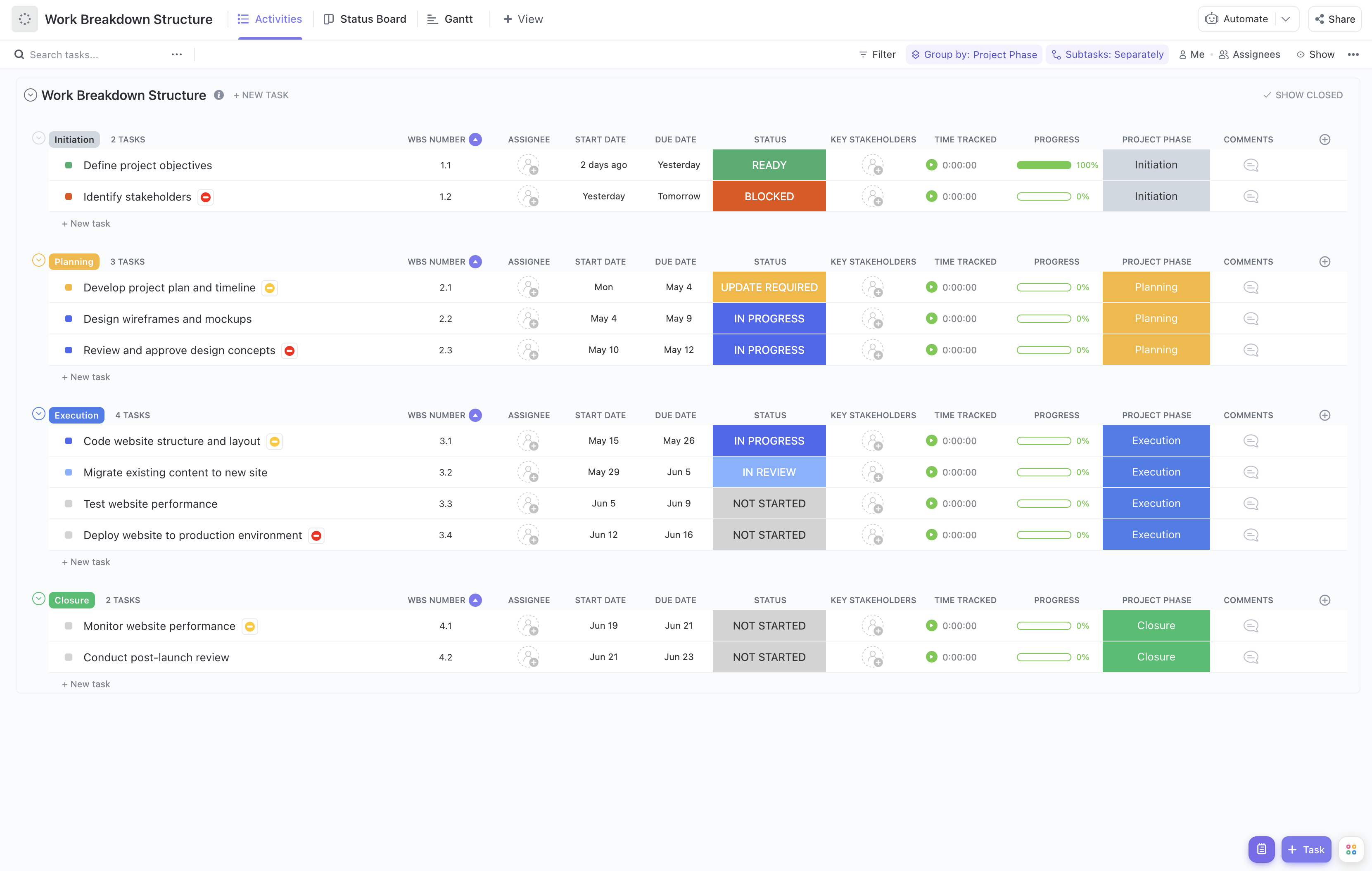
Implementing a new order processing system involves coordinating multiple teams, tasks, and milestones. This Order Processing Rollout Work Breakdown Structure Template is crafted to help project managers and teams systematically break down the rollout into manageable components.
With this template, you can:
- Segment the rollout project into clear phases such as requirements gathering, system configuration, testing, training, and deployment.
- Assign responsibilities to relevant teams including IT, operations, customer service, and logistics.
- Monitor progress in real-time to identify bottlenecks and ensure timely completion.
Best of all, this template requires no coding or specialized software—just ClickUp, making it accessible for all team members involved in the rollout.
Benefits of Using the Order Processing Rollout WBS Template
Deploying an order processing system can be complex, but this WBS template offers significant advantages:
- Clearly defines and organizes all deliverables such as system setup, data migration, user training, and go-live support.
- Provides transparency on team roles and responsibilities, ensuring accountability across departments.
- Enhances communication between stakeholders, IT teams, and operational staff through shared visibility.
- Improves efficiency by breaking down the rollout into actionable tasks, reducing risks of delays or oversights.
Main Elements of the Order Processing Rollout WBS Template
This template is structured to cover all critical components of the rollout project:
- Project Phases: Divided into Initiation, Planning, Execution, Monitoring, and Closure phases tailored for order processing deployment.
- Task Breakdown: Detailed tasks such as vendor selection, system customization, integration testing, user acceptance testing, and training sessions.
- Resource Allocation: Assigns key stakeholders and team members to each task, facilitating clear ownership.
- Progress Tracking: Real-time status updates and progress indicators to keep the project on schedule.
- Risk Management: Identification and mitigation plans for potential issues during rollout.
By utilizing this structured approach, your organization can confidently manage the complexities of rolling out a new order processing system, ensuring a seamless transition and minimal disruption to business operations.