
Made with in ClickUp
ClickUp vs. Asana

The work management platform you won't outgrow.

The Asana alternative with tasks, docs, chat, time tracking, and AI in one Workspace that keeps up as you grow.

4.6 stars25,000+ reviews from
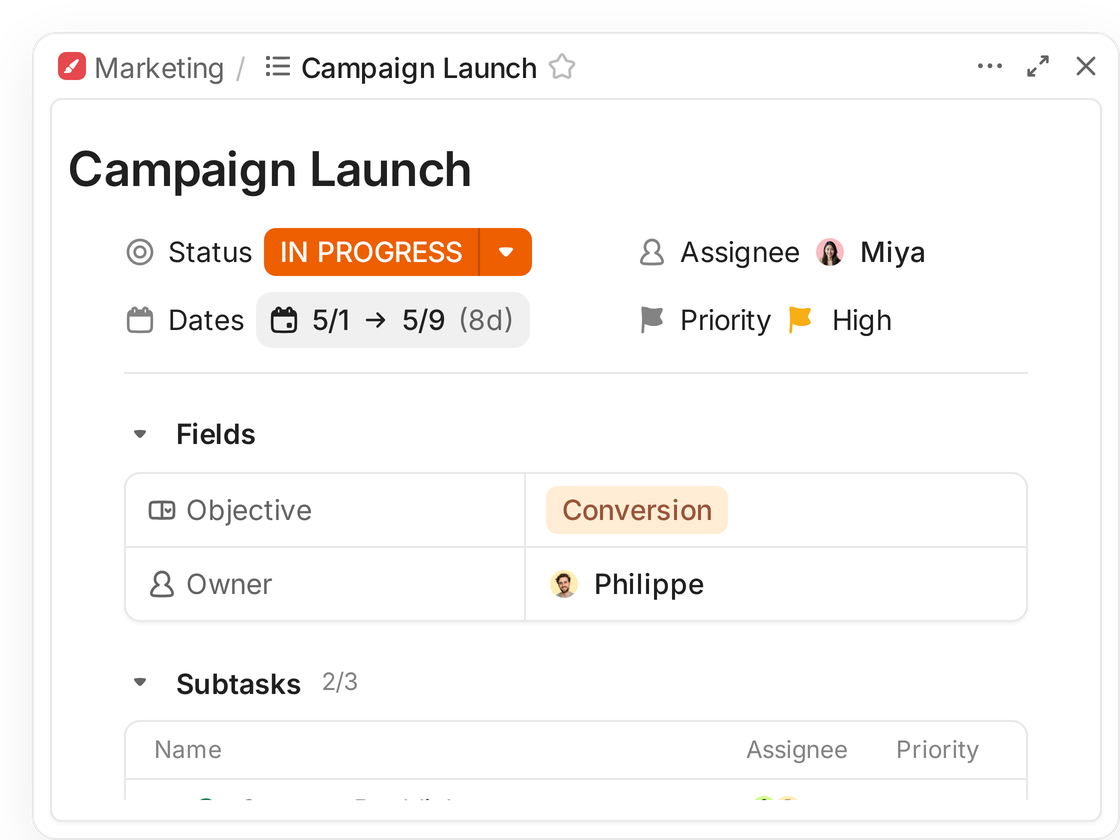
A ClickUp task, Campaign Launch, with fields and subtasks
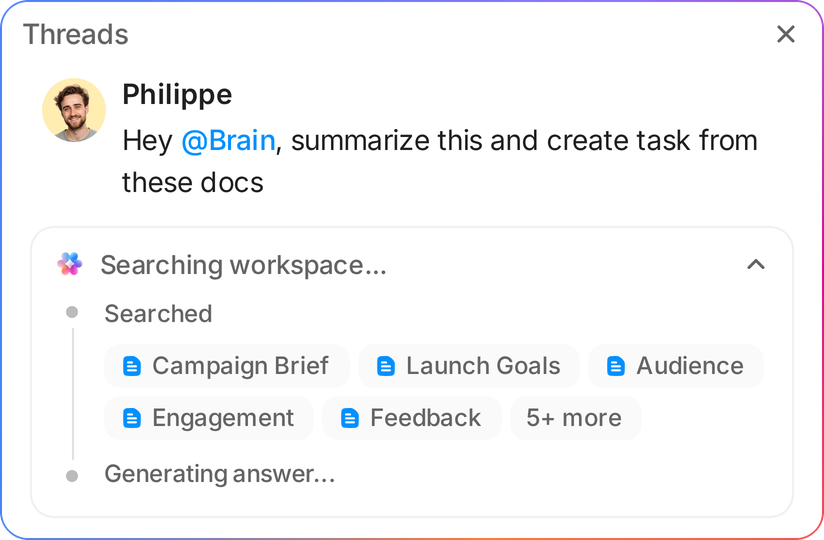
A teammate asks ClickUp Brain to summarize linked docs and create a task, and Brain searches the Workspace
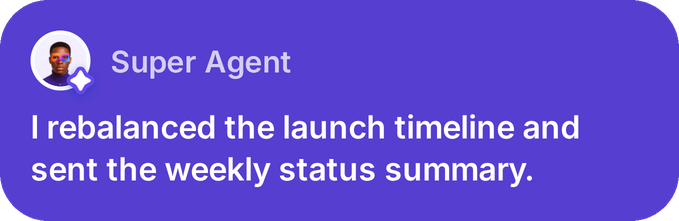
Super Agent: I rebalanced the launch timeline and sent the weekly status summary
See the difference

ClickUp vs. Asana compared

Compare plan prices, included features, and options sold separately by each vendor.
Last updated September 28, 2026

ClickUp

Asana

At a glance
Entry paid planPer user per month, billed annually for each entry self-service tier.
$7/user/moUnlimited, annual
$10.99/user/moStarter, annual
Free plan membersMaximum number of people who can join the free plan, with each product's storage terms shown.
UnlimitedFree Forever
2 usersPersonal, new accounts since November 12, 2025
Free file storageTotal Workspace storage. Asana also limits each individual file to 100MB.
60MB total
Unlimited100MB per file
Native time trackingThe plan that includes built-in time tracking, not an integration.
Unlimited
Advanced
Features
WhiteboardsCreate a visual plan and connect it to project work in the same workspace. See ClickUp Whiteboards
Free Forever3 on Free and 10 on Unlimited
Not listed on plans
Collaborative DocsWrite project notes and reference material alongside the related tasks in your workflow. See ClickUp Docs
All plans
NotesNotes view
Team chatCompare a dedicated chat surface with project and task messages. See ClickUp Chat
Unlimited and upChannels and DMs
MessagesAcross projects and tasks
Proofing and approvalsPlans that include visual proofing and approval workflows for project files. See ClickUp Proofing
BusinessUnlimited proofing
Advanced
Automation rulesActive rules on entry paid plans. ClickUp executions have a separate monthly limit.
500 active rulesUnlimited, plus 1,000 executions/month
Unlimited rulesStarter
AI on paid plansPublished included AI allowances and the ClickUp add-on price per user.
$9/user/moBrain AI, annual billing
AI included5 requests per user per month and 50K credits per account per month on Starter
Business time reportsCompare the included plan feature with Asana's separate Timesheets and Budgets module.
BusinessBillable reports and time
Add-onTimesheets and Budgets
Pricing
Free planMembers included before either product requires a paid seat.
FreeFree Forever, unlimited members
FreePersonal, 2 seats
Entry paid planPer user per month with annual billing for the named entry plan.
$7/user/moUnlimited, billed annually
$10.99/user/moStarter, billed annually
Mid tierPer user per month with annual billing for each named plan.
$12/user/moBusiness, billed annually
$24.99/user/moAdvanced, billed annually
EnterpriseBoth products use custom pricing for their Enterprise plans.
CustomContact sales
CustomContact sales
AI allowance and add-onCompare an annual per-user add-on with monthly AI allowances on Asana Starter.
$9/user/moBrain AI with annual billing
AI Studio BasicStarter, 5 requests per user per month and 50K credits per account per month

Start with ClickUp Free Forever, then compare paid plans with the work your team needs.

Prices checked September 28, 2026 on Asana pricing and ClickUp pricing. Annual billing rates shown.

How work changes as teams grow

What changes as your work grows

A comparison matters when work crosses teams, includes more than tasks, and grows beyond the first few users. These differences show the everyday trade-offs behind that decision.

The same work surfaces need different tiers

Native time tracking sits on ClickUp Unlimited at $7 per user per month billed yearly. Asana includes native time tracking on Advanced at $24.99 per user per month billed yearly. Starter at $10.99 includes time tracking through integrations. ClickUp Business costs $12 per user per month billed yearly and adds unlimited proofing. Compare the surfaces your team uses, not plan names alone.
AsanaPer user/month, billed annually
Waits for AdvancedGoalsPortfoliosWorkloadProofingApprovalsTime tracking
ClickUpUnlimited plan
Time trackingGantt chartsUnlimited integrationsUnlimited storageChat

ClickUp Business is $12 per user per month billed yearly and adds unlimited proofing.

Invite the whole team before choosing a plan

ClickUp Free Forever has no member cap, so everyone can join the same Workspace for an evaluation. Asana Personal covers two seats and includes unlimited storage with a 100MB per-file limit. ClickUp's trade-off is storage: the free plan provides 60MB total, which can constrain attachment-heavy projects.
Asana Personal2 of 8 get in free
People on the team8
On the free plan2
ClickUp Free Forever8 of 8 get in free
People on the team8
On the free plan8

Asana adds seats one at a time through five users, then in larger blocks.

Start with a template, then make choices

ClickUp templates can give a team a reusable starting pattern. The Workspace still needs choices about Spaces, Folders, Lists, ownership, and statuses. A Space groups work, Folders organize Lists, and Lists hold related tasks. Asana may fit teams that prefer a focused project setup with less to configure at the outset.
AsanaFocused project setup
ProjectStart with a project and its task workflow.
Use a project templateSet owners and due datesAdd rules as needed
ClickUpWorkspace structure
Space to ListGroup team work, then organize related tasks.
Start with a templateSet statuses and ownersReuse a workflow

Brain Assistant use and AI credits differ

ClickUp Brain AI costs $9 per user per month when billed yearly and includes unlimited Brain Assistant use. Super Credits for agents and other AI features are measured separately. Asana Starter includes five AI requests per user monthly, up to 50 per account, plus 50,000 AI Studio credits per billing account. Compare what each allowance measures before estimating value.
Asana StarterAI Studio per account
Starter credits/month50,000
Advanced credits/month75,000
Starter includes up to 50 AI requests per account/month.
ClickUp Brain$9/user/month, billed yearly
Assistant useUnlimited
Super Credits1,500 per user/month
Unlimited Brain Assistant. Other AI features use credits.
ClickUp customer stories

What ClickUp customers report after rollout

6 to 1path8 Productions tools replaced by one connected workspace for projects, chat, time, and assets for its video production team.
70%Hawke Media decrease in project delays during its first year using ClickUp, according to its customer story.
30%DISH Network increase in project management efficiency at its Commercial Services PMO after adopting ClickUp, according to its customer story.

What G2 reviewers rate highly

In September 2026, G2's comparison pages showed ClickUp at 4.7 out of 5 and Asana at 4.4 out of 5. These are overall product ratings, not a controlled head-to-head test.
  • Ease of admin8.68.7
  • Quality of support8.98.5
  • Good partner9.08.7
  • Ease of use8.58.6

Scores out of 10. Source: G2 comparison pages checked September 28, 2026. Review volumes differ by category.

Which is right for you

Choose the fit for how your team works

Choose ClickUp when the team needs more work surfaces in one Workspace. Choose Asana when a focused project flow or unlimited Starter rules matters more.

Why teams pick ClickUp

  • You want to test with more than two teammates, and 60MB of free storage is enough for your evaluation.
  • Your workflow benefits from Docs, time tracking, Whiteboards, and Chat beside tasks, within each plan's limits.
  • You can assign someone to configure Spaces, Lists, statuses, and reusable templates as work grows.

When Asana may fit better

  • Your team prefers a focused project setup over combining Docs, Chat, and time tracking.
  • You have two users and value Asana Personal's unlimited storage with a 100MB per-file limit.
  • You need more than 500 active rules on ClickUp Unlimited. Asana Starter lists unlimited rules.
Verdict by team typeBetter fit
  • Agency tracking billable time and project workClickUp
  • Cross-functional team sharing Docs, Chat, and WhiteboardsClickUp
  • Larger team evaluating a tool without a free member capClickUp
  • Two-person team needing shared tasks and more free storageAsana
  • Operations group needing more than 500 active entry-tier rulesAsana
Make the switch

Move Asana work with a deliberate plan

1 minuteis the shortest duration stated for an Asana import. Runs can take a few hours, depending on data volume and Asana rate limits.
Use ClickUp's Asana importer to map projects, people, and sections. Choose whether to import completed tasks and attachments, then recreate the data the importer skips.
  1. 1Choose and sign inOpen Settings and Imports / Exports in ClickUp, select Asana, then sign in to authorize the importer.
  2. 2Map projects and peoplePlace projects in new Spaces, Folders, or existing locations. Match people, then choose how sections map.
  3. 3Select options and importChoose whether to include completed tasks and attachments, then start the import. Rebuild recurring tasks and nested subtasks later.
Your questions, answered

Frequently asked questions

Switching and your data

ClickUp's Asana importer brings projects, tasks, people, sections, completed tasks, and attachments when selected. You choose where projects go, such as a new Space and List, a Folder and List, or an existing location. Sections can become statuses, Lists, or Label Custom Fields. Review the mapping before starting.

ClickUp does not automatically import freestanding tasks, nested subtasks, tasks shared between projects, recurring tasks, private tasks, or @mentions. Move freestanding tasks into Asana projects before importing, then recreate the other items in ClickUp. Recurring settings must be set up again.

ClickUp says an Asana import can take from one minute to a few hours, depending on the amount of data and Asana's rate limits. ClickUp emails you when the run finishes. Treat one minute as the shortest stated duration, not a promised completion time.

ClickUp Free Forever includes 60MB of total storage. Asana Personal includes unlimited storage with a 100MB limit per file. Asana does not provide a way to calculate attachment volume before import. You can choose whether to import attachments, then check ClickUp storage before adding more files.

In ClickUp, a Space groups work, Folders organize Lists, and Lists hold related tasks. The Asana importer lets you map projects to new or existing Spaces and Folders, then place Lists within them. Choose that structure before import so teams can find their work after it arrives.

Pricing and seats

Yes. ClickUp Free Forever has no member limit, though storage is capped at 60MB. Asana Personal is limited to two seats and offers unlimited storage with a 100MB per-file limit. If you plan to move attachments, include storage in your evaluation rather than comparing member limits alone.

ClickUp Unlimited costs $7 per user per month billed yearly. Asana Starter costs $10.99 per user per month billed yearly. ClickUp Business is $12 per user per month billed yearly. Asana Advanced is $24.99 per user per month billed yearly. Compare the features your team needs, since these tiers do not include identical capabilities.

ClickUp Brain AI is a $9 per user per month add-on billed yearly and includes unlimited Brain Assistant use. Asana Starter includes five AI requests per user monthly, up to 50 per account, plus 50,000 AI Studio credits per billing account monthly. These allowances measure different things. Estimate expected use before comparing costs.

Workflows and security

No. ClickUp's Asana importer does not list automation rules among the data it imports, so plan to recreate them. ClickUp Unlimited lists 1,000 automation executions per month. Asana Starter lists unlimited rules. Those are different measures. Test representative workflows against each plan's published limits.

ClickUp lists audit logs and data residency on Enterprise. Asana lists SAML and SCIM on Enterprise, while its pricing page places audit log API and data residency in Enterprise add-on or Enterprise+ options. Confirm the current plan matrix with both vendors against your security requirements before purchasing.

Start free. Plan your Asana import.