What Is Exploratory Testing? Guide, Techniques & Tools

Sorry, there were no results found for “”
Most testing follows a script. Click here, enter this, and verify that.
It’s predictable—until the bug you didn’t plan for slips through.
Exploratory testing throws out the script. You test while you learn, following leads as they come up. Found something weird? Chase it down. Notice a pattern? Dig deeper.
This approach blends investigation with intuition, uncovering the issues your predefined test cases overlook.
In this blog post, we’ll unpack what exploratory testing is, walk through key techniques, and highlight tools that make the process smoother, starting with ClickUp.
Exploratory testing is a hands-on, adaptive approach where testers actively learn about the product as they test it.
There’s no fixed script to follow. You rely on your understanding of the system, make quick decisions, and respond to what the product shows you in real time.
This approach works well when things are moving quickly or requirements aren’t fully defined. You get to investigate, ask better questions, and focus on how the product behaves. Every session becomes a mix of thinking, observing, and uncovering.
🧠 Fun Fact: The term exploratory testing was brought into mainstream practice in the 1980s and 90s by software tester and author Cem Kaner. His approach emphasized learning, investigation, and adaptability during testing sessions.
Exploratory and scripted testing solve different problems. One gives structure, the other gives speed.
Here’s a clear breakdown of the two types of software testing:
| Aspect | Exploratory testing | Scripted testing |
| Approach | Investigative and flexible | Structured and repeatable |
| Test design | Created on the spot based on learning | Predefined before the test begins |
| Tester role | Thinks, decides, and adapts in real time | Follows a fixed sequence of steps |
| Best for | Finding edge cases and unknown issues | Confirming known functionality |
| Documentation | Notes and insights captured during testing | Test cases fully documented in advance |
| Time investment | Minimal prep, more time spent on actual testing | High upfront effort to create and maintain test cases |
🔍 Did You Know? Some of the earliest bug reports in history were exploratory in nature. The famous 1947 case of the literal moth found in the Harvard Mark II computer wasn’t caught through a script. Operators were manually observing erratic behavior and opened the hardware to investigate.
Exploratory testing provides teams with the flexibility to move quickly without compromising quality. It balances product intuition with real-time investigation, helping testers stay sharp and uncover what scripted tests often miss.
Here’s what it brings to the table:
🧠 Fun Fact: Many game studios still use exploratory testing late in development under a different name: playtesting. QA testers are often given a near-final build and instructed to identify any issues that arise when they interact with systems in unexpected ways.
🎥 In this video, you’ll learn how to identify the KPIs that truly reflect software quality and performance—not just vanity metrics. Discover how the right data can expose hidden inefficiencies and help teams strengthen their testing and delivery pipelines.
Here are four techniques that make exploratory testing more effective and repeatable. 🔁
This is the exploratory testing process with guardrails. You set a timer for 60-120 minutes and give yourself a mission. Something like ‘Test the login system and see what breaks when users do weird stuff.’
To make it work, you need to stay focused while still following your instincts. Found something suspicious? Go investigate. But you won’t spend three hours going down rabbit holes because you have a clear goal and time limit.
What you actually do:
Your notes become gold for the next person who tests this area. They’ll know exactly what you already covered and what seemed sketchy.
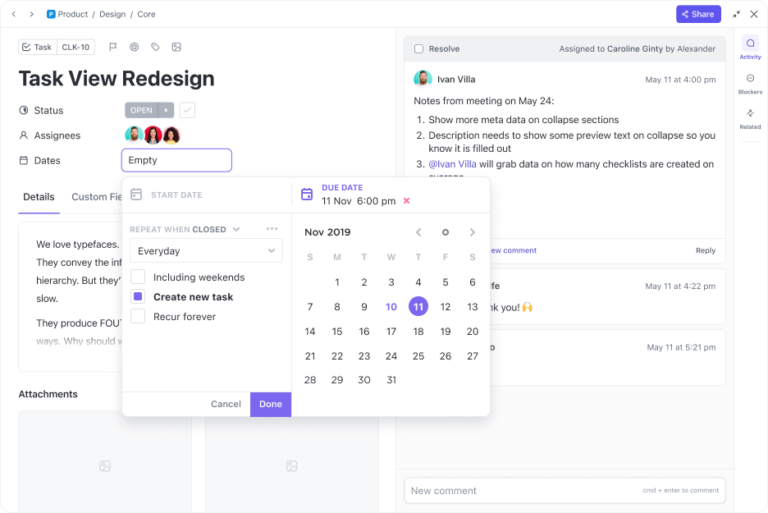
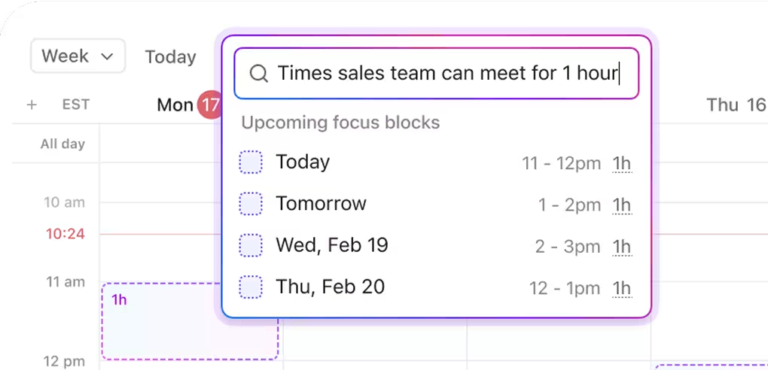
✅ Try It With ClickUp: ClickUp Time Tracking helps you stay within your test session window by letting you start a timer directly on your task. You can track how long you spent on each mission without switching tools.
For example, if you’re testing the login system for 90 minutes, you start the timer in ClickUp, jot down your observations in the task description or ClickUp Notepad, and stop when the session ends. It keeps your focus sharp and your time accountable.
This is pure exploration mode. No timer, no specific goals. You just dig into the software and see what happens.
It sounds chaotic, but good testers develop a sixth sense for trouble spots. They’ll naturally gravitate toward boundary conditions, error scenarios, and those ‘what if the user does this?’ moments.
When it works best:
The downside? You might miss obvious stuff while chasing interesting problems.
✅ Try It With ClickUp: ClickUp Clips lets you record your screen with voice so you can capture bugs and strange behavior mid-flow.
Say you perform exploratory testing for a dashboard, and the analytics widget vanishes when you resize the screen. Hit record, narrate what you’re seeing, and attach the Clip to a bug task within ClickUp’s Agile Project Management Software so your devs don’t have to guess what broke.
Two people, one keyboard, double the bug-finding power. One person drives while the other watches and asks questions.
Why it’s so effective:
The driver focuses on making things work. The observer spots usability issues and notices inconsistencies.
✅ Try It With ClickUp: With ClickUp Whiteboards, you get a shared visual space to map out your testing ideas, flow diagrams, and edge cases before you start clicking around.
Let’s say you’re testing a new user onboarding flow together. You drop each onboarding step on the Whiteboard, your partner adds notes for what could go wrong, and you both decide who’ll test what. Then, turn each sticky note into a task as bugs or follow-ups come up.
Think of these as different ways to walk through your software, each with a specific focus.
Popular tours include:
Each tour gives you a different lens. The Money Tour makes sure your revenue features work. The Criminal Tour thinks like a hacker. The Landmark Tour is perfect for smoke testing.
Here’s the trick: You can mix and match tours based on what you’re worried about. New payment system? Run the Money Tour and Criminal Tour. Major UI changes? Try the Landmark Tour first.
✅ Try It With ClickUp: ClickUp Task Checklists let you break your testing task into focused steps so you can track exactly which parts of each tour you’ve completed without switching tools.
For example, if you’re running a Criminal Tour on the new checkout flow, your checklist might include steps like ‘Attempt invalid payment’, ‘Bypass coupon field’, and ‘Manipulate URL’. As you work through each one, tick it off and leave notes under the checklist item if anything appears to be incorrect.
Let’s say you’re testing a food delivery app’s checkout process.
Your exploratory session: 90 minutes testing ‘ordering when problems occur’
You place a $25 order. Right when you hit ‘Pay Now,’ you turn off your WiFi to simulate a dropped connection. When you reconnect, you have two identical orders in your cart. The app never cleared the first attempt.
🐞 Bug found: Duplicate orders when the network fails during payment
You order during the dinner rush (7 p.m.). The app shows ‘25 minutes delivery time’, but you notice the restaurant list keeps changing. You screenshot the timeline—appears to be incorrects later, you’re still seeing ‘25 minutes’ while the app quietly tries different restaurants.
🐞 Bug found: Misleading delivery estimates during high-demand periods
You realize you entered your old address after paying. You try to update it in the app and get an error message. The app crashes, but your card was already charged.
🐞 Bug found: Payment processed, but the order fails when the address is changed
📊 Results: Three critical bugs were discovered in 90 minutes that would cause real customer frustration and potential revenue loss. Your regular test cases never covered these scenarios because they focused on the happy path.
Exploratory testing moves quickly. You need to track your thoughts, log bugs, and follow up before context slips away. The right tools help you capture what matters and keep testing work connected to the larger product development process.
Here are a few options. 🗂️
ClickUp for Software Teams supports exploratory test execution across every step, from note-taking and bug tracking to follow-ups and reporting.

ClickUp Docs gives you a clean space to write down your observations during a test session. Use callouts, headers, and checklists to organize your notes.
For example, if you’re testing a hotel booking app, you might log that the search filters work on desktop but not on mobile, note a delay on the payment screen, and highlight that the ‘My Bookings’ tab loads correctly. The doc stays inside your testing folder so your team can find it easily later.

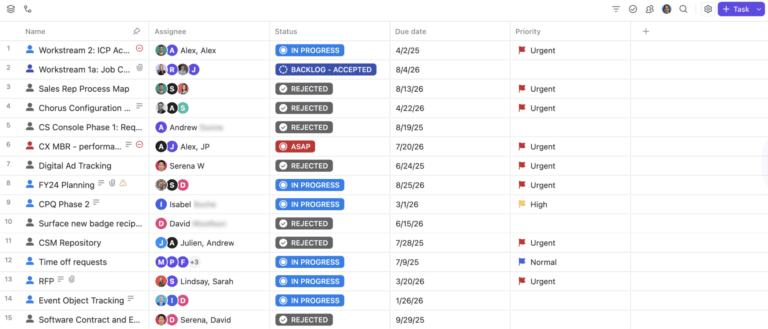
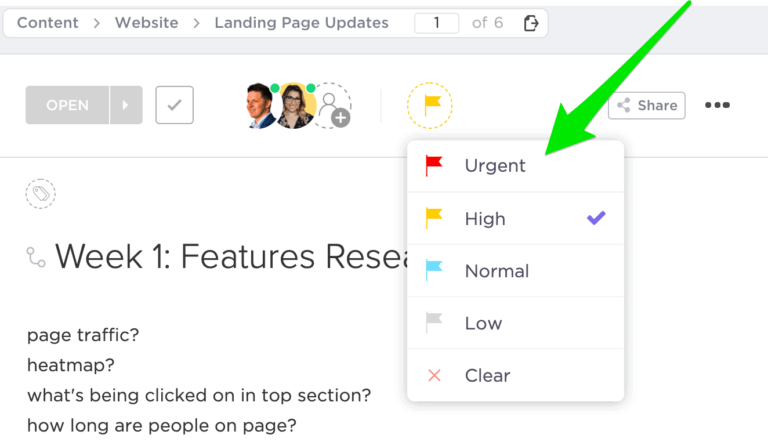
ClickUp Tasks help action bugs. Add all the key details—screenshots, steps to reproduce, and device info—right away so nothing is missed.
Let’s say you find a bug where the check-in calendar crashes on iOS. Create a task directly from the test doc, assign it to the mobile dev, and tag it under the current sprint.
⚙️ Bonus: Explore how ClickUp is changing the game for software teams around the world.

ClickUp Task Templates facilitate bug logging in a consistent format. Templates can include fields like environment, severity, test area, and screenshots.
For instance, if you often test signup flows, use a template that includes fields like ‘Steps to Reproduce’, ‘Expected vs Actual Result’, and ‘Browser Info’. This saves time and avoids missing key details.
ClickUp Task Relationships let you link bugs to features, test plans, or past reports. This helps your team identify related tasks and avoid duplicate work.

If you’re testing a new loyalty program and find issues with rewards not syncing, link each bug to the main loyalty feature task. Now, PMs and devs can see what testing uncovered.
📮ClickUp Insight: When invisible tasks pile up, the consequences are real: 14% of employees say it makes focusing on their main job “harder,” and 21% feel slowed down and overwhelmed by added pressure. This silent burden isn’t just an inconvenience—it’s a direct threat to team performance and well-being.
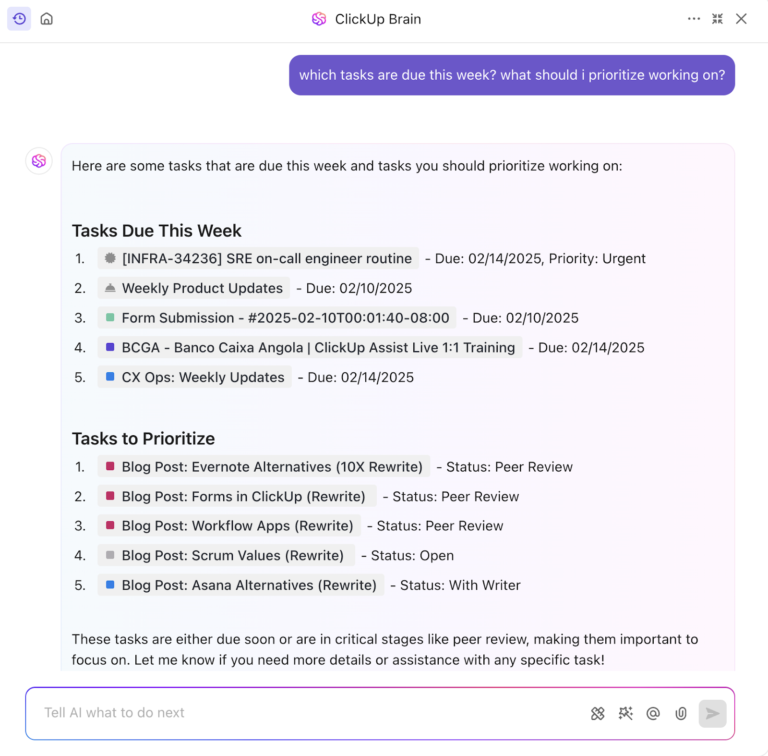
With ClickUp Brain, hidden work doesn’t stay hidden for long. It can automatically surface overdue, unassigned, or stalled tasks, allowing teams to take action before issues escalate. Let ClickUp AI do the heavy lifting—so your team can do their best work.

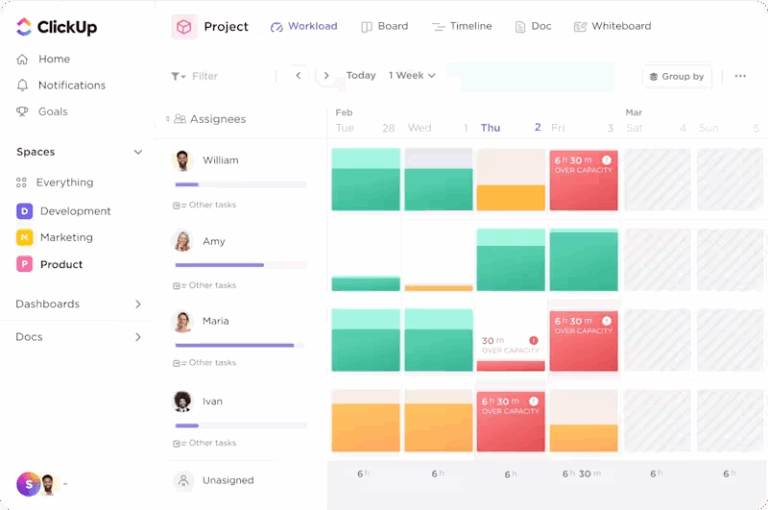
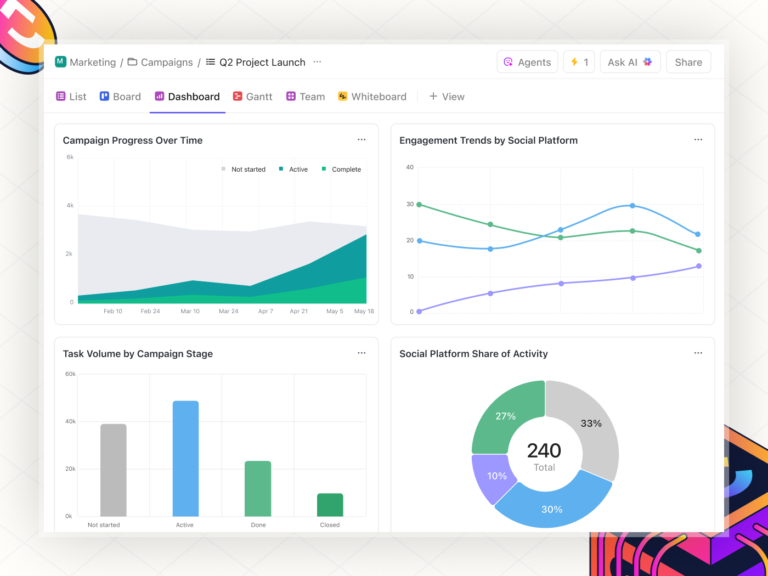
ClickUp Dashboards give you a quick look at testing progress, open bugs, and trends. You can track metrics such as test coverage, bug severity, and workload.
If your team is testing a redesign, build a dashboard showing which features are complete, which bugs are still open, and who’s working on what. This keeps QA, PMs, and engineers aligned.
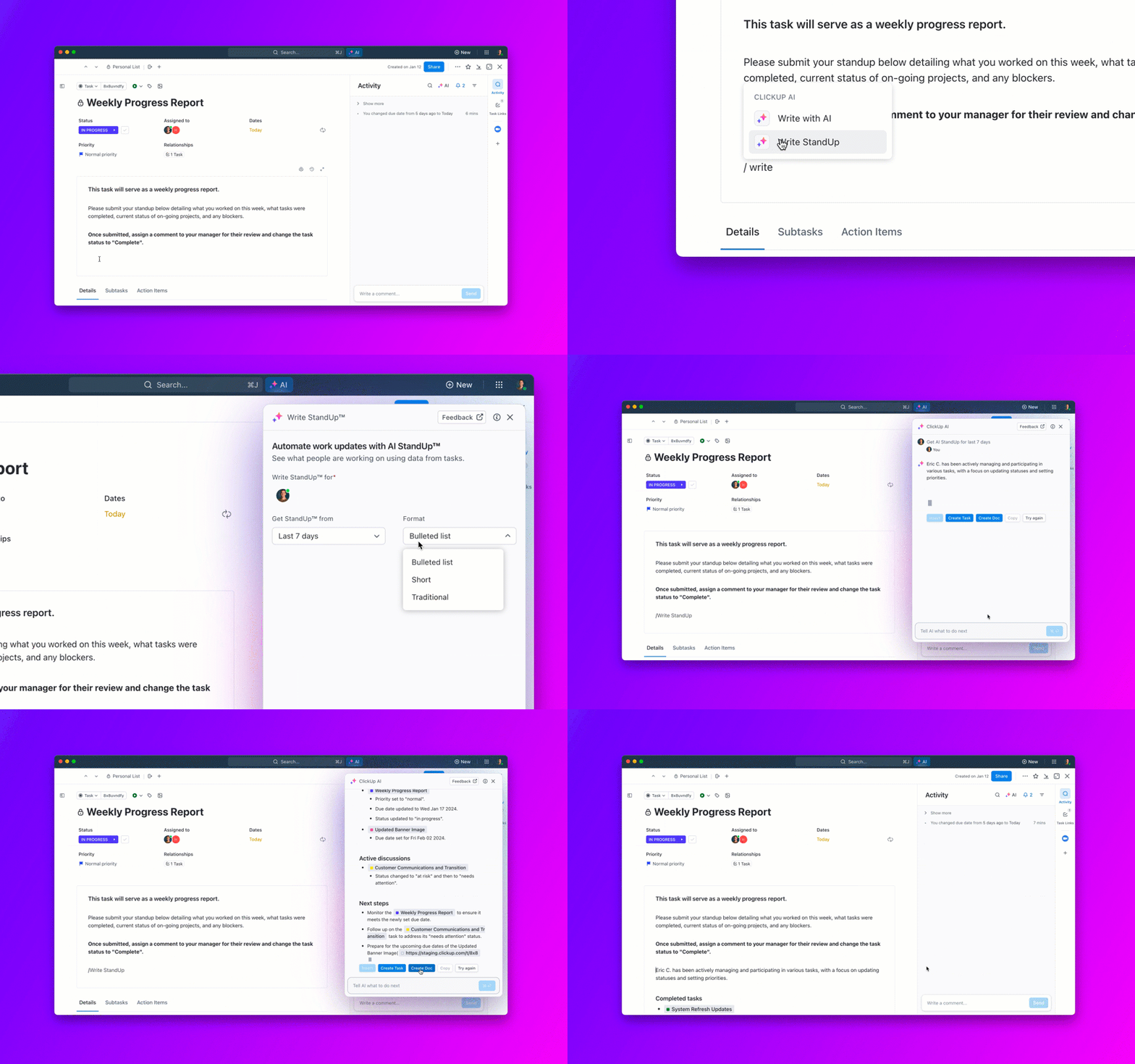
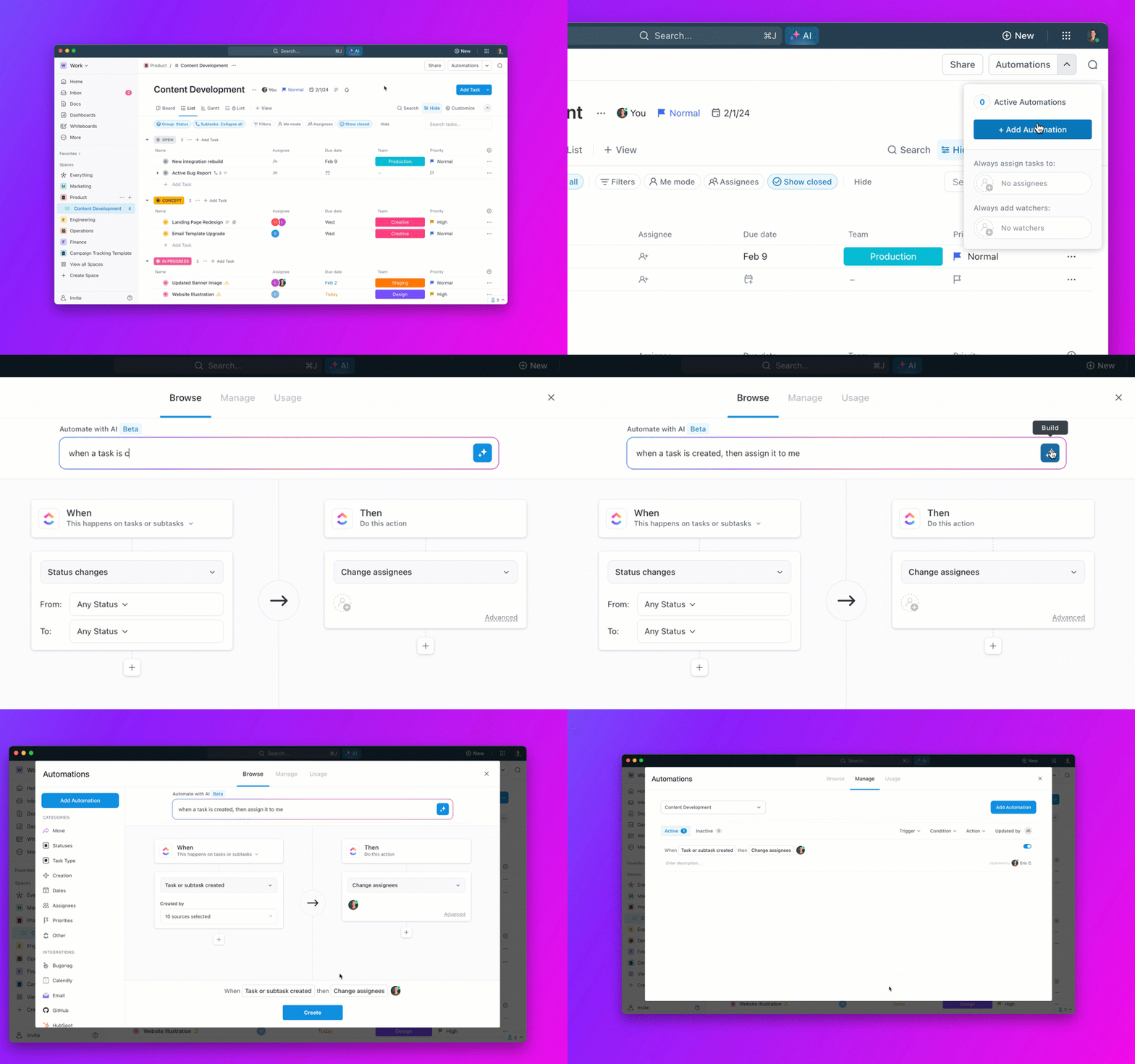
And finally, ClickUp Brain supports testing sessions by summarizing your notes, turning findings into tasks, and breaking down work into subtasks.

For example, after a session on a new referral system, ClickUp Brain can summarize what was tested, suggest deadlines based on team load, and create subtasks like ‘Fix referral code validation’ or ‘Update error messaging’.
How AI Enhances Exploratory Testing within ClickUp
Modern QA isn’t just about intuition; it’s powered by AI insights.
These tools help QA teams move from reactive bug-hunting to proactive issue-prevention.
The ClickUp Test Management Template gives your QA team a solid starting point. It comes with pre-built statuses, such as ‘To Do’, ‘In Progress’, and ‘Ready for Review’, along with Custom Fields for Test Type and Expected Result.
The ClickUp Bug and Issue Tracking Template keeps all bug reports organized and actionable.
It comes with ready-to-use Lists like Reported Bugs, Defect Master, and Limitations & Workarounds, so your team can jump right into logging and triaging issues.
🧩 ClickUp Template Stack for QA
| Template | Best for | Includes |
|---|---|---|
| Bug & Issue Tracking Template | Centralized bug logging | Pre-built fields for severity, steps, attachments |
| User Acceptance Testing Checklist Template | UAT tracking and validation | Acceptance criteria, pass/fail logs, feedback |
| Traceability Matrix Testing Template | Requirement-to-test alignment | Linked test cases, defect mapping, coverage tracking |
| Agile Sprint Planning Template | Sprint integration | Workload view, dev hand-off tracking |
Best features
Limitations
Pricing
Ratings & reviews
TestRail works well for teams that mix structured test planning with exploratory testing.
You can tag sessions, log notes, and generate reports that show coverage over time. It supports both scripted and unscripted testing styles, making it a good fit for teams practicing agile project management.
Best features
Limitations
Pricing
Ratings & reviews
Xray and Zephyr are QA plugins built into Jira. They help agile teams manage test cases, file bugs as Jira issues, and link tests directly to user stories.
If your team already uses Jira as a continuous deployment tool, these can fit smoothly into your agile testing flow.
Best features
Limitations
Pricing
Ratings & reviews
BugHerd is a visual bug tracking software for frontend QA work. It lets testers and non-testers alike report bugs directly on the website interface using a simple browser extension.
This tool works well in conjunction with modern QA testing apps, particularly during early design validation stages.
Best features:
Limitations:
Pricing:
Ratings & reviews:
PractiTest is a test management solution that integrates with tools like Jira, GitHub, and CI/CD pipelines. It’s designed to give testers a broader view of how testing aligns with product goals.
The agile testing tool is useful when QA teams need to balance exploratory, formal, and automated testing strategies.
Best features:
Limitations:
Pricing:
Ratings & reviews:
Good exploratory testing methods need structure for effectiveness. Here’s what actually works. 🛠️
Every session needs a mission statement. Write one sentence that defines your focus: ‘Test the payment flow when users have low account balances’ or ‘Explore form validation with international address formats.’
Your charter acts as a compass. 🧭
When the testing team discovers something intriguing, you can decide whether to investigate further or note it for a future session. Without this anchor, experienced testers will spend valuable time on minor issues while missing critical functionality.
The best charters strike a balance between specificity and flexibility. They point you toward high-risk areas but allow you to follow your instincts when something looks suspicious.
Your brain operates at peak detective mode for about 60-90 minutes. After that, pattern recognition drops, and you start missing subtle issues that fresh eyes would catch immediately.
Setting boundaries creates urgency.
You’ll naturally prioritize testing the most critical paths first, then explore test cases with remaining time. This prevents the common trap of spending entire afternoons perfecting minor workflow details while core functionality goes untested.
Plan breaks between sessions. Your subconscious processes what you’ve learned during downtime, often surfacing new test ideas for the next round of testing computer software.
Capture your discoveries, but also record your reasoning. Note which areas felt stable, what made you suspicious, and where you’d dig deeper given more time.
Your session notes become institutional knowledge. When someone else tests the same feature months later, they’ll understand which scenarios you already explored.
This helps testers focus their energy on uncovered territory.
✅ Try It With ClickUp: The ClickUp Test Report Template gives you a clean way to log what you tested, what you found, and what needs a second look. This bug report template is already set up with sections like objectives, methodology, results, and action items, so you don’t have to start future testing efforts from scratch.
What predefined scripts often miss. But even the fastest insights lose meaning if your notes are scattered, bugs go unlogged, or follow-ups lose context.
This is where ClickUp becomes essential.
It transforms observations into organized reports, bug notes into actionable tasks, and scattered workflows into unified systems. You can timebox sessions, capture test footage, collaborate visually, and link every bug to the work it impacts—all without leaving your workspace.
Build your next session in ClickUp—the platform that keeps testing connected, visible, and fast.
You should execute exploratory tests when requirements are vague or keep changing, especially in fast-paced projects like agile. It helps identify unexpected problems, such as unusual edge cases or usability issues, that regular tests might overlook. It’s also helpful in testing high-risk features or checking how the app feels for users.
Yes, exploratory testing aligns well with agile methodologies because it’s flexible and provides quick feedback during short development cycles. It supports Agile’s focus on teamwork and user needs by allowing testers to explore freely and collaborate with developers.
To document exploratory testing, start with a simple plan (called a testing charter) that says what you’ll test and why. Write down key details like the date, your name, what feature you tested, and any bugs or issues you found. Include steps to recreate the problems, along with screenshots or videos if possible. Use tools like ClickUp to keep everything organized.
Yes, ClickUp works well for QA testing, allowing you to manage tasks, track test cases, and log bugs. You can customize it to fit your team’s needs, especially for agile projects.
By tracking session coverage, bugs found per hour, and the quality of insights. ClickUp Dashboards help visualize this data in real time.
No—it complements it. Exploratory testing finds unexpected issues early, while scripted testing validates known requirements later.
© 2025 ClickUp