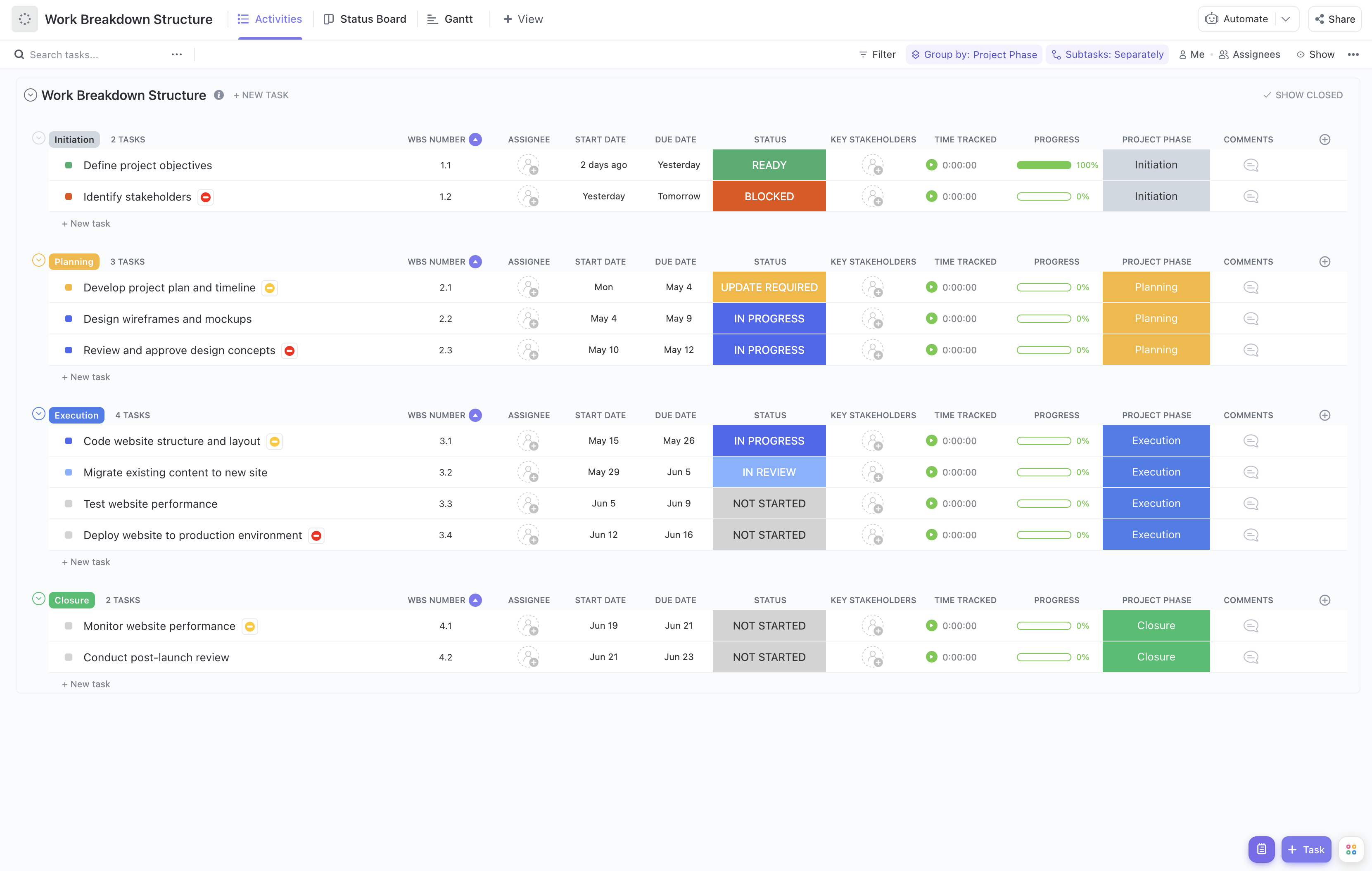
Rolling out a new point of sale (POS) system involves multiple teams, tasks, and timelines that must be carefully coordinated to avoid disruptions in daily operations. This Point of Sale Rollout Work Breakdown Structure Template is designed to help project managers and retail operations teams break down the rollout process into manageable components, ensuring clarity and accountability at every stage.
This specialized template enables you to:
- Segment the POS rollout into key phases such as hardware installation, software configuration, staff training, and system testing
- Assign responsibilities to IT, store management, and vendor teams efficiently
- Monitor progress with real-time updates to keep the rollout on schedule and within budget
Best of all, no technical expertise is required to use this template—just your ClickUp workspace and your rollout plan!
Benefits of Using This POS Rollout Work Breakdown Structure Template
Implementing a new POS system can be complex, but this WBS template simplifies the process by:
- Clearly defining deliverables such as hardware procurement, software deployment, and user acceptance testing
- Clarifying roles and responsibilities across cross-functional teams including IT, operations, and vendor partners
- Enhancing communication between project stakeholders to quickly address issues and changes
- Improving efficiency by providing a structured roadmap that minimizes downtime during the rollout
Main Elements of the POS Rollout Work Breakdown Structure Template
This template breaks down the POS rollout into the following core components:
- Project Initiation:
Define scope, identify stakeholders, and establish rollout objectives.
- Hardware Setup:
Procure POS terminals, install peripherals, and configure network infrastructure.
- Software Deployment:
Install POS software, integrate payment gateways, and configure settings.
- Staff Training:
Develop training materials, schedule sessions, and conduct hands-on workshops.
- Testing & Quality Assurance:
Perform system testing, resolve issues, and validate performance.
- Go-Live & Support:
Launch the POS system, monitor operations, and provide ongoing support.
By following this structured approach, your POS rollout project will be organized, transparent, and poised for success.