

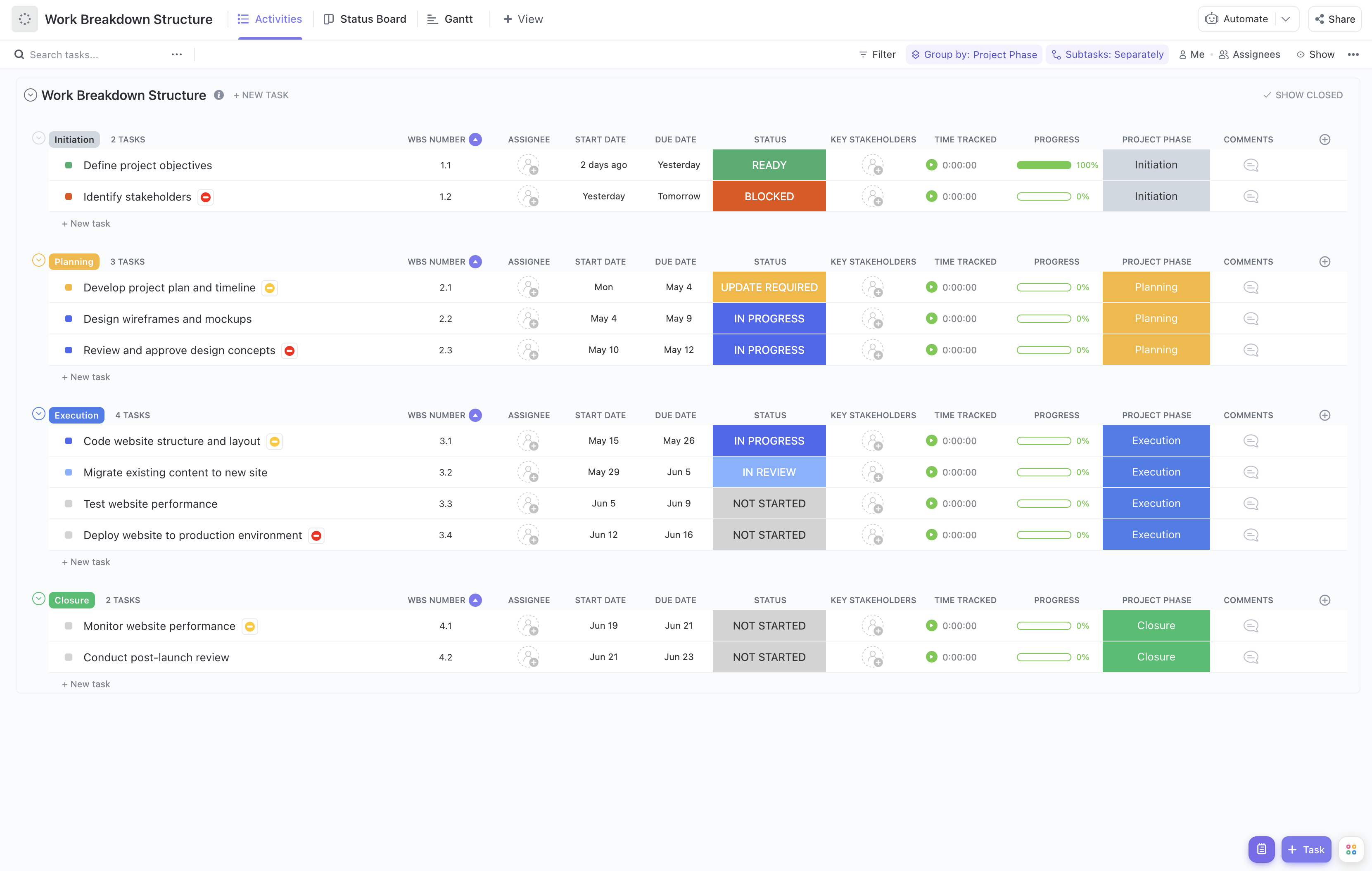


Deploying an enterprise application involves numerous interdependent tasks across multiple teams and stakeholders. Successfully breaking down this complex process into manageable components is essential for timely and efficient delivery. Our Enterprise Application Deployment Work Breakdown Structure Template is crafted to help you organize every phase of your deployment project with clarity and precision.
This specialized template enables you to:
- Segment deployment activities into clear, actionable tasks for better oversight
- Assign responsibilities to IT teams, vendors, and business units seamlessly
- Monitor deployment milestones and progress with real-time updates
Best of all, no specialized coding or software expertise is needed—just use ClickUp to get started and keep your deployment on track!
Benefits of an Enterprise Application Deployment Work Breakdown Structure Template
Utilizing a WBS template specifically designed for enterprise application deployment offers significant advantages, including:
- Defining and organizing key deliverables such as infrastructure setup, software installation, data migration, and user training
- Clarifying roles and responsibilities across cross-functional teams including IT, security, and end-user departments
- Enhancing communication between technical teams, project sponsors, and stakeholders to ensure alignment
- Improving overall deployment efficiency by identifying dependencies and potential bottlenecks early
Main Elements of the Enterprise Application Deployment Work Breakdown Structure Template
This template breaks down the deployment project into structured components such as:
- Project Initiation: Define scope, objectives, and stakeholder engagement plans.
- Infrastructure Preparation: Set up servers, networks, and security configurations.
- Application Installation and Configuration: Deploy software components, configure settings, and integrate with existing systems.
- Data Migration: Plan and execute data transfer from legacy systems ensuring data integrity.
- Testing and Quality Assurance: Conduct system, integration, and user acceptance testing.
- User Training and Documentation: Prepare training materials and conduct sessions for end-users.
- Go-Live and Support: Manage deployment cutover, monitor system performance, and provide post-deployment support.
Each task includes fields for WBS numbering, key stakeholders, project phase designation, and progress tracking, enabling comprehensive project management and reporting.
By leveraging this detailed WBS template, your enterprise application deployment can proceed with enhanced visibility, coordination, and control, leading to successful implementation and adoption.










