

Digitizing archives is a complex and meticulous process that requires careful planning and coordination. Managing multiple tasks such as inventory assessment, scanning, metadata creation, and quality assurance can be overwhelming. That's where the Archive Digitization Program Work Breakdown Structure (WBS) Template comes in!
This specialized template helps you:
- Organize digitization tasks into clear, manageable sections for better project oversight
- Assign specific roles to team members, including archivists, technicians, and quality controllers
- Track progress in real-time to ensure milestones like scanning completion and metadata entry are met on schedule
Best of all, you don't need specialized software or coding skills to use this template—just ClickUp to get started and keep your digitization project on track.
Benefits of an Archive Digitization Program Work Breakdown Structure Template
Using a WBS template designed for archive digitization streamlines the entire project by breaking down each phase into actionable tasks. Key benefits include:
- Clearly defines and organizes deliverables such as document scanning, image processing, and digital archiving
- Clarifies team members' responsibilities, from inventory management to digital preservation specialists
- Enhances communication between archivists, IT staff, and stakeholders through transparent task tracking
- Improves efficiency by identifying dependencies and potential bottlenecks early in the process
Main Elements of an Archive Digitization Program Work Breakdown Structure Template
This template breaks down the digitization program into the following core components:
- Project Initiation and Planning
Includes defining project scope, identifying archival materials, and assembling the project team.
- Inventory and Assessment
Cataloging physical archives, assessing condition, and prioritizing materials for digitization.
- Preparation and Setup
Setting up scanning equipment, preparing materials, and establishing metadata standards.
- Digitization Process
Executing scanning, image capture, and initial quality checks.
- Metadata Creation and Indexing
Adding descriptive metadata, tagging, and organizing digital files for easy retrieval.
- Quality Assurance and Control
Reviewing digital files for accuracy, completeness, and adherence to standards.
- Digital Archiving and Storage
Storing digital files securely, implementing backup protocols, and ensuring long-term preservation.
- Project Closure and Reporting
Finalizing documentation, reporting outcomes to stakeholders, and planning for ongoing maintenance.
By following this structured approach, your archive digitization program can be managed effectively, ensuring high-quality digital preservation and easy access to valuable historical materials.
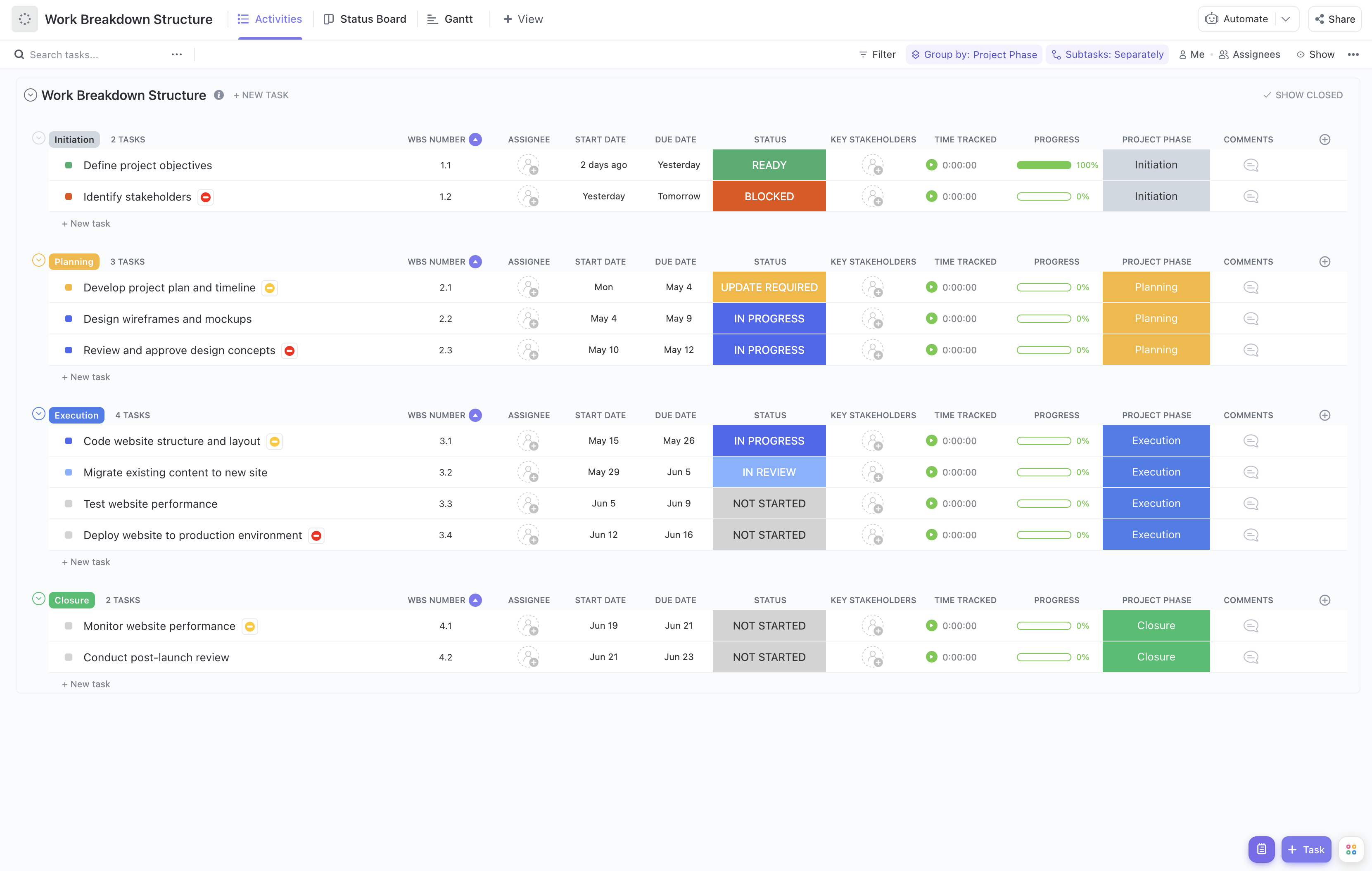


Use this template to ensure your archive digitization project is organized, transparent, and successful from start to finish.










