
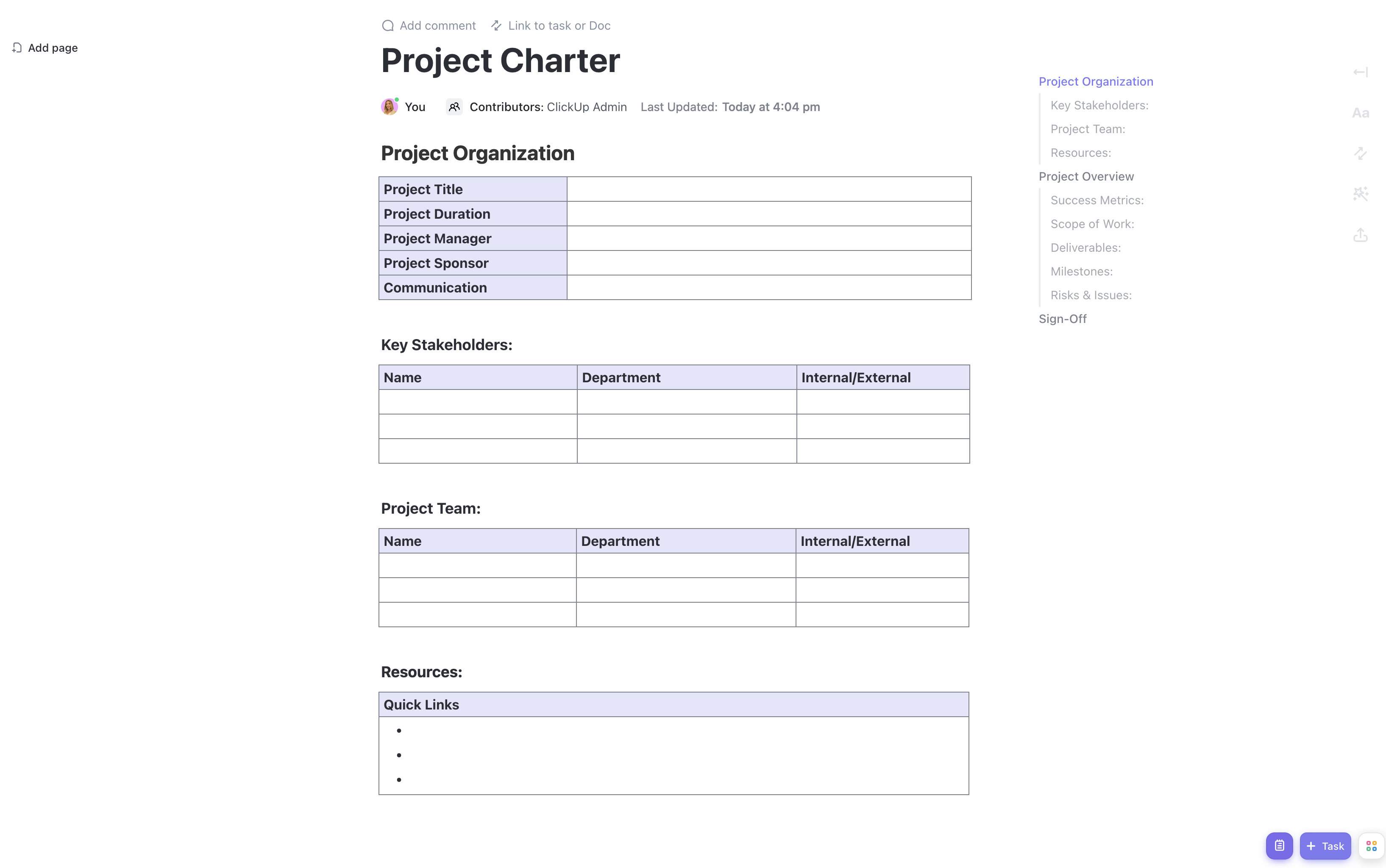


The project charter is a foundational document that authorizes the start of a project and outlines its key elements. Using Google Docs for your project charter allows real-time collaboration, version control, and easy sharing with stakeholders, ensuring everyone stays informed and aligned throughout the project lifecycle.
This Google Docs Project Charter Template equips you with the essential components to plan and execute successful projects, including:
- A detailed overview of your project’s purpose, goals, and objectives
- Sections for stakeholder identification and role assignments
- Clear definition of project scope and deliverables
- A high-level timeline with milestones to track progress
- Budget overview and risk assessment
Start your project efficiently by leveraging this adaptable template within Google Docs, enabling your team to contribute and update information seamlessly.
Benefits of Using a Project Charter Template in Google Docs
Utilizing this template in Google Docs offers several advantages for project managers and teams:
- Provides a centralized, accessible document for all project information
- Facilitates collaborative editing and instant feedback from stakeholders
- Keeps the project team aligned on objectives and responsibilities
- Simplifies tracking of tasks, deadlines, and deliverables
- Enhances transparency and communication across distributed teams
Main Elements of the Google Docs Project Charter Template
This template includes the critical components necessary for a comprehensive project charter:
- Project Purpose and Justification: Clearly states why the project is initiated and its expected benefits.
- Project Objectives and Success Criteria: Defines measurable goals and how success will be evaluated.
- Scope and Deliverables: Details what is included and excluded from the project, along with expected outputs.
- Stakeholder Identification and Roles: Lists key stakeholders and their responsibilities.
- High-Level Timeline and Milestones: Outlines major phases and key dates.
- Budget Overview: Summarizes estimated costs and financial resources.
- Risks and Assumptions: Identifies potential challenges and underlying assumptions.
How to Use This Project Charter Template in Google Docs
Begin by customizing the project purpose and objectives to establish a clear direction. Collaborate with your team and stakeholders by sharing the document and inviting input directly within Google Docs. Assign roles and responsibilities to ensure accountability. Define the scope and deliverables to set clear expectations. Use the timeline section to map out key milestones, and update it as the project progresses. Include budget details to manage financial aspects effectively. Finally, document risks and assumptions to prepare for uncertainties.
This template is fully customizable to suit the specific needs of your project and organization while leveraging the collaborative power of Google Docs to keep your project on track.










