Playbook

The Client Delivery Toolkit for Professional Services Teams

A guide to help you protect billable hours and scale without adding admin. Get the templates, AI agents, and 5 setups to standardize client onboarding, delivery, and reporting.
Problem Statement

The fragmented state of work

As you add more clients, the work gets trapped in fragments:

• Intake sits in forms and inboxes

• Delivery lives across tasks, docs, calendars, and messages

• Reporting becomes a weekly reconstruction project

• People who should be doing billable work end up chasing updates instead

📌 Workers average only 2–3 hours of focus time per day once meetings, messages, and tool-switching start eating into the day. ¹

To win more projects and deliver faster, bring together client onboarding, project delivery, and reporting in one system. Use the ready-to-deploy templates, AI agents, and 5 setups demonstrated below, and hear from your peers who are living the payoff.

Setup 1

Fix the operating problem first

Over time, you bring in more tools to support different types of work spread across intake, delivery, and reporting. Managing this scattered stack of tools becomes a job in itself.

At Administradores, Journalist Anthony Dias ran content operations across several systems before moving everything into one converged workspace.

Anthony

Anthony DiasJournalist, Administradores

Running our content operation across Trello, Google Keep, Airtable, and scattered docs meant context lived everywhere and nowhere at once. Routine work consumed hours weekly and things slipped through. Consolidating everything into ClickUp's converged AI workspace gave our team one place to plan, produce, and publish, end-to-end.

Consolidating docs, time, progress to goals, and follow-up means you no longer need to manually update every tool just to preserve context. One workspace keeps it intact across every dimension of a project.

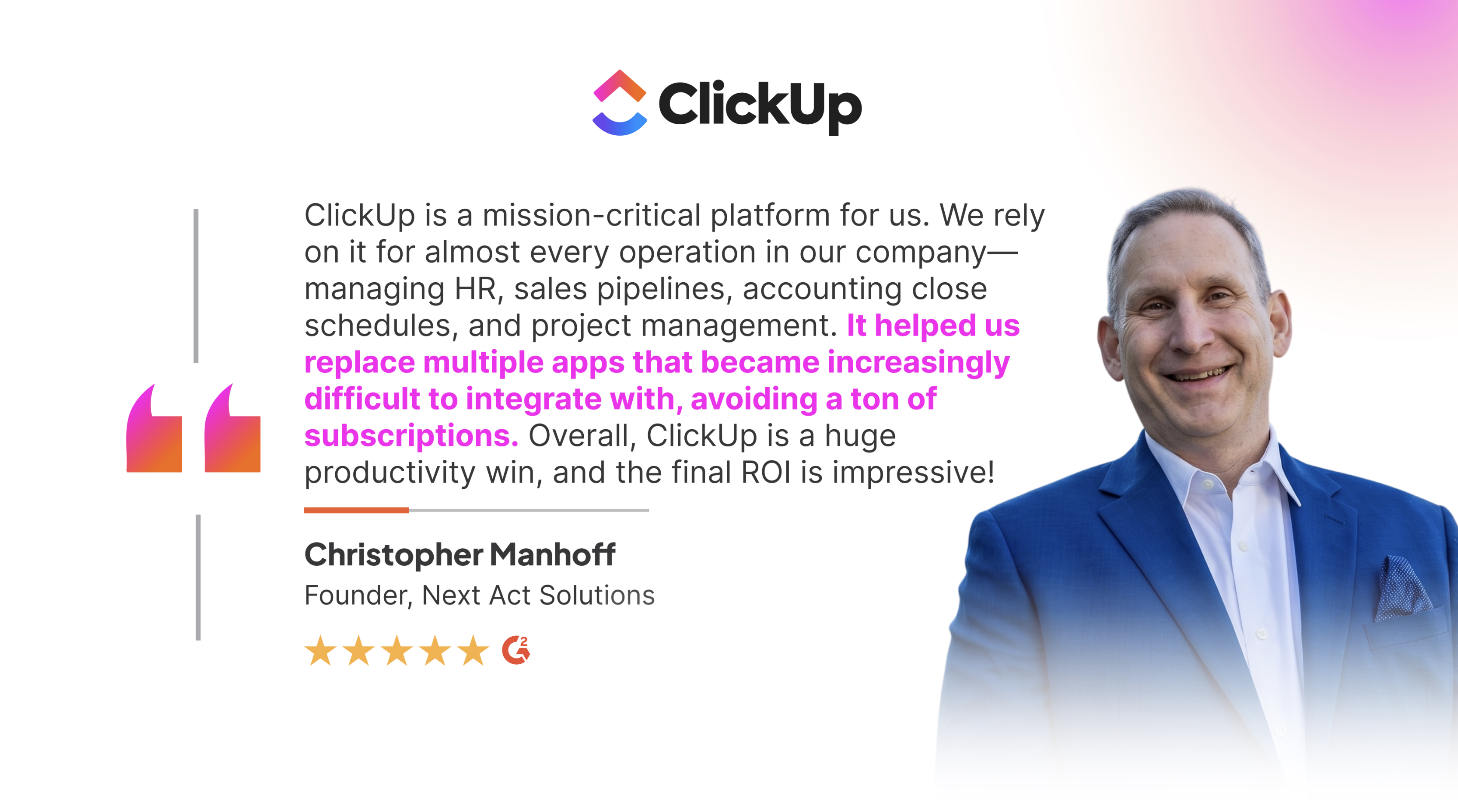
It also solves the software spend problem: the more tools in your stack, the more subscriptions to pay for. Here's what the founder of Next Act Solutions has to say about this:

Next Act Solutions

Set it up

• Pick one workspace as the single home for all client work

• Map your service lines into a clear hierarchy: a Space per practice area, Folders or Lists per client or engagement

• Move the scattered pieces in: tasks, docs, time tracking, and chat all live against the same work

• Set shared statuses and custom fields so every engagement looks and reads the same way

• Make it the only source of truth, then retire the side tools so work stops leaking back out

Skip the build

Client Hub template

Use the Client Hub Template: A lightweight blend of PMO and CRM that keeps client projects and relationships in one central workspace, with 30 statuses and 12 automations already wired in.

Setup 2

Start every client engagement with a cleaner intake

Here's how intake currently works: A request lands in someone's inbox. Scope lives in an email thread, deadlines in a calendar, and the contract in a drive folder. Due to this disconnect, the mess spreads downstream.

The solution is to create one front door for new work: A request comes in → the right owner gets pulled in → the kickoff checklist appears → scope, stakeholders, deadlines, and docs are all attached before the first internal handoff starts

At RT7 Digital, Onno Huyser rebuilt onboarding into a repeatable workflow.
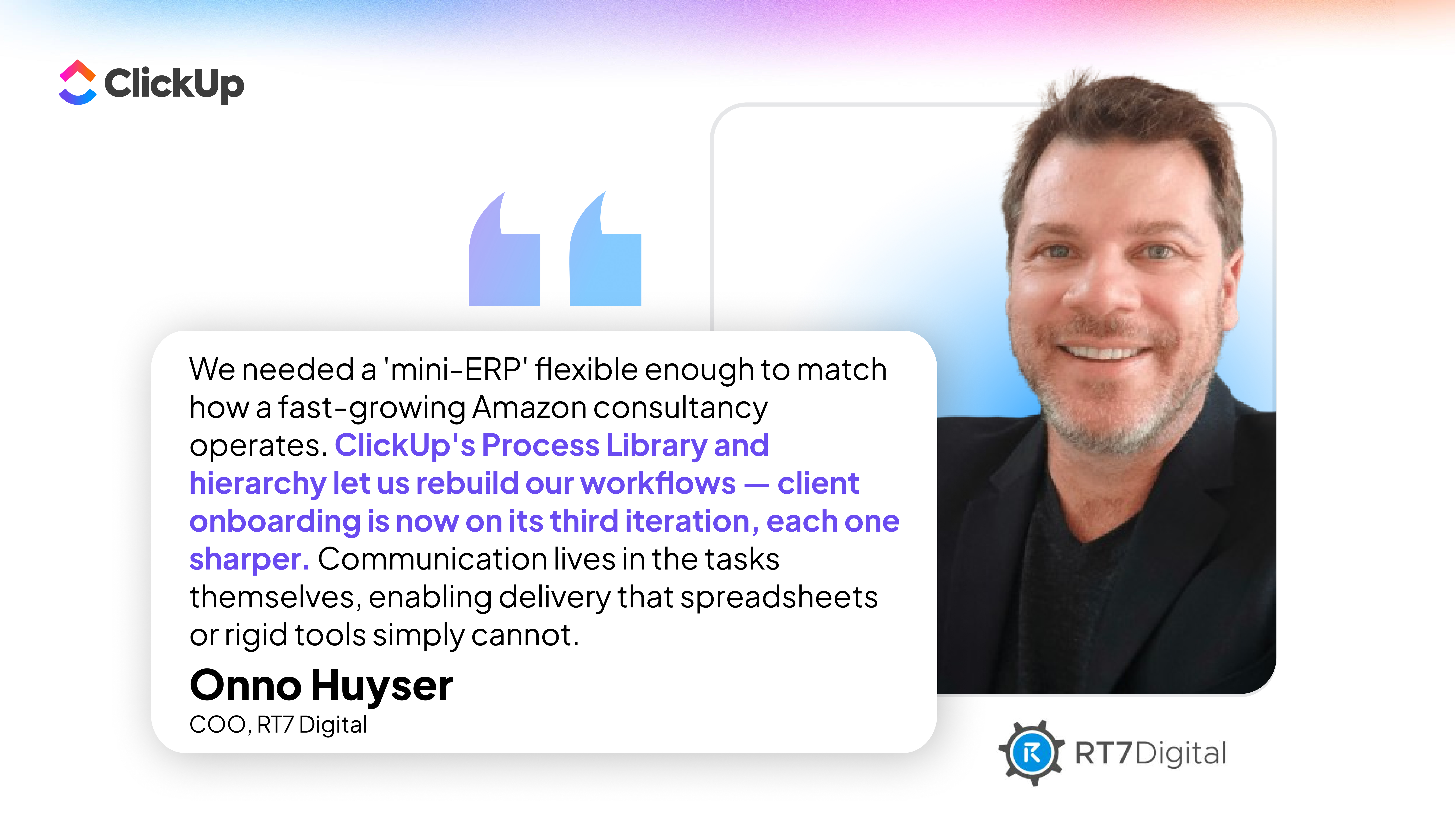
RT7 Digital - Testimonial - (Flexibility) L

Set it up

• Define scope, deliverables, and timelines up front so both sides sign off before any work begins

• Build one intake form with the required fields, so nothing starts without scope, owner, and key dates

• Auto-create the engagement and its kickoff tasks by service type the moment a form is submitted

• Attach a shared client brief doc to the work so context lives with the project

• Add a kickoff checklist covering scope, dates, owners, and client contacts

• Spin up a dashboard view for open onboarding items to keep track of progress

Alex Morgan's team runs client onboarding on automations and AI agents alongside the rest of their operations. AI Agents scan every incoming request, catch the gaps, and route it to the right owner before anyone touches it.

“ClickUp’s automations and AI agents are super powerful! I can set up automatic steps via logic or via AI prompts to run just about any action I can imagine. Today, we use it for everything internally: marketing, internal operations, client onboarding, project management, and OKRs.”

— Alex Morgan, Professional Services Lead on G2

Skip the build

See how ClickUp Super Agents help build a clean project intake system and learn how to build your own AI Agents.

Setup 3

Standardize delivery with a shared baseline

Delivery quality rides on whoever runs the project. One PM has a tight process, another improvises, and a third uses last quarter's project as a loose template. The client experience keeps changing due to lack of SOPs.

The instinct is to fix this with a stricter process. But projects aren't identical: clients, scope, and team composition vary too much for one rigid structure to hold. The better answer is a shared baseline every engagement follows, with room to flex by project type, client, and how each team works best.

ICM.S, an IT consulting firm, shows how this plays out at scale

ICM.S runs 200+ project consultants delivering complex SAP work across 100+ clients. As the business grew, the old tool stack couldn't keep up, which meant a constant cycle of manual emails, calls, and meetings that dragged on delivery timelines.

The structure they landed on: a Space per client engagement, a Folder per project, Lists for the tasks inside each one, and hundreds of standardized templates.

Davide Mameli.png

Davide MameliBusiness Unit Manager, ICM.S

With hundreds of standardized templates and 15+ flexible Views, every project manager starts with a familiar structure yet works the way that's best for them. That's why 90% of our employees are satisfied or very satisfied with ClickUp's flexibility.

Set it up

• Build reusable project plans by service type, so each engagement starts from a known shape

• Set standard milestones, dependencies, and approvals as the spine every project shares

• Attach docs, meeting notes, and action items to the same project instead of scattering them

• Save the whole structure as a template so every new engagement clones the same baseline

Skip the build

Setup 4

Make recurring programs easier to run

Retainers, monthly programs, and ongoing service lines repeat the same admin tasks every cycle. These recurring tasks create operational drag. No reusable structure means no time tracking attached to delivery, and no view into whether the account is actually profitable.

So you pay the same coordination cost every month.

Treat repeating admin work as a workflow with reusable templates, recurring tasks, clear owners, time tracking, and account-level visibility into margin. If you cannot see workload and time clearly, you cannot scope with confidence.

Set it up

• Build recurring tasks on a monthly, weekly, or milestone cadence so the work regenerates itself

• Attach time tracking to actual delivery work, not a separate timesheet

• Open workload views by team, owner, and account so you can see who has capacity before you say yes to more work

• Roll those up into account-level visibility across every active engagement

• Add a simple margin view comparing planned vs. actual effort so you catch unprofitable accounts early

See how they do this at Simplify. Simplify, Simplify - G2 Reviews (Trello, Asana to CU)

Skip the build

Use the Time Tracking & Services Template to capture billable hours attached to delivery work and turn them into billing-ready reports.

Point the Recurring Task Automator Agent at your retainers and it regenerates the recurring tasks, assigns owners, and keeps the cadence moving without anyone rebuilding the same checklist every month.

It is not a stretch. Anthony Dias built one in under 10 minutes to handle a weekly workflow.

Anthony

Anthony DiasJournalist, Administradores

Every Friday meant 15–20 minutes checking calendar alerts, reviewing tasks, and closing podcast items one by one... I built a ClickUp AI Agent in under 10 minutes with plain-language prompts, and it now runs the entire workflow autonomously.

Setup 5

Reporting should be part of the work

Reporting should be a byproduct of the work, not a deliverable on top of it. If your work updates itself, then reporting is one click away and you no longer need to manually assemble updates and rebuild context from memory.

RevPartners saw an incredible efficiency boost by attaching status updates to work.

RevPartners - Testimonial - (Efficiency) L

Set it up

• Build a status dashboard that shows where each engagement stands: progress, milestones hit, and what is at risk

• Add an account dashboard for client-facing metrics and milestones

• Set fields for blockers, next steps, owner, and due date so status is captured as work happens

• Create a reporting doc or view that pulls from live work instead of manual recollection

• Put the status summary on a recurring workflow so it assembles itself on schedule

Skip the build

Use the Professional Services Project Update Template for client-ready status updates with progress tracking and Gantt views pulled from live work.

Point the Project Status Reporter Agent at your engagements and it generates concise, stakeholder-ready project status reports from live workspace data.

Maria Cândida Melo's team leans on exactly this kind of help.

"I really appreciate ClickUp's AI, which helps me draft content, summarize documents, automate updates, and even answer questions about my workspace. It can take meeting notes, analyze data, and generate reports—significantly boosting efficiency and saving time for me and my team."

— Maria Cândida Melo, MCM Strategic Futures on G2

Here are 3 Super Agents built for professional services teams, in under a minute:

Win more projects, deliver faster

Stop stitching onboarding, delivery, and reporting across a dozen tools. Run it all on one operating system, with AI agents handling the repetitive work, so your team's time goes back into billable work instead of chasing updates.
Try ClickUp Free
clickup-og-super-agents

Bonus templates & Super Agent bundle

Sources

[1] Hubstaff research

Trusted by the best