DASHBOARDS IN CLICKUP
Build custom reports you can actually work from
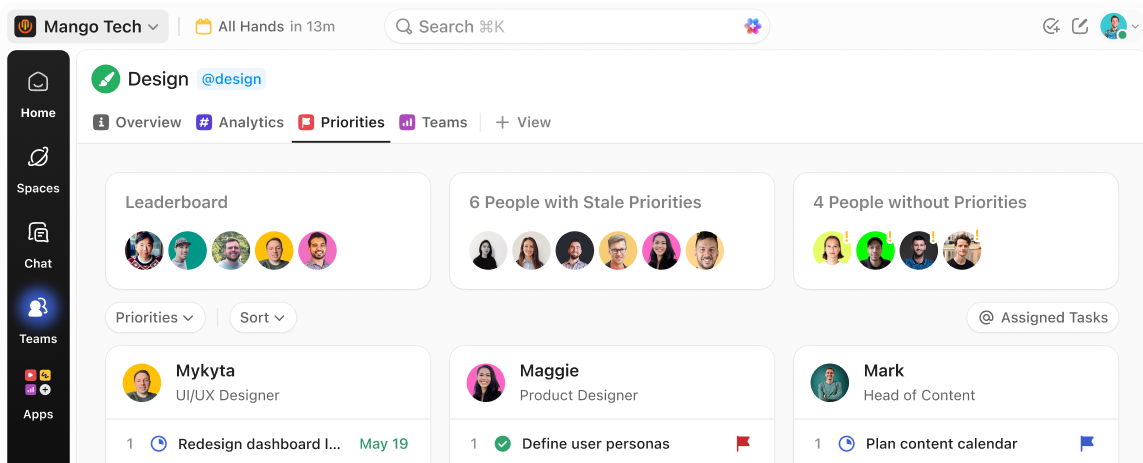
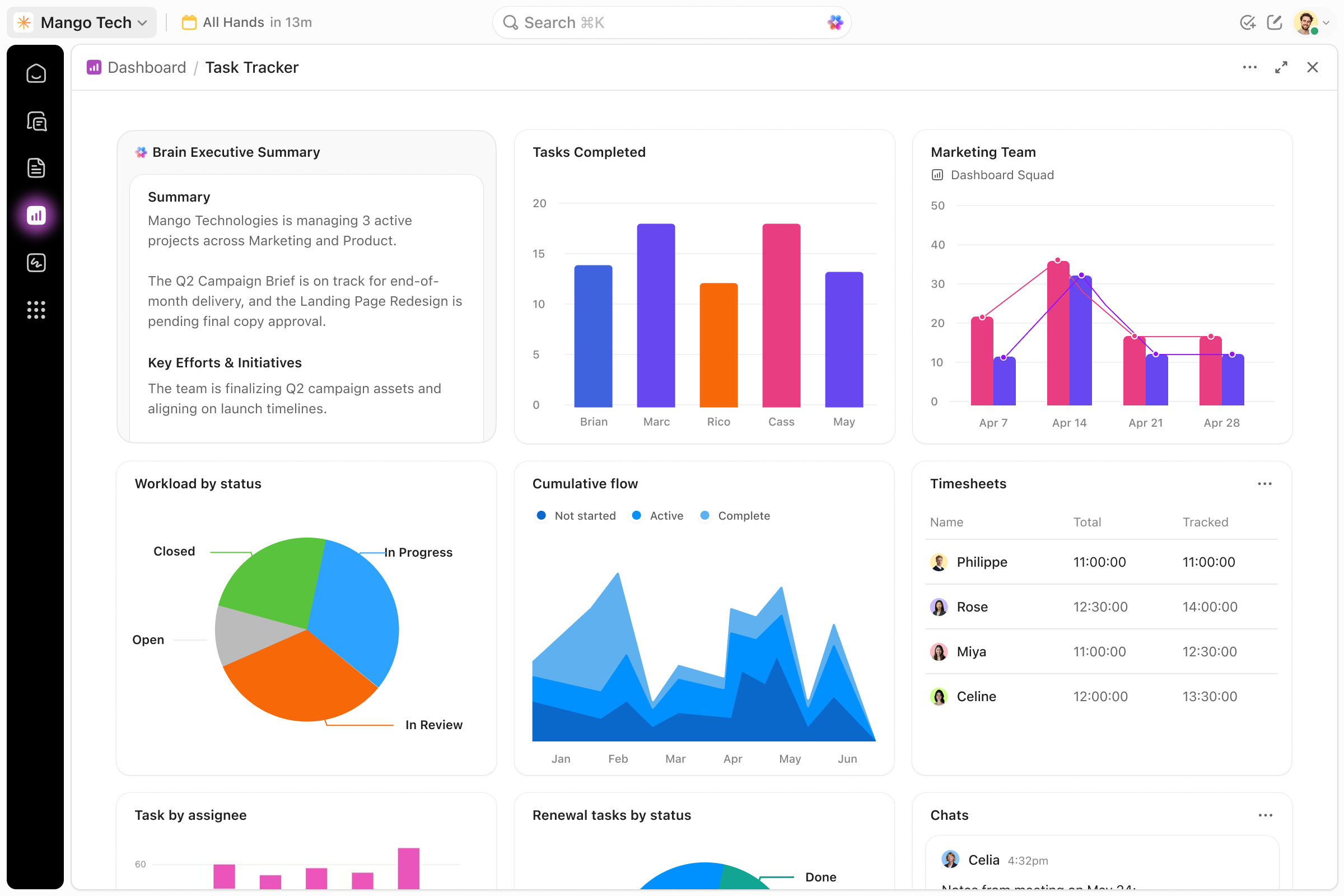
See everything at a glance: campaign performance, team productivity, billable hours. Then update work directly from the dashboard without switching tools.
Free forever.
No credit card.
 25,000+ reviews from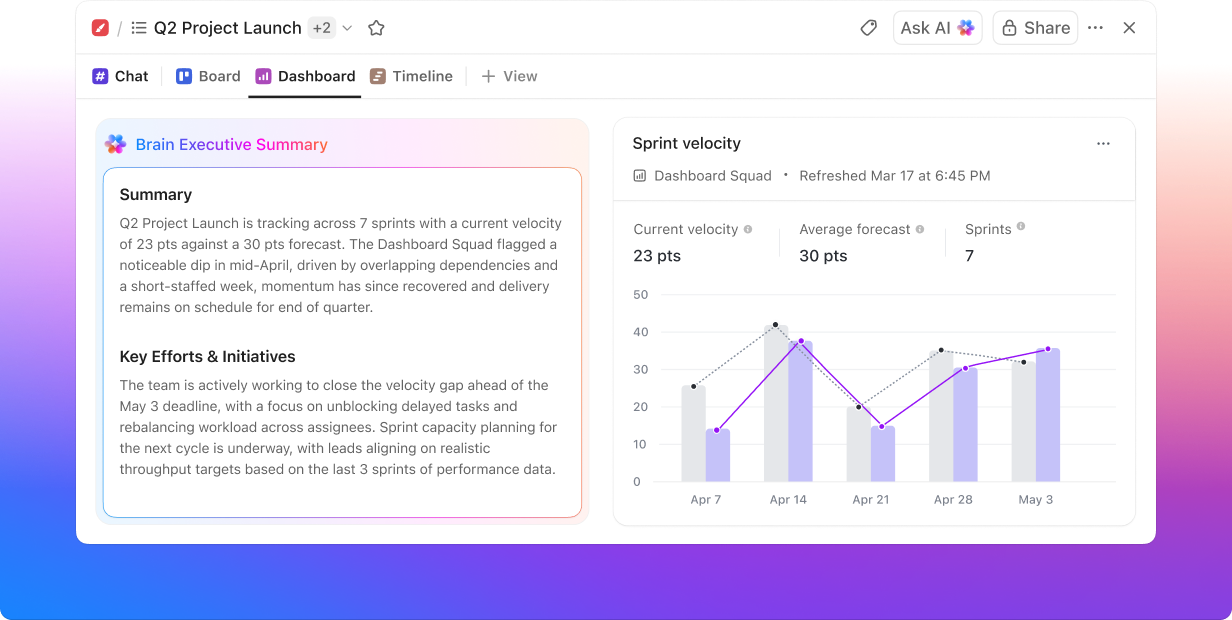
Trusted by the best
DASHBOARDS IN CLICKUP
Dashboards you work from, not just look at
ClickUp Dashboards keep reporting tied to your work, so teams can update tasks and see current progress without switching tools.
Without ClickUp Dashboards
- Read-only reports that never match actual work
- Bounce between tools just to update one status
- Data scattered across sheets, BI tools, and apps
- Stakeholders ping you constantly asking where things stand
With ClickUp Dashboards
- Always current. Always synced. No manual refresh needed
- Reassign, update, or close any task directly from the board
- Your data stays in ClickUp. No more exporting to spreadsheets
- Leadership checks the dashboard instead of Slacking you
DASHBOARDS IN CLICKUP
Reporting that actually works like your team does
Actionable. Flexible. Shareable.
ACTIONABLE
See a problem. Fix it. Same screen.
Change statuses, reassign owners, and update fields right from the dashboard. No new tabs. No switching tools. When you spot a stalled initiative, you fix it on the spot. The dashboard stays in sync because it IS the work.
FLEXIBLE
One dashboard per team, project, or client
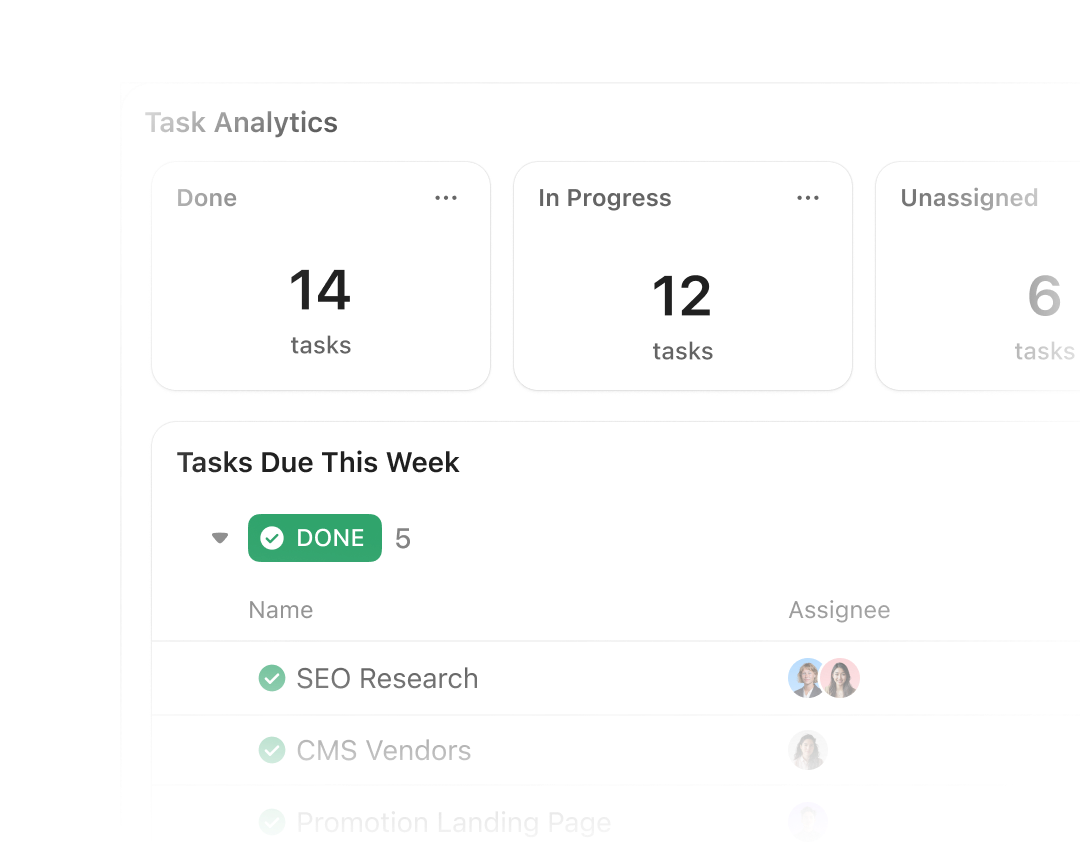
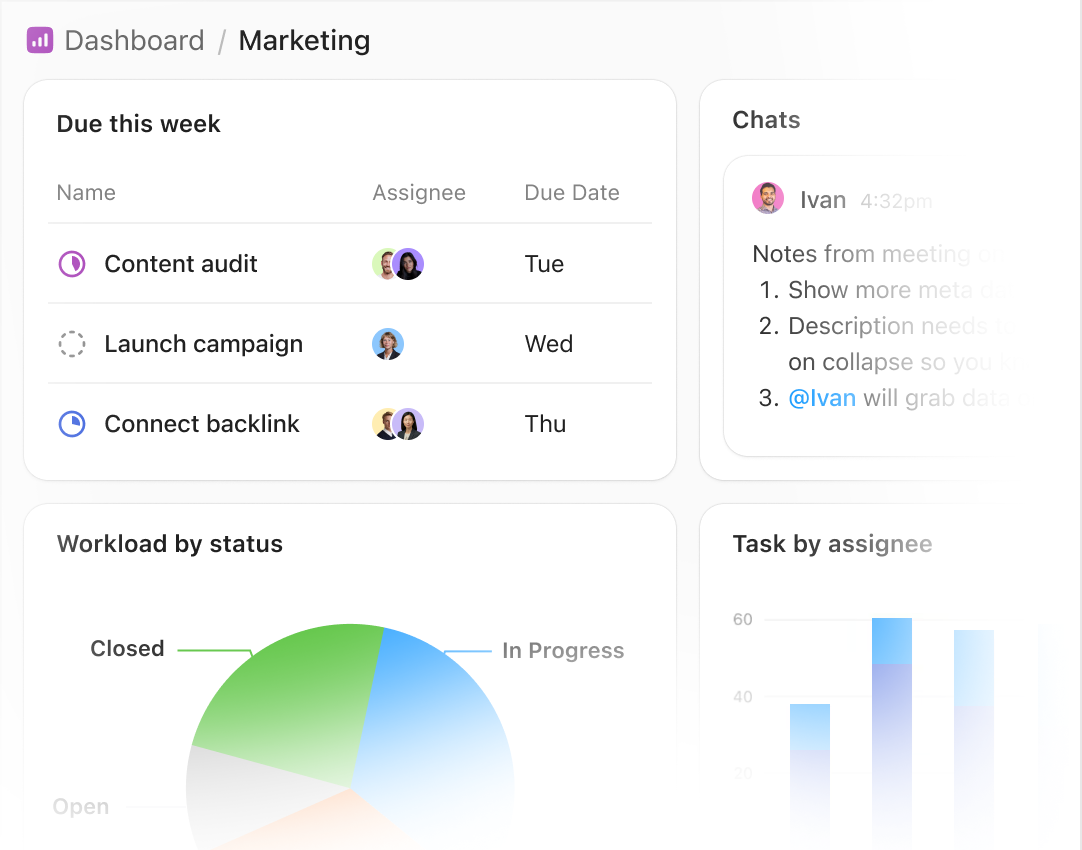
Mix charts, tables, workloads, time tracking, and calculations into a single canvas. Drag, resize, and arrange to match exactly how your team thinks. Sprint dashboards, campaign trackers, client portals: build the view each stakeholder actually needs.
SHAREABLE
Share dashboards without sharing your workspace
Give clients, execs, and partners a live view of progress with granular permissions. They see what they need. Nothing they shouldn't. One link replaces every static slide deck and weekly status email you've ever sent.
Your reports shouldn't need a translator
Join 3M+ teams who report and act from the same place. No credit card. Free forever.




AI POWERED EFFICIENCY
AI that turns data into decisions
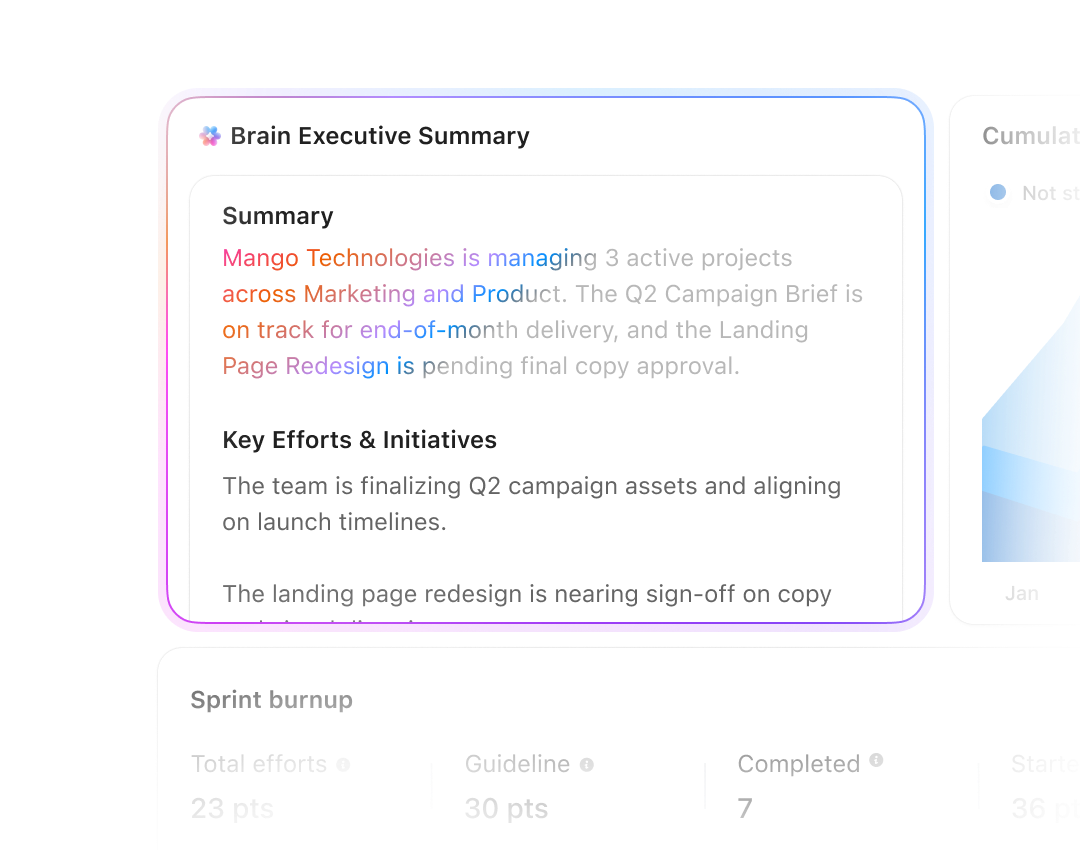
ClickUp Brain surfaces trends and anomalies from Dashboards, while Super Agents can prepare and send status reports on a schedule.
CLICKUP BRAIN
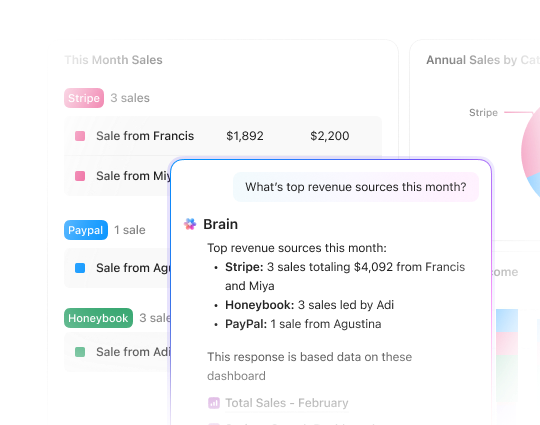
Instant answers from every dashboard you have
Ask Brain questions like "What's at risk this week?" or "Which campaigns slipped last sprint?". Brain scans every Dashboard, surfaces trends and anomalies, and explains what changed in plain language you can share with leadership.
SUPER AGENTS
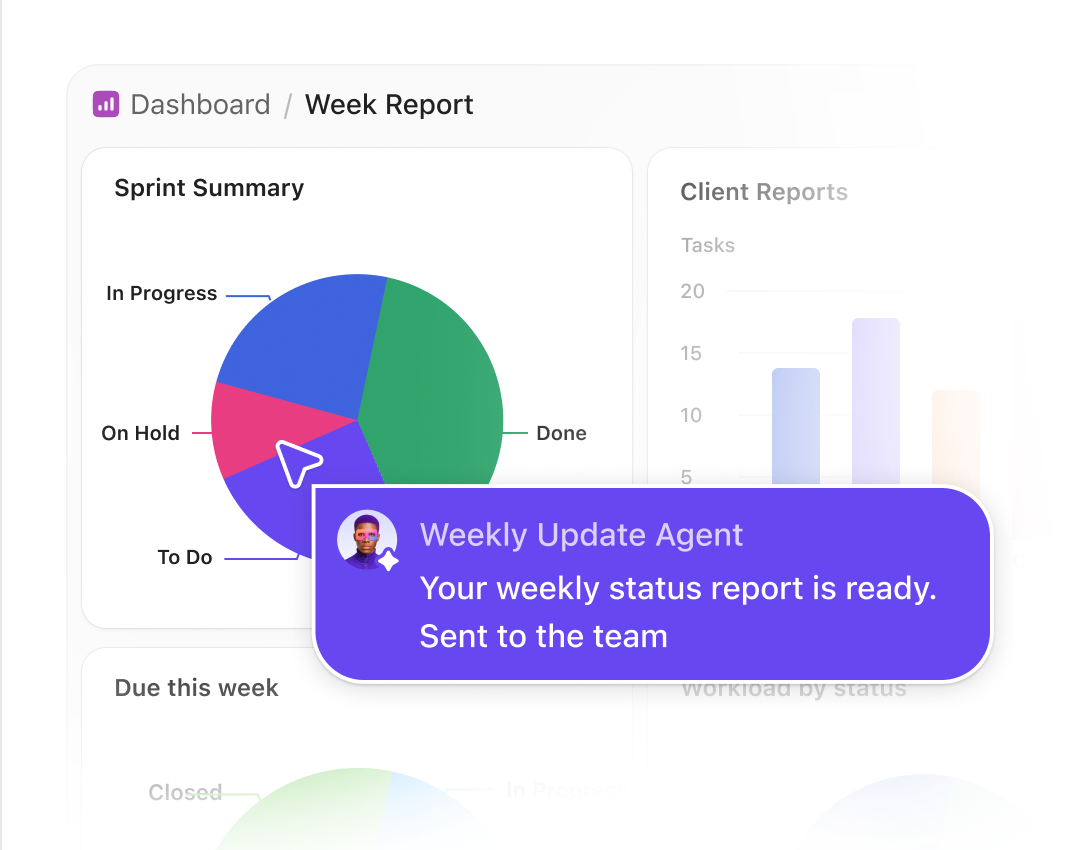
Your status reports, built and sent automatically
Your Monday morning status report? Already sent. Super Agents capture what changed and deliver reports on your schedule.
Plus, everything you need to lead with confidence
Dashboards is just the beginning
Dashboards is part of the ClickUp platform, tasks, docs, chat, whiteboards, and more in a single, converged app. Explore everything you unlock when you bring your work into one place.
Security
Everywhere
SOC 2 TYPE II
ISO 27001
GDPR
HIPAA
24/7 support
SOC 2 TYPE IIISO 27001GDPRHIPAA
FAQs
Frequently asked questions about ClickUp Dashboards
For most teams, ClickUp Dashboards replace day-to-day reporting and executive status decks. When you still need deep enterprise analysis, you can send ClickUp data into Tableau and keep your existing BI workflows.
Yes. Share dashboards with external clients and stakeholders using secure permissions, so they see only what they should—without needing to dig through your workspace.
Start from pre-built templates and have a usable dashboard in minutes. Most teams customize layouts over a single working session and ship client-ready or exec-ready views on day one.
If work lives in ClickUp, it can show up in Dashboards—tasks, time, sprints, goals, and more. For everything else, the Tableau integration lets you combine ClickUp data with data from your broader stack.
Dashboards are available on paid plans and unlock advanced reporting at scale. Free Forever still includes core ClickUp features so you can try the platform, then upgrade when you're ready to centralize reporting.
Build custom reports you can actually work from
Free forever.
No credit card.
No credit card.