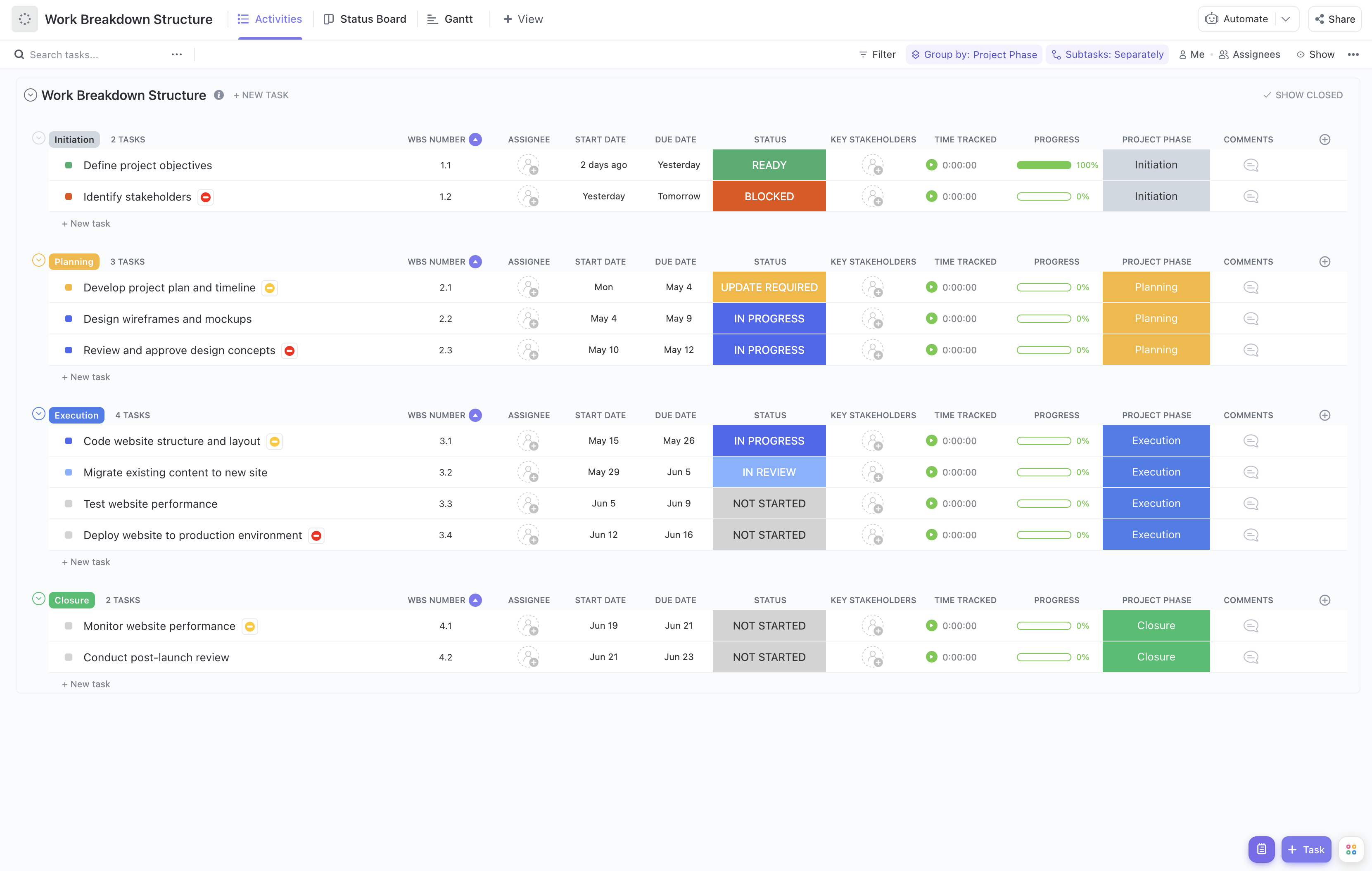
Implementing support automation can transform your customer service operations, but managing the rollout involves numerous interconnected tasks and teams. Our Support Automation Rollout Work Breakdown Structure (WBS) template is crafted to help you navigate this complexity with ease.
This specialized template enables you to:
- Decompose the rollout project into clear, manageable tasks such as tool selection, integration, testing, and training
- Assign responsibilities to cross-functional teams including IT, support agents, and vendors efficiently
- Monitor progress with real-time updates to ensure milestones like pilot completion and full deployment are met on schedule
Best of all, no coding or specialized software skills are necessary—just use ClickUp to organize and execute your support automation rollout seamlessly.
Benefits of Using This Support Automation Rollout WBS Template
Deploying automation in support requires careful planning and coordination. This WBS template offers significant advantages:
- Clearly defines deliverables such as automation workflows, chatbot configurations, and knowledge base updates
- Clarifies roles and responsibilities across teams, reducing overlaps and gaps during rollout phases
- Enhances communication between stakeholders including support leadership, IT, and external vendors
- Improves efficiency by providing a structured roadmap, helping avoid delays and budget overruns
Main Elements of the Support Automation Rollout WBS Template
The template breaks down the rollout into key components:
- Project Initiation:
Define objectives, scope, and secure stakeholder buy-in for automation goals.
- Tool Evaluation and Selection:
Research automation platforms, conduct demos, and finalize vendor contracts.
- Design and Configuration:
Develop automation workflows, chatbot scripts, and integration plans with existing support systems.
- Testing and Quality Assurance:
Execute pilot programs, gather feedback, and refine automation features.
- Training and Change Management:
Prepare support staff through training sessions and update documentation.
- Deployment and Monitoring:
Roll out automation to production, monitor performance, and address issues promptly.
- Project Closure:
Review outcomes, document lessons learned, and transition to ongoing support operations.
By following this structured approach, your team can confidently manage the complexities of support automation rollout, ensuring a smooth transition and maximizing the benefits of automation technology.