Playbook

5 Ways Small Businesses Use ClickUp Chat to Replace Slack

For team leads and ops managers running internal communication across Slack, email, docs, and a separate project management tool.
Problem Statement

Why are SMBs switching chat apps?

You may not be hunting for a better chat app. The teams moving onto ClickUp Chat usually aren't either: they're trying to stop paying for, and switching between, a stack of overlapping communication tools.

📌 The real pressure is that teams are paying more to feel less in control:

41%

of small business owners report rising software costs ¹

1,200

times a day is how often workers toggle between apps and websites ²

4 hours

per week is the time teams lose just reorienting after each app switch ²

Software costs are climbing at the same time fragmentation is eating hours. Every tool you add is another bill and another place for context to scatter, and the gap between where decisions get made and where work gets tracked has to be closed manually.

That's the job nobody put on the org chart: someone stuck in the middle re-linking chat to tasks, chasing status, and answering the same question twice. It's what coordination costs when it lives apart from the work.

These 5 use cases show what changes when you move chat, tasks, decisions, and reporting into one place: lower software spend, fewer manual handoffs, and less time spent chasing status.
Use Case 1

Cut duplicate software spend

Start by questioning the stack you already pay for: Slack for talking, a PM tool for tracking, async video for everything else, and a tangle of supporting apps picked up one problem at a time.

Cost is usually the first trigger to consolidate: fewer systems to check, fewer subscriptions to renew, and fewer seams where work falls through. Founders who've made the move tend to describe it the same way:

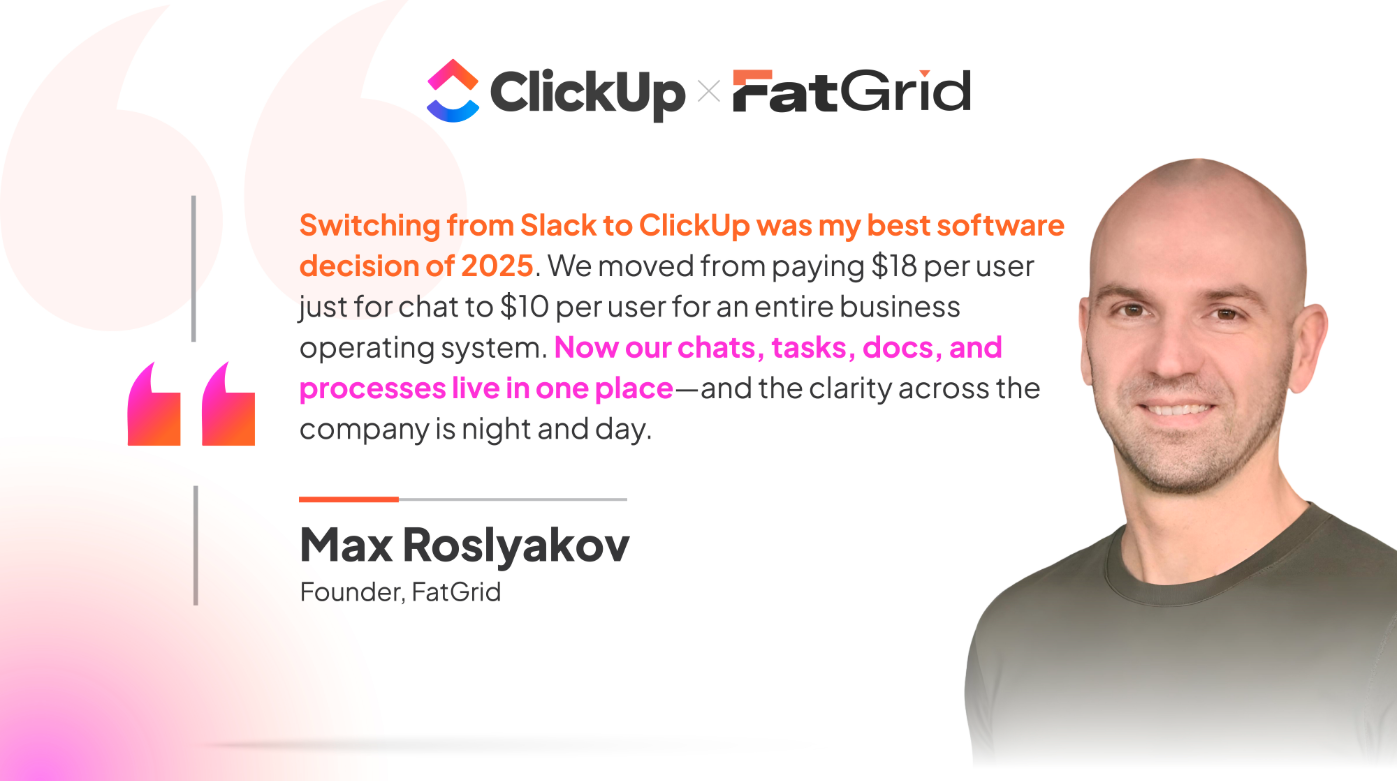
Fatgrid

Fatgrid frames the win as per-seat math: a cheaper line item that does more. Hit Your Mark Media, a digital marketing agency, frames it as collapsing an entire toolset and saving $3,000/year just by moving off Slack to ClickUp Chat.

Derek Archer quote

Set it up (≈30 min)

• List every tool your team uses to communicate (chat, email threads, async video, huddles)

• Mark the overlap with your PM tool

• Move your most active channel into ClickUp Chat this week and run it in parallel for 5 days before you cancel anything

Not sure where the overlap is?

Run the Tool Sprawl Assessment to see where you're paying for multiple tools that do the same thing.

Use Case 2

Turn messages into tracked work

The hardest part of running work across Slack and a PM tool is the handoff. A decision gets made in chat, a detail changes, a blocker surfaces, and then someone has to remember to copy it into a task before it disappears into the scroll.

📌 Context switching between disconnected tools consume up to 40% of productive time ³

When Chat sits in the same workspace as your tasks, you skip the re-entry: hover over any message, click Create task, and that message becomes a task with the full thread attached as context. You set the owner and due date in the same step. The task is built straight from the conversation and carries the relevant thread with it, so the reasoning behind it doesn't get stranded in chat.

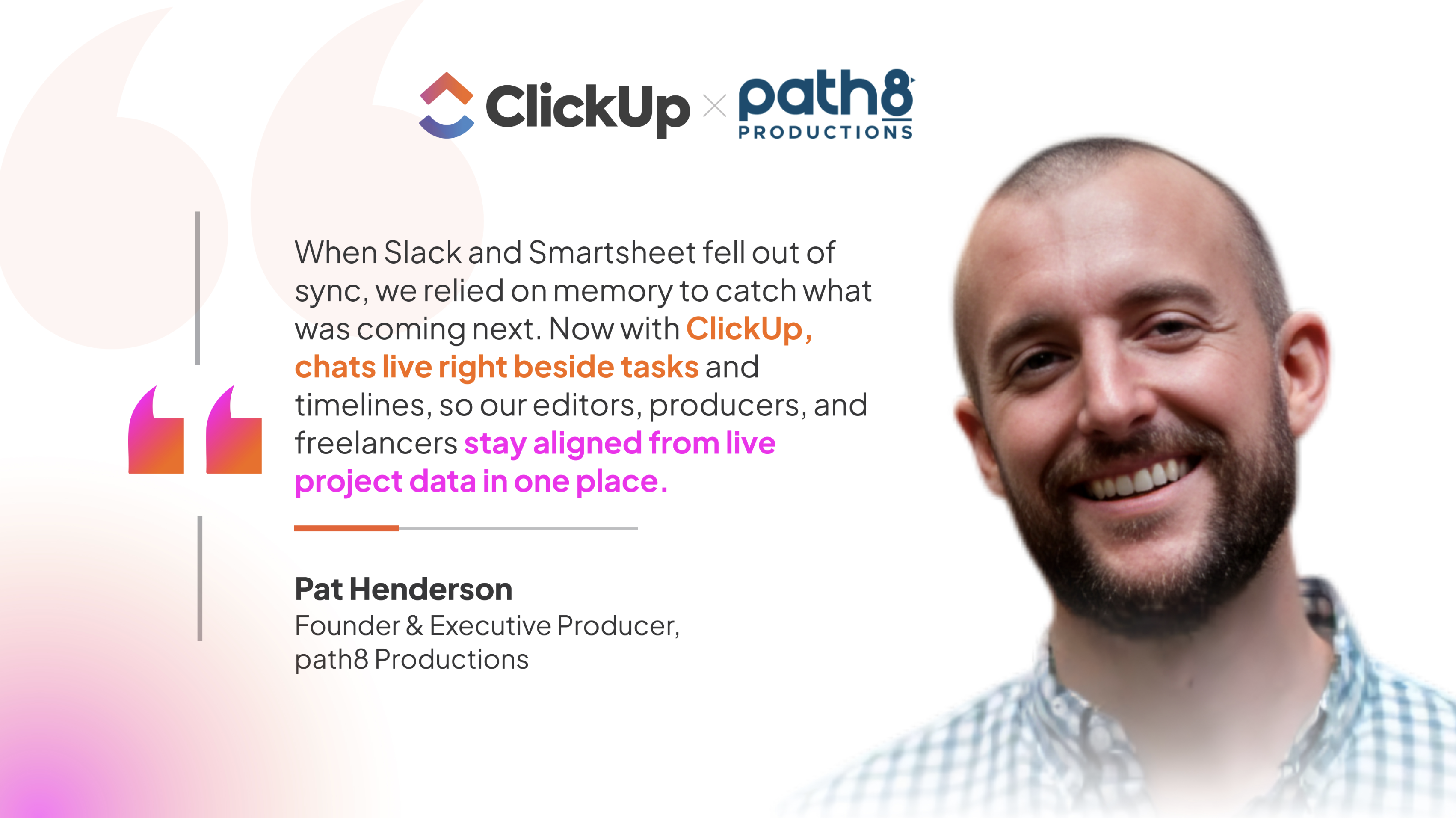
That's exactly the trap path8 Productions, a video studio, climbed out of. They'd been re-keying the same update across six different tools before pulling everything onto one workspace:

Pat Henderson

Pat HendersonFounder & Executive Producer, path8 Productions

We were juggling Smartsheet, Slack, Toggl, and three other tools, re-entering the same update in each one. Consolidating onto one connected workspace meant status is entered once and synced everywhere.

Set it up (≈15 min)

• Open your busiest Channel

• Find the last decision that should have become a task and convert it with one click

• Assign an owner and due date

• Relate existing tasks to their threads so the next person inherits the context instead of asking for it

ClickUp Chat to Task One click turns a chat message into a tracked task with the assignee, due date, and linked conversation already attached.
Go hands-free

Add the Chat to Task Converter Agent. It watches your Channels for action items and converts them into assigned tasks automatically, so decisions stop depending on someone remembering to click "Create Task" before the thread scrolls away.

Use Case 3

Make past decisions findable

Capturing a decision as a task is one half of the problem. Finding the reasoning behind later is the other. When the conversation that set a deadline lives in a different app than the deadline itself, your team ends up reverse-engineering choices.

56%

of workers feel pressure to respond to notifications immediately ⁴

52%

multitask more during virtual meetings than a year ago ⁴

In ClickUp, a Channel can be tied to a Space or List, and messages can be linked to the tasks and docs they reference. That keeps the decision searchable and sitting beside the work it governs, so stakeholders pull context from one live source rather than reconstructing it from a thread.

path8 clickup chat

What works for a small crew holds at scale. Brentwood Baptist Church runs 200+ staff across nine campuses, with conversations once scattered across Teams, Slack, and email chains so long nobody knew where the latest decision actually lived. Moving to ClickUp Chat tied each message to the work it referenced, so cross-campus coordination stopped depending on who remembered the right thread.

DS Brentwood

Dillon SherlockDigital Strategy Director, Brentwood Baptist Church

The moment we moved to ClickUp Chat, everything changed. We didn't have to dig through different apps to find updates. Every message, every decision, it was all right there, tied to the actual work we were doing.

Set it up (≈20 min)

• Create one Channel per active Space (Sales, Service, Delivery)

• Link each Channel to its List so messages and work share a home

• Make the team rule explicit: decisions live in the Channel attached to the work, not in a DM

Skip the build

Install the Team Communication and Meeting Matrix template. It defines who owns what, establishes check-in cadences, and maps communication channels per project, so the "one Channel per Space" structure comes pre-wired instead of built from scratch.

Use Case 4

Replace your whole communication stack

Agencies and service teams feel this first because their work moves through people fast: a client changes scope, a producer flags a delay, a creative drops a clip, a lead needs a task updated. When those moments are spread across Slack, a PM tool, Loom, and Zoom, the team spends more energy tracking coordination than delivering.

📌 91% of businesses use at least two messaging apps, and respondents run 3.3 chat apps on average ⁵

The opportunity goes beyond chat. ClickUp Chat pairs with Clips (screen and voice recording) and SyncUps (one-click calls with AI summaries and auto-assigned action items). For teams whose quick calls, walkthroughs, and meeting recaps mostly happen inside the workspace, that means fewer separate huddle, recording, and meeting tools to pay for, with every output staying attached to the work it came from.

Tefans Tactics

Set it up (≈15 min)

• Next time you'd open Zoom for a quick sync, start a SyncUp from the Channel instead and let AI post the summary and action items

• Replace your next "let me explain this" message with a Clip

• Both land in the workspace, not a separate tool

ClickUp Chat, Clips, and SyncUps Chat for the conversation, Clips for the walkthrough, SyncUps for the call, and AI turns action items into assigned tasks automatically.

Go hands-free

Add the Personal Assistant Agent. It handles reminders, follow-ups, and task scheduling automatically, so the ops person who used to be the human router between tools can stop pinging everyone manually and let the agent keep the team on track.

Use Case 5

Catch up and report without status-chasing meetings

The weekly drain on a team lead is reassembly: scrolling channels to find what changed, chasing updates before meetings, and rebuilding context from different places.

Because Chat sits where the work happens, the AI in your workspace can read it. Use Catch Me Up to summarize a Channel's last 24 hours or 7 days, ask AI questions about a conversation, or let SyncUps generate the recap automatically. The reporting ritual shrinks from an afternoon to a glance.

Pat Henderson

Pat HendersonFounder & Executive Producer, path8 Productions

We used to spend 30 to 60 minutes prepping for each team meeting. With ClickUp centralizing our project data, that dropped to just 10 minutes, a 60% reduction. I can finally focus on creative work instead of chasing project updates.

Set it up (≈10 min)

• Each morning, hit Catch Me Up on your two busiest Channels instead of scrolling

• Before your next standup, summarize the relevant Channel for the last 7 days and walk in already caught up

ClickUp Catch Me Up Instead of scrolling a week of messages, Catch Me Up distills the Channel into key decisions, approvals, and resolved blockers in seconds.

Go hands-free

Add the Project Status Reporter Agent. It pulls live workspace data and writes a concise, stakeholder-ready status report automatically, so the Friday-afternoon reporting ritual that used to take an hour becomes something you review in two minutes instead of assembling from scratch.

What's next?

Pick your starting point

You don't need to overhaul your stack in a week. Pick the pain that costs you the most time right now and start there:

• If your biggest drain is cost and tool overlap → Use Case 1. Run the assessment, parallel-run one channel for 5 days, and let the numbers make the decision for you.

• If decisions keep disappearing into chat threads → Use Case 2. Convert 3 real decisions into tasks this week. Once context rides with the task, the habit sticks on its own.

• If your mornings go to status-chasing → Use Case 5. One week of Catch Me Up instead of scrolling. Measure how much prep time disappears.

Start with one. The rest gets easier once your team feels the first win.

Ready to bridge the gap between chat and work?

Teams that consolidate chat and work into one platform get hours back every week and save thousands per year. See what changes when you stop bridging the gap by hand.
Try ClickUp Chat
ClickUp Chat Meta
Trusted by the best
