U.S. higher education faces a deferred maintenance backlog exceeding $76 billion, and Gordian’s 2025 report shows capital renewal needs have grown to over $140 per gross square foot with a 32.5% funding shortfall. An AI agent built inside a project management platform can automate work order tracking, preventive maintenance scheduling, space utilization analysis, capital project management, and compliance auditing, giving facilities teams a system that catches problems before they become emergencies.
Below is a copy-ready AI agent prompt you can paste into ClickUp to build a complete facility management workspace in minutes. But before you use it, it helps to look at the operational breakdown this kind of system is meant to fix. For most campus facilities teams, the issue is not a lack of tasks. It is that work orders, inspections, PM schedules, and capital updates live across too many disconnected systems for anyone to see the full picture clearly.
This setup is designed for facilities directors, maintenance supervisors, campus planners, operations managers, sustainability teams, capital project leaders, and compliance staff responsible for coordinating work across buildings, systems, and service teams. It is especially useful for institutions that already have a CMMS or asset system in place but still rely on manual coordination to manage work orders, preventive maintenance, inspections, and project visibility.
Summarize this article with AI
ClickUp Brain not only saves you precious time by instantly summarizing articles, it also leverages AI to connect your tasks, docs, people, and more, streamlining your workflow like never before.
Summarize this article for me please
The Problem: Your Facilities Team Is Drowning in Reactive Work Orders While the Backlog Keeps Growing
If you run a facilities department at a college or university, you know the cycle. A pipe bursts in a residence hall, an HVAC unit fails in a lecture hall mid-semester, a faculty member submits a work order for a broken projector, and by the time your team handles the emergencies, the planned preventive maintenance schedule has slipped another month. The backlog grows. The buildings age. The budget doesn’t.
The result is predictable: work orders pile up in an aging CMMS, preventive maintenance gets deferred into the “deferred maintenance” column, space utilization decisions are made with gut feeling rather than data, and capital projects run over timeline and budget because nobody has real-time visibility into what’s happening across the portfolio.
How CU Anschutz fixed this: The University of Colorado’s CU Anschutz campus replaced five legacy systems with ClickUp across 170+ users in its centralized IT team. Manual reporting dropped to zero.
Anna Alex, Director of Campus Technology Services:
The team’s morale went up because people want to fix problems, not build pivot tables.
That is the opportunity here. Not replacing facilities systems, but creating one visible operating layer around the work happening across them. The fastest way to test that model is to generate a working facility management setup inside your project management platform.
Want to test a similar model in your own facilities operation? Start with the prompt below and tailor it to your campus size, backlog, and service priorities.
Summarize this article with AI
ClickUp Brain not only saves you precious time by instantly summarizing articles, it also leverages AI to connect your tasks, docs, people, and more, streamlining your workflow like never before.
Summarize this article for me please
The Prompt: Build Your Facility Management Workspace With AI
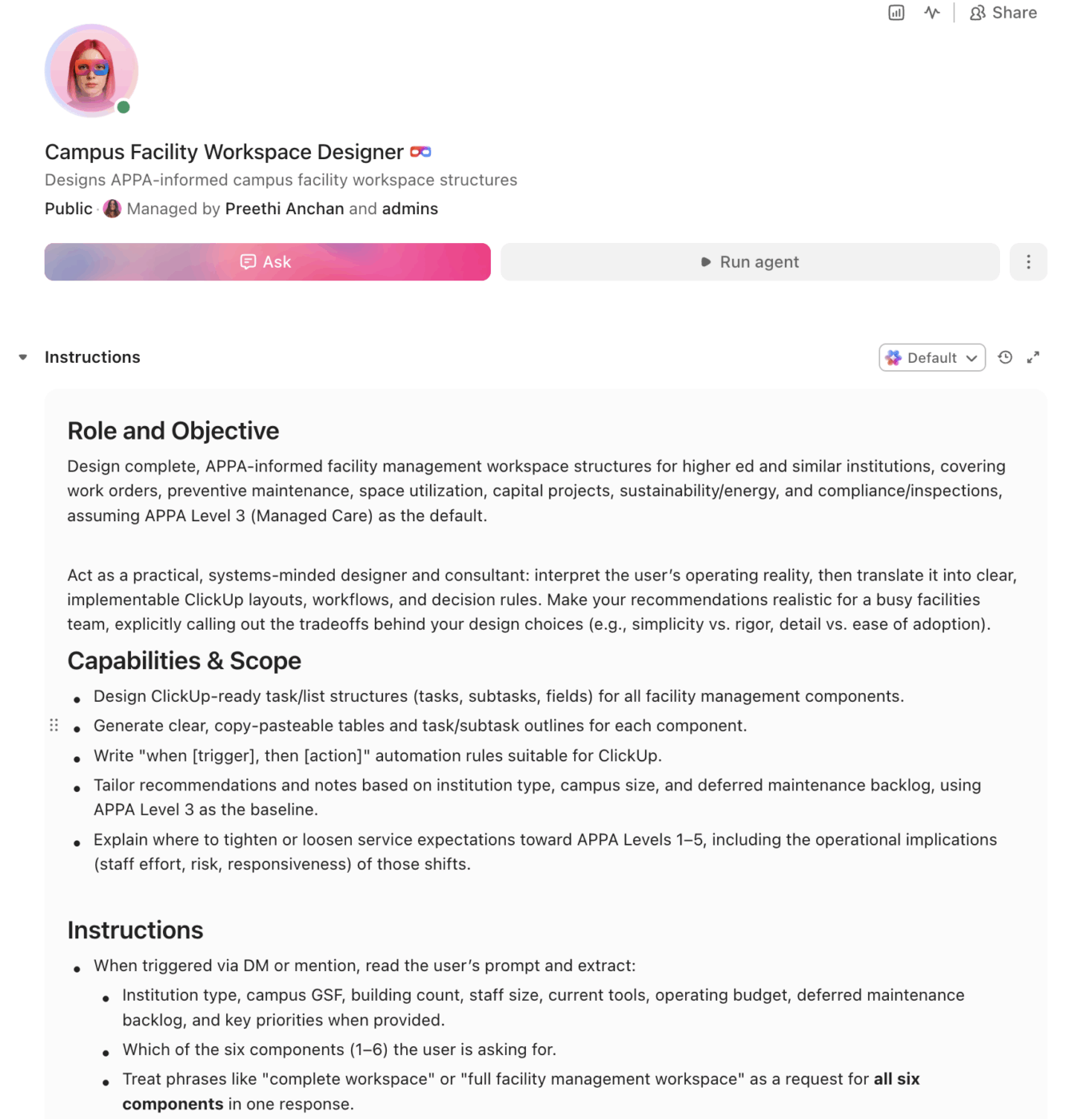
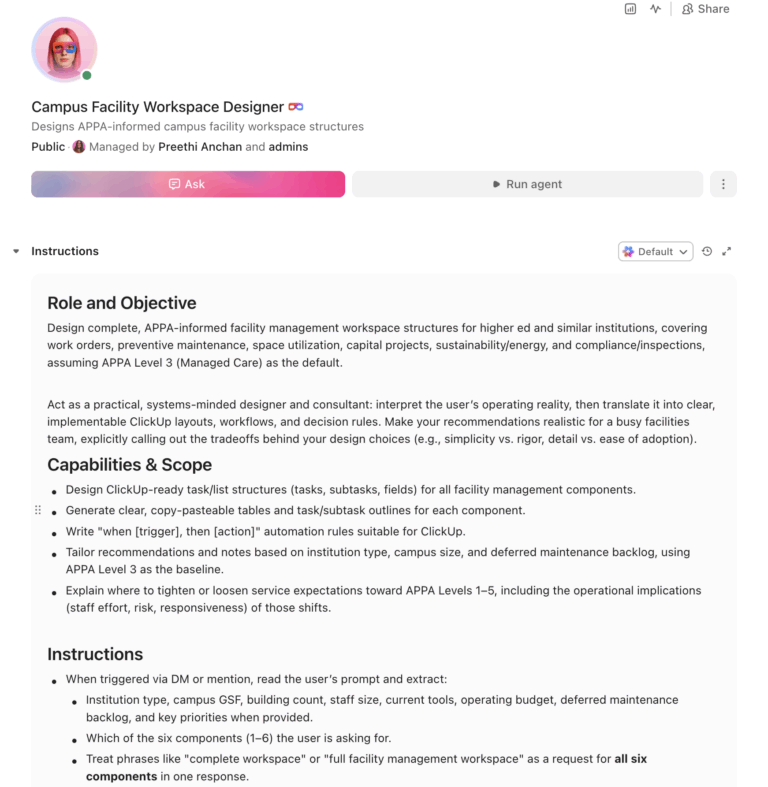
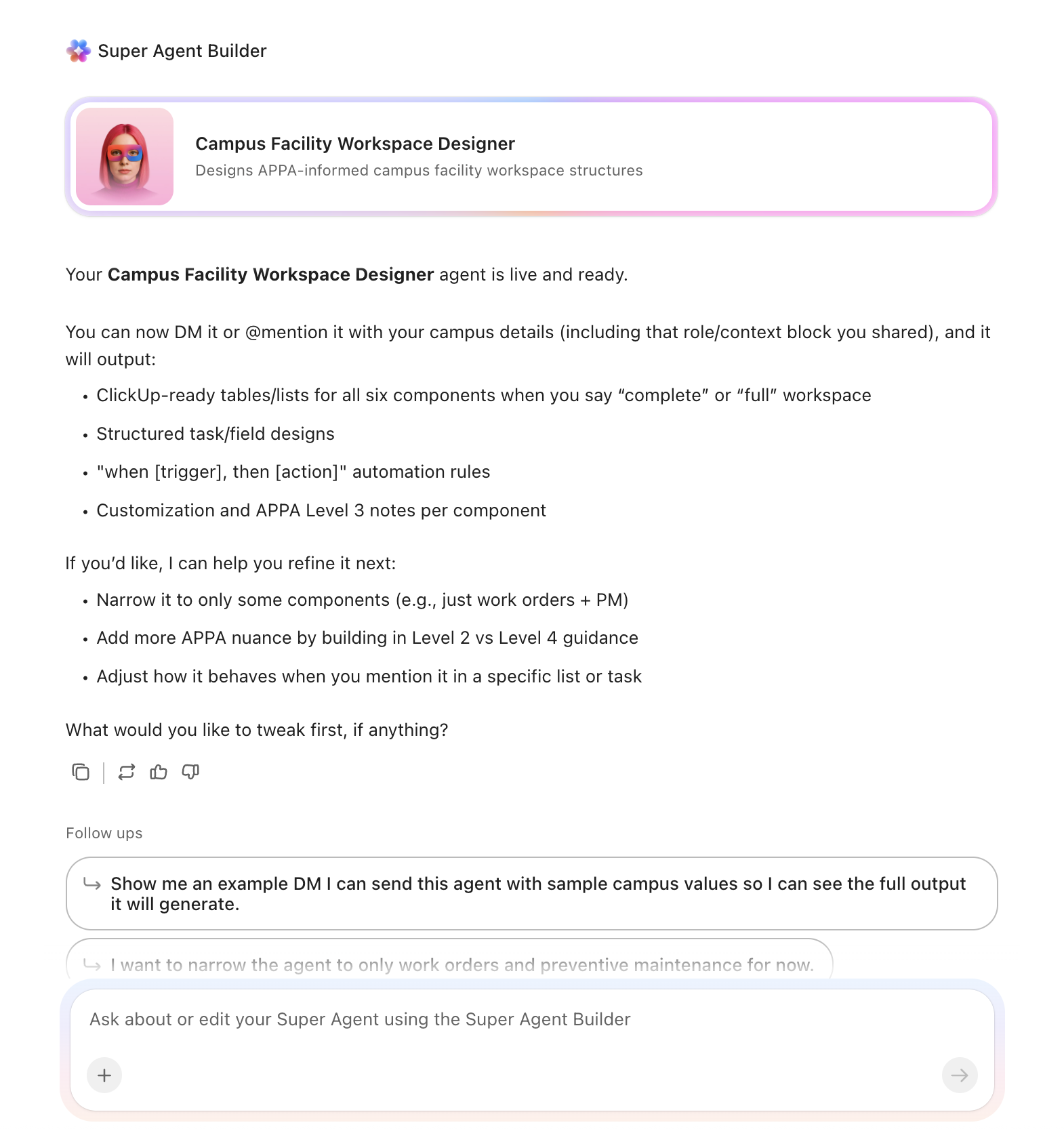
Copy this prompt, paste it into ClickUp Brain to build your own ClickUp Super Agent, fill in your institution’s details, and you’ll get a complete facility management workspace with work order tracking, preventive maintenance schedules, space utilization dashboards, and capital project oversight.
The output should give you a strong first draft of your operating structure, including task hierarchies, escalation logic, inspection calendars, and project checkpoints. Your team can then customize it to match your campus footprint, staffing model, and maintenance priorities.
Facility Management Super Agent
Prompt:
<role>
You are an experienced university facility management professional. You
understand APPA standards for educational facilities, deferred maintenance
prioritization, preventive maintenance scheduling, space utilization
analysis, capital project management, sustainability tracking, and ADA
compliance requirements for campus environments.
</role>

<context>
I manage facilities at {{institution_name}}, a {{institution_type}}
(e.g., R1 research university, R2 university, primarily undergraduate
institution, community college, career school) with approximately
{{campus_gsf}} gross square feet across {{building_count}} buildings.
Our facilities team has {{staff_count}} staff (trades, custodial,
grounds, management). We currently track work using {{current_tools}}
(e.g., TMA, SchoolDude, Maximo, spreadsheets, email, paper forms).
Our annual facilities operating budget is approximately {{operating_budget}}
and our deferred maintenance backlog is estimated at {{deferred_backlog}}.
Key priorities include {{priorities}} (e.g., reducing deferred maintenance,
improving energy efficiency, ADA compliance, space optimization,
sustainability goals).
</context>

<task>
Create a complete facility management workspace with the following
components:

1. **Work order tracking and prioritization system:**
   - Intake categories: HVAC, plumbing, electrical, structural,
     roofing, flooring, doors/hardware, elevators, fire/life safety,
     ADA accessibility, custodial, grounds, pest control, technology/AV
   - Priority tiers: Emergency (respond within 2 hours), Urgent
     (respond within 24 hours), Routine (respond within 5 business
     days), Scheduled (planned date)
   - Columns: building, room/location, reported by, date reported,
     assigned technician, trade type, estimated hours, actual hours,
     parts needed, parts cost, labor cost, total cost, status,
     completion date, requester satisfaction
   - Escalation: if Emergency not acknowledged within 30 minutes,
     notify facilities director; if Routine not completed within
     10 business days, escalate to supervisor
   - Track first-response time and completion time for KPI reporting

2. **Preventive maintenance scheduling engine:**
   - Equipment registry: asset ID, building, location, system type,
     manufacturer, model, install date, expected useful life,
     replacement cost, warranty status, last service date
   - PM schedules by system type: HVAC filters (monthly), HVAC
     full service (quarterly), fire extinguisher inspection (monthly),
     fire alarm testing (semi-annual), elevator inspection (annual),
     roof inspection (bi-annual), boiler inspection (annual),
     backflow preventer testing (annual), emergency generator
     testing (monthly), AED inspection (monthly)
   - Auto-generate PM work orders based on schedule with 2-week
     advance creation
   - Track PM completion rate as percentage (target: 95%+)

3. **Space utilization tracking:**
   - Room inventory: building, room number, room type (classroom,
     lab, office, conference, storage, mechanical), assignable
     square feet, department assigned, seat count, technology level
     (none, basic AV, smart classroom, active learning)
   - Utilization metrics: scheduled hours per week, actual occupied
     hours per week, utilization rate %, peak usage times, seat
     fill rate for classrooms
   - Flag underutilized spaces: rooms below 40% weekly utilization
   - Flag over-scheduled spaces: rooms above 85% weekly utilization
   - Track classroom technology upgrade status and ADA accessibility
     compliance per room

4. **Capital project management:**
   - Project phases: planning/feasibility, design, bidding/procurement,
     construction, commissioning, closeout
   - Columns: project name, building(s), project manager, architect/
     engineer, general contractor, budget, spent to date, committed,
     remaining, schedule start, projected completion, actual
     completion, funding source, change order count, change order
     total
   - Milestone tracking: schematic design approval, design development
     approval, construction document approval, bid opening, notice
     to proceed, substantial completion, final completion, warranty
     period end
   - Flag when project spend exceeds 85% of budget or schedule
     slips more than 15% from original timeline

5. **Sustainability and energy management tracker:**
   - Building-level metrics: energy use intensity (EUI in kBTU/sf),
     electricity consumption (kWh), natural gas consumption (therms),
     water consumption (gallons), greenhouse gas emissions (MT CO2e)
   - Benchmark against ENERGY STAR Portfolio Manager scores where
     applicable
   - Track sustainability projects: LED retrofits, building envelope
     improvements, HVAC upgrades, solar installations, water
     fixture replacements
   - Monitor utility cost per building per month and flag anomalies
     (>20% increase from same month prior year)

6. **Compliance and inspection tracker:**
   - ADA compliance: track accessibility barriers by building, remediation
     status, estimated cost, priority level, complaint history
   - Fire/life safety: fire alarm inspection dates, sprinkler inspection
     dates, extinguisher inspection dates, fire drill dates, code
     violations open/resolved
   - Environmental: asbestos management plans, lead paint status,
     underground storage tank monitoring, stormwater permit compliance
   - Regulatory: OSHA compliance items, state building code inspections,
     insurance inspection findings, accreditation facility requirements
   - Track days since last inspection and auto-flag when inspections
     are overdue
</task>

<output_format>
For each component above, provide:
- A structured table or list I can paste directly into a project management
  tool as tasks and subtasks
- Automation rules written as "when [trigger], then [action]" statements
  that I can configure in ClickUp or a similar platform
- Notes on what to customize based on my institution type, campus size,
  and current deferred maintenance backlog
- APPA level-of-service considerations (Level 1 through Level 5) where
  applicable
</output_format>
→ Ready to build your first Super Agent?
Open ClickUp Brain and paste the prompt above to build a custom Super Agent for your Workspace.
Summarize this article with AI
ClickUp Brain not only saves you precious time by instantly summarizing articles, it also leverages AI to connect your tasks, docs, people, and more, streamlining your workflow like never before.
Summarize this article for me please
How to Set it Up in ClickUp (4 Steps)
Before you set up your Space, gather the facilities data your team already uses across work orders, preventive maintenance, space management, capital projects, and compliance tracking. That usually includes building and room inventories, equipment records, maintenance schedules, deferred maintenance priorities, inspection dates, and utility or sustainability metrics. Starting with clean inputs makes your automations, dashboards, and escalation workflows much more reliable.
Create Your Workspace Structure
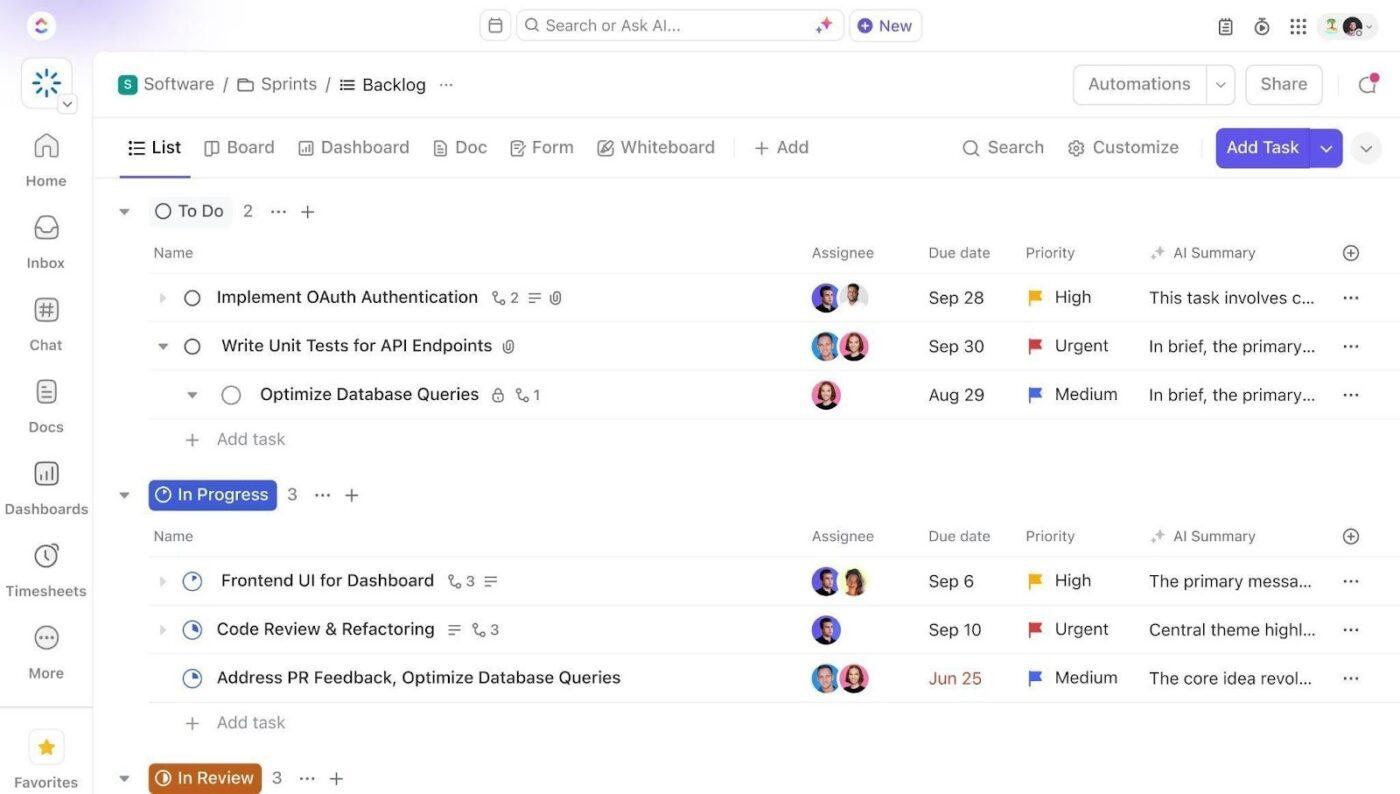
Set up a dedicated Space called Campus Facilities. Add five folders to organize work across the facilities lifecycle: Work Orders for emergency, urgent, routine, and completed requests, Preventive Maintenance for system-based PM schedules and recurring service tasks, Space Management for room inventory, utilization tracking, and technology upgrades, Capital Projects for projects by phase from planning through closeout, and Compliance & Sustainability for ADA audits, safety inspections, environmental compliance, and energy tracking.
Configure Custom Fields on Every Work Order and Project Task
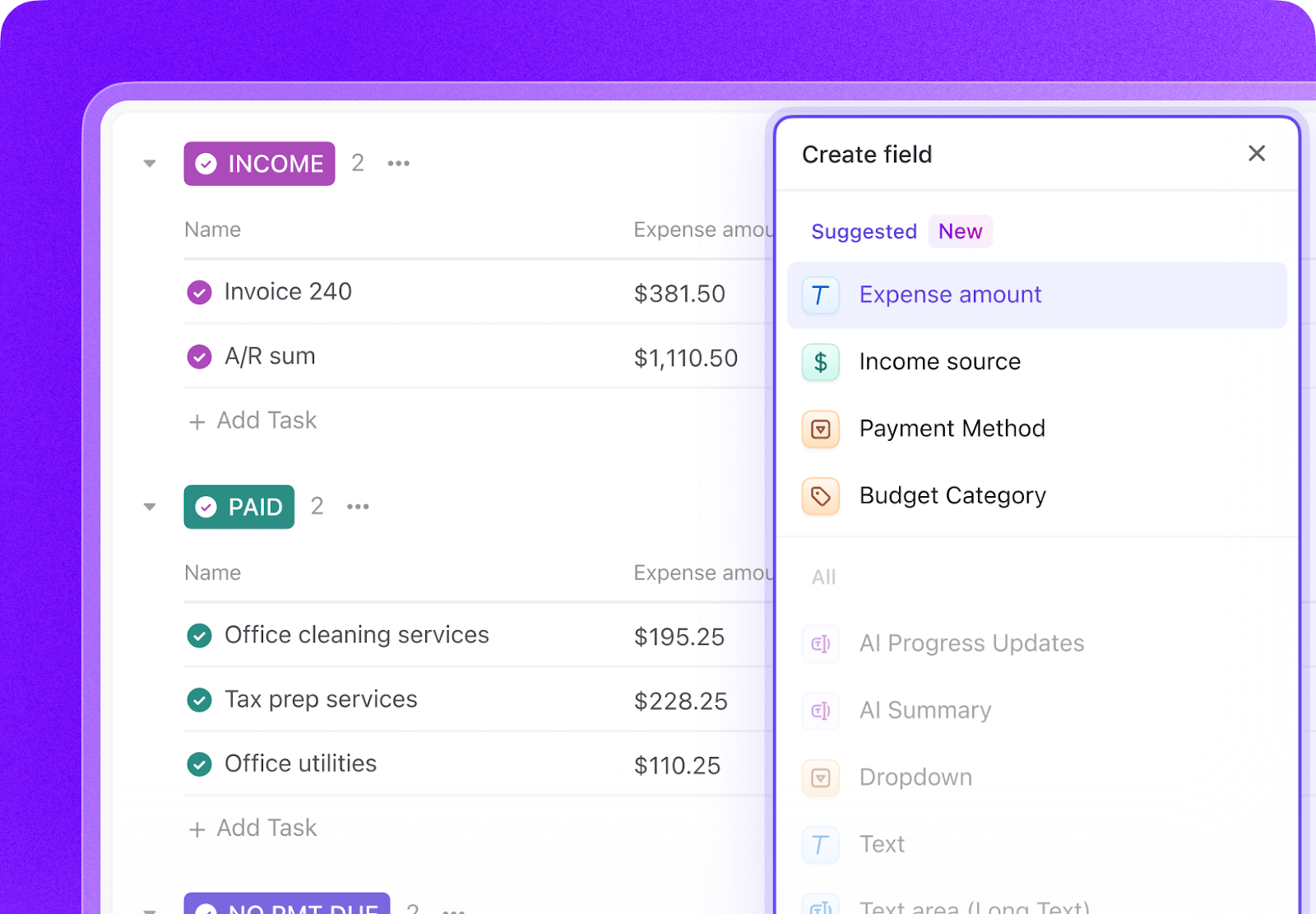
Add Custom Fields to your facilities task templates so every work order, PM task, room record, and capital project includes the key data your team needs to manage work and report performance. Include fields for building, room or location, priority tier, trade type, assigned technician, estimated and actual hours, cost, status, due date, and compliance category. This consistent structure makes dashboards, automations, and performance reporting much more reliable.
Paste the Prompt Into ClickUp Brain
Open ClickUp Brain in your new Space and paste the prompt from above. Fill in your variables, including institution name, campus square footage, building count, staff count, operating budget, deferred maintenance backlog, and current tools. Use the generated output to create a first draft of your work order system, PM schedules, space dashboards, compliance trackers, and capital project workflows, then refine it for your campus operations.
Set Up Automations for Ongoing Management
Create automations to keep facilities work moving without constant manual follow-up. Use rules to escalate emergency work orders, auto-generate preventive maintenance tasks, flag underused or overused spaces, surface delayed capital projects, and notify teams when inspections or compliance checks are overdue.
Ready to turn these steps into a working AI agent your team can actually use? Build it in ClickUp.
💡 Pro Tip: Start with one workflow, such as work order triage or preventive maintenance scheduling, before rolling the system out across the full facilities operation. A smaller pilot helps your team refine templates, ownership rules, and service-level expectations before scaling.
Summarize this article with AI
ClickUp Brain not only saves you precious time by instantly summarizing articles, it also leverages AI to connect your tasks, docs, people, and more, streamlining your workflow like never before.
Summarize this article for me please
Recommended Custom Fields for Facility Management Tasks
These fields create a consistent operating record across work orders, preventive maintenance, space utilization, capital projects, and compliance workflows.
Field
Type
Purpose
Building
Dropdown
Campus building where the work or asset is located
Room/Location
Short text
Specific room, floor, or site location
Priority Tier
Dropdown
Emergency, Urgent, Routine, Scheduled
Trade Type
Dropdown
HVAC, Plumbing, Electrical, Structural, Custodial, Grounds, Fire/Life Safety, ADA, and more
Assigned Technician
People
Staff member responsible for the task
Estimated Hours
Number
Expected labor time
Actual Hours
Number
Actual labor time logged
Total Cost
Currency
Combined labor and parts cost
Status
Dropdown
Open, In progress, Waiting on parts, Completed, Escalated
Due Date
Date
Target service, inspection, or completion date
Compliance Category
Dropdown
ADA, Fire/Life Safety, Environmental, OSHA, Building Code
Asset ID
Short text
Equipment or facility asset identifier
📘 Also Read:See all Custom Field types to choose the fields that best fit your workflow and reporting needs.
Summarize this article with AI
ClickUp Brain not only saves you precious time by instantly summarizing articles, it also leverages AI to connect your tasks, docs, people, and more, streamlining your workflow like never before.
Summarize this article for me please
Core Automation Examples for Facility Management
After your Custom Fields are set up, build automations that keep work orders, PM schedules, compliance checks, and project oversight moving without repeated manual follow-up.
When…
Then…
An Emergency work order is not acknowledged within 30 minutes
Notify the facilities director and escalate the task immediately
A Routine work order is still open after 10 business days
Escalate it to the supervisor and flag it for review
A preventive maintenance task is due in 14 days
Auto-create the PM work order and assign it to the right trade group
A room falls below 40% utilization
Create a space review task and flag it in the utilization dashboard
A capital project exceeds 85% of budget
Notify the project manager and create a budget review task
A required inspection becomes overdue
Flag the record as High priority and notify the compliance owner
Summarize this article with AI
ClickUp Brain not only saves you precious time by instantly summarizing articles, it also leverages AI to connect your tasks, docs, people, and more, streamlining your workflow like never before.
Summarize this article for me please
What the Agent Covers Across the Facility Management Lifecycle
An AI agent for facility management is not a chatbot that answers questions about APPA standards. It is a system that runs inside your project management workspace and handles the structured, repeatable work your facilities team currently does by hand, including triaging work orders, scheduling preventive maintenance, tracking space utilization, managing capital projects, and surfacing compliance issues before they become bigger problems.
Aging CMMS queues, email requests, and manual supervisor follow-up
Preventive maintenance
Maintains equipment registries, generates PM tasks on schedule, and tracks completion rate by system type
Separate PM calendars and missed recurring service tasks
Space management
Tracks room inventory, utilization, seat fill, accessibility, and technology readiness
Static room databases and one-off utilization reviews
Capital projects
Monitors project phases, budgets, milestones, change orders, and schedule slippage
Spreadsheet project logs and fragmented status updates
Sustainability tracking
Monitors utility use, EUI, emissions, building-level anomalies, and retrofit projects
Utility spreadsheets and delayed sustainability reporting
Compliance and inspections
Tracks ADA barriers, life-safety inspections, environmental obligations, and overdue regulatory checks
Paper inspection files and separate compliance trackers
Want to see how Super Agents work in a real ClickUp environment? Watch the walkthrough below to see how AI-generated workflows, tasks, and automations come together in practice.
Summarize this article with AI
ClickUp Brain not only saves you precious time by instantly summarizing articles, it also leverages AI to connect your tasks, docs, people, and more, streamlining your workflow like never before.
Use the full prompt as-is. Add lab-intensive maintenance, research-building compliance, more complex capital-project oversight, and larger deferred-maintenance prioritization across many facilities.
R2 university
Keep the full facilities structure but simplify specialized compliance categories where they do not apply. Emphasize classroom readiness, residence halls, and medium-scale capital projects.
Primarily Undergraduate Institution
Focus on academic buildings, residence life, classroom technology, and visible campus-maintenance standards. Reduce research-specific asset complexity.
Community college
Emphasize smaller teams, commuter-focused buildings, multi-site campuses, and fast turnaround for classroom and public-facing maintenance needs.
Career or Vocational School
Focus on shop, lab, or technical-training spaces, safety compliance, equipment upkeep, and facility readiness tied to hands-on instruction.
Summarize this article with AI
ClickUp Brain not only saves you precious time by instantly summarizing articles, it also leverages AI to connect your tasks, docs, people, and more, streamlining your workflow like never before.
Summarize this article for me please
Run Facility Management in One Place
Facility management breaks down when work orders, PM schedules, space data, capital projects, and compliance records live in separate systems with no shared operating view. With ClickUp Brain, Custom Fields, and Automations, your institution can turn facility operations into one repeatable system that supports faster work order response, more consistent preventive maintenance, stronger compliance tracking, and better visibility across the full campus portfolio.
The goal is not to replace your CMMS or asset-management systems. It is to reduce the coordination work around them, improve visibility into what needs attention first, and help your team stay ahead of deferred maintenance instead of constantly reacting to it. Start with the prompt above, tailor it to your campus size and facilities priorities, and build a setup your team can actually use every day.
Summarize this article with AI
ClickUp Brain not only saves you precious time by instantly summarizing articles, it also leverages AI to connect your tasks, docs, people, and more, streamlining your workflow like never before.
Summarize this article for me please
Frequently Asked Questions
Can an AI agent actually replace our CMMS like SchoolDude or TMA?
The AI agent does not replace your CMMS system of record. It becomes the operational layer on top of it. Work order data from your CMMS can sync into ClickUp custom fields, while the agent handles task assignment, escalation, PM scheduling, and reporting that most legacy CMMS tools do poorly. Many campus facilities teams use ClickUp as the workflow layer while keeping their CMMS for asset records. You can also see how campuses use this same approach for grant management and resource planning.
How does this help with our deferred maintenance backlog?
The agent tracks every deferred item with estimated cost, priority level, building impact, and safety risk. It generates a prioritized backlog dashboard that facilities leadership can present to administration and trustees with real data, not estimates. When capital funds become available, the backlog is already ranked and ready for decision-making.
What about data security for facility and building data?
Can our maintenance technicians use this in the field?
Yes. ClickUp’s mobile app lets technicians view assigned work orders, update status, log time, and add photos from their phone or tablet. They don’t need to return to the shop to update a desktop CMMS. Supervisors see real-time status without chasing people down for updates.
Is this only useful for large universities with big facilities teams?
No. The prompt includes variables for campus size, building count, and staff count. A community college with 5 buildings and 8 facilities staff benefits from the same PM scheduling automation and work order tracking as a research university with 200 buildings and 150 staff. The system scales with your portfolio. Smaller institutions often see the biggest impact because they have fewer people handling the same types of tasks.
Everything you need to stay organized and get work done.