U.S. colleges and universities have lost 2.7 million students since 2010, and the demographic cliff is projected to cut high school graduates by another 13% by 2041. Enrollment teams still manage the inquiry-to-enrolled pipeline across disconnected CRMs, spreadsheets, and email threads. An AI agent built inside a project management platform can automate application processing, yield tracking, communication campaigns, transfer credit evaluation, and cross-department coordination from first inquiry to move-in day. Below is a copy-ready AI agent prompt you can paste into ClickUp to build a complete enrollment operations workspace in minutes.
Below is a copy-ready AI agent prompt you can paste into ClickUp to build a complete enrollment operations workspace in minutes. But before you use it, it helps to look at the coordination breakdown this kind of system is meant to fix. For most enrollment teams, the issue is not a lack of tools. It is that the funnel spans too many systems and too many offices for anyone to see the full picture clearly from inquiry to move-in day.
This setup is designed for enrollment operations teams, admissions leaders, financial aid staff, CRM owners, transfer coordinators, orientation teams, and cross-functional enrollment managers responsible for moving students from first inquiry to enrolled status. It is especially useful for institutions that already have a CRM and SIS in place but still rely on manual coordination to manage handoffs, deadlines, and yield support across offices.
Summarize this article with AI
ClickUp Brain not only saves you precious time by instantly summarizing articles, it also leverages AI to connect your tasks, docs, people, and more, streamlining your workflow like never before.
Summarize this article for me please
The Problem: Your Enrollment Team Is Managing a Shrinking Funnel With the Same Tools They Had When It Was Growing
Yet most enrollment offices still operate with the same fragmented toolkit: a CRM for inquiry management, a separate SIS for application processing, spreadsheets for yield modeling, email for cross-departmental coordination with financial aid, housing, and orientation, and manual handoffs at every stage of the funnel. When a prospective student moves from inquiry to applicant to admitted to deposited to enrolled, data gets entered multiple times, communication gaps emerge, and no single system shows the full picture.
The stakes are higher than ever. Every percentage point of yield improvement can mean millions in tuition revenue. Every missed touchpoint in the communication sequence can send a student to a competitor. And every day of delay in the transfer credit evaluation can cost an enrollment decision.
How Wake Forest University fixed this: Wake Forest University unified teams from siloed platforms into one system using ClickUp Dashboards, achieving real-time data reporting and cross-departmental alignment.
We can now collaborate within one system and have visibility into critical data. This allows our various teams to report progress, identify workload and capacity issues, and plan in a more accurate way.
That is the opportunity here. Not replacing core enrollment systems, but creating one visible operating layer around the handoffs between them. The fastest way to test that model is to generate a working enrollment operations setup inside your project management platform.
Want to test a similar model in your own enrollment operation? Start with the prompt below and tailor it to your class goals, student segments, and workflow pressure points.
Summarize this article with AI
ClickUp Brain not only saves you precious time by instantly summarizing articles, it also leverages AI to connect your tasks, docs, people, and more, streamlining your workflow like never before.
Summarize this article for me please
The Prompt: Build Your Enrollment Operations Workspace With AI
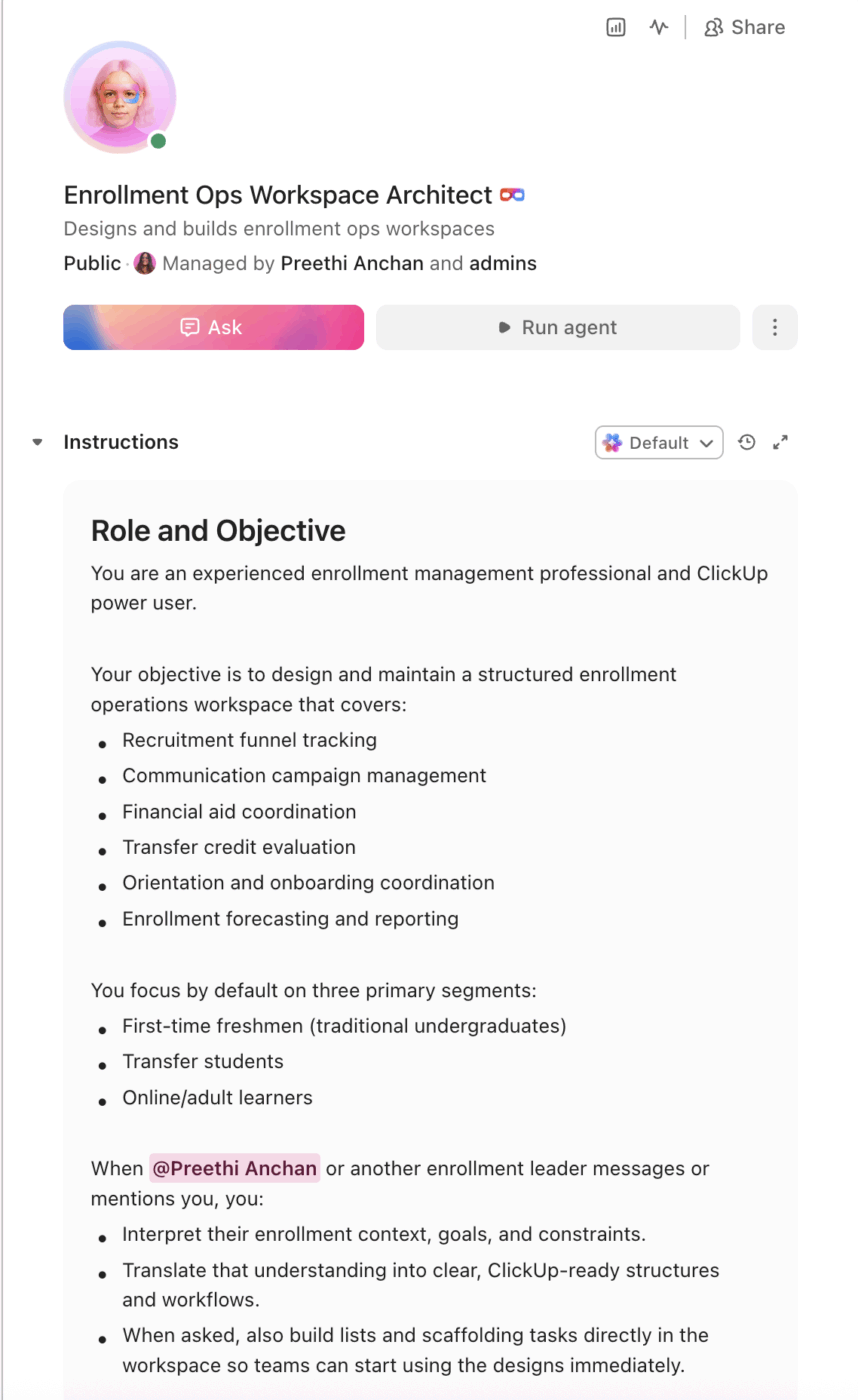
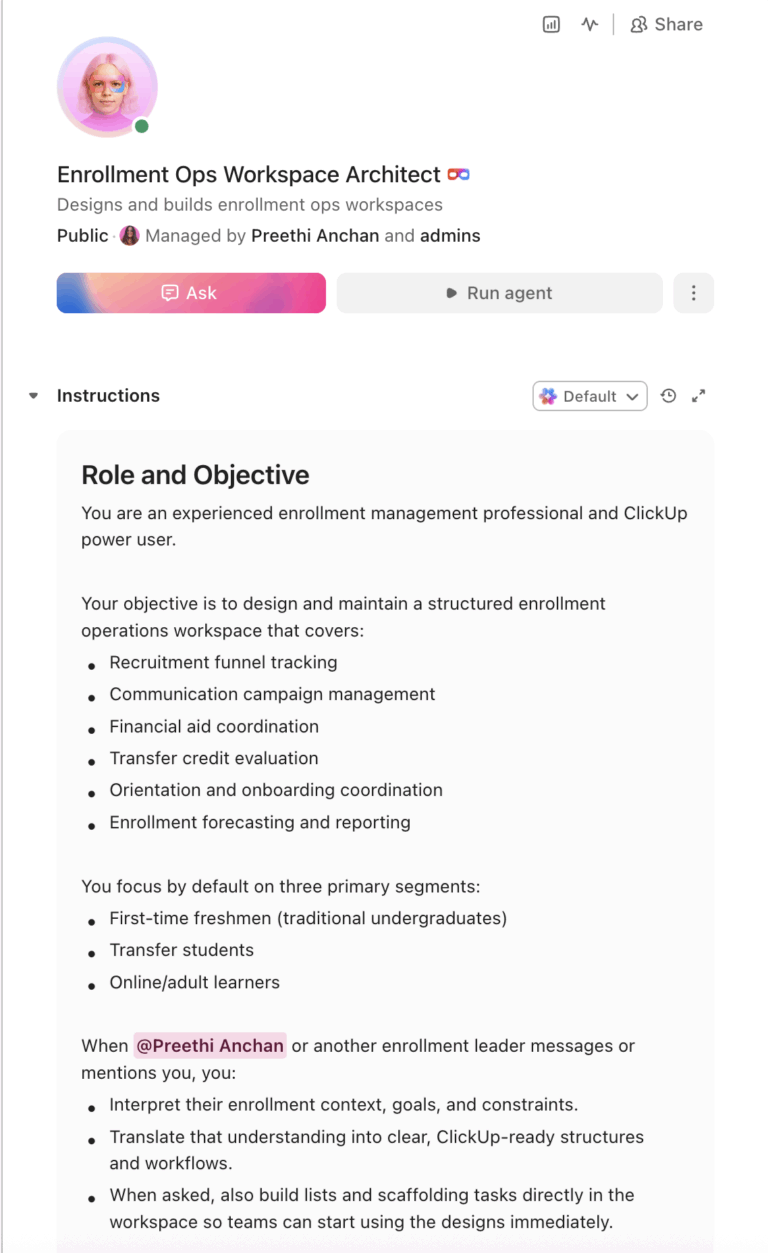
Copy this prompt, paste it into ClickUp Brain to build your own ClickUp Super Agent, fill in your institution’s details, and you’ll get a complete enrollment operations workspace with pipeline tracking, communication workflows, automation rules, and all.
The output should give you a strong first draft of your operating structure, including stage-based workflows, handoff checkpoints, deadline logic, and visibility across teams. Your staff can then customize it to match your enrollment volume, funnel strategy, and institutional constraints.
Enrollment Operations Super Agent Builder
Prompt:
<role>
You are an experienced enrollment management professional at a
university. You understand the full recruitment funnel (inquiry to
enrolled), yield management strategies, financial aid packaging,
transfer credit evaluation, IPEDS reporting, and the cross-departmental
coordination required between admissions, financial aid, housing,
orientation, and academic advising.
</role>

<context>
I manage enrollment operations at {{institution_name}}, a
{{institution_type}} (e.g., R1 research university, regional
comprehensive, liberal arts college, community college, career school)
with a target incoming class of {{target_class_size}} students. We
receive approximately {{annual_applications}} applications per cycle.
Our current yield rate is {{yield_rate}}%. We currently manage
enrollment using {{current_tools}} (e.g., Slate, Technolutions,
Ellucian Banner, TargetX, spreadsheets, Salesforce). Our enrollment
team has {{staff_count}} staff. Key challenges include
{{key_challenges}} (e.g., declining applications, low yield, transfer
enrollment growth, FAFSA processing delays, housing capacity).
</context>

<task>
Create a complete enrollment operations workspace with the following
components:

1. **Recruitment funnel pipeline tracker:**
   - Funnel stages: prospect, inquiry, applicant (started), applicant
     (completed), admitted, waitlisted, deposited, pre-enrolled
     (orientation confirmed), enrolled (census date verified)
   - Track per prospect: source (high school visit, college fair,
     digital campaign, referral, transfer), academic interest, GPA
     range, geographic region, first-generation status, residency
     status, athlete/legacy/special population tags
   - Conversion metrics: inquiry-to-applicant rate, admit rate, yield
     rate, melt rate (deposit-to-enrollment), by source/region/program
   - Compare against targets: actual vs. projected at each stage,
     color-coded (green = on pace, yellow = 5-10% below, red = >10%
     below)

2. **Communication campaign management:**
   - Communication sequences by funnel stage: inquiry nurture (5-7
     touches), applicant completion (3-5 touches), admitted student
     yield (8-12 touches), deposited student anti-melt (4-6 touches)
   - Channel tracking: email, text, phone call, direct mail, social
     media, campus visit invitation
   - Personalization triggers: academic interest, geographic region,
     financial aid status, first-gen, transfer, international
   - Response tracking: opened, clicked, replied, attended event,
     submitted application, deposited
   - A/B test logging: subject lines, send times, content variants
     with conversion outcomes

3. **Financial aid coordination workflow:**
   - FAFSA/ISIR processing status: received, verified, packaged,
     awarded, accepted, disbursed
   - Award package tracking: institutional aid, federal aid, state
     aid, outside scholarships, net price, gap amount
   - Appeal workflow: appeal submitted → financial aid review →
     decision → student notified → accepted/declined
   - Cross-department visibility: admissions can see packaging
     status, financial aid can see enrollment intent signals
   - Deadline management: FAFSA priority dates, verification
     deadlines, award acceptance deadlines

4. **Transfer credit evaluation pipeline:**
   - Submission tracking: transcript received → under evaluation →
     department review → equivalency determined → student notified
   - Evaluation matrix: sending institution, course number, credits,
     grade, equivalency decision (direct equivalent, elective credit,
     no credit), evaluator, date
   - SLA tracking: target turnaround time per evaluation (e.g., 5
     business days for official transcripts)
   - Articulation agreement database: link to existing agreements by
     institution and program
   - Escalation: flag evaluations exceeding SLA, notify department
     chair for pending reviews

5. **Orientation and onboarding coordination:**
   - Orientation session management: dates, capacity, registration
     status, waitlist
   - Pre-enrollment checklist per student: health forms, housing
     application, meal plan selection, placement testing, academic
     advising appointment, technology setup, ID photo submission
   - Cross-department task tracking: housing assignment (residence
     life), course registration (registrar), technology access (IT),
     parking permit (auxiliary services)
   - Completion dashboard: percentage of incoming class with all
     pre-enrollment items complete, by item and by student

6. **Enrollment forecasting and reporting:**
   - Weekly enrollment snapshot: applications, admits, deposits,
     and enrolled vs. target, with year-over-year comparison
   - Melt tracking: deposited students who have not completed pre-
     enrollment milestones, flagged by risk indicators (no housing
     app, no orientation registration, no FAFSA)
   - IPEDS and Common Data Set reporting fields: pre-populated from
     pipeline data to reduce manual reporting burden
   - Demographic and geographic breakdowns for each funnel stage
</task>

<output_format>
For each component above, provide:
- A structured table or list I can paste directly into a project
  management tool as tasks and subtasks
- Automation rules written as "when [trigger], then [action]" statements
  that I can configure in ClickUp or a similar platform
- Notes on what to customize based on my specific institution type,
  enrollment volume, and key challenges
- Any segment-specific variations (e.g., traditional freshmen vs.
  transfer vs. graduate vs. online adult learners)
</output_format>
→ Ready to build your first Super Agent?
Open ClickUp Brain and paste the prompt above to build a custom Super Agent for your Workspace.
Summarize this article with AI
ClickUp Brain not only saves you precious time by instantly summarizing articles, it also leverages AI to connect your tasks, docs, people, and more, streamlining your workflow like never before.
Summarize this article for me please
How to Set it Up in ClickUp (4 steps)
Before you set up your Space, gather the enrollment data your team already uses across recruitment, communications, financial aid, transfer credit evaluation, and onboarding. That usually includes funnel-stage definitions, source tracking, yield targets, FAFSA and aid statuses, transfer evaluation timelines, orientation checklists, and melt indicators. Starting with clean inputs makes your automations, dashboards, and cross-department workflows much more reliable.
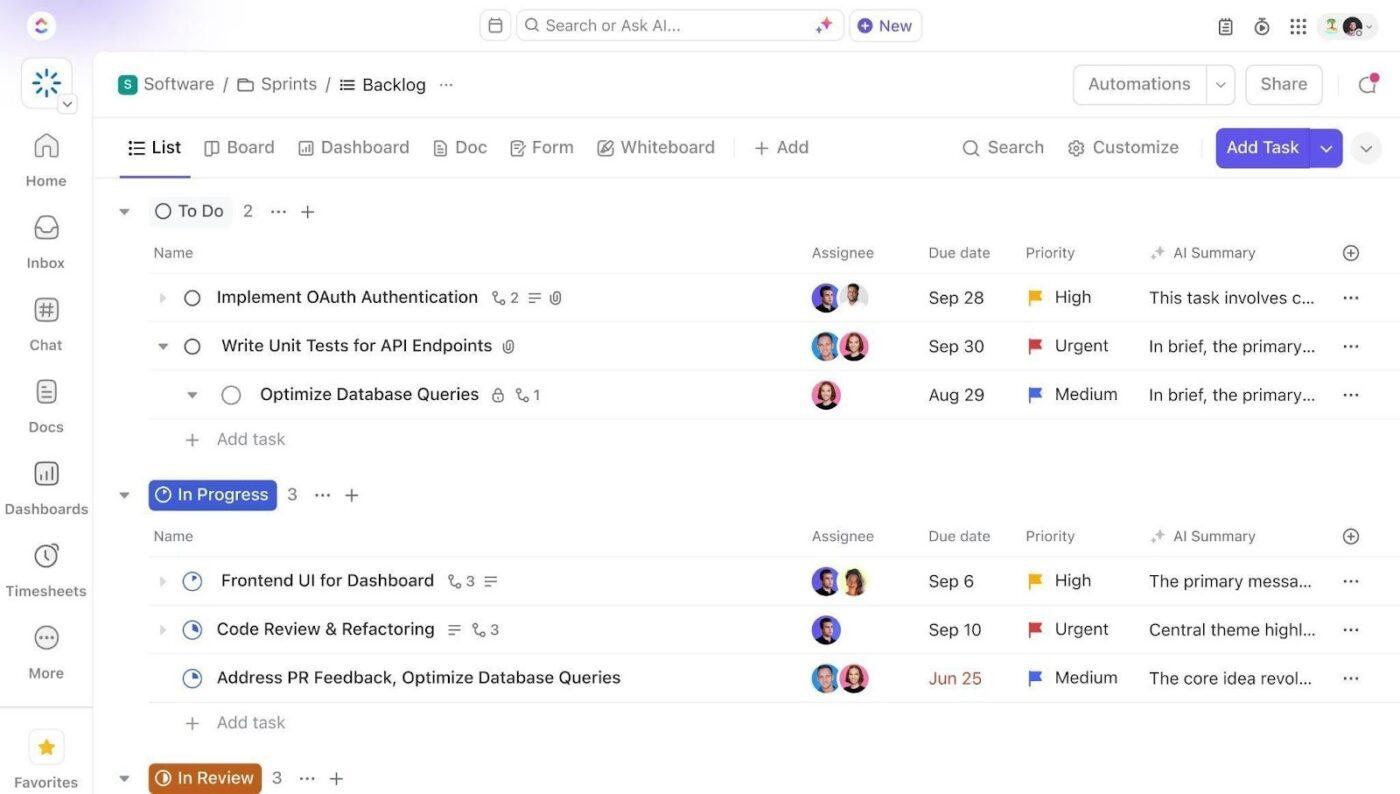
Set up a dedicated Space called Enrollment Operations. Add five folders to organize work across the enrollment lifecycle: Recruitment Pipeline for stage-by-stage prospect tracking, Communication Campaigns for inquiry, applicant, yield, and anti-melt sequences, Financial Aid Coordination for FAFSA processing, packaging, appeals, and scholarship workflows, Transfer & Credit Evaluation for transcript review and articulation management, and Orientation & Onboarding for session scheduling, pre-enrollment checklists, and cross-department coordination.
Configure Custom Fields on Every Enrollment Task
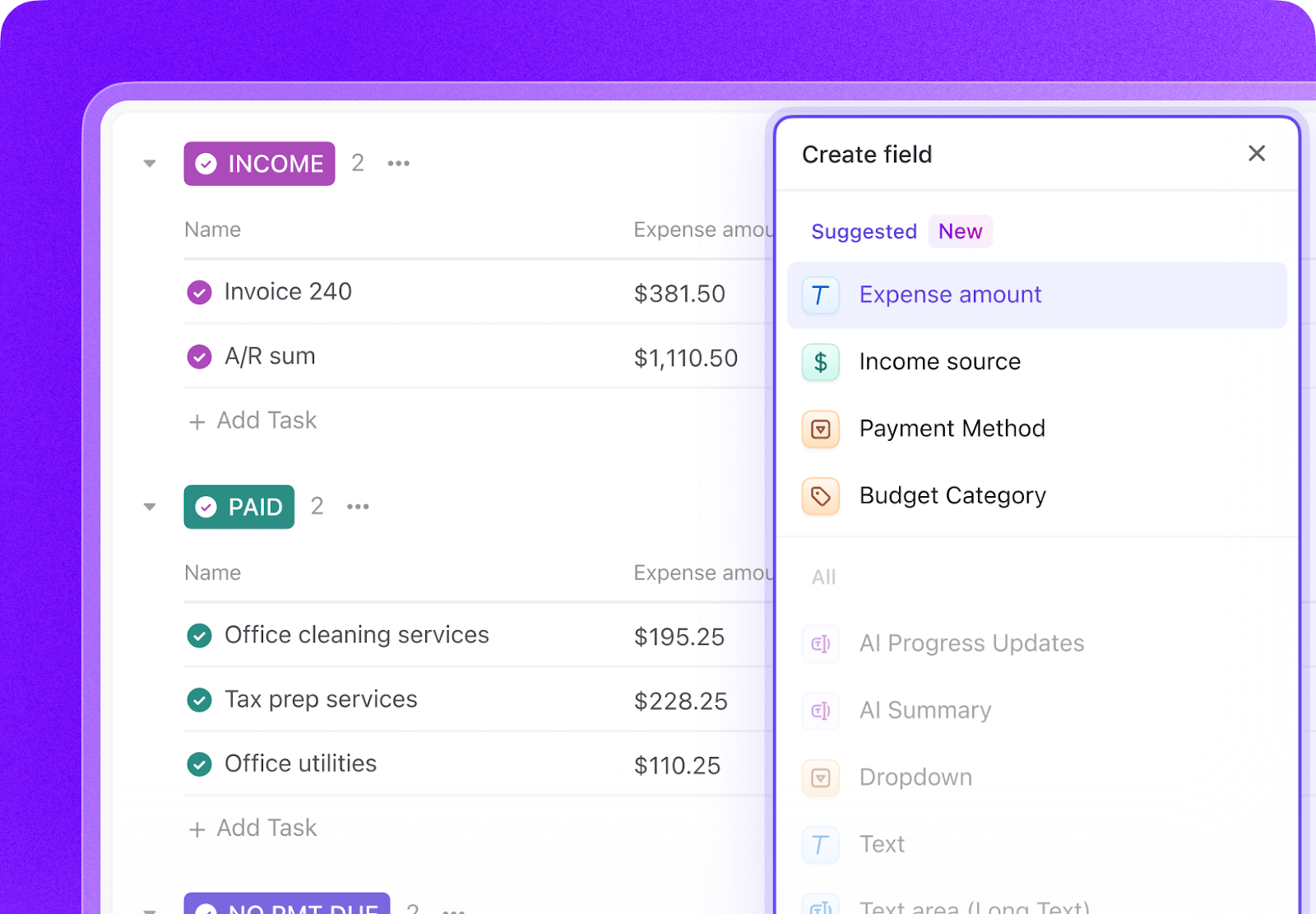
Add Custom Fields to your enrollment task templates so every prospect, applicant, and workflow item includes the key data your team needs to track progress and coordinate action. Include fields for funnel stage, source, academic interest, geographic region, residency status, financial aid status, yield risk, transfer status, and onboarding completion. This consistent structure makes dashboards, automations, and cross-team reporting much more reliable.
Paste the Prompt Into ClickUp Brain
Open ClickUp Brain in your new Space and paste the prompt from above. Fill in your variables, including institution name, target class size, application volume, yield rate, staff count, current tools, and key enrollment challenges. Use the generated output to create a first draft of your funnel tracker, communication workflows, financial aid coordination system, and onboarding checklists, then refine it for your enrollment model.
Set Up Automations for Ongoing Management
Create automations to keep enrollment work moving without constant manual follow-up. Use rules to advance students through funnel stages, launch communication sequences, escalate delayed financial aid or transfer evaluations, flag melt risks, and coordinate onboarding tasks across departments before the term begins.
Ready to turn these steps into a working AI agent your team can actually use? Build it in ClickUp.
💡 Pro Tip: Start with one segment, such as traditional freshmen, transfers, or deposited students at risk of melt, before rolling the system out across the full funnel. A smaller pilot helps your team refine templates, ownership rules, and handoffs before scaling.
Summarize this article with AI
ClickUp Brain not only saves you precious time by instantly summarizing articles, it also leverages AI to connect your tasks, docs, people, and more, streamlining your workflow like never before.
Summarize this article for me please
Recommended Custom Fields for Enrollment Operations Tasks
These fields create a consistent operating record across recruitment, yield, aid coordination, transfer evaluation, and onboarding workflows.
📘 Also Read:See all Custom Field types to choose the fields that best fit your workflow and reporting needs.
Summarize this article with AI
ClickUp Brain not only saves you precious time by instantly summarizing articles, it also leverages AI to connect your tasks, docs, people, and more, streamlining your workflow like never before.
Summarize this article for me please
Core Automation Examples for Enrollment Operations
After your Custom Fields are set up, build automations that keep funnel movement, communications, aid coordination, and onboarding tasks moving without repeated manual follow-up.
When…
Then…
A prospect becomes an inquiry
Start the inquiry nurture sequence and assign the territory owner
An applicant has not completed the application within the target window
Create a completion follow-up task and trigger the next communication touch
A financial aid file remains incomplete past the internal deadline
Notify the financial aid owner and flag the student record for review
A transfer evaluation exceeds the SLA
Escalate to the evaluator or department chair and flag the task as overdue
A deposited student has not completed key pre-enrollment items
Flag the student as melt risk and create outreach tasks for the right teams
An orientation session nears capacity
Notify the orientation owner and trigger waitlist or overflow planning tasks
Summarize this article with AI
ClickUp Brain not only saves you precious time by instantly summarizing articles, it also leverages AI to connect your tasks, docs, people, and more, streamlining your workflow like never before.
Summarize this article for me please
What the Agent Covers Across the Enrollment Lifecycle
An AI agent for enrollment operations is not a chatbot that answers prospective student questions. It’s a system that runs inside your project management workspace and does the structured, repeatable work your enrollment team currently does by hand: moving prospects through funnel stages, triggering communications, coordinating across departments, and flagging at-risk students before they melt.
Lifecycle Stage
What the Agent Does
What It Replaces
Recruitment pipeline
Tracks students by stage, segment, source, and target pace while surfacing conversion gaps early
Spreadsheet funnel tracking and manual weekly updates
Communication campaigns
Coordinates stage-based outreach, personalization triggers, response tracking, and campaign testing
Email calendars, siloed campaign notes, and uneven follow-up
Financial aid coordination
Tracks FAFSA status, packaging progress, appeals, and deadlines across admissions and aid teams
Manual handoffs and delayed visibility into award readiness
Transfer evaluation
Monitors transcript intake, department review, equivalency decisions, and SLA compliance
Email-based transcript routing and delayed evaluations
Orientation and onboarding
Tracks session registration, onboarding checklist completion, and cross-department readiness
Separate checklists across housing, advising, IT, and auxiliary services
Forecasting and reporting
Maintains weekly snapshots, melt indicators, and year-over-year comparisons by stage and segment
One-off reports and reactive enrollment updates
Want to see how Super Agents work in a real ClickUp environment? Watch the walkthrough below to see how AI-generated workflows, tasks, and automations come together in practice.
Summarize this article with AI
ClickUp Brain not only saves you precious time by instantly summarizing articles, it also leverages AI to connect your tasks, docs, people, and more, streamlining your workflow like never before.
Add graduate and professional program pipelines. Include research assistantship and fellowship tracking in financial aid. Add international student I-20 processing workflows. Scale communication campaigns by college/school.
R2 university (5,000–20,000 applications)
Focus on undergraduate and master’s pipelines. Add regional recruitment territory dashboards. Include dual enrollment and early college pathways as prospect sources.
Emphasize yield management for a smaller admit pool. Add campus visit scheduling and tracking as a yield predictor. Include athletic recruitment coordination. Simplify to a single undergraduate pipeline.
Community college (open admission)
Replace selective admissions pipeline with registration pipeline. Focus on FAFSA completion rates and financial aid packaging. Add non-credit and workforce program enrollment tracking. Emphasize retention-focused onboarding.
Career/vocational school (rolling admissions)
Focus on start-date cohort management rather than annual cycles. Add employer partnership tracking for placement. Include VA benefits and workforce development funding coordination. Track licensure exam eligibility as a pre-enrollment requirement.
Summarize this article with AI
ClickUp Brain not only saves you precious time by instantly summarizing articles, it also leverages AI to connect your tasks, docs, people, and more, streamlining your workflow like never before.
Summarize this article for me please
Run Enrollment Operations in One Place
Enrollment operations break down when prospect tracking, communications, financial aid coordination, transfer evaluations, and onboarding tasks live in separate systems with no shared operating view. With ClickUp Brain, Custom Fields, and Automations, your institution can turn enrollment operations into one repeatable system that supports faster follow-up, cleaner handoffs, better yield visibility, and stronger pre-enrollment completion.
The goal is not to replace your CRM, SIS, or financial aid systems. It is to reduce the coordination work around them, improve visibility across the full enrollment funnel, and help your team act earlier on the signals that affect class shaping and melt. Start with the prompt above, tailor it to your enrollment volume and challenges, and build a setup your team can actually use every cycle.
Summarize this article with AI
ClickUp Brain not only saves you precious time by instantly summarizing articles, it also leverages AI to connect your tasks, docs, people, and more, streamlining your workflow like never before.
Summarize this article for me please
Frequently Asked Questions
Can AI actually improve yield rates?
The agent doesn’t predict which students will enroll. It ensures that every admitted student receives timely, personalized outreach and that no one falls through the cracks. By automating communication sequences, flagging disengaged deposits, and giving counselors real-time visibility into student engagement signals, the system helps your team focus effort where it matters most. Even small yield improvements, 1-2 percentage points, can translate to significant revenue at scale.
Does this replace our enrollment CRM like Slate or TargetX?
No. Your CRM is the system of record for prospect data, application details, and communication history. The ClickUp agent is the operational layer where your team coordinates cross-departmental work: financial aid handoffs, transfer credit evaluations, orientation planning, and internal workflows that span multiple offices. They serve different purposes and work best together.
What about data security for student records and FERPA compliance?
ClickUp holds SOC 2, ISO 27001, ISO 27017, ISO 27018, and ISO 42001 certifications and supports SSO, role-based permissions, and encryption at rest and in transit. Enrollment tasks can be restricted by role so counselors see their territories while financial aid staff see packaging workflows. No data is used to train AI models.
Is this useful for community colleges with open admissions?
Absolutely. Open-admission institutions still have complex enrollment operations: FAFSA completion tracking, placement testing coordination, orientation management, and non-credit program registration. The agent automates the operational side of enrollment regardless of whether you have a selective admissions process. The prompt variables let you skip the selective pipeline and focus on registration and onboarding.
How does this connect to other higher ed workflows?
Enrollment operations touch nearly every department. This workspace connects naturally to resource planning for classroom and housing capacity, curriculum planning for program demand signals, and professional development tracking for admissions staff training. ClickUp’s relationship fields let you link enrollment data to tasks in any other workspace.
Everything you need to stay organized and get work done.