
Linear vs. ClickUp
 25,000+ reviews from
Why teams switch from Linear to ClickUp
Linear moves fast because it holds one kind of work. ClickUp holds the same engineering cadence plus the docs, conversations, hours, and reporting Linear leaves to other tools.
- The tracker is the smallest line item. Guests, private teams, and analytics sit behind Linear's upper tier, and chat and time tracking are bought elsewhere. The pricing rows below put both ladders side by side.
- Engineering does not ship alone. Linear gives a seat to the people writing code, and everyone the release depends on works somewhere else. The decision framework maps which team type lands where.
- One Workspace holds the work around the code. ClickUp runs Docs, Chat, native time tracking, and Dashboards next to the sprint. The comparison table shows what each platform ships natively.
- AI that reads more than the issue. ClickUp Brain answers from tasks, Docs, Chat, and Dashboards at once. Reviewers score the two platforms on agentic work in the ratings breakdown.
"We were juggling five different tools for project management, communication, and reporting. ClickUp consolidated everything into one platform, cutting out hours of tool-switching and giving every team member clear visibility."
"At 50% annual growth, scattered systems couldn't keep up. ClickUp centralized our operations and the results were immediate. 15% more efficient on the factory floor. 10-15% time saved by eliminating manual entry."
The gap a tracker leaves behind
29
24/7
250
See the difference
Last updated July 2026ClickUp vs. Linear compared
Both platforms run sprints. The rows below show what happens to the docs, the conversations, the hours, and the reporting around them.
| Feature | ClickUp | Linear |
|---|---|---|
| At a glance | ||
Built for Who the platform is designed to carry day to day. |
Every team in the companyEngineering plus the work around it | Engineering-led product teamsIssues, projects, cycles, initiatives |
Free plan ceiling What runs out first on the free tier. |
Unlimited tasksUnlimited members, 60MB storage | 250 issues2 teams, 10MB file upload |
Entry paid seat The first plan most teams actually buy. |
$7 per user/moUnlimited plan, billed yearly | $10 per user/moBasic plan, billed yearly |
G2 rating From the G2 ClickUp vs. Linear comparison. See breakdown |
4.6 / 513,072 reviews | 4.5 / 591 reviews |
| Features | ||
Native time tracking Start a timer on a task, bill the hours, report on them. Linear's integration directory routes teams to Rize or TrackingTime instead. Learn more |
✓ Yes, from the Unlimited plan | ✕ No, third-party apps only |
Docs and wikis in the workspace Specs and runbooks that live beside the work, with tasks embedded in the page. Linear added team documents in June 2026 for notes and shared references. Learn more |
✓ Yes, on Free Forever | Team documents for notes and references |
Sprints and cycles Time-boxed delivery with velocity and burndown. Linear's cycles are a first-class object and reviewers rate the flow highly. Learn more |
✓ Yes, Sprint Management on Free Forever | ✓ Yes, cycles on every plan |
Team chat in the platform Conversation attached to the task instead of a channel in another tool. Learn more |
✓ Yes, ClickUp Chat | ✕ No, Slack intake and channels |
Dashboards and reporting Portfolio views for people who do not open the tracker. Learn more |
✓ Yes, unlimited on Business | Insights and Dashboards on Business |
Automations Rules that move work without a human in the loop. Learn more |
✓ Yes, 5,000 actions/mo on Business | Rules on all plans, Agent automations in beta |
Pull request review inside the tracker Linear reviews diffs in the issue and merges from there. ClickUp links branches and pull requests to tasks, and review stays in GitHub. Learn more |
Partially, Git integrations link the work | ✓ Yes, Diffs on every plan |
| Pricing | ||
| Free plan | $0Free Forever. Unlimited tasks and members, 60MB storage. | $0Free. Unlimited members, 2 teams, 250 issues. |
| Entry paid plan | $7/user/moUnlimited. Native time tracking, guests, Gantt, unlimited storage. | $10/user/moBasic. 5 teams, unlimited issues, admin roles. |
| Business plan | $12/user/moBusiness. Dashboards, workload, proofing, sprint points. | $16/user/moBusiness. Unlimited teams, private teams, guests, Insights. |
| Enterprise | CustomSAML SSO, SCIM, audit log, data residency. | CustomAnnual billing only. SAML, SCIM, HIPAA compliance. |
| AI add-on | $9/user/moBrain AI. Unlimited assistant plus 1,500 credits per user. | Included in the seatAgent platform on every plan. Coding Sessions use AI credits. |
Where reviewers separate ClickUp from Linear
These scores come from the G2 ClickUp vs. Linear comparison, captured July 14, 2026. They cover the Project Management category, where both products carry review data.
Linear rates well on the work it takes on, and its reviewer base is smaller and heavily weighted to software companies. The distance opens on capacity, budgets, and autonomous agents, which is the work that arrives once a release leaves engineering.
Read the full G2 comparison →The four differences that decide it
The seat price is the smallest number in the decision
Linear's entry seat runs $10 per user per month billed yearly. ClickUp's Unlimited plan runs $7 and already carries native time tracking, unlimited Gantt charts, and guests with permission control. Linear holds guests, private teams, and Insights back for the $16 Business tier, so the plan a growing team actually needs costs more than the one it starts on.
Then count what Linear does not sell. Chat and a timer arrive as separate subscriptions with separate admins and separate renewal dates, and Linear's team documents hold notes rather than a full docs product. ClickUp's $12 Business plan carries Dashboards, workload, proofing, and a monthly automation allowance in the same Workspace, so the later invoices never show up.

Linear is built for the engineers, not the people they ship with
Linear models issues, projects, cycles, and initiatives. That is a clean fit for the people writing code and a poor one for the campaign, the onboarding plan, or the client deliverable waiting on the release. Those teams end up in a second system, and the handoff between the two happens in a channel where nobody can see the sprint.
ClickUp runs the same sprint cadence in a Workspace that also holds marketing, operations, support, and client work, with Custom Fields shaped per team instead of one prescribed workflow. Engineering keeps its board and its keyboard. Everyone downstream watches the same release move without buying a second platform to do it.

What the tracker will not hold, someone else has to
Give Linear its due. Pull request review with Diffs sits inside the issue on every plan, and for a team that lives in GitHub all day that beats linking a branch to a task. It is also a narrow win. Diffs review code, not the spec that produced it, the design file it renders, or the hours it consumed.
Everything outside the diff needs a home. Linear's own integration directory points teams to Rize and TrackingTime when they need to log time against an issue. ClickUp runs the timer, the Doc, and the Chat thread next to the task, so the workflow around the code is not held together by connectors somebody has to maintain.

An agent that only sees issues can only answer issue questions
Linear bundles its Agent platform into every plan, including the free one, with no separate AI seat to buy. That is a fair deal, and it is bounded. The agent reads issues, projects, and code, and Coding Sessions draw on AI credits once a team pushes past the basics, so the ceiling arrives from the usage side rather than the seat.
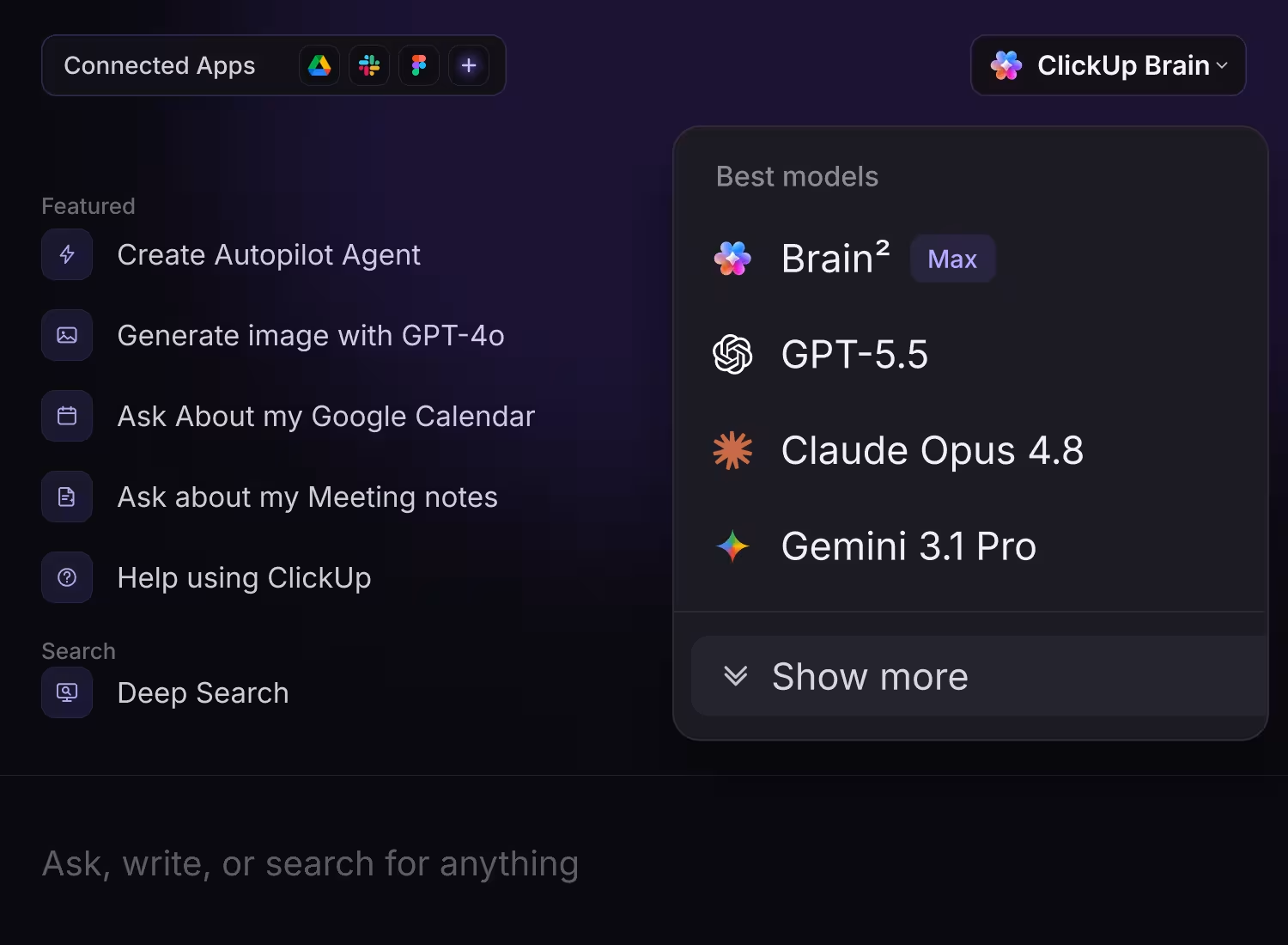
ClickUp Brain reads the tasks, the Docs, the Chat threads, and the Dashboards in the Workspace, so a question like what is blocking Thursday's launch pulls from the release plan and the marketing thread in one answer. G2 reviewers score the two platforms 7.9 and 4.7 on autonomous task execution. The add-on economics sit in the pricing rows above.
Moving from Linear to ClickUp
Linear exports issue data as a CSV file. ClickUp's spreadsheet importer maps those columns into Lists, statuses, assignees, and Custom Fields, so the backlog arrives with its structure intact. Read the import guide →
- Export from Linear. Settings, then Administration, then Import Export. The download link Linear emails you expires after 12 hours.
- Map the columns. The export carries title, description, status, estimate, priority, assignee, labels, cycle, and dates for every issue.
- Rebuild what CSV cannot carry. Linear's export leaves out attachment files, so reattach anything a task depends on before you close the old workspace.
ClickUp vs. Linear: Which should you choose?
Linear is the right call for a workspace that is only ever engineering. The moment a release depends on people Linear never gave a seat, ClickUp is the platform that holds all of it.
Choose Linear if...
- Your workspace is engineering only and nobody outside the team needs a seat in the tracker.
- You review pull requests all day and want the diff, the issue, and the merge in one place.
- You want a prescribed workflow and are content keeping docs, chat, and hours in other tools.
Choose ClickUp if...
- Engineering ships alongside marketing, operations, or client work and the handoff keeps going missing.
- You bill hours or report on capacity and need the tracker to hold the time, not export it.
- You want sprints, Docs, Chat, and Dashboards answering the same question in one Workspace.

Frequently Asked Questions
A new Era of ClickUp




