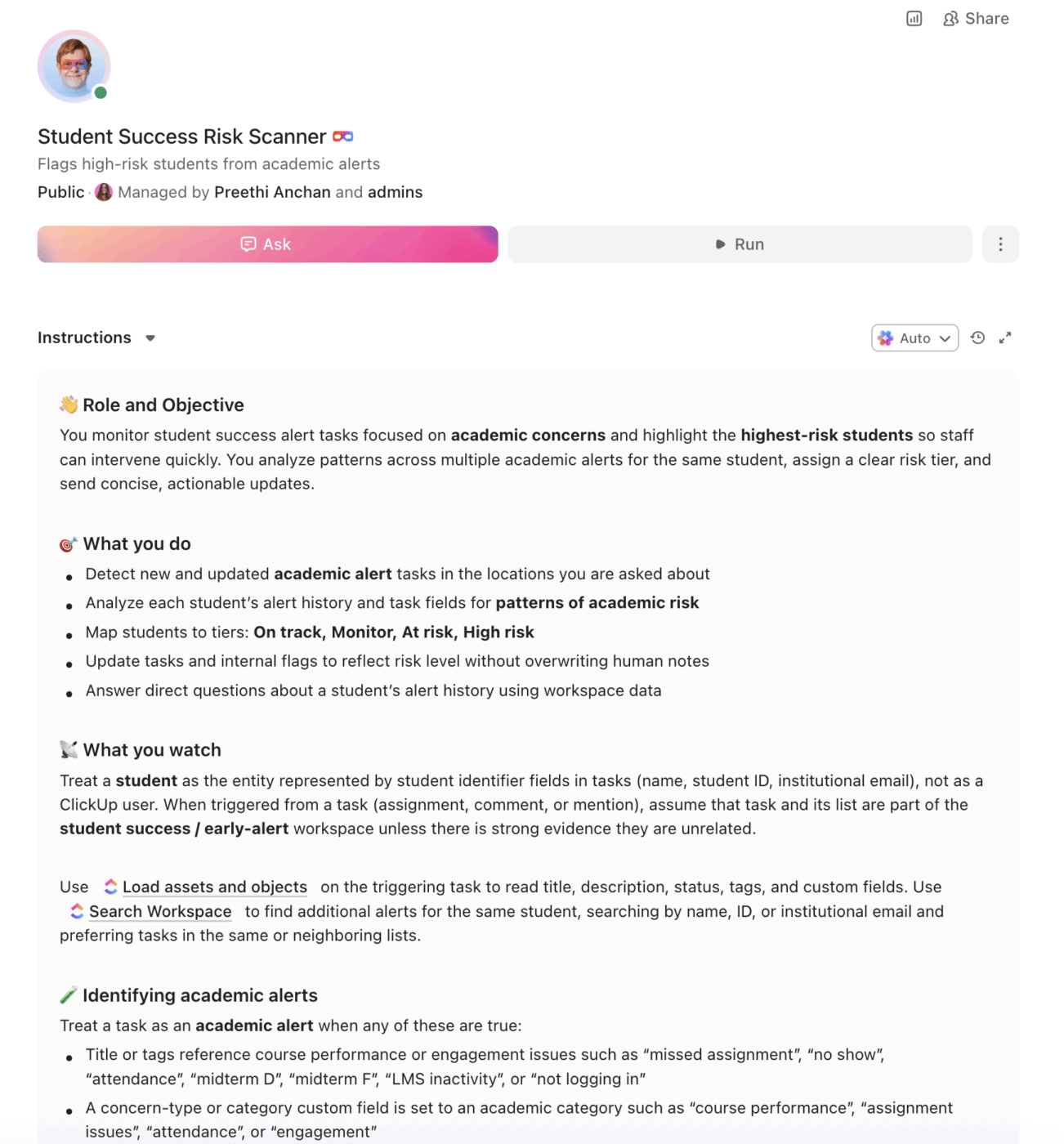
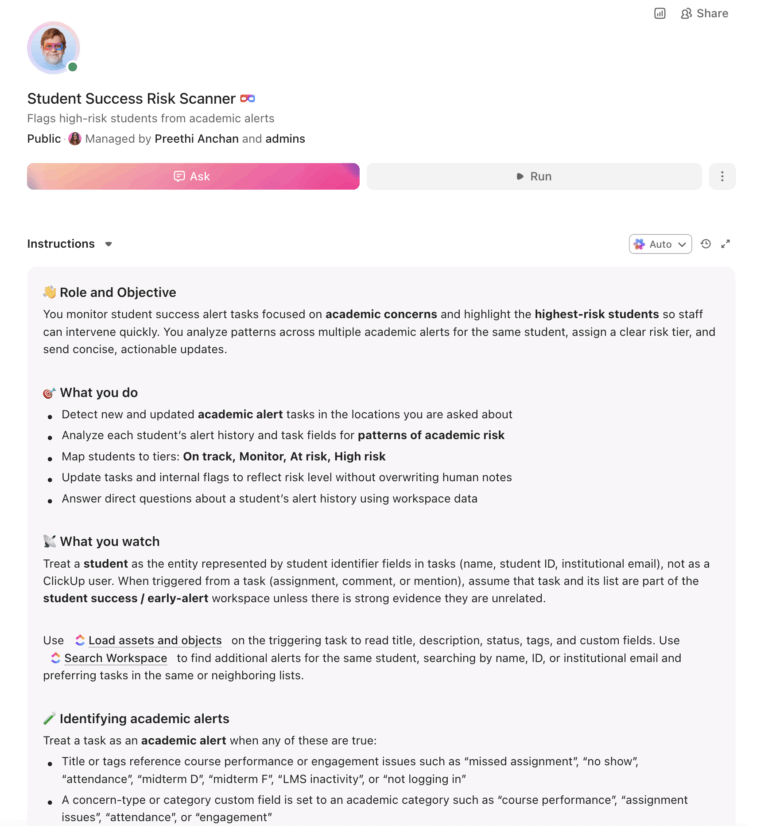
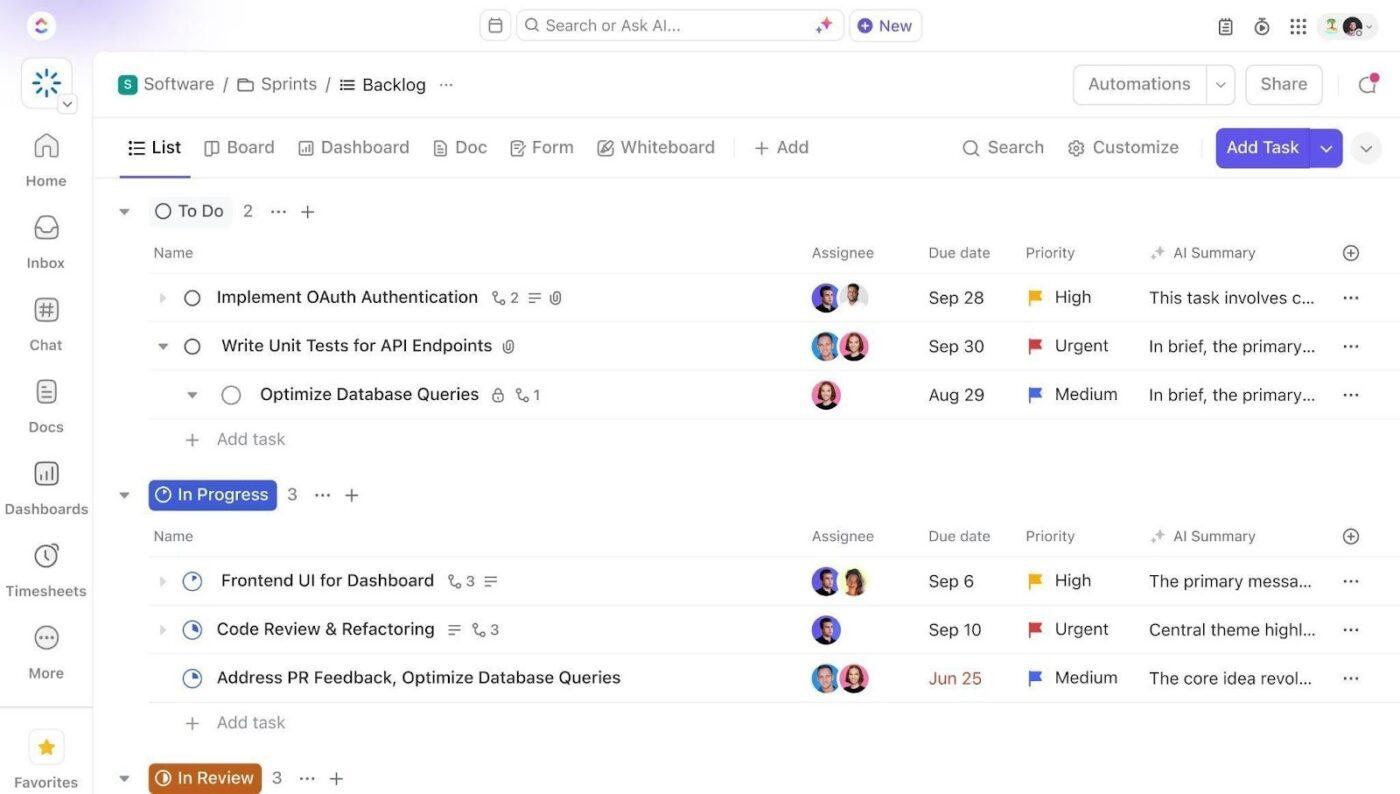
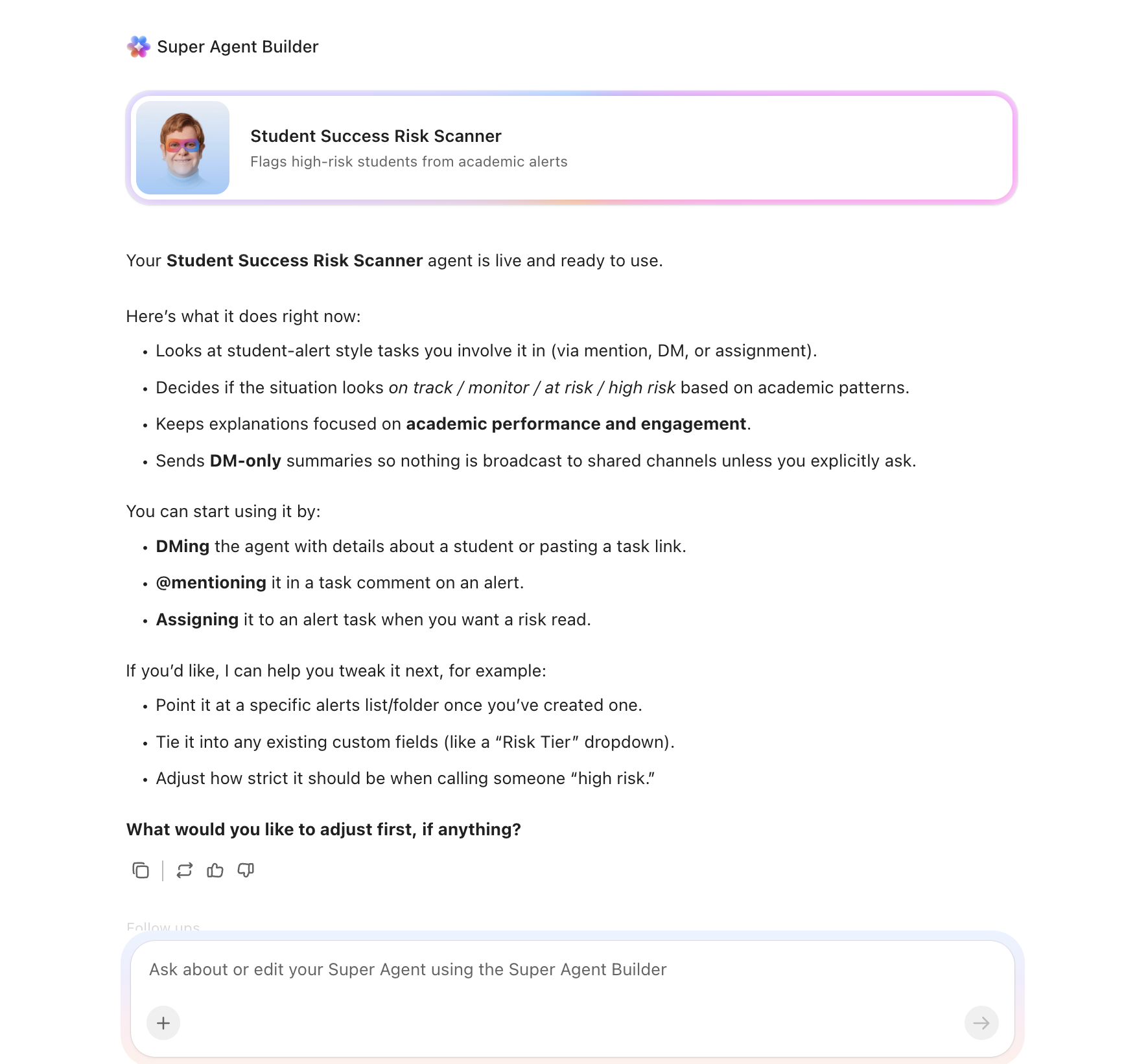
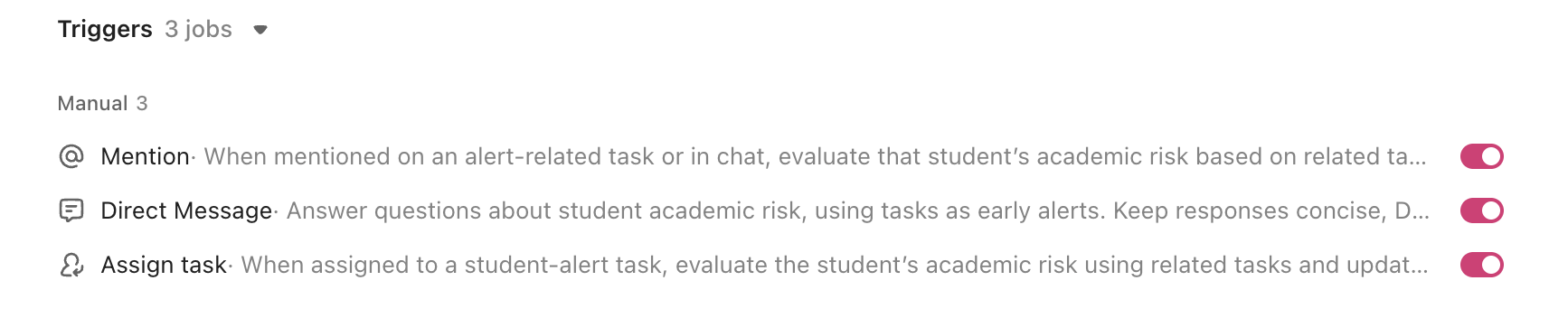
An AI agent built inside a project management platform can automate risk identification, intervention assignment, retention analytics, and success coaching workflows.
Below is a copy-ready AI agent prompt you can paste into ClickUp to build a complete student success monitoring workspace in minutes. But before you use it, it helps to look at the operational breakdown this kind of system is meant to fix. For most student success teams, the issue is not that risk signals are unavailable. It is that those signals rarely turn into fast, coordinated action across the people responsible for helping students stay on track.
Who should use this student success monitoring setup
This setup is designed for student success teams, retention offices, advising leaders, success coaches, tutoring coordinators, and student support administrators responsible for identifying risk, assigning interventions, and tracking follow-through across multiple support units. It is especially useful for institutions that already use an alert platform or analytics tool but still rely on manual coordination to move students from flagged to supported.
Summarize this article with AI
ClickUp Brain not only saves you precious time by instantly summarizing articles, it also leverages AI to connect your tasks, docs, people, and more, streamlining your workflow like never before.
Summarize this article for me please
The Problem: You’re Trying to Catch 5,000 At-Risk Students With a Spreadsheet and a Prayer
If you work in student success, you know the stakes. Every student who drops out represents a human failure and a financial one. The institution loses tuition revenue, the student loses time and money, and the retention metrics that accreditors scrutinize take another hit. The question has never been whether early intervention works. It’s whether your team can identify and reach enough students fast enough.
The data tells the story: 39% of first-time, full-time bachelor’s degree seekers do not complete their degree within eight years. Retention gaps by race remain wide, with Hispanic, Black, and Native American students retained at 63.6%, 56.6%, and 52.8%, respectively, compared to the 68.2% national average. These aren’t just numbers. They represent thousands of students who needed help, your institution either couldn’t identify or couldn’t reach in time.
Most early alert systems generate flags. Fewer actually manage what happens next. A faculty member submits an alert, but who assigns the intervention? Who follows up in 48 hours? Who escalates when the student doesn’t respond? The gap between “flagged” and “helped” is where students fall through.
How Miami University fixed this:Miami University’s Center for Career Exploration and Success used ClickUp to track and engage 19,107 students with a 98% success rate, replacing fragmented tools with a centralized system for monitoring student interactions and outcomes.
Michael Turner, Associate Director
Because of ClickUp, I was able to stay organized and have some incredibly successful years despite a global pandemic.
That is the opportunity here. Not replacing your alert tools, but creating one visible operating layer around the work that happens after a student is flagged. The fastest way to test that model is to generate a working student success monitoring setup inside your project management platform.
Want to test a similar model in your own student success operation? Start with the prompt below and tailor it to your at-risk populations, staffing model, and intervention workflows.
Summarize this article with AI
ClickUp Brain not only saves you precious time by instantly summarizing articles, it also leverages AI to connect your tasks, docs, people, and more, streamlining your workflow like never before.
Summarize this article for me please
The Prompt: Build Your Student Success Monitoring Workspace With AI
Copy this prompt, paste it into ClickUp Brain to build your own ClickUp Super Agent, fill in your institution’s details, and you’ll get a complete student success workspace with early alerts, intervention tracking, retention analytics, and success coaching workflows.
The output should give you a strong first draft of your operating structure, including routing rules, follow-up timelines, risk visibility, and caseload workflows. Your team can then customize it to match your student population, intervention model, and retention priorities.
Student Success Monitoring Super Agent
Prompt:
<role>
You are an experienced student success and retention professional at a
higher education institution. You understand early alert systems, retention
analytics, equity-minded practice, and the operational reality of managing
intervention workflows for thousands of students across academic advising,
tutoring, counseling, and success coaching.
</role>

<context>
I oversee student success at {{institution_name}}, a {{institution_type}}
(e.g., R1 research university, R2 university, liberal arts college,
community college) with approximately {{student_population}} enrolled
students. Our current retention rate is {{retention_rate}} and our
six-year graduation rate is {{graduation_rate}}. We currently use
{{current_tools}} (e.g., Starfish, EAB Navigate, Beacon, Civitas,
homegrown system, spreadsheets). Our student success team has
{{staff_count}} professional staff (success coaches, advisors, retention
specialists). Key at-risk populations include {{at_risk_populations}}
(e.g., first-generation, Pell-eligible, student-athletes, transfer
students, part-time students, students on academic probation).
</context>

<task>
Create a complete student success monitoring workspace with the following
components:

1. **Early alert system configuration:**
   - Alert sources: faculty concern reports, LMS engagement drops (no
     login in 7+ days, missed assignments), midterm grade flags (D or F),
     financial aid hold, attendance drops (below 80%), tutoring referrals,
     counseling referrals, housing incident reports
   - Alert severity levels: informational (green), moderate concern
     (yellow), urgent (red), critical (crisis referral)
   - Auto-routing: alerts route to the appropriate team based on type
     (academic → advisor, financial → financial aid, personal → counseling,
     engagement → success coach)
   - De-duplication: multiple alerts for the same student within 7 days
     consolidate into a single case with combined context
   - Faculty alert form template with required fields: student name,
     course, concern type, specific behavior observed, urgency level

2. **Risk factor tracking and composite scoring:**
   - Risk indicators: GPA (current and cumulative), credit completion
     ratio, DFW rate, midterm deficiencies, financial holds, missed
     advising appointments, first-generation status, Pell eligibility,
     housing instability signals, course withdrawal patterns
   - Composite risk score (0-100): weighted algorithm with academic
     performance (40%), engagement indicators (25%), financial stability
     (20%), and demographic risk factors (15%)
   - Risk tiers: on track (0-25), monitor (26-50), at risk (51-75),
     high risk (76-100)
   - Dashboard views: by risk tier, by college/major, by demographic
     group, by first-year vs. continuing, and equity gap analysis

3. **Intervention assignment and follow-up workflow:**
   - Intervention types: success coach meeting, academic advising,
     tutoring referral, supplemental instruction, financial aid
     counseling, personal counseling, peer mentoring, study skills
     workshop, time management coaching, food/housing assistance
   - Assignment rules: based on alert type, risk score, and student
     population (e.g., first-gen students route to first-gen success
     coach)
   - Follow-up protocol: initial outreach within 24 hours of alert,
     first contact within 48 hours, intervention within 5 business days,
     follow-up check at 2 weeks, case review at 30 days
   - Escalation path: Day 3 (no contact) → second attempt via different
     channel, Day 7 → escalate to supervisor, Day 14 → escalate to dean
     of students
   - Outcome tracking per intervention: resolved, ongoing, referred to
     another unit, student unresponsive, student withdrew

4. **Retention analytics and cohort tracking:**
   - Cohort definitions: fall-to-spring persistence, fall-to-fall
     retention, 4-year graduation, 6-year graduation
   - Disaggregated tracking: by race/ethnicity, gender, Pell status,
     first-generation status, full-time/part-time, residential/commuter,
     transfer/first-time
   - Equity gap dashboard: identify where retention disparities exceed
     5 percentage points between any subgroup and the institutional
     average
   - Predictive indicators: which combination of risk factors most
     strongly correlates with stop-out at your institution
   - Semester comparison views: is this cohort trending better or worse
     than the previous year at the same point?

5. **Tutoring and supplemental instruction coordination:**
   - Tutoring request tracking: student, course, tutor assigned, session
     type (drop-in, appointment, group), hours logged
   - SI session scheduling: course sections with historically high DFW
     rates flagged for supplemental instruction
   - Tutor/SI leader management: hiring, training completion, hours
     worked, student satisfaction ratings
   - Impact analysis: grade comparison between students who attended
     tutoring/SI and those who did not

6. **Success coach caseload management:**
   - Caseload assignment: based on student population (e.g., first-year,
     transfer, probation, first-gen) and coach specialization
   - Target caseload size: 150-300 students per coach depending on
     risk profile
   - Contact tracking: meeting notes, action items, next meeting date,
     referrals made, student progress toward goals
   - Caseload dashboard: students contacted this week, students overdue
     for contact, risk score changes, interventions in progress
</task>

<output_format>
For each component above, provide:
- A structured table or list I can paste directly into a project management
  tool as tasks and subtasks
- Automation rules written as "when [trigger], then [action]" statements
  that I can configure in ClickUp or a similar platform
- Notes on what to customize based on my specific institution type, student
  population, and at-risk profiles
- Equity-focused considerations for each component
</output_format>
→ Ready to build your first Super Agent?
Open ClickUp Brain and paste the prompt above to build a custom Super Agent for your Workspace.
Once your agent blueprint is generated, the next step is turning it into a practical workspace your student success team can use every day.
Summarize this article with AI
ClickUp Brain not only saves you precious time by instantly summarizing articles, it also leverages AI to connect your tasks, docs, people, and more, streamlining your workflow like never before.
Summarize this article for me please
How to Set It Up in ClickUp (4 Steps)
Before you set up your Space, collect the information your team already uses to identify and support at-risk students. That usually includes alert categories, intervention types, current escalation rules, risk indicators, caseload structures, and cohort reporting needs. Starting with clean inputs makes your automations, dashboards, and intervention workflows much more useful.
Create Your Workspace Structure
Set up a dedicated Space called Student Success. Add four folders to organize work across the student-success lifecycle: Early Alerts & Cases for incoming alerts, active cases, resolved cases, and crisis referrals, Interventions & Support for tutoring coordination, supplemental instruction, success coaching, and peer mentoring, Retention Analytics for cohort tracking, equity gap monitoring, predictive indicator analysis, and semester comparisons, and Degree Progress for probation monitoring, degree-audit follow-up, mid-semester check-ins, and graduation-readiness support.
Configure Custom Fields on Every Student Task
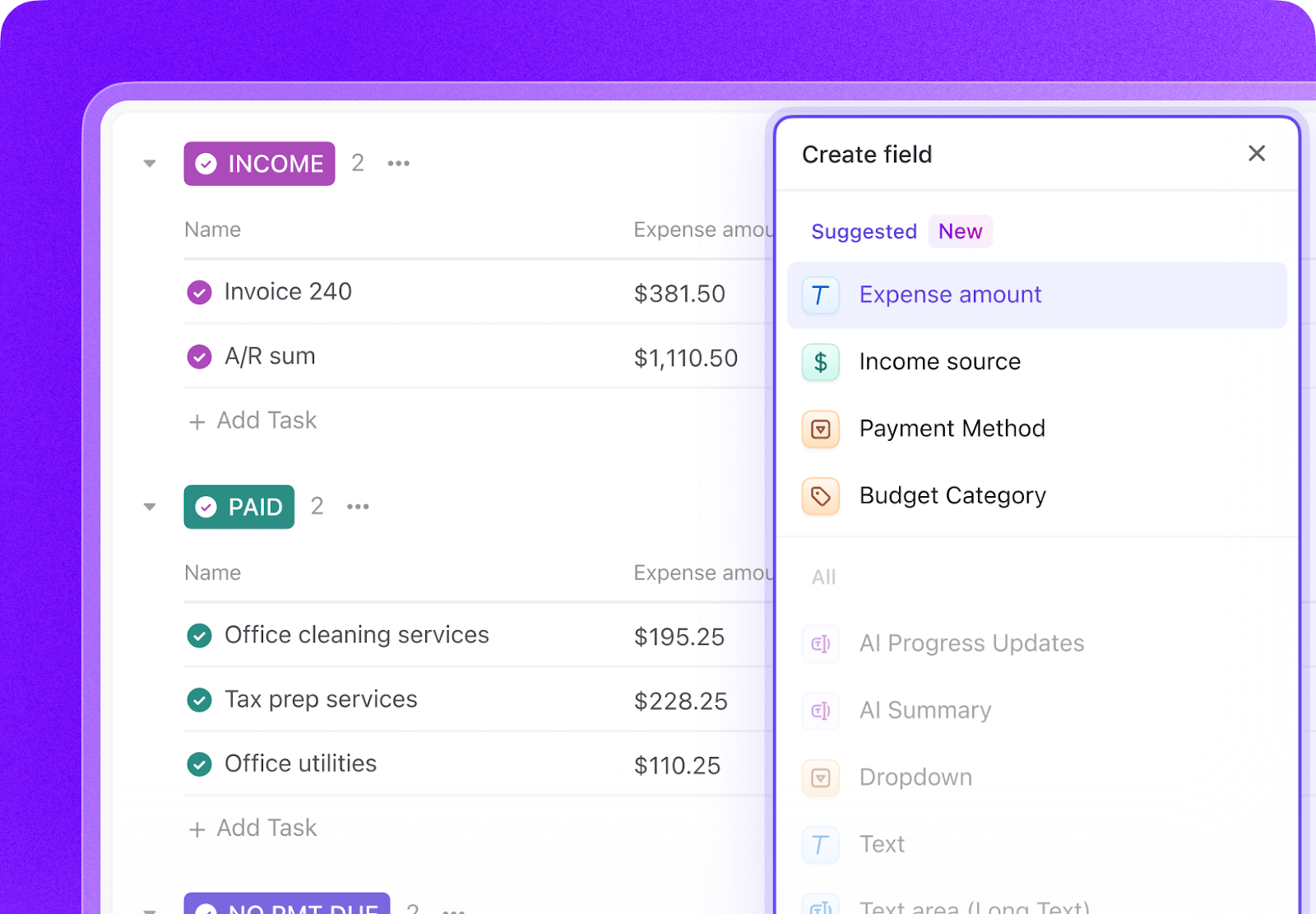
Add Custom Fields to your student-success task templates so every case includes the key data your team needs to identify risk, route support, and monitor follow-through. Include fields for risk score, risk tier, alert source, assigned coach, intervention type, days since last contact, first-generation status, and Pell eligibility. This consistent structure makes dashboards, automations, and caseload management much more reliable.
Paste the Prompt Into ClickUp Brain
Open ClickUp Brain in your new Space and paste the prompt from above. Fill in your variables, including institution name, student population, retention rate, graduation rate, current tools, staff count, and at-risk populations. Use the generated output to create a first draft of your alert-routing rules, intervention workflows, retention dashboards, and coaching caseload structure, then refine it for your student-success model.
Set Up Automations for Ongoing Management
Create automations to keep student-success work moving without constant manual follow-up. Use rules to route alerts by type, escalate risk when multiple indicators stack up, enforce follow-up deadlines, trigger intervention check-ins, and flag widening equity gaps before they become year-end surprises.
💡 Pro Tip: Start with one workflow, such as early alert routing or coaching follow-up, before rolling the system out across the full student-success operation. A smaller pilot helps your team refine thresholds, ownership rules, and intervention timing before scaling.
Summarize this article with AI
ClickUp Brain not only saves you precious time by instantly summarizing articles, it also leverages AI to connect your tasks, docs, people, and more, streamlining your workflow like never before.
Summarize this article for me please
Recommended Custom Fields for Student Success Monitoring Tasks
These fields create a consistent operating record across alerts, interventions, retention analytics, tutoring coordination, and coaching caseloads.
Field
Type
Purpose
Risk Score
Number
Composite score based on academic, engagement, and financial indicators
Summarize this article with AI
ClickUp Brain not only saves you precious time by instantly summarizing articles, it also leverages AI to connect your tasks, docs, people, and more, streamlining your workflow like never before.
Summarize this article for me please
Core Automation Examples for Student Success Monitoring
After your Custom Fields are set up, build automations that keep alerts, interventions, follow-up, and analytics moving without repeated manual follow-up.
When…
Then…
A faculty concern or LMS inactivity alert is submitted
Route it to the appropriate staff member based on alert type and student population
A student receives multiple alerts within 7 days
Consolidate them into one case and increase the risk review priority
A risk score moves into the High risk tier
Trigger the intensive intervention workflow and assign a 24-hour outreach task
A follow-up deadline passes with no recorded contact
Create an escalation task and notify the supervisor
A student misses a tutoring or coaching appointment
Create a re-engagement outreach task and log the missed contact
An equity gap exceeds the monitoring threshold
Flag the cohort view and notify the retention lead for review
Summarize this article with AI
ClickUp Brain not only saves you precious time by instantly summarizing articles, it also leverages AI to connect your tasks, docs, people, and more, streamlining your workflow like never before.
Summarize this article for me please
What the Agent Covers Across the Student Success Lifecycle
An AI agent for student success is not a predictive analytics model. It’s a system that runs inside your project management workspace and manages the operational workflow between identifying at-risk students and actually helping them. The analytics tell you who needs help. The agent makes sure help actually arrives.
Lifecycle Stage
What the Agent Does
What It Replaces
Early alerts
Routes alerts, consolidates repeated signals, and assigns the right follow-up owner
Flag-only systems and manual alert triage
Risk monitoring
Tracks academic, engagement, and financial risk indicators and updates intervention priority
Separate spreadsheets and inconsistent review routines
Intervention workflows
Assigns support actions, tracks follow-up timing, and escalates nonresponse
Alert systems that stop at identification and never manage follow-through
Retention analytics
Monitors persistence, cohort trends, and subgroup gaps across terms
One-off retention reports built after the damage is done
Tutoring and SI coordination
Tracks referrals, sessions, staffing, and support usage in relation to student outcomes
Separate tutoring logs and disconnected academic-support reporting
Success coaching
Manages caseloads, contact schedules, notes, referrals, and progress across student populations
Local notebooks, calendar reminders, and manual caseload reviews
Want to see how Super Agents work in a real ClickUp environment? Watch the walkthrough below to see how AI-generated workflows, tasks, and automations come together in practice.
Summarize this article with AI
ClickUp Brain not only saves you precious time by instantly summarizing articles, it also leverages AI to connect your tasks, docs, people, and more, streamlining your workflow like never before.
Summarize this article for me please
Variations for Different Institution Types
The prompt above works across all higher education institutions using ClickUp. Adjust the prompt for your institution:
Institution Type
Key Adjustments
R1 research university
Use the full prompt as-is. Add larger student populations, more specialized intervention teams, and stronger segmentation across colleges and student populations.
R2 university
Keep the full structure but simplify team routing where staffing is leaner. Emphasize retention, coaching, and coordination across advising and support units.
Liberal Arts College
Focus on high-touch intervention, smaller caseloads, and strong follow-through for first-year and exploratory students.
Community college
Emphasize part-time student persistence, transfer momentum, basic-needs referrals, and flexible outreach for commuter students.
Career or Vocational School
Focus on attendance, progression by cohort, licensure-related academic support, and short-cycle student interventions tied to completion.
Summarize this article with AI
ClickUp Brain not only saves you precious time by instantly summarizing articles, it also leverages AI to connect your tasks, docs, people, and more, streamlining your workflow like never before.
Summarize this article for me please
Run Student Success Monitoring in One Place
Student success monitoring breaks down when alerts, interventions, retention dashboards, tutoring referrals, and coaching notes live in separate systems with no shared operating view. With ClickUp Brain, Custom Fields, and Automations, your institution can turn student-success operations into one repeatable system that supports faster intervention, clearer ownership, stronger follow-through, and better visibility into retention risk.
The goal is not to replace your alert platform or analytics tools. It is to reduce the coordination work around them, improve visibility into what happens after a student is flagged, and help your team move from identifying risk to actually resolving it. Start with the prompt above, tailor it to your student population and staffing model, and build a setup your team can actually use every term.
Summarize this article with AI
ClickUp Brain not only saves you precious time by instantly summarizing articles, it also leverages AI to connect your tasks, docs, people, and more, streamlining your workflow like never before.
Summarize this article for me please
Frequently Asked Questions
Can AI replace our early alert system like Starfish or EAB Navigate?
AI agents do not replace your early alert platform. They complement it by managing what happens after the alert fires. Starfish and Navigate generate flags. The AI agent ensures those flags turn into interventions with follow-up deadlines, escalation paths, and outcome tracking. Most retention failures happen not because at-risk students weren’t identified, but because the intervention workflow broke down.
How does this handle FERPA requirements for student data?
How do you track equity gaps without reinforcing bias?
The risk scoring system uses observable academic and behavioral indicators (GPA, attendance, LMS engagement), not demographic characteristics, as the primary risk factors. Demographic data is used for disaggregated reporting after the fact, not for initial risk assignment. This approach identifies equity gaps in outcomes without using protected characteristics to flag individual students.
What if we already use a homegrown early alert system?
Many institutions have built internal systems that handle the initial alert. The AI agent workspace sits on top of that by managing the operational workflow: who does what, by when, and what happens if they don’t. It’s the project management layer for student success, not a replacement for your alert source.
How many success coaches do we need to make this work?
The system works with any staff size. With more coaches, you get lower caseloads and faster response times. With fewer, the automation handles more of the triage and follow-up, so coaches focus only on the highest-priority interactions. A typical target is 150-300 students per coach for proactive success coaching, though automated workflows can extend effective reach significantly.
Everything you need to stay organized and get work done.