Talk to Text for Teams Calls: Effortless Notes
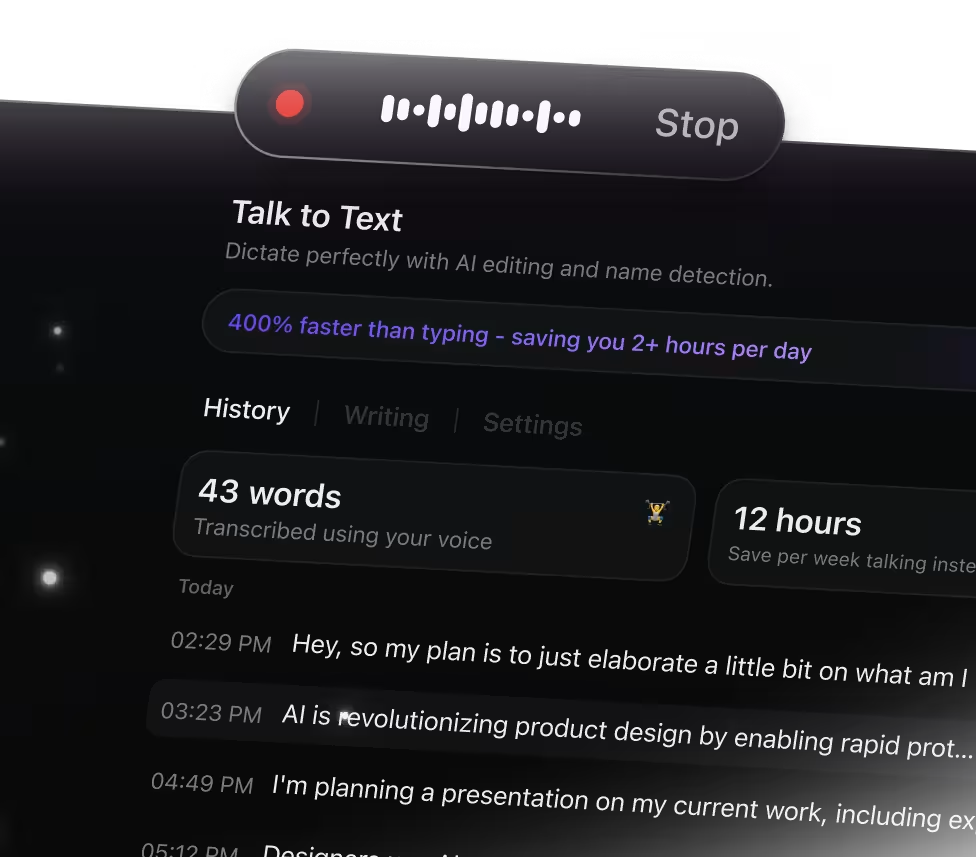
Why Talk to Text Transforms Your Meeting Notes
Trying to type while listening can cause you to miss important details. ClickUp Brain Max's Talk to Text feature simplifies note-taking by enabling you to:
- Record every spoken word without losing concentration
- Convert raw, unstructured dialogue into clear, well-organized notes
- Automatically generate concise summaries from lengthy conversations
- Ease the burden of juggling listening and typing simultaneously
- Instantly sync notes across Docs, tasks, and all your devices
With ClickUp's Talk to Text, capture and organize your ideas in real time without switching between apps.
Why ClickUp Talk to Text Stands Out
Old-School Meeting Notes
- Switching between different apps to jot down points
- Struggling to catch every important moment live
- Spending hours typing out recorded conversations
- Notes scattered across multiple platforms
- Extra steps needed to convert notes into tasks
Experience ClickUp Talk to Text
- Integrated voice capture right within ClickUp
- Record meetings effortlessly, capturing every detail
- Instant AI-driven transcription and concise summaries
- Automatically transform notes into actionable tasks or documents
- Unified workspace connecting all your meeting content
Essential AI Note-Taking Workflows for Teams Calls with Talk to Text
Extract key takeaways from every Teams meeting
Capture spoken dialogue live and instantly create task lists, reminders, and concise recaps—ensuring no detail slips through the cracks
Convert training sessions into organized notes effortlessly
Record educational calls or workshops and automatically structure the content into digestible summaries. Learn and recall information more efficiently.
Transform brainstorming talks into actionable plans
Dictate your team’s ideas during calls and convert them into clear outlines, mind maps, or prioritized lists to drive collaboration forward.
Accelerate research with AI-generated summaries
Speak your findings during discussions and have them turned into brief, accurate summaries, references, or quick notes ready for immediate application.
Build project roadmaps swiftly from spoken input
Dictate tasks and project details during meetings to produce organized timelines, checklists, and plans that are ready to implement.
Stay on top of client conversations effortlessly
Record client calls and automatically pinpoint essential points and next steps so you can concentrate fully on the dialogue.
Speak to capture ideas instantly

Unified search for all your tools

Unified access to leading AI models


Frequently Asked Questions




