Talk to Text Software for Effortless Email Writing
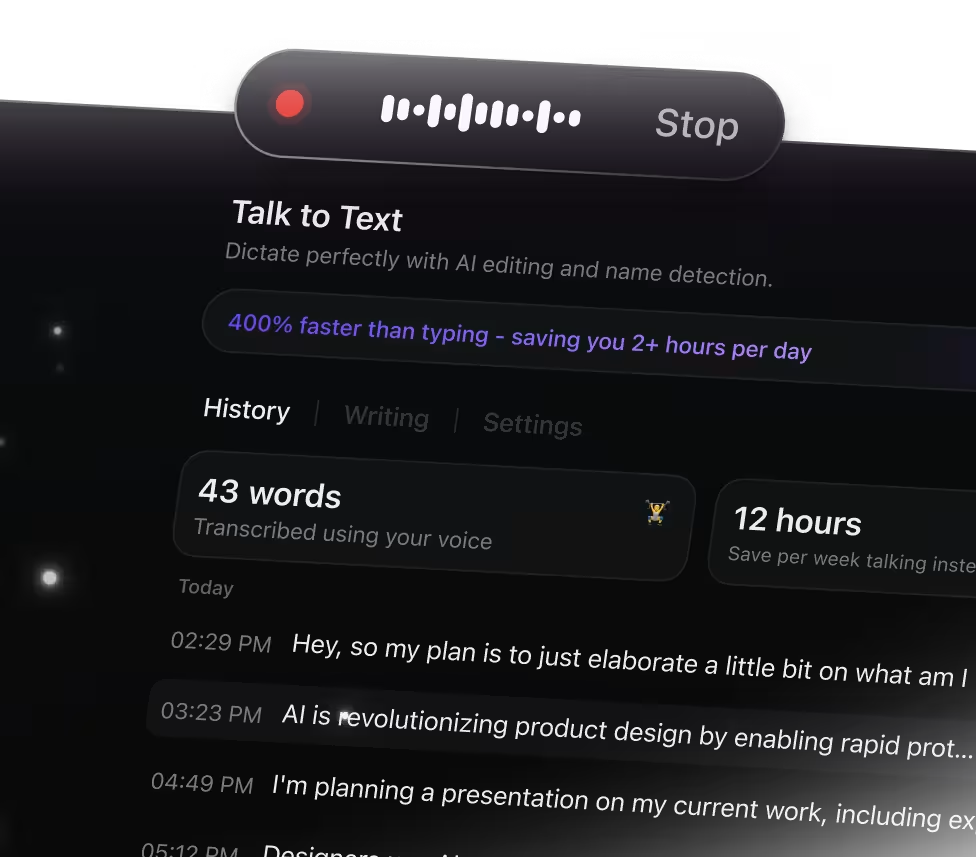
Why Talk to Text Transforms Email Writing
Typing emails can slow down your flow and cause missed details. ClickUp Brain Max's Talk to Text feature simplifies email creation by allowing you to:
- Dictate messages hands-free while staying focused
- Convert spoken words into clear, structured email drafts
- Summarize lengthy email threads into concise points
- Ease the burden of juggling typing and thinking simultaneously
- Sync your email drafts instantly across Docs, tasks, and devices
With ClickUp's Talk to Text, you can compose, edit, and manage your emails seamlessly without switching apps.
Why ClickUp Talk to Text Stands Out
Conventional Email Drafting Process
- Switching between apps to draft, edit, and save emails
- Losing track of important points while typing quickly
- Manually rewriting spoken ideas into email text
- Email content scattered across platforms and drafts
- Extra time spent organizing emails before sending
How ClickUp Talk to Text Transforms Email Writing
- Integrated voice-to-text input directly within ClickUp
- Capture email ideas verbally without losing any detail
- AI-driven instant transcription and concise summaries
- Automatically convert voice notes into email drafts
- Unified workspace connecting all email content seamlessly
Essential Email Workflows Enhanced by Talk to Text
Convert your spoken thoughts into clear email drafts instantly
Speak your message and let Talk to Text craft precise emails, saving you time and ensuring your points come across perfectly.
Dictate follow-up notes right after meetings
Turn your verbal summaries into structured follow-up emails that keep communication timely and professional.
Speak your marketing concepts and organize them into email sequences
Transform your spoken ideas into well-structured campaign outlines ready for review and execution.
Use Talk to Text to generate concise summaries of email conversations
Capture key points and decisions from lengthy threads, making it easier to stay on top of ongoing discussions.
Dictate progress reports and status updates for your team
Convert spoken updates into clear emails that keep everyone informed without the hassle of typing.
Record client instructions and convert them into actionable emails
Ensure every client need is documented and addressed promptly through accurate email drafts.
Speak your emails faster than typing

Unified search for all your tools

Access leading AI models together


Frequently Asked Questions




