Talk to Text Software for Effortless Captions
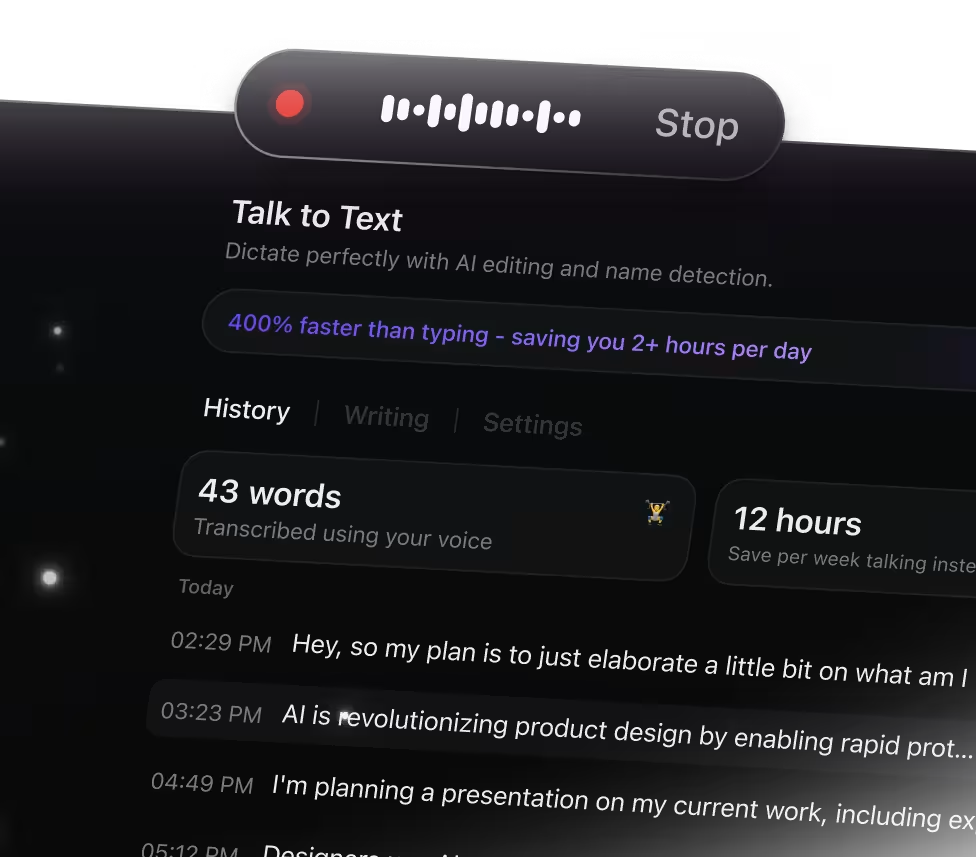
Why Talk to Text Transforms Caption Creation
Capturing captions by typing can slow you down and cause errors. ClickUp Brain Max's Talk to Text feature makes captioning smooth by enabling you to:
- Record every spoken word accurately without losing your flow
- Convert raw audio into clear, well-structured captions
- Automatically generate concise summaries for longer videos
- Eliminate the hassle of toggling between playback and typing
- Sync captions instantly across your projects, tasks, and devices
With ClickUp's Talk to Text, you can effortlessly create, edit, and manage captions in one place without switching apps.
Why ClickUp Talk to Text Stands Out
Conventional Captioning Challenges
- Switching between multiple apps to record and type captions
- Losing important moments while focusing on typing
- Spending hours manually transcribing audio
- Captions scattered across different platforms
- Extra steps needed to sync captions with video content
How ClickUp Talk to Text Helps
- Integrated voice input directly within ClickUp
- Capture captions effortlessly without distraction
- AI-driven live transcription and concise summaries
- Automatically convert captions into tasks or documentation
- Unified workspace connecting captions with your projects
Essential Workflows for Caption Creation with Talk to Text
Extract clear captions from every video conversation
Convert spoken words into text instantly and generate precise captions, highlights, and summaries—ensuring your content is accessible and engaging
Transform webinars into ready-to-use caption scripts
Capture webinar audio and automatically format it into accurate caption files. Enhance viewer comprehension and retention effortlessly.
Convert spontaneous speech into polished captions
Speak your thoughts freely and have them converted into clean, timed captions that fit your video’s flow perfectly.
Summarize lengthy videos with concise caption highlights
Use Talk to Text to create brief caption snippets that emphasize key moments, making your content easier to navigate and understand.
Speed up video editing with automated caption drafts
Dictate scene dialogues and generate synchronized captions quickly, reducing manual transcription time and accelerating your editing process.
Keep viewer engagement high with accurate live captions
Provide real-time captioning during live streams or presentations, ensuring all viewers follow along without missing a word.
Speak your ideas faster than typing

Unified search for all your caption needs

Unified access to leading AI captioning


Common Questions About Talk to Text for Captions




