
Talk to Text Software for YouTube Video Scripts
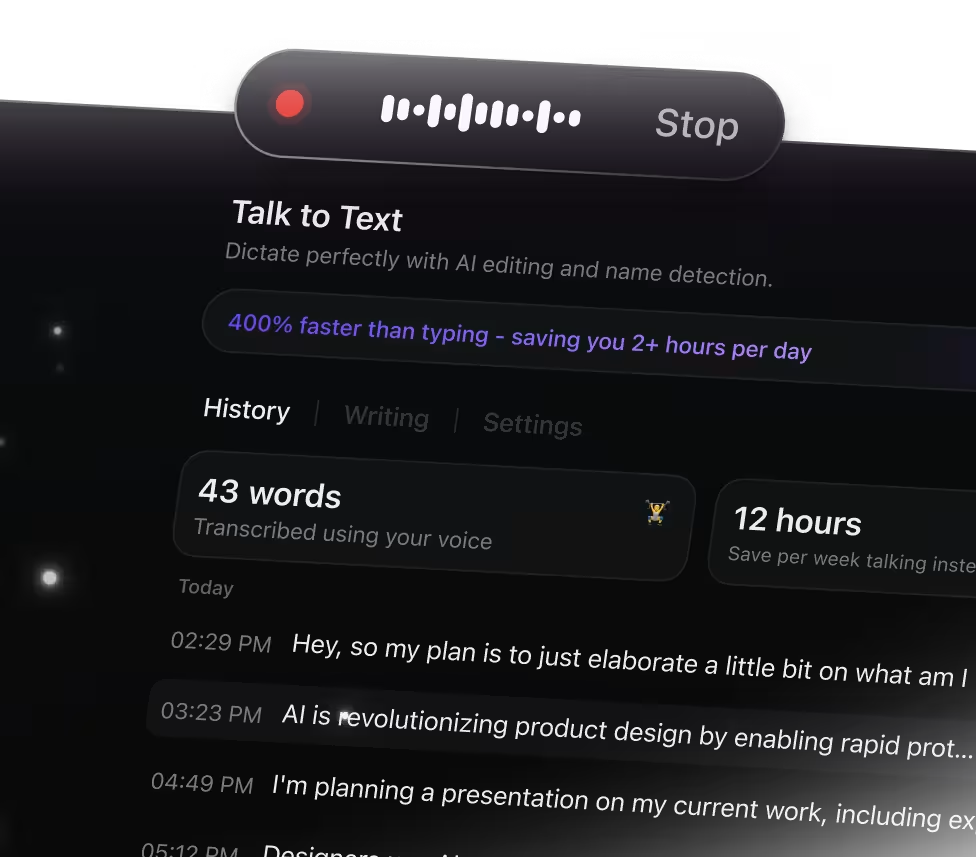
Why Talk to Text Transforms YouTube Video Captions
Manually typing captions can slow you down and miss details. ClickUp Brain Max's Talk to Text feature simplifies captioning by enabling you to:
- Accurately transcribe spoken content without pausing playback
- Convert raw dialogue into clear, well-structured captions
- Summarize lengthy video segments into concise highlights
- Eliminate the hassle of toggling between video and text editors
- Instantly sync captions across your projects and devices
With ClickUp's Talk to Text, you can effortlessly generate, edit, and manage your YouTube video captions all in one place.
Why ClickUp Talk to Text Stands Out
Old-School Video Captioning Challenges
- Switching between multiple apps to jot down captions
- Struggling to catch every spoken word accurately
- Spending hours typing out video dialogues manually
- Captions scattered across different platforms
- Extra time needed to format captions for clarity
How ClickUp Talk to Text Transforms Captioning
- Integrated voice transcription right within ClickUp
- Capture spoken content effortlessly while editing
- AI-driven live transcription and concise summaries
- Instantly convert speech into captions, notes, or scripts
- Unified workspace keeping all video text organized and accessible
Top AI-Powered Workflows for YouTube Video Transcriptions with Talk to Text
Extract key points from your video discussions instantly
Convert spoken dialogue into text live, creating clear action items, next steps, and summaries—ensuring every detail is captured
Transform video tutorials into organized scripts quickly
Record your instructional videos and automatically format the content into easy-to-follow outlines. Edit and absorb information more efficiently.
Capture creative video ideas and build structured plans
Dictate your brainstorming sessions and convert your raw concepts into mind maps, outlines, or task lists for smooth team collaboration.
Accelerate content research with concise AI-generated summaries
Speak your findings aloud and have them turned into brief summaries, references, or quick notes ready for immediate application.
Develop video project plans swiftly and accurately
Dictate your tasks and concepts, then produce detailed project outlines, schedules, and checklists prepared for action.
Stay on top of viewer feedback and engagement
Record audience interactions and automatically identify important points and follow-up tasks so you can respond effectively.
Speak faster than you type

Unified search for all your tools

Unified access to leading AI models


Common Questions About Talk to Text for YouTube




