
Talk to Text Software for Subtitles
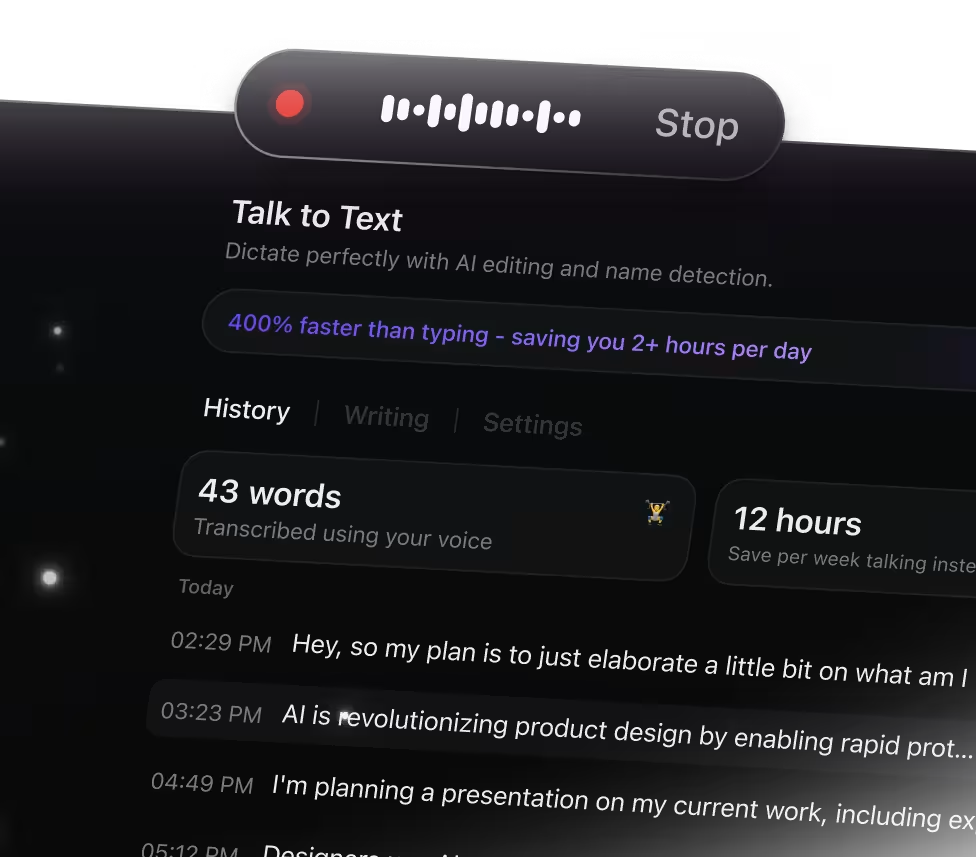
Why Talk to Text Transforms Subtitle Creation
Manually typing subtitles can slow down your workflow and miss nuances. ClickUp Brain Max's Talk to Text simplifies subtitle generation by helping you:
- Accurately capture spoken words in real time
- Convert raw audio into clear, well-structured subtitle text
- Summarize lengthy dialogues into concise captions
- Ease the burden of juggling transcription and editing
- Instantly sync subtitles across projects and devices
With ClickUp's Talk to Text, you can generate, edit, and organize subtitles effortlessly without switching between apps.
Why ClickUp Talk to Text Stands Out
Conventional Subtitle Creation Process
- Switching between separate apps for audio and text
- Struggling to catch every word during playback
- Manually typing subtitles from recordings
- Subtitle files scattered across platforms
- Extra time spent syncing subtitles with videos
How ClickUp Talk to Text Transforms Subtitling
- Integrated audio capture and transcription within ClickUp
- Effortless hands-free subtitle generation preserving full context
- AI-driven live transcription with concise summaries
- Automatically convert subtitles into tasks or documentation
- Unified workspace connecting all subtitle content with projects
Essential Subtitle Workflows Powered by Talk to Text
Extract clear subtitles from every video dialogue
Convert spoken words into precise subtitle text instantly, ensuring viewers grasp every detail without delay
Transform recorded talks into synchronized captions
Capture audio from presentations or tutorials and generate time-aligned captions that enhance accessibility and engagement.
Convert live discussions into readable subtitles effortlessly
Use Talk to Text to transcribe meetings or interviews in real time, producing subtitles that boost comprehension and retention.
Summarize lengthy videos with concise subtitle highlights
Generate brief subtitle snippets that emphasize key points, making content easier to scan and understand quickly.
Create multilingual subtitles to reach wider audiences
Dictate or upload audio and produce subtitles in multiple languages, expanding your content’s global impact.
Ensure accuracy with automated subtitle editing tools
Review and refine generated subtitles seamlessly within ClickUp, maintaining quality and consistency across all your videos.
Turn speech into subtitles effortlessly

Unified search for all your subtitle files

Access top AI models in one hub


Frequently Asked Questions




