How to Use AI Video Script Generator with ClickUp
 25,000+ reviews from
Introducing the AI Video Script Generator
An AI Video Script Generator revolutionizes how marketing and video production teams create scripts. Traditionally, scriptwriting involves lengthy brainstorming, multiple drafts, and coordination across teams using scattered tools like Google Docs or email threads.
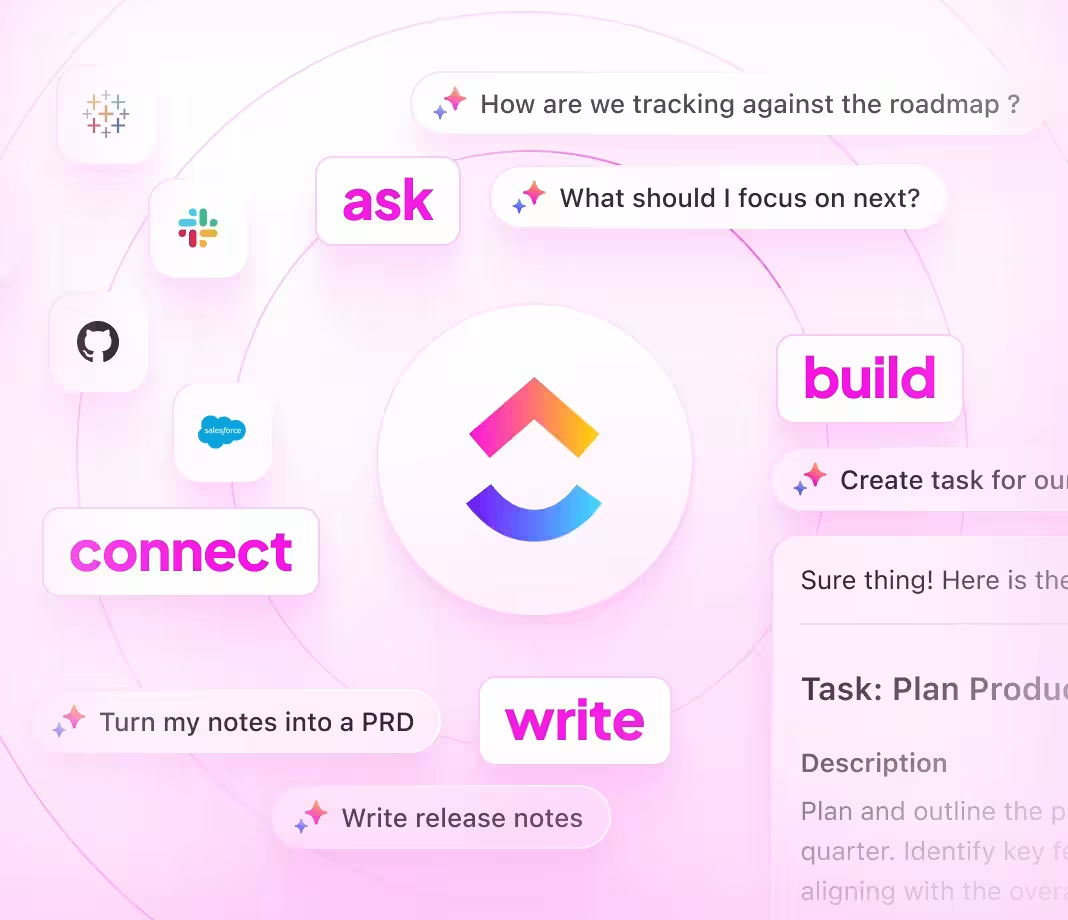
Now, AI simplifies this process by generating structured, engaging scripts from simple prompts. Just input your video concept or key points, and AI crafts a tailored script outline or full draft.
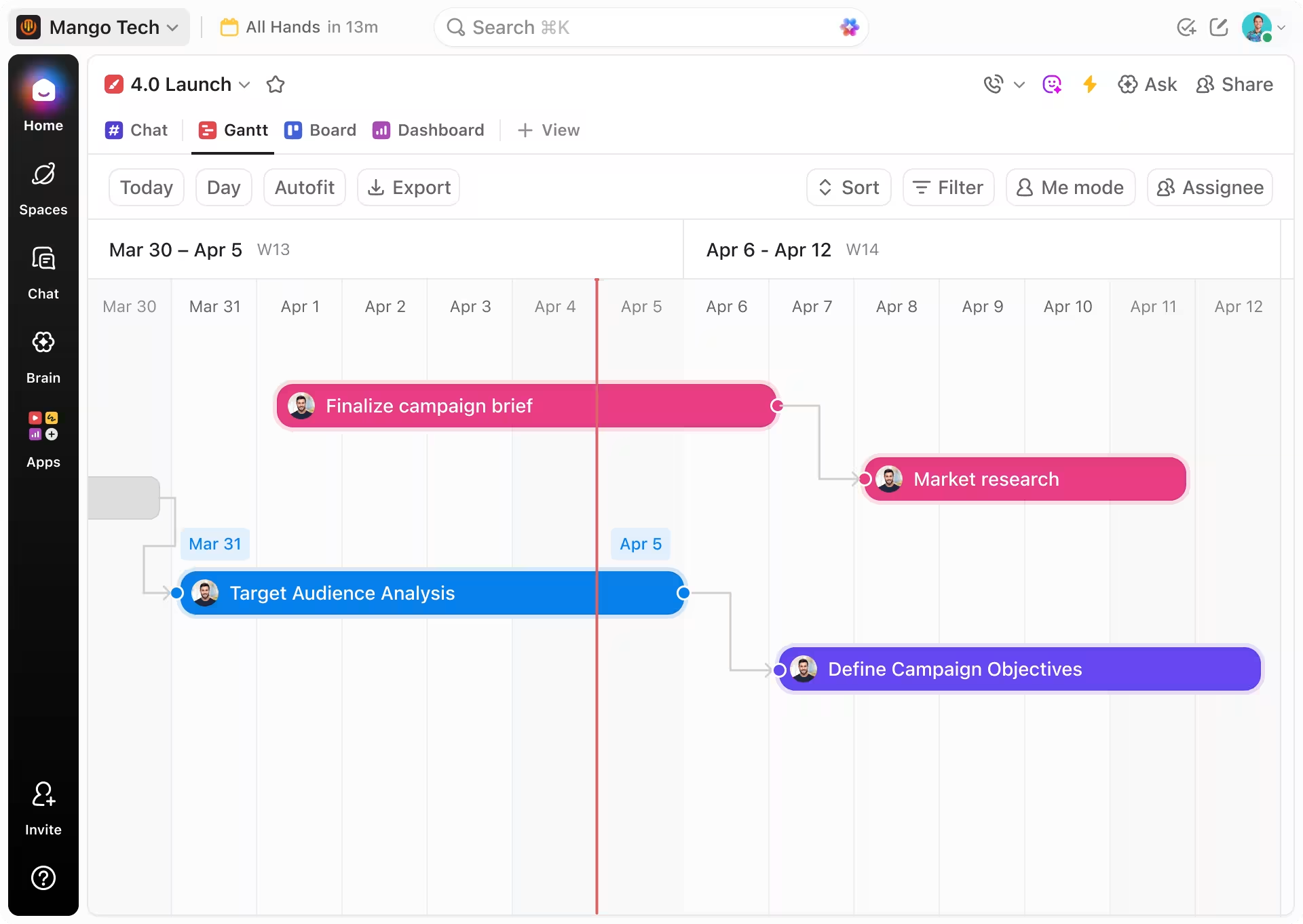
Integrated with ClickUp Brain, this tool not only accelerates scriptwriting but connects your scripts directly to project tasks, briefs, and collaboration hubs—making your video production smoother and more aligned than ever.
Why ClickUp Brain Excels in AI Video Script Generation
Traditional Video Script Tools
- Fragmented workflows: Scripts are created in isolation, requiring manual syncing with production plans.
- Limited AI capabilities: Basic text suggestions without context lead to generic scripts.
- Static drafts: Collaboration happens via email or comments, slowing revisions.
- Manual version control: Confusion over latest script versions is common.
- No project link: Scripts don’t connect with tasks, timelines, or assets.
ClickUp Brain & Brain Max
- Embedded in your workspace: Generate scripts alongside tasks, briefs, and assets.
- Context-aware AI: Uses project data and previous content to craft relevant scripts.
- Real-time collaboration: Teams edit and comment on scripts live.
- Auto versioning: Always work on the latest draft with clear history.
- Advanced logic with Brain Max: Customize script generation using your unique project parameters.
How to Generate an AI Video Script with ClickUp
1. Define Your Video Goals and Audience
Traditional approach: Manually outline objectives and key messages in separate docs.
With ClickUp Brain:
Quickly input your video’s purpose and target audience directly into the AI prompt to guide script tone and style.
2. Input Key Points or Concepts
Traditional approach: Juggle multiple brainstorming notes and research.
With ClickUp Brain:
Paste or speak your main ideas; the AI organizes and expands them into a coherent script structure using your project context.
3. Review and Customize the AI Draft
Traditional approach: Lengthy edits and back-and-forth reviews.
With ClickUp Brain:
Collaborate live with your team to tweak dialogue, pacing, and calls to action, all within ClickUp’s workspace.
4. Integrate Script with Production Tasks
Traditional approach: Separate script files and production schedules cause misalignment.
With ClickUp Brain:
Link finalized scripts to shooting schedules, talent assignments, and asset tracking for end-to-end project management.






3 Impactful Use Cases for AI Video Script Generation
Rapid Content Creation for Marketing Campaigns
Marketing teams use AI to generate multiple script drafts tailored to different audience segments, accelerating campaign launches without sacrificing quality.
It’s like having a creative partner that scales your storytelling effortlessly.

Streamlined Internal Training Videos
HR and L&D departments create consistent, clear training scripts quickly, ensuring all employees receive up-to-date and engaging content.
AI helps maintain brand voice while adapting to evolving training needs.

Enhanced Client Pitches and Proposals
Video producers craft persuasive scripts that align with client goals and feedback in real time, improving approval rates and client satisfaction.
AI supports rapid iteration and creative refinement for every pitch.