Unlock the Power of AI for Creative Briefs
 25,000+ reviews from
Understanding the AI Creative Brief Generator
An AI Creative Brief Generator automates the process of crafting comprehensive briefs that guide advertising and design projects. Traditionally, creating these briefs involved manual note-taking, frequent client meetings, and multiple revisions through emails or docs.
AI revolutionizes this by interpreting your inputs, brand guidelines, and project objectives to produce clear, structured briefs instantly. Simply input your campaign goals or design requirements, and the AI generates a tailored brief ready for your team.
When combined with ClickUp Brain, this process becomes even more powerful—briefs stay connected with your project tasks, resources, and timelines, ensuring alignment and real-time updates throughout your campaign lifecycle.
Elevate Your Creative Briefing with ClickUp Brain
Conventional Briefing Methods
- Manual processes: Relies on handwritten notes, disconnected documents, and repeated client follow-ups.
- Static documents: Briefs are often PDFs or Word files that don’t update as project details evolve.
- Fragmented collaboration: Feedback loops scattered across emails and chats cause delays.
- Limited automation: No AI assistance to interpret goals or generate content.
- Siloed information: Briefs disconnected from actual project management tools.
ClickUp Brain AI Creative Brief Generator
- Built-in AI assistance: Generate briefs directly within your project workspace using natural language.
- Dynamic updates: Briefs reflect real-time project changes and client feedback.
- Centralized collaboration: Teams co-edit and comment on briefs live.
- Context-aware: AI leverages existing project data to enrich briefs.
- Brain Max capabilities: Customize AI workflows to match your agency’s unique briefing style.
How to Generate an AI Creative Brief with ClickUp
1. Gather Project Inputs in ClickUp
Traditional approach: Collecting client info across emails and meetings, then manually compiling it.
With ClickUp Brain: Input client goals, target audience, deliverables, and brand guidelines directly into ClickUp tasks or Docs. The AI scans this live data to prepare your brief's foundation.
2. Use AI to Draft the Creative Brief
Traditional approach: Drafting briefs from scratch, often requiring multiple rewrites.
With ClickUp Brain: Simply prompt the AI with commands like, “Create a creative brief for the upcoming digital ad campaign targeting millennials.” The AI generates a structured draft covering objectives, key messages, and deliverables.
3. Customize and Refine the Brief Collaboratively
Traditional approach: Sending static docs back and forth for feedback.
With ClickUp Brain: Team members and clients collaborate directly within the brief document. The AI suggests improvements and updates content based on comments and new inputs.
4. Align the Brief with Project Tasks
Traditional approach: Disconnect between the brief and project execution.
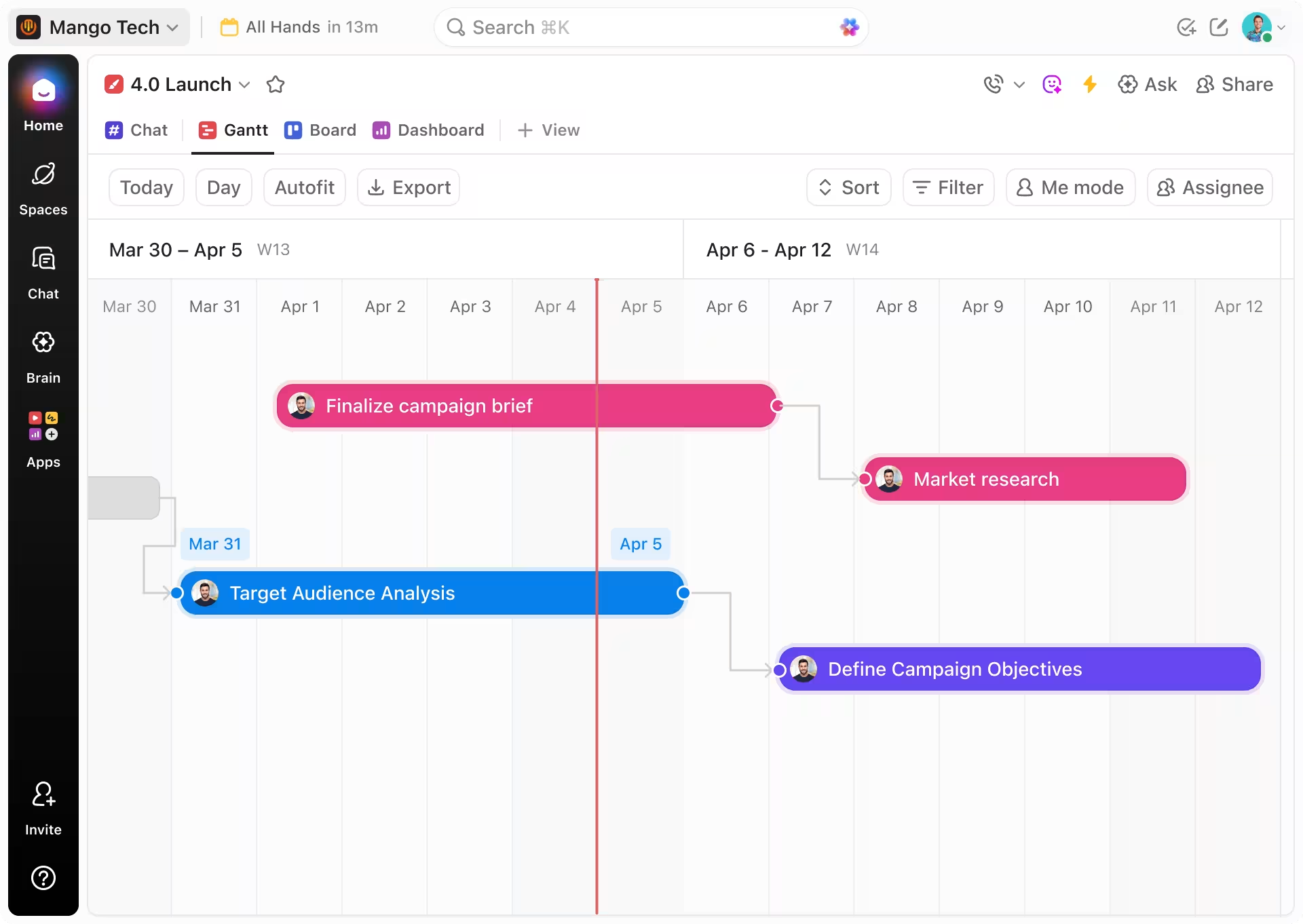
With ClickUp Brain: The AI links brief elements to specific tasks, deadlines, and resources, ensuring seamless execution and real-time tracking.






Three Impactful Use Cases for AI Creative Brief Generator
Accelerating Campaign Kickoffs
Creative directors use AI-generated briefs to rapidly transform client inputs into actionable plans, reducing kickoff times and minimizing misunderstandings.
This ensures teams start projects aligned and focused on clear objectives.

Enhancing Client Collaboration
Account managers share AI-generated briefs with clients for transparent, dynamic feedback.
Real-time updates and AI suggestions help incorporate client insights promptly, fostering stronger partnerships.

Optimizing Resource Allocation
Project managers analyze AI briefs linked to tasks to forecast resource needs and timelines accurately.
This proactive planning reduces bottlenecks and keeps projects on track.