
How AI Prompts Revolutionize Webinar Creation Workflows
Crafting compelling webinars goes beyond the live event—it starts with meticulous planning and coordination.
From topic brainstorming to content scripting, audience engagement strategies, and post-event follow-ups, producing impactful webinars involves juggling numerous tasks and timelines. AI prompts are now playing a pivotal role in simplifying these complexities.
Webinar teams leverage AI to:
- Quickly uncover trending subjects and audience interests
- Generate outlines, scripts, and interactive elements with ease
- Digest feedback and analytics into clear action points
- Transform scattered ideas into structured agendas, checklists, or task lists
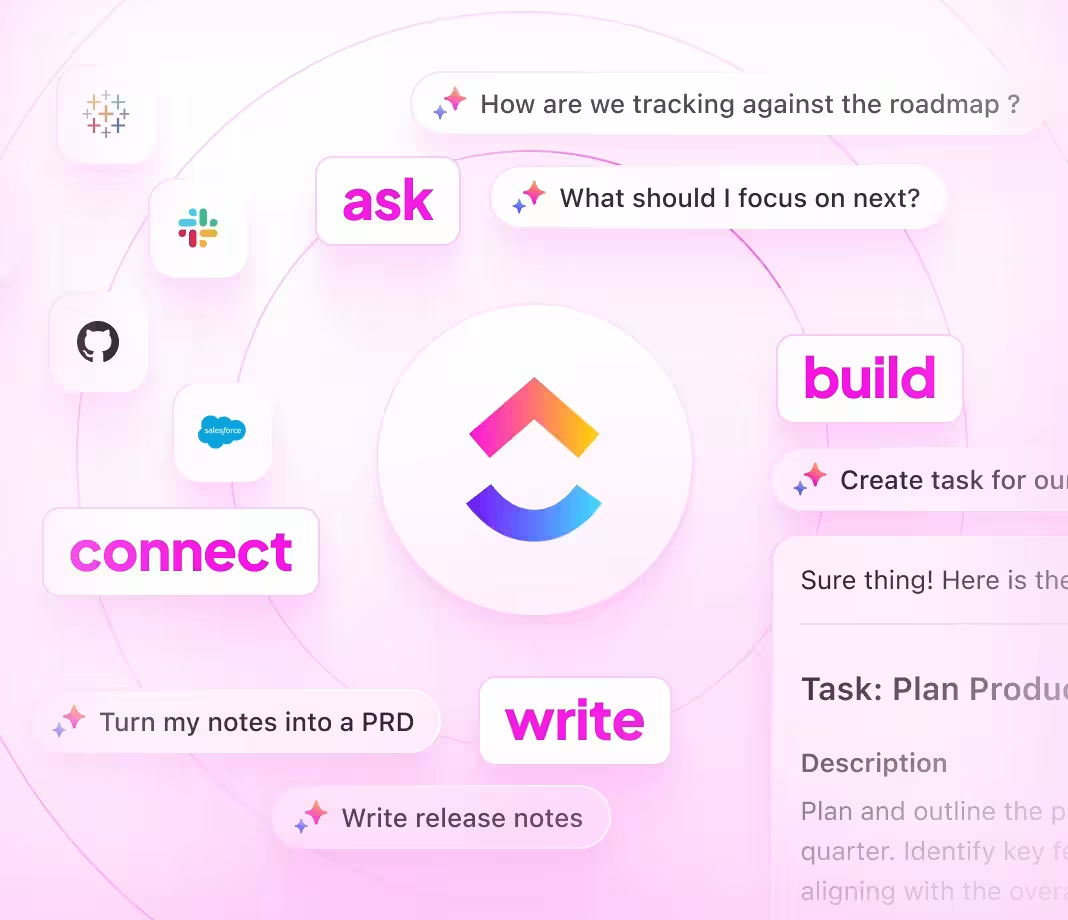
Integrated within familiar tools—such as documents, whiteboards, and project boards—AI in platforms like ClickUp Brain acts as a proactive partner, converting creative sparks into well-organized, executable plans.
Why ClickUp Brain Stands Out
Conventional AI Platforms
- Constantly toggling between apps to collect information
- Repeating your webinar objectives with each query
- Receiving generic, irrelevant suggestions
- Hunting through multiple platforms for one resource
- Interacting with AI that only processes input passively
- Manually switching between different AI engines
- Merely another add-on in your browser
ClickUp Brain
- Deeply connected to your webinar tasks, notes, and team progress
- Retains your past sessions and content goals
- Provides tailored, actionable guidance
- Searches seamlessly across all your resources
- Enables hands-free input with voice commands
- Automatically selects the optimal AI engine: GPT, Claude, Gemini
- Dedicated Mac & Windows app designed for performance
15 Powerful AI Prompts for Crafting Captivating Webinars

Prompt 1
Outline 5 innovative themes for a 60-minute webinar targeting remote team productivity, inspired by the ‘Q2 Webinar Ideas’ doc.
ClickUp Brain Behaviour: Analyzes content and key points from the linked document to propose fresh webinar themes.
Prompt 2
What interactive features are trending in successful webinars under 500 attendees in North America?
ClickUp Brain Behavior: Gathers insights from internal reports; Brain Max can supplement with relevant external data if accessible.
Prompt 3
Draft a webinar agenda focused on engaging introverts, referencing ‘Audience Profiles’ and previous session notes.
ClickUp Brain Behavior: Extracts pertinent details from linked files to assemble a structured, audience-tailored agenda.
Prompt 4
Summarize engagement metrics comparing live polls versus Q&A sessions using the ‘Webinar Analytics Q1’ doc.
ClickUp Brain Behavior: Pulls tabular and narrative data from internal sources to deliver a concise comparative summary.
Prompt 5
List top content formats that boost attendee retention, referencing marketing research and past webinar feedback.
ClickUp Brain Behavior: Reviews internal documents to identify effective formats and their impact on audience retention.
Prompt 6
From the ‘Technical Setup Checklist’ doc, generate a pre-webinar readiness task list.
ClickUp Brain Behavior: Detects key setup steps and converts them into an actionable checklist within a task or document.
Prompt 7
Summarize 3 emerging engagement techniques in webinars from post-2023 user feedback and industry reports.
ClickUp Brain Behavior: Extracts recurring themes and innovative approaches from linked research and notes.
Prompt 8
From the ‘Millennial Audience Survey’ doc, summarize preferences for webinar interaction styles.
ClickUp Brain Behavior: Analyzes survey data to highlight common interaction preferences and expectations.
Prompt 9
Write concise and friendly webinar reminder copy using the tone guidelines in ‘BrandVoice.pdf’.
ClickUp Brain Behavior: References tone and style from the document to craft engaging reminder messages.
Prompt 10
Summarize new data privacy regulations affecting webinar recordings and attendee data from the ‘Compliance 2024’ doc.
ClickUp Brain Behavior: Condenses compliance documents to highlight key changes impacting webinar practices.
Prompt 11
Generate guidelines for branding placement on webinar slides, referencing company style guides and past webinar examples.
ClickUp Brain Behavior: Extracts branding rules and visual standards from internal documents to create clear guidelines.
Prompt 12
Create a post-webinar follow-up checklist using feedback forms and ‘Best Practices’ folder.
ClickUp Brain Behavior: Identifies essential follow-up actions and organizes them into a structured task list.
Prompt 13
Compare attendee engagement strategies used by top-performing webinars in tech, education, and healthcare sectors using internal analysis docs.
ClickUp Brain Behavior: Summarizes comparative data into an easy-to-digest format (summary/table).






LLMs vs. Workflow Intelligence: How ClickUp Brain Enhances Webinar Creation
ChatGPT Webinar Prompts
- Outline a 5-step plan for a webinar focusing on engaging remote audiences effectively.
- Compose promotional text highlighting the benefits of attending a live product demo webinar.
- Suggest 3 interactive segment ideas to boost participant involvement during a training webinar.
- Draft a detailed agenda for a panel discussion webinar on industry trends.
- Summarize attendee feedback from past webinars to identify key improvement areas for future sessions.
Gemini Webinar Prompts
- Propose 3 visual slide deck themes tailored for a marketing webinar series.
- List creative icebreaker activities designed to energize virtual webinar participants.
- Develop a mood board description for a webinar branding package emphasizing professionalism and approachability.
- Recommend seating arrangements and camera setups for hybrid webinars to maximize engagement.
- Create a comparison chart of webinar platforms focusing on features, user experience, and integration capabilities.
Perplexity Webinar Prompts
- Identify 5 effective content formats for webinars and rank them by audience retention.
- Provide a comparison of webinar hosting tools, emphasizing ease of use, scalability, and analytics.
- Summarize recent trends in virtual event engagement and their impact on webinar success.
- Generate a list of 5 follow-up strategies post-webinar and prioritize them by conversion potential.
- Analyze past webinar case studies and extract 3 best practices for increasing live attendance.
ClickUp Brain Webinar Prompts
- Transform this webinar planning chat into a prioritized task list with deadlines and owners.
- Summarize feedback from the last webinar and create actionable tasks for content and technical teams.
- Review annotated webinar scripts and generate a checklist for final edits and approvals.
- Compile tasks from cross-department discussions on webinar promotion, including assigned responsibilities.
- Analyze attendee survey responses and produce a task list for improving future webinar experiences in ClickUp.
Transform Initial Thoughts Into Polished Webinar Plans
- Convert scattered notes into clear webinar outlines swiftly.
- Generate innovative topics inspired by previous sessions.
- Develop repeatable frameworks that accelerate your webinar setup.
Brain Max Boost: Quickly access past webinar scripts, audience feedback, and resource materials to fuel your upcoming presentation ideas.

Accelerate Webinar Planning and Delivery
- Break down intricate webinar ideas into manageable tasks.
- Transform brainstorming notes into assignable action items.
- Automatically create session outlines and follow-up summaries without extra effort.
Brain Max Boost: Instantly access previous webinar insights, audience feedback, or content drafts across your projects.

How AI Prompts Elevate Every Phase of Webinar Creation
Craft Engaging Webinar Ideas Quickly
Hosts explore fresh topics rapidly, enhance audience appeal, and dodge creative blocks.