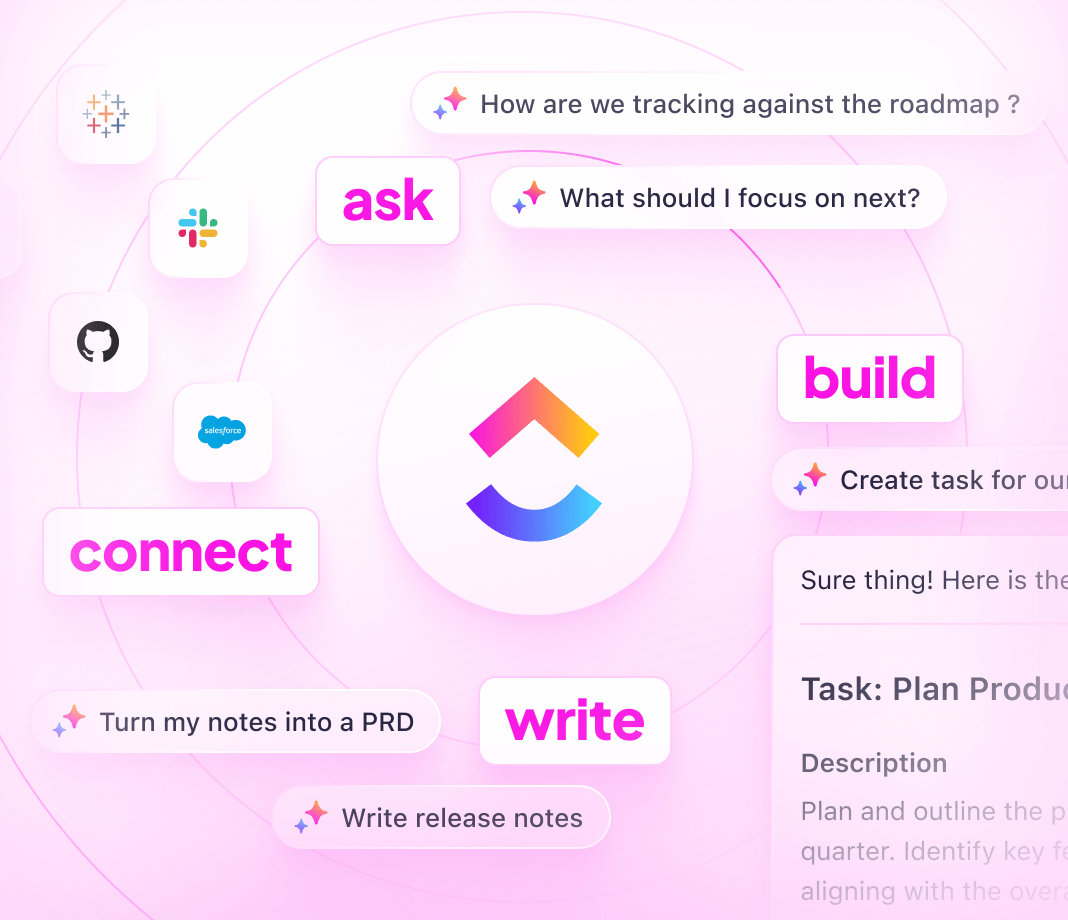
AI Agents are revolutionizing workplace communication by streamlining workflows, reducing misalignment, and ensuring information is shared efficiently through Slack channels. Enhance your team's collaboration and focus with the power of ClickUp Brain, offering intelligent support and seamless organization at your fingertips.
How AI Agents Enhance Slack Workflows
AI Agents are digital companions that take tasks off your plate, so you can focus on what truly matters—collaborating and innovating. In the context of Slack, AI Agents streamline communication and automate repetitive routines, ensuring your team stays in sync and on top of their game.
Types of AI Agents for Slack
- Communication Bots: Automate responses and streamline internal queries to keep communication flowing smoothly.
- Task Managers: Assign tasks, set reminders, and ensure deadlines are never missed.
- Data Analysts: Provide instant insights and analytics from shared data, dashboards, or external systems.
- Help Desk Assistants: Field support inquiries and offer solutions without ever leaving Slack.
AI Agents in Action on Slack
Picture this: your team is hustling through a project, and questions are firing in all directions. Here, an AI Agent can act as a communication bot, responding to common queries or directing teammates to the right resources. For instance, if someone needs the latest project report, the AI can instantly retrieve and share it within the thread—no more chaotic channel surfing required.
AI Agents can also play the role of a savvy task manager. Imagine you’re amidst a crucial planning meeting, and need to allocate tasks swiftly. With a quick command, the AI Agent in Slack can assign tasks to team members, set deadlines, and even remind everyone of their to-dos. This allows your team to stay seamlessly aligned on objectives, without missing a beat.
Benefits of Using AI Agents for Slack
AI Agents in Slack aren't just for show—they're practical tools that deliver impact. Here's why integrating AI Agents in your Slack workspace can be a game-changer:
Enhanced Productivity
- AI Agents can handle routine tasks like scheduling meetings, sending reminders, and summarizing conversations. This frees you and your team from mundane tasks, allowing everyone to focus on what truly matters.
Improved Communication
- With an AI Agent, you can instantly translate messages, generate concise summaries of lengthy discussions, and ensure key information is never missed. It's like having a communication superhero in your Slack channels!
Increased Efficiency
- AI Agents can swiftly sift through data and provide quick answers or resources, reducing the time spent searching for information. Whether it's data retrieval or task updates, efficiency is just a query away.
Seamless Collaboration
- Facilitate better collaboration with AI Agents by automatically syncing tasks and deadlines with team members. Everyone stays in the loop, and projects move forward more smoothly—like a well-oiled machine.
Scalability and Growth
- As your business scales, AI Agents scale with you. They're always ready to take on increased workloads without breaking a sweat, ensuring your team is supported no matter how big the challenges become.
With AI Agents on Slack, you’ll find that getting work done becomes not only smarter but also a whole lot easier.
Practical Applications for AI Agents in Slack
AI Agents can transform the way teams collaborate in Slack by simplifying tasks, enhancing communication, and boosting productivity. Here are some practical applications and scenarios where an AI Agent can be particularly useful:
Automated Meeting Summaries
- Generate concise summaries of meeting discussions.
- Highlight key decisions and action items instantly.
Instant Polls and Surveys
- Create and distribute polls to gather team opinions quickly.
- Analyze survey results without leaving the chat.
Scheduling Assistance
- Coordinate meetings by suggesting times based on team availability.
- Automatically update calendar events as needed.
Task and Deadline Reminders
- Send personalized reminders to ensure nothing falls through the cracks.
- Prioritize tasks and alert team members of approaching deadlines.
Knowledge Base Lookup
- Answer FAQs by searching existing documentation.
- Provide quick access to company resources and policies.
Sentiment Analysis
- Monitor team mood by analyzing conversation tones.
- Identify areas needing attention to maintain team morale.
Real-Time Language Translation
- Break language barriers by translating messages in real-time.
- Facilitate smoother communication for global teams.
Customer Support Integration
- Automate common customer inquiries.
- Escalate complex issues to human agents when needed.
Onboarding Assistance
- Guide new team members through the Slack workspace.
- Provide essential company information and resources.
Embrace the future of collaboration and let AI Agents handle the heavy lifting in Slack, leaving you more time for creative and strategic thinking.
Unlock Efficiency with ClickUp Brain Chat Agents
Maximize productivity right within your ClickUp Workspace using ClickUp Brain Chat Agents! These powerful agents are designed to streamline communication and task management, no magic wand required.
Why Use Chat Agents?
- Autonomous Decision-Makers: Once activated, Chat Agents make decisions based on the data, instructions, and tools they have access to.
- Adaptive Responders: They perceive changes in your Workspace and respond in real-time, ensuring they're always tuned in to the present situation.
- Proactive Problem-Solvers: Chat Agents aren't just reactive; they take the initiative to perform actions and achieve their goals.
- Interactive Communicators: From responding to Chat messages to interacting with Workspace items and people, Chat Agents are all about effective interaction.
- Customizable Partners: Predefined prompts can be made to fit the unique needs of your team and Workspace.
Types of Chat Agents
Answers Agent: Ideal for answering questions related to your product, services, or organization. Automate chat responses and save time by specifying knowledge sources for the Agent to use.
Triage Agent: Keep your tasks aligned with ongoing conversations. The Triage Agent identifies which Chats need related tasks, so nothing slips through the cracks.
How Do They Function in ClickUp?
Imagine you’re juggling multiple conversations and tasks across your team. Whether users are asking about project specifics or assigning action items, Chat Agents ensure no detail gets lost in the shuffle. Much like an AI Agent might operate in a tool like Slack, ClickUp Brain's Chat Agents focus exclusively on your ClickUp Workspace to enhance productivity from within.
Get started with creating a Chat Agent tailored to your team’s needs and watch as they seamlessly integrate into your daily operations, making relentless tedious tasks a thing of the past!
Challenges and Considerations When Using AI Agents for Slack
AI Agents bring a wave of efficiency and productivity to Slack, enhancing communication and workflow like never before. But hey, no system is flawless! Let's take a candid look at potential challenges you might face, and—crucially—how to tackle them head-on.
Common Pitfalls and Limitations
1. Understanding Context
AI agents might occasionally misinterpret the context of a conversation. This can result in off-target responses or actions.
- Solution: Provide clear commands and use consistent language. Where possible, set predefined parameters for common tasks to minimize confusion.
2. Privacy Concerns
Given the sensitive nature of communications, protecting user data is critical.
- Solution: Implement robust security measures and conduct regular audits. Make sure to communicate privacy protocols clearly to your team.
3. Integration Complexities
Seamless integration between AI agents and Slack can sometimes be a bumpy road, especially with frequent updates or multiple third-party applications.
- Solution: Keep Slack and any relevant AI tools updated. Establish a dedicated team or point of contact for integration troubleshooting.
4. Over-reliance on Automation
It's tempting to lean on AI for everything, but this may lead to overlooking human oversight.
- Solution: Find a balance by automating repetitive tasks while reserving decision-making and creative work for your human team.
5. Maintaining Human Touch
Interactions with AI agents can feel less personal, potentially affecting team morale.
- Solution: Encourage team members to personalize interactions and integrate human feedback into AI processes. Promote communication that blends efficiency with empathy.
Staying Ahead of Challenges
Regular Training and Updates: Keep your team informed about the latest features and best practices for using AI agents in Slack. This ensures everyone leverages the tools effectively.
Feedback Channels: Establish open channels for feedback about AI interactions. This helps continuously improve the system and address user concerns quickly.
Test and Iterate: Pilot new AI capabilities in small, controlled settings before rolling them out organization-wide. Use these insights to refine your approach.
By recognizing and addressing these challenges, you can harness the full power of AI agents in Slack. Let's make collaboration smarter, not harder!