Claude AI Agents
Claude is an AI assistant built by Anthropic. It uses large language models to help with writing, analysis, coding, research, and multi-step reasoning. Claude is available as a consumer chat product, a team collaboration tool, and a developer API for building custom AI applications.
What sets Claude apart from other AI assistants is its focus on long-context understanding (up to 1M tokens), nuanced instruction-following, and agentic task execution. With features like computer use, tool use, and autonomous coding, Claude has evolved from a conversational AI into a platform capable of performing real work across desktop environments and developer workflows.
The Claude Product Landscape
Understanding Claude requires knowing which product tier does what:
- Claude Free — The basic conversational assistant. Limited daily messages, access to the latest Sonnet model, file uploads, and web search. Best for occasional use.
- Claude Pro ($20/month) — Standard individual plan with higher usage limits, priority access to new models (including Opus), and access to features like Projects and extended thinking.
- Claude Max ($100–$200/month) — Power-user tier with 5x or 20x Pro capacity. Includes Claude Cowork for autonomous multi-tasking, computer use, and Dispatch (assign tasks from your phone).
- Claude Team ($25–$125/seat/month) — Workspace collaboration with shared Projects, admin controls, and higher usage per seat. Premium seats unlock advanced model access.
- Claude Enterprise (custom pricing) — SSO/SCIM, audit logs, data residency options, dedicated support, and usage-based billing at API rates on top of seat fees.
- Claude API — Token-based pricing for developers building custom integrations. Opus 5 at $5/$25 per million input/output tokens, Sonnet 5 at $3/$15, Haiku 4.5 at $1/$5.
Types of Claude AI Agent Capabilities
Claude offers several modes of agentic operation, each with different levels of autonomy:
1. Conversational AI (prompted)
The standard Claude chat experience. You ask questions, upload documents, or request analysis, and Claude responds with detailed answers. It can reason through complex problems, write and edit content, summarize long documents, and generate structured outputs. This is where most users start.
2. Tool use agents (API-driven)
Developers can give Claude access to custom tools via the API. Claude decides when and how to call them, enabling multi-step workflows: searching databases, calling APIs, running calculations, and combining results. The model never executes tools directly—it emits structured requests that your application handles.
3. Computer use agents (desktop automation)
Claude can control a computer environment by viewing screenshots, moving the cursor, clicking buttons, and typing. This enables automation of tasks in any desktop application without requiring dedicated integrations. Available via the API and in Claude Cowork for Max subscribers.
4. Claude Cowork (autonomous multi-tasking)
Cowork lets Claude handle multiple tasks simultaneously in the background. It can browse the web, write and execute code, create documents, and use your computer—all while you do other work. Combined with Dispatch, you can assign tasks from your phone and Claude completes them on your machine.
5. Claude Code (developer agent)
A terminal-based coding agent that can navigate codebases, write and edit files, run tests, commit code, and create pull requests. Designed for software engineering workflows where Claude operates as an autonomous developer within your repository.
Common Use Cases for Claude AI Agents
Claude agents are most effective for knowledge work, development, and research. Here's where they see the most adoption:
Research and analysis
Claude excels at synthesizing large volumes of information. Upload research papers, financial reports, or legal documents and get structured summaries, comparisons, and recommendations. Extended thinking mode allows Claude to work through complex analytical problems step by step.
Writing and content creation
From blog posts to technical documentation to marketing copy, Claude generates and edits content while maintaining consistent tone and style. It can work from outlines, reference materials, or brand guidelines to produce publication-ready drafts.
Software development
Claude Code and computer use enable autonomous coding: navigating repositories, implementing features, debugging issues, writing tests, and submitting pull requests. Claude handles everything from small bug fixes to multi-file refactors across large codebases.
Data processing and extraction
Upload spreadsheets, PDFs, or structured data and Claude can clean, transform, analyze, and visualize it. Tool use enables integration with databases and APIs for automated data pipelines.
Meeting and communication support
Claude can summarize meeting transcripts, draft follow-up emails, extract action items, and prepare briefing documents. However, it operates on content you provide rather than connecting directly to calendar or email systems.
Customer support automation
Via the API, developers build Claude-powered support agents that handle tier-1 inquiries, look up account information, troubleshoot issues, and escalate complex cases to human agents with full context.
Document review and compliance
Claude's long context window makes it well-suited for reviewing contracts, policies, and regulatory documents. It can flag inconsistencies, compare against standards, and suggest revisions across documents up to 1M tokens.
Key Benefits of Claude AI Agents
- Deep reasoning — Extended thinking and chain-of-thought capabilities enable Claude to work through complex, multi-step problems that simpler AI assistants struggle with.
- Massive context window — Up to 1M tokens means Claude can process entire codebases, lengthy legal documents, or months of conversation history in a single session.
- Honest and safety-focused — Anthropic's Constitutional AI approach means Claude is less likely to hallucinate, more willing to say "I don't know," and more careful with sensitive topics.
- Flexible deployment — Available as a consumer product, team tool, and API, so organizations can use Claude across different workflows and skill levels.
- Agentic capabilities — Computer use, tool use, and autonomous coding mean Claude can do real work, not just answer questions.
- Strong coding performance — State-of-the-art on agentic coding benchmarks, making it a powerful development partner.
Limitations to Know Before Committing
Claude is powerful for knowledge work and development, but there are real constraints to weigh:
- No native project management — Claude can discuss tasks and planning but doesn't include built-in task tracking, timelines, dependencies, sprints, or resource allocation. You need a separate tool for actual work management.
- No persistent workspace — Conversations exist in isolation. There's no central place where your team's tasks, decisions, and context accumulate over time. Projects help, but they're knowledge bases, not work execution environments.
- Limited team coordination — Claude Team adds shared access, but there's no task assignment, status tracking, workload management, or cross-functional visibility built in.
- Pricing adds up quickly — Pro at $20/month is just the starting point. Max at $100–$200/month for full agentic features, or $25–$125/seat for teams, means costs scale fast as you add capability and users.
- No native integrations with work tools — Claude connects to files and code but doesn't natively integrate with project management, CRM, ticketing, or operational systems. Custom API work is required.
- AI-only, not work-management-plus-AI — Claude is an AI assistant you visit. It doesn't live where your work already happens—your tasks, docs, dashboards, and team communication exist elsewhere.
ClickUp Brain: AI That Lives Where Your Work Already Happens
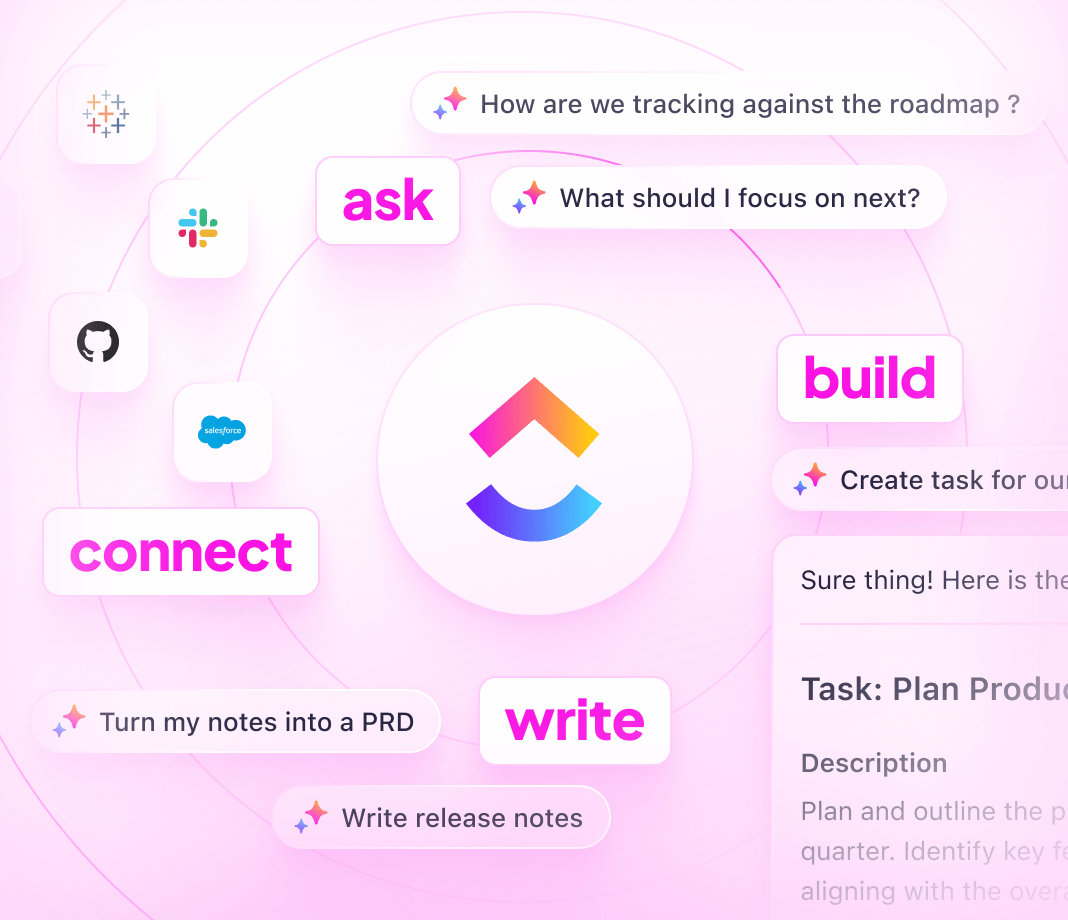
ClickUp Brain is ClickUp's native AI platform—purpose-built for project management and team collaboration. Unlike Claude, which is a standalone AI assistant you visit separately, ClickUp Brain is woven directly into the platform where your work already lives: tasks, docs, goals, dashboards, and chat.
ClickUp Brain
Ask anything about your work and Brain answers from your actual workspace context—tasks, assignees, deadlines, project history, and connected apps. No need to copy-paste context into a separate tool.
- Summarize tasks, threads, and docs instantly
- Generate subtasks, updates, and briefs from natural language
- Search across your entire workspace and connected tools
- Write and edit directly inside Docs with AI assistance
ClickUp Agents
ClickUp Agents are autonomous teammates that live inside your workspace. You define their goals, give them tools and knowledge, and they act—creating tasks, updating statuses, drafting content, responding in Chat, and coordinating work across your team without manual intervention.
Agents can:
- Respond to triggers like new task creation, status changes, form submissions, or incoming Chat messages
- Create and update tasks, subtasks, and docs based on context
- Pull information from connected apps like Google Drive, Slack, GitHub, and Salesforce
- Route work to the right people based on rules you define
- Run autonomously on a schedule without human prompting
Key characteristics:
- Autonomous — Agents act independently within your workspace, making decisions based on available context and tools
- Real-time responsive — They react to changes in your environment as they happen
- Proactive — Beyond answering questions, agents take initiative to achieve their preset goals
- Fully customizable — Build agents from scratch or customize templates to match your team's exact workflows
Why Teams Choose ClickUp Over Claude
| Claude AI Agents | ClickUp Brain & Agents | |
|---|---|---|
| Where AI lives | Standalone app or API (separate from your work tools) | Inside your ClickUp workspace, across all views |
| Knowledge sources | Uploaded files, Projects, web search | Tasks, Docs, connected apps, custom knowledge bases |
| Task management | None built-in (requires separate tools) | Native—tasks, subtasks, dependencies, Gantt, sprints |
| Team coordination | Shared Projects with basic access controls | Full workspace with roles, permissions, workload views |
| Trigger-based automation | Requires API development | No-code—task events, status changes, forms, schedule, Chat |
| Pricing for AI features | $20–$200/user/mo for AI access alone | Included in ClickUp plans; free tier available |
| Integrations | Custom API connections required | 1,000+ native integrations out of the box |
| Setup complexity | Developer-led for agentic workflows | No-code Agent builder inside ClickUp |
Whether you're looking to complement Claude's AI capabilities with a proper work management layer or consolidate into a single platform that includes both, ClickUp Brain and Agents give your team the autonomy, context, and flexibility to automate what matters—without leaving your workspace.