
AI Tools
We tested over 30 AI tools across writing, coding, research, automation, and productivity to find the 13 that consistently deliver real results. This is not a directory of everything available. It is a curated list of the tools that actually work well enough to recommend, organized by what they do best.
Each tool was evaluated on output quality, ease of use, pricing transparency, integration depth, and data handling. We included current pricing verified as of April 2026 and noted where free tiers are genuinely useful versus marketing bait.
ClickUp (our sponsor) is included where it genuinely competes. When it does not, we say so. Every recommendation reflects real testing, not partnership agreements.
Every tool in this guide was evaluated against five weighted criteria:
Output Quality (35%): How accurate, useful, and production ready are the results? We tested each tool against real work tasks: drafting emails, debugging code, generating images, building automations, and analyzing documents.
Ease of Use (20%): Can a new user get value within 15 minutes? We measured time to first useful output and the learning curve for advanced features.
Integration Depth (20%): Does the tool work within your existing stack, or does it require you to change how you work? We evaluated native integrations, API access, and ecosystem compatibility.
Pricing Transparency (15%): Are limits clearly stated? Is the free tier genuinely usable? We flagged tools with hidden caps, confusing credit systems, or bait and switch free plans.
Data Handling (10%): What happens to your data? We reviewed privacy policies, training data opt outs, and enterprise compliance certifications.
AI Tools, Ranked
ChatGPT
Free (with ads) | Go $8/mo | Plus $20/mo | Pro $100 to $200/mo | Business $25/user/mo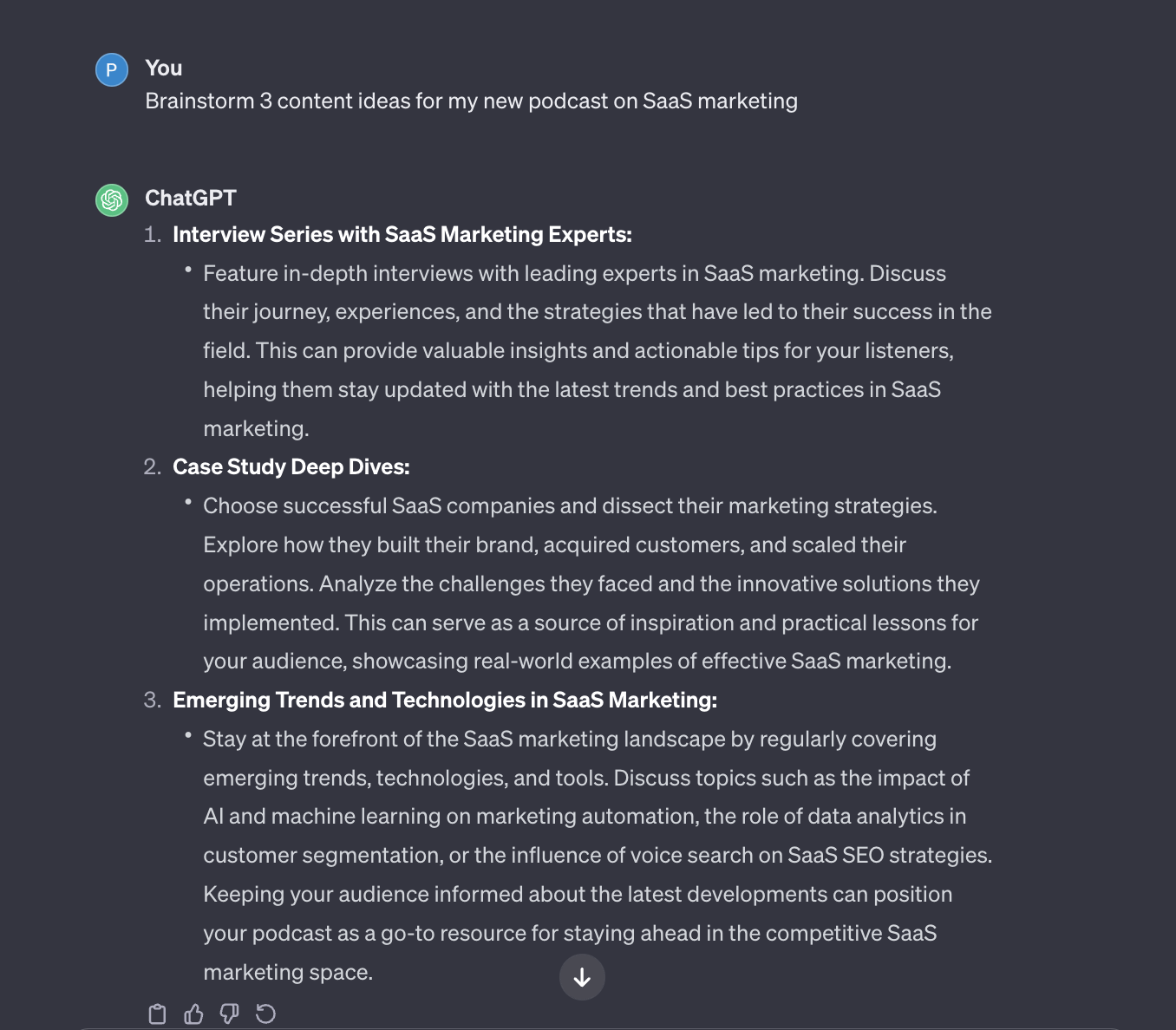
ChatGPT remains the most versatile AI tool available.
GPT 5.5, which became the default model in April 2026, handles writing, analysis, coding, document processing, and image generation within a single interface.
The 1M token context window means you can upload entire reports and work with them directly. Voice mode is genuinely useful for hands free brainstorming, and Codex handles autonomous coding tasks in a sandboxed environment.
The main limitation is pricing complexity. OpenAI now offers seven tiers ranging from free (with ads) to $200 per month, and the feature gaps between tiers are not always intuitive.
The free plan caps at 10 messages every 5 hours before falling back to a lighter model. Plus at $20 per month hits the sweet spot for most professionals.
- Most complete feature set of any single AI tool, covering text, code, images, voice, and document analysis
- Massive context window (1M tokens on Plus and above) handles long documents without chunking
- Codex provides autonomous coding agent that works in a sandboxed environment
- Seven pricing tiers with confusing feature gaps make it hard to choose the right plan
- Free and Go tiers now include ads in the US, which degrades the experience
Claude
Free | Pro $20/mo | Max $100/mo | Team $30/user/mo | Enterprise customClaude is the strongest AI tool for writing quality and structured reasoning. It produces prose that reads like a competent human wrote it, without the filler and over explanation common in other models. The 200K token context window handles long documents natively, and the Projects feature lets you save context across conversations for ongoing work.
Claude Code turns the command line into a full development environment, and Claude Cowork (now generally available) automates tasks across your desktop files and applications without requiring code. For teams that prioritize writing quality and thoughtful analysis over raw feature breadth, Claude is the better choice over ChatGPT.
- Best writing quality of any AI model, with natural tone and minimal filler
- Claude Code and Cowork provide genuine agentic capabilities for developers and non developers
- Strong reasoning on complex, multi step problems with transparent thinking
- Smaller ecosystem of integrations compared to ChatGPT and Gemini
- No native image generation capability
Gemini
Free | Google AI Ultra $20/mo | Business plans from $14/user/mo (bundled with Workspace)Gemini is the obvious choice for anyone who lives inside Google Workspace. It reads your Gmail, references your Drive documents, and works within Docs, Sheets, and Slides natively. The integration depth is unmatched: no other AI tool can pull context from your calendar, email, and documents simultaneously without manual uploads.
Gemini 3.1 Pro delivers strong performance on reasoning and multimodal tasks, and image generation quality has improved significantly. The free tier through Google AI Studio is generous enough for developers and researchers to build with. For organizations already paying for Google Workspace, adding Gemini is the lowest friction path to AI adoption.
- Deepest native integration with Google Workspace of any AI tool
- Strong multimodal capabilities including image and video generation
- Generous free tier through Google AI Studio for developers
- Writing quality trails Claude and ChatGPT for nuanced or creative tasks
- Less useful if your organization does not use Google Workspace
Perplexity
Free | Pro $20/mo | Enterprise customPerplexity has moved beyond being a search engine with AI to become a legitimate research platform. Every answer includes inline citations you can verify, which makes it the only AI tool where you can trust the sources without independently fact checking. The Comet Assistant handles multi step workflows like preparing meeting briefs and compiling competitive analyses.
Since dropping ads from answers in February 2026 and moving to a subscription first model, the output quality has noticeably improved. Perplexity Computer, the multi agent system now available to Pro subscribers, connects to 20+ models and hundreds of integrations. For anyone whose work involves research, due diligence, or staying current on fast moving topics, Perplexity is indispensable.
- Inline citations on every answer let you verify claims without separate searches
- Perplexity Computer enables multi step research workflows with agent capabilities
- Ad free since February 2026 after switching to a subscription model
- Weaker at creative writing and code generation compared to ChatGPT or Claude
- Pro subscription required for the most useful features like Computer and extended context
Grok
Free (with X account) | SuperGrok from $30/moGrok stands out for real time information access through its integration with X. It can reference posts, trending topics, and breaking news faster than any other chatbot, making it uniquely useful for monitoring current events, public sentiment, and market reactions. Image and video generation are bundled into the core experience.
The model itself is competitive on reasoning tasks, and the free tier is more generous than most competitors. Where Grok falls short is ecosystem: it has fewer integrations than ChatGPT or Gemini, and its strengths are narrower. Use it for real time awareness and quick fact checking against current events, not as your primary productivity tool.
- Fastest access to real time information and breaking news of any AI chatbot
- Strong image and video generation built into the core experience
- Generous free tier for X users
- Ecosystem heavily tied to X, limiting usefulness outside that platform
- Fewer third party integrations and enterprise features than competitors
Cursor
Free (limited) | Pro $20/mo | Business $40/user/mo | Enterprise customCursor is the dominant AI native code editor and it is not close. It goes beyond autocomplete: the Agents Window runs multiple coding agents in parallel, background agents work on tasks autonomously while you focus elsewhere, and multi file editing with full codebase awareness makes refactoring painless.
Cursor 3 was rebuilt around agentic workflows, and it now supports model switching between Claude, GPT, and Gemini so you can use whichever model performs best for a given task. The diff view lets you see exactly what the AI changed, line by line, and accept or reject each modification. For professional developers, Cursor saves 8 to 12 hours per week on average.
- Full codebase awareness means suggestions account for your entire project, not just the open file
- Agents Window runs multiple coding tasks in parallel autonomously
- Model switching between Claude, GPT, and Gemini within the same editor
- Steep learning curve for developers accustomed to traditional IDEs
- Heavy resource usage can slow down older hardware
GitHub Copilot
Free (limited) | Pro $10/mo | Business $19/mo | Enterprise $39/moGitHub Copilot offers the best value in AI coding assistance. At $10 per month for Pro, you get inline completions, chat, an autonomous coding agent, and AI powered code review, all integrated into VS Code and JetBrains. The free tier provides limited but genuinely useful autocomplete without paying anything.
Copilot’s advantage is ubiquity: it works inside the editors developers already use rather than requiring a switch. The coding agent can handle GitHub Issues autonomously, and the code review feature catches bugs before they reach PR. For teams that want AI coding help with minimal workflow disruption, Copilot is the path of least resistance.
- Integrates directly into VS Code and JetBrains rather than requiring a new editor
- Autonomous agent handles GitHub Issues and pull requests end to end
- Best price to value ratio in AI coding at $10 per month
- Less capable on large scale refactoring and multi file edits than Cursor
- Code suggestions can be overly confident, requiring careful review
ClickUp
Free plan available | Unlimited $7/user/mo | Business $12/user/mo | Enterprise customClickUp Brain turns your project management platform into an AI powered workspace.
It summarizes tasks, generates updates, drafts documents, and answers questions about your projects using context from your actual work data. The AI writing assistant helps with task descriptions, comments, and documentation without leaving the platform.
Where ClickUp shines is combining AI with structured work management. Other chatbots generate text in a vacuum; ClickUp Brain generates text connected to your tasks, goals, timelines, and team context.
The limitation is scope: Brain is designed for work management, not general purpose research or creative tasks. For teams already using ClickUp or evaluating work management platforms, the AI layer is a genuine differentiator.
- AI has full context of your projects, tasks, and documents for relevant suggestions
- Eliminates the need to copy context between a chatbot and your work management tool
- Covers project management, docs, goals, and time tracking in one platform
- AI capabilities are limited to work management context, not general purpose
- Feature density creates a learning curve for new teams
Notion AI
AI available on all plans | Free plan available | Plus $12/user/mo | Business $18/user/moNotion AI transforms Notion from a documentation tool into an intelligent workspace. It summarizes meeting notes, searches across your entire knowledge base, generates content within pages, and builds custom AI agents that automate repetitive documentation tasks. The AI lives inside your existing workspace rather than requiring you to switch to a chatbot.
The key advantage is contextual awareness. Notion AI draws on your wikis, databases, and documents to give answers grounded in your team’s actual knowledge, not generic internet content. For teams that already run their documentation and knowledge management in Notion, the AI upgrade is straightforward and immediately useful.
- Searches and synthesizes across your entire Notion workspace for grounded answers
- Custom AI agents automate repetitive documentation and knowledge management tasks
- No context switching required since AI lives inside your existing workspace
- AI quality depends on how well organized your Notion workspace is
- Limited usefulness if your team's primary workflow happens outside Notion
Grammarly
Free | Pro $12/mo | Business $15/user/mo | Enterprise customGrammarly catches writing issues that general purpose chatbots miss. It goes beyond basic spelling and grammar to flag tone mismatches, unclear phrasing, wordiness, and formatting inconsistencies across emails, documents, and messages. The browser extension works everywhere you write, and the desktop app covers applications that extensions cannot reach.
The AI writing assistance now generates full drafts, rewrites paragraphs, and adjusts tone for different audiences. For professionals who write frequently, whether emails, reports, proposals, or documentation, Grammarly provides a consistent quality floor that prevents embarrassing mistakes from reaching clients and colleagues.
- Works everywhere you write through browser extension, desktop app, and native integrations
- Catches tone, clarity, and style issues that chatbots typically miss
- Consistent quality floor prevents mistakes across all written communication
- Suggestions can be overly conservative, smoothing out intentional stylistic choices
- Full feature set requires the paid plan; free tier covers only basic corrections
Midjourney
Basic $10/mo | Standard $30/mo | Pro $60/mo | Mega $120/moMidjourney produces the highest quality AI generated images available. V8.1, released in April 2026, refined the stability and consistency improvements from V8, making it the most reliable tool for production quality visuals. The artistic range spans photorealism to stylized illustration, and prompt responsiveness has improved enough that getting the image you want rarely takes more than two to three attempts.
The main barrier is accessibility: Midjourney still operates primarily through Discord, which is unfamiliar territory for non technical users. A web interface exists but remains limited compared to the Discord workflow. For marketing teams, designers, and content creators who need high quality visuals regularly, the output quality justifies the learning curve.
- Highest overall image quality of any AI generation tool, especially for stylized and artistic work
- V8.1 provides consistent, reliable output that requires fewer regeneration attempts
- Strong community and extensive prompt libraries for learning
- Discord first workflow creates a steep learning curve for non technical users
- No free tier; the cheapest plan is $10 per month
Zapier
Free (100 tasks/mo) | Starter $19.99/mo | Professional $49/mo | Team $69/moZapier connects over 7,000 apps and now embeds AI directly into automations. You can add GPT powered text generation, classification, extraction, and summarization into any workflow without writing code. The visual builder makes it possible for non developers to create sophisticated multi step automations that previously required a developer.
Zapier’s strength is breadth of integration. If two apps exist, Zapier probably connects them. The AI layer turns simple trigger action automations into intelligent workflows that can interpret unstructured data, route decisions, and generate responses. For teams automating repetitive processes across multiple SaaS tools, Zapier is the fastest path from idea to working automation.
- Over 7,000 app integrations cover virtually any SaaS tool your team uses
- Built in AI steps add intelligence to automations without external API calls
- Visual builder requires no coding knowledge for complex multi step workflows
- Task based pricing can become expensive at scale with high volume automations
- Complex automations with many steps can be difficult to debug when they fail
n8n
Free (self hosted) | Starter $24/mo (cloud) | Pro $60/mo | Enterprise customn8n is the open source alternative to Zapier that gives you full control over your automation infrastructure. The AI Agent node chains large language models with operational tools like Slack, HubSpot, and CRMs to create self correcting workflows. With 422+ app integrations and the ability to self host, n8n is the go to choice for teams that need GDPR compliance, data sovereignty, or custom logic that no code platforms cannot handle.
The trade off is complexity. n8n requires more technical knowledge to set up and maintain than Zapier, especially for self hosted deployments. But for engineering teams and technical operations professionals who want AI automation without sending data to third party servers, n8n delivers capabilities that closed source platforms cannot match.
- Self hosted option provides full data sovereignty and GDPR compliance
- AI Agent node supports chaining multiple LLMs with operational tools for intelligent workflows
- Open source codebase means no vendor lock in and full customization
- Requires more technical knowledge to set up and maintain than Zapier
- Smaller integration library (422+ vs Zapier's 7,000+) though growing rapidly
Buying Guides
Comparisons
The ClickUp Learn Hub is maintained by ClickUp. Some tools reviewed may compete with ClickUp products. We strive for accuracy and fairness in all evaluations. Our methodology and scoring criteria are disclosed on each page.
How AI Tools Have Changed in 2026
The AI tool landscape in 2026 looks nothing like it did two years ago. Chatbots now reason through multi step problems, coding assistants build entire features autonomously, and automation platforms chain AI models together without a single line of code. The number of tools has exploded, but the ones that matter have consolidated around a few clear categories.
Three shifts define the current market. First, reasoning is now baked into every major chatbot rather than being offered as a separate mode. OpenAI’s GPT 5.5, Claude Opus 4, and Gemini 3.1 Pro all blend extended thinking into their default responses. Second, agentic workflows have moved from concept to product. Cursor, Claude Code, and GitHub Copilot handle entire features end to end, not just autocomplete. Third, pricing has bifurcated: free tiers are more capable than ever, while power user plans now cost $100 to $200 per month.
This guide covers the 13 tools that consistently deliver results across real work tasks. We grouped them by primary function so you can jump to what matters for your workflow. Every tool was evaluated against the same five criteria and includes current pricing verified as of April 2026.
What to Look for in an AI Tool
Before evaluating any tool, establish what you actually need it to do. A marketing team evaluating AI assistants has different requirements than a solo developer choosing a coding IDE. The best tool is the one that fits your existing workflow, not the one with the most features on a comparison chart.
Start with your primary use case, then evaluate based on four factors: output quality for your specific task, integration with tools you already use, pricing relative to the time it saves you, and data privacy policies that match your organization’s requirements. A $20 per month chatbot that saves you 5 hours per week is a better investment than a $200 per month plan you use twice.
One pattern worth noting: specialized tools consistently outperform general purpose chatbots within their domain. Cursor produces better code than ChatGPT. Midjourney produces better images than Gemini. Grammarly catches more writing issues than any chatbot’s proofreading mode. Use generalists for exploration and specialists for production work.
Common Questions About AI Tools
What is the best AI tool overall in 2026?
ChatGPT is the most versatile single AI tool thanks to GPT 5.5’s combination of writing, coding, image generation, and document analysis in one interface. However, Claude produces better writing, Cursor writes better code, and Perplexity delivers better research. The best tool depends on your primary use case.
Are free AI tools good enough for professional work?
Free tiers from ChatGPT, Claude, Gemini, and Perplexity are genuinely useful for occasional tasks and evaluation. For daily professional use, the $20 per month tier on any major chatbot removes the rate limits and model restrictions that make free plans frustrating. GitHub Copilot’s free tier is the strongest for coding.
How much do AI tools cost per month?
Most AI chatbots offer a capable paid tier at $20 per month, including ChatGPT Plus, Claude Pro, and Perplexity Pro. Coding tools range from $10 per month (GitHub Copilot) to $40 per month (Cursor Business). Power user plans from OpenAI and Anthropic now reach $100 to $200 per month for higher limits and advanced features.
Which AI tool is best for coding?
Cursor is the best AI coding tool for developers who want a dedicated environment with full codebase awareness and agentic workflows. GitHub Copilot is the best choice for developers who prefer staying in VS Code or JetBrains. Claude Code is the strongest terminal based option for developers who work from the command line.
Can AI tools replace human workers?
AI tools in 2026 automate specific tasks, not entire jobs. They handle first drafts, code generation, data analysis, and repetitive workflows, but still require human judgment for strategy, nuance, quality assurance, and decisions involving context that AI cannot access. The pattern is augmentation, not replacement.