
Design System Documentation Hub
Build a Robust Knowledge Base for Design System Documentation
Create a centralized, searchable resource for components, guidelines, patterns, and updates—so your design team always accesses the most current source of truth.
 25,000+ reviews from
Trusted by the best
ClickUp vs Traditional Methods
Why ClickUp is the smart choice for design system knowledge bases
Unify design documentation and workflows in one scalable platform.
Using traditional tools
- Design guidelines scattered across multiple platforms, causing confusion
- Manual updates lead to outdated or inconsistent components
- Lack of integration between documentation and design tasks
- Access controls often limit collaboration or cause duplication
- Time-intensive maintenance slows team agility
Using ClickUp
- Combine Docs, tasks, and comments to align knowledge and execution
- Instantly convert documentation gaps into actionable tasks
- Link design system updates directly to workflows and sprints
- Granular permissions for internal teams, partners, and stakeholders
- AI-powered assistance accelerates content creation and revisions
Building Your Design System Knowledge Base
Steps to develop a comprehensive design system knowledge base
Follow this 6-step approach to keep your design documentation consistent, accessible, and evolving.
1. Define your audience and documentation objectives
- Identify designers, developers, and stakeholders who rely on the system
- Map component usage scenarios from core elements to complex patterns
- Assign ownership to ensure long-term documentation stewardship
2. Establish a clear knowledge base framework
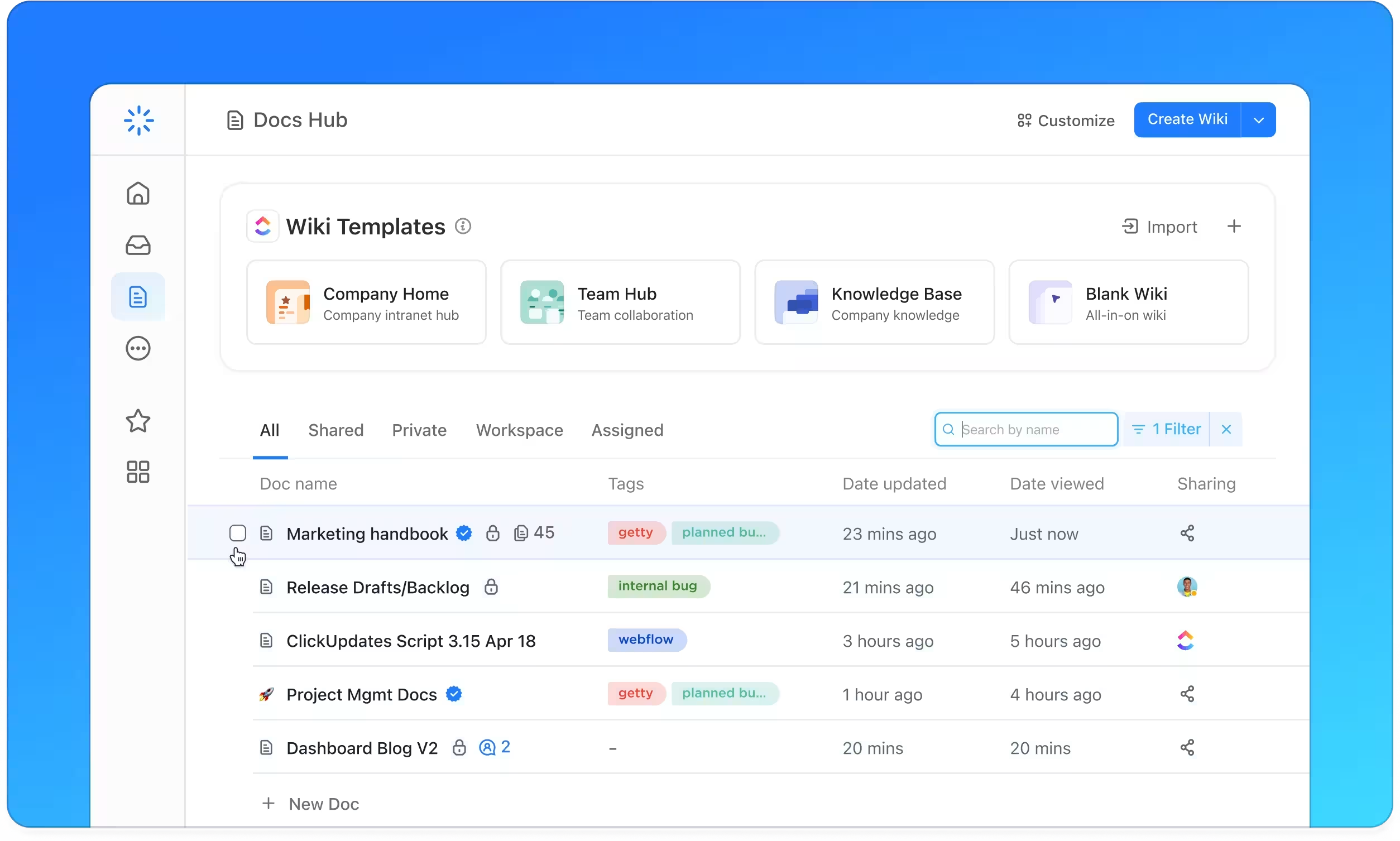
- Create a unified hub with intuitive navigation for components, tokens, and guidelines
- Include sections like Typography, Colors, Layout, Components, and Accessibility
- Maintain version history and changelogs prominently
3. Standardize component documentation for consistency
- Use a uniform template covering purpose, anatomy, states, and usage
- Document design principles, code snippets, and accessibility notes
- Address edge cases and variation guidelines to minimize confusion
4. Incorporate practical guides and troubleshooting tips
- Develop how-to articles for common design implementations
- Provide solutions for frequent integration challenges
- Centralize FAQs relating to design decisions and updates
5. Keep documentation aligned with design releases
- Link knowledge base updates to design sprints, releases, and retrospectives
- Treat documentation as an integral part of the design lifecycle
- Ensure the system evolves alongside product changes
6. Manage access and sustain the knowledge base over time
- Configure permissions for internal teams, collaborators, and external partners
- Monitor feedback, perform regular reviews, and update deprecated elements
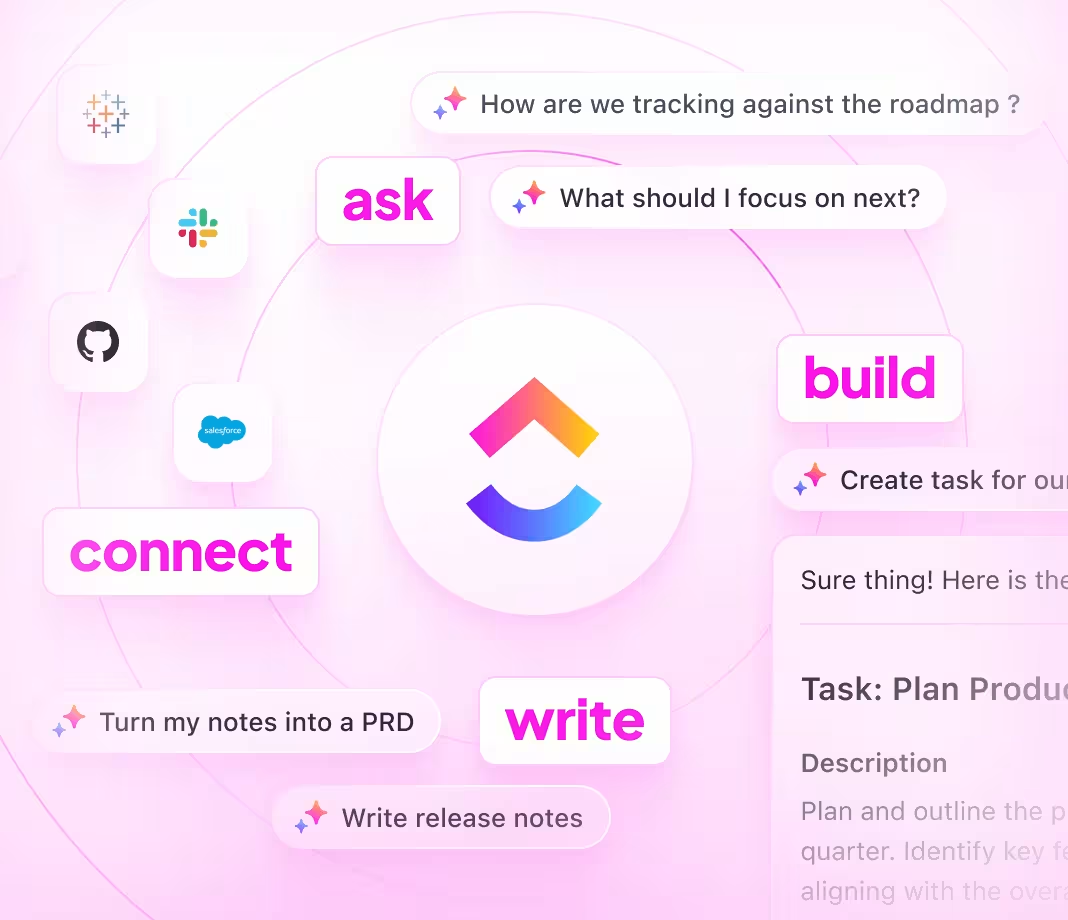
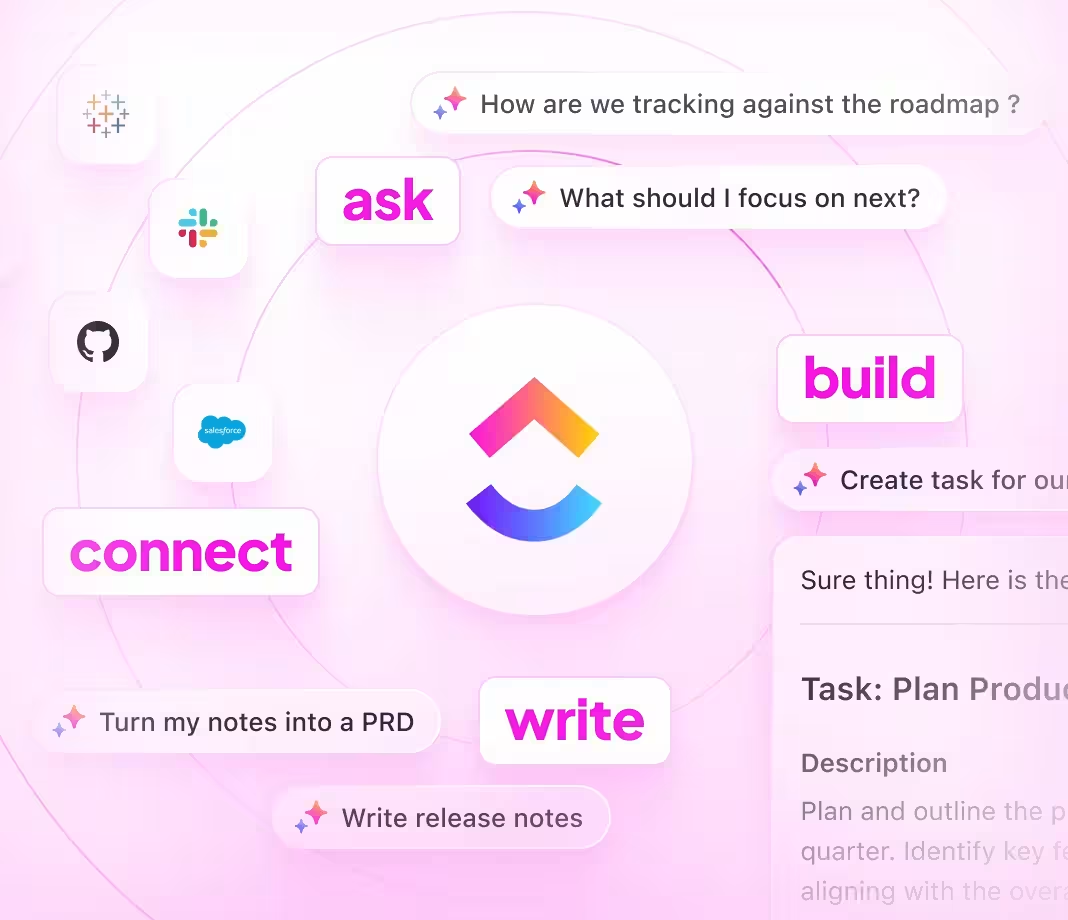
- Use ClickUp Brain and Brain Max for continuous improvement and insights
Empowering design teams with ClickUp
How ClickUp supports your design system knowledge base
Maintain structured, owned, and synchronized design documentation tied to every update.
Organize
Consistent design documentation powered by ClickUp Docs
- Core sections like Typography, Colors, Components, and Accessibility
- Table of contents with nested subpages for effortless navigation
- Standardized component templates for uniformity
Why it matters: Teams find what they need fast, reducing design inconsistencies.

Manage
Ownership and accountability tracked seamlessly
- Identify documentation gaps and convert them into assigned tasks
- Assign owners, set deadlines, and schedule periodic reviews
- Monitor progress like any design project
Why it matters: The knowledge base remains accurate and reliable through clear responsibility.

Integrate
Link documentation directly to design sprints and releases
- Connect docs to design deliverables, updates, and retrospectives
- Tie in feedback loops from stakeholders and user testing
- Ensure documentation evolves with the design system
Why it matters: Documentation reflects the latest design decisions and updates in real time.

ClickUp for Design System Documentation
Your questions answered


SOC 2
CERTIFIED

ISO 27001
CERTIFIED

GDPR
COMPLIANT

HIPAA
COMPLIANT