
Cloud Disaster Recovery Testing Knowledge Base
Establish a Robust Knowledge Hub for Cloud Disaster Recovery Testing
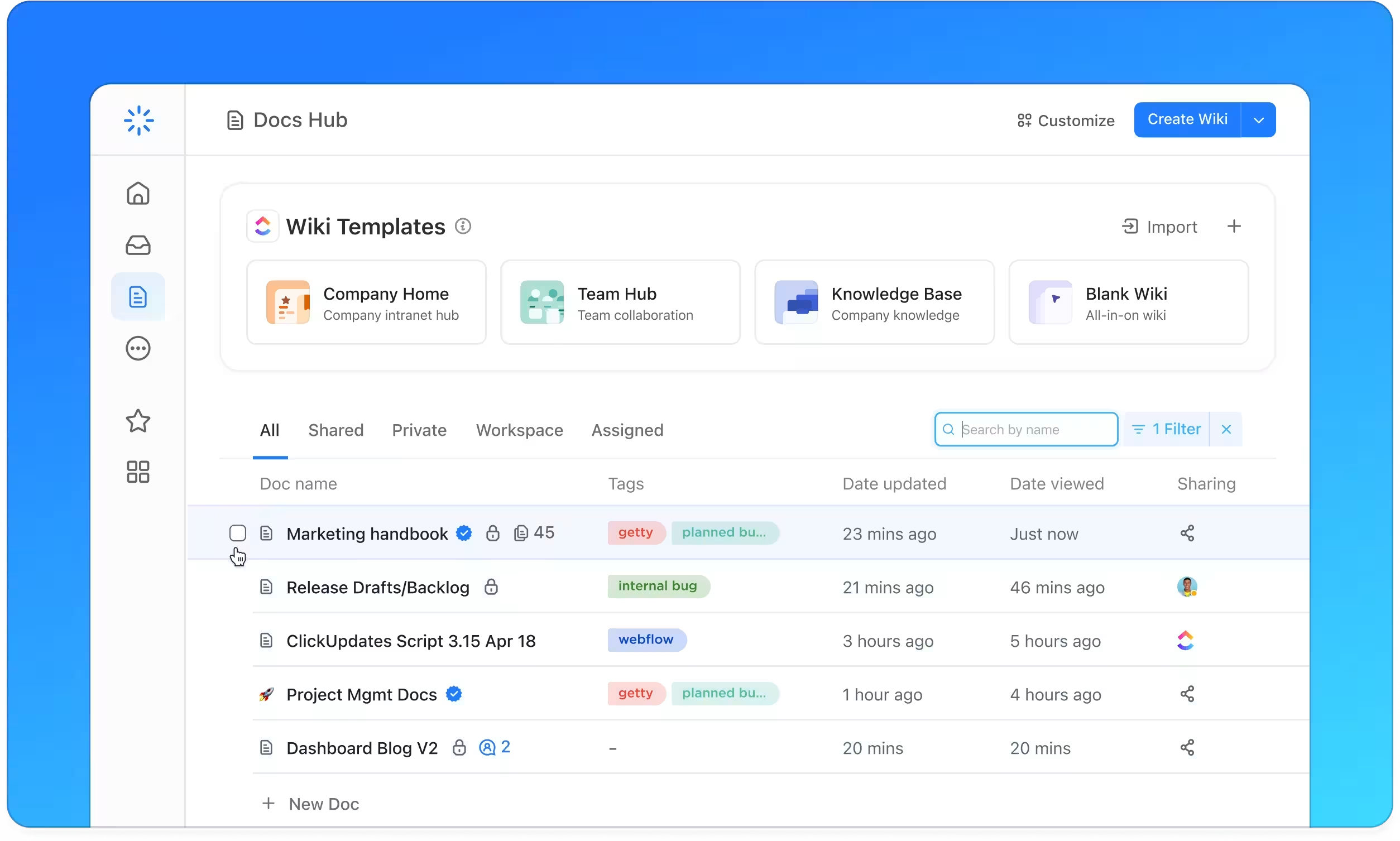
Create a centralized, searchable repository for recovery plans, test procedures, failure scenarios, and compliance guidelines—ensuring your team accesses the most current disaster recovery insights.
 25,000+ reviews from
Trusted by the best
ClickUp vs Traditional Tools
Why Choose ClickUp Over Conventional Tools for Disaster Recovery Knowledge
Consolidate your recovery knowledge and testing workflows in one evolving platform.
Traditional disaster recovery tools
- Knowledge scattered across disconnected platforms leading to version conflicts
- Manual updates prone to oversight and delay
- Documentation isolated from actual test execution and incident tracking
- Rigid permission models causing redundant document copies
- Time-consuming manual processes for creating and maintaining knowledge
Using ClickUp for disaster recovery knowledge
- Unified workspace combining Docs, tasks, and communication
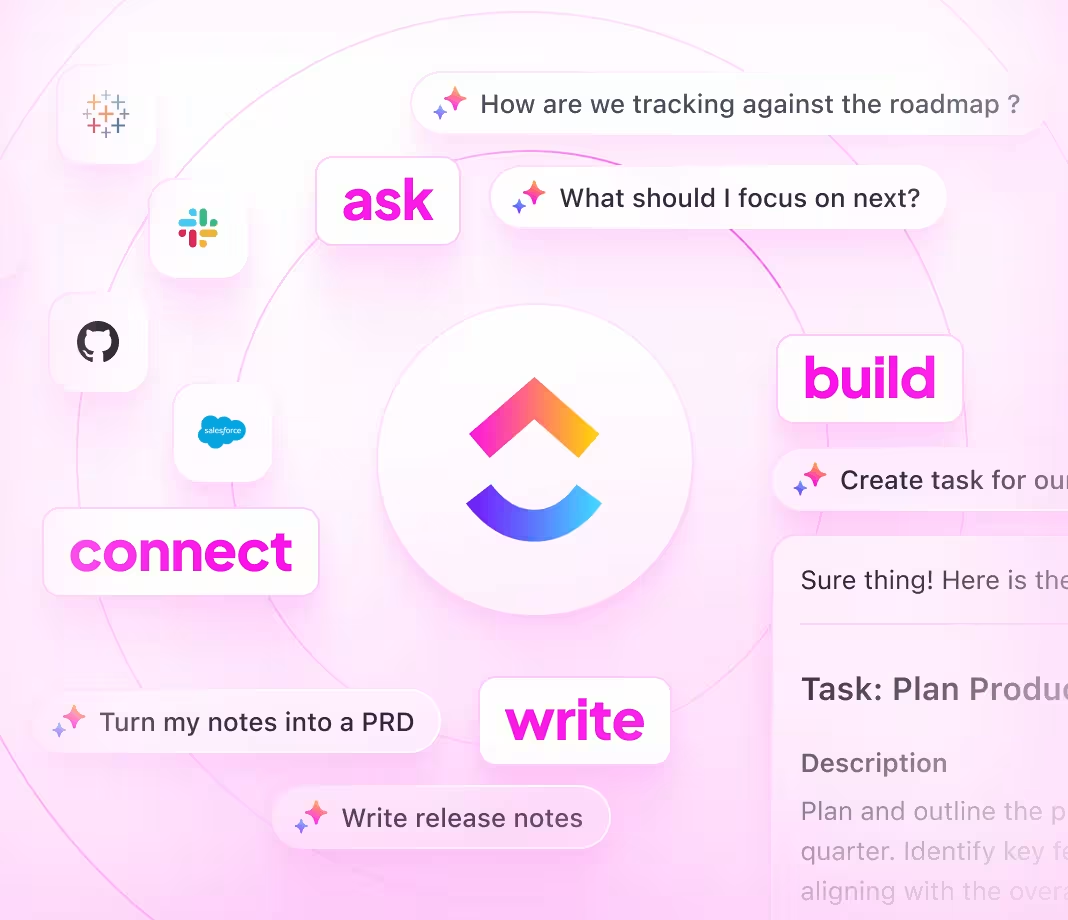
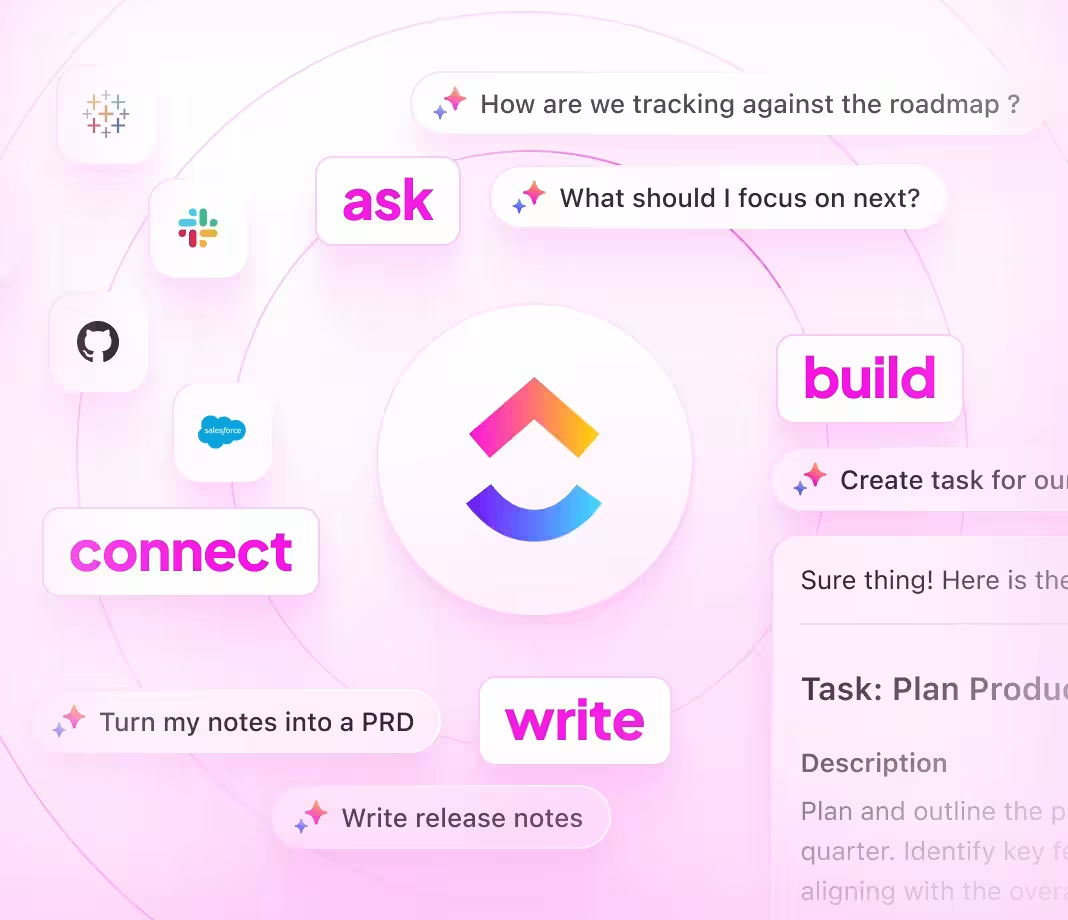
- Automatically convert knowledge gaps into actionable tasks with ClickUp Brain
- Link documentation directly to recovery tests, incidents, and compliance checks
- Granular access controls for internal teams and external auditors
- AI-driven suggestions and content generation accelerate documentation upkeep
Building Your Knowledge Base
Step-by-Step Guide to Creating a Disaster Recovery Knowledge Base
Follow this 6-step framework to develop a comprehensive, maintainable knowledge repository tailored for cloud disaster recovery testing.
1. Identify stakeholders and knowledge base objectives
- Define who will use the knowledge base (test engineers, IT ops, compliance)
- Outline key outcomes such as rapid recovery, audit readiness, and risk mitigation
- Assign clear ownership to ensure ongoing accuracy
2. Design an intuitive structure for your knowledge base
- Build a single source with well-organized sections like recovery plans, test scripts, failure scenarios, and post-test reviews
- Implement navigation aids such as a table of contents and subpages
- Ensure compliance documentation and change logs are easy to locate
3. Standardize test case and scenario documentation
- Use consistent templates for documenting recovery tests including objectives, prerequisites, steps, and validation criteria
- Detail failure modes and recovery actions to reduce ambiguity
- Incorporate examples and automated test links when possible
4. Incorporate troubleshooting guides and best practices
- Capture common failure causes and remediation steps
- Document lessons learned and continuous improvement recommendations
- Centralize links to monitoring dashboards and alert procedures
5. Synchronize documentation with testing cycles and system updates
- Connect knowledge updates directly to scheduled tests, environment changes, and incident reports
- Treat documentation as an integral part of your recovery validation process
- Ensure real-time accuracy as your cloud infrastructure evolves
6. Manage access rights and maintain knowledge quality
- Set role-based permissions for internal teams, third-party vendors, and regulators
- Schedule regular reviews and feedback collection
- Use AI-powered insights from ClickUp Brain Max to identify outdated or incomplete content
Empowering Your Recovery Documentation
Unlock Clarity and Control With ClickUp for Disaster Recovery Knowledge
Seamlessly integrate knowledge management with testing workflows to enhance reliability and audit readiness.
Organize
Structured Disaster Recovery Documentation Using ClickUp Docs
- Recovery plans, test procedures, failure scenarios, compliance checklists
- Intuitive tables of contents and nested subpages for easy navigation
- Uniform templates for documenting test cases and remediation steps
Why it matters: Teams access critical recovery information quickly, reducing downtime and improving coordination.

Assign
Clear Ownership and Progress Tracking
- Identify knowledge gaps and assign tasks with ClickUp Brain
- Set owners, deadlines, and review schedules for documentation updates
- Manage documentation efforts alongside testing and incident workflows
Why it matters: Accountability ensures documentation remains current and trustworthy.

Integrate
Link Documentation With Testing and Incident Management
- Connect knowledge base pages to scheduled disaster recovery tests and system change logs
- Relate bugs, failures, and postmortem analyses directly to documentation
- Incorporate user feedback and support tickets for continuous improvement
Why it matters: Documentation evolves in parallel with your infrastructure and recovery processes.

ClickUp Knowledge Base for Cloud Disaster Recovery Testing
Frequently Asked Questions


SOC 2
CERTIFIED

ISO 27001
CERTIFIED

GDPR
COMPLIANT

HIPAA
COMPLIANT